
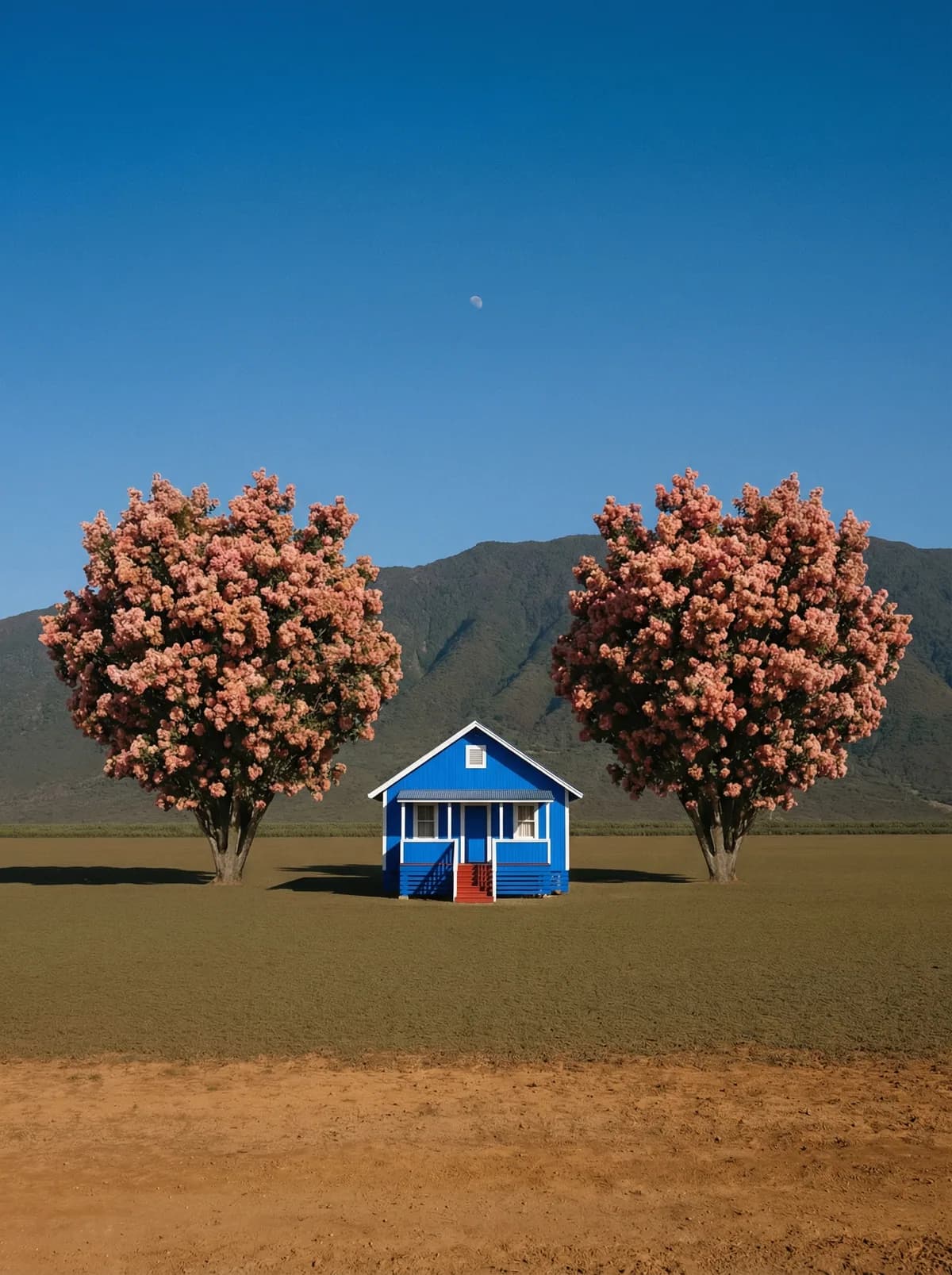
Creative direction
Rich detail with a polished editorial finish.
Create high-quality images with Flux Schnell. Add reference images when the model supports them.
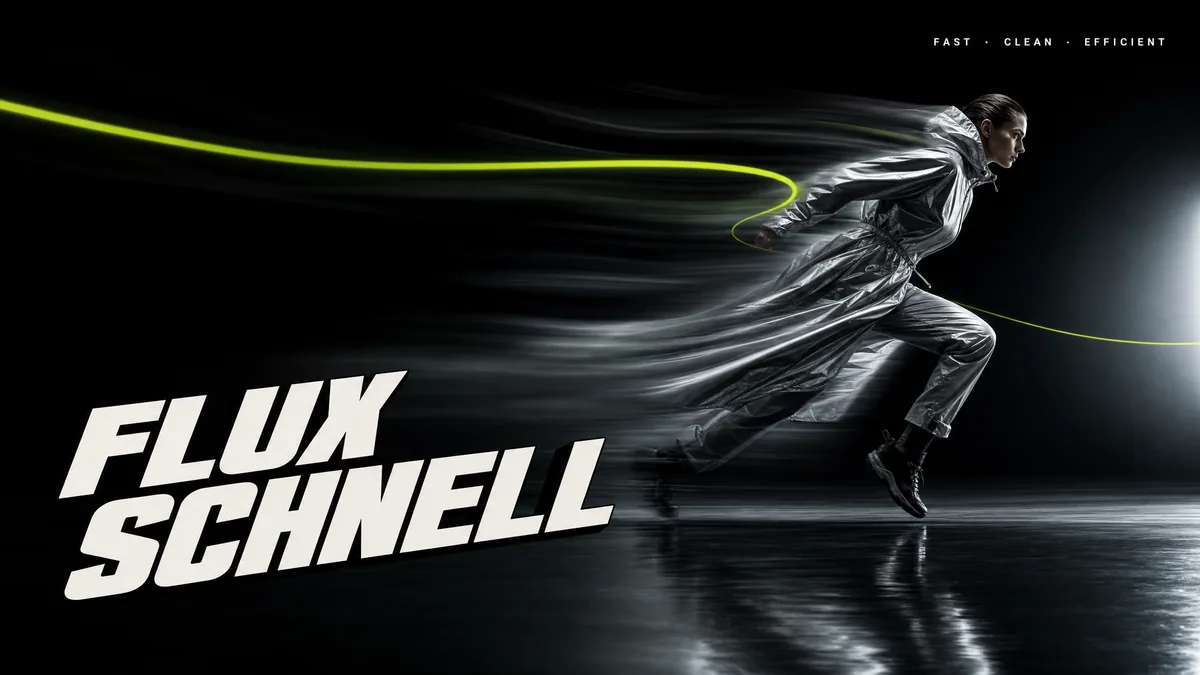
Compare models and choose the one that fits your next idea.
Featured creations
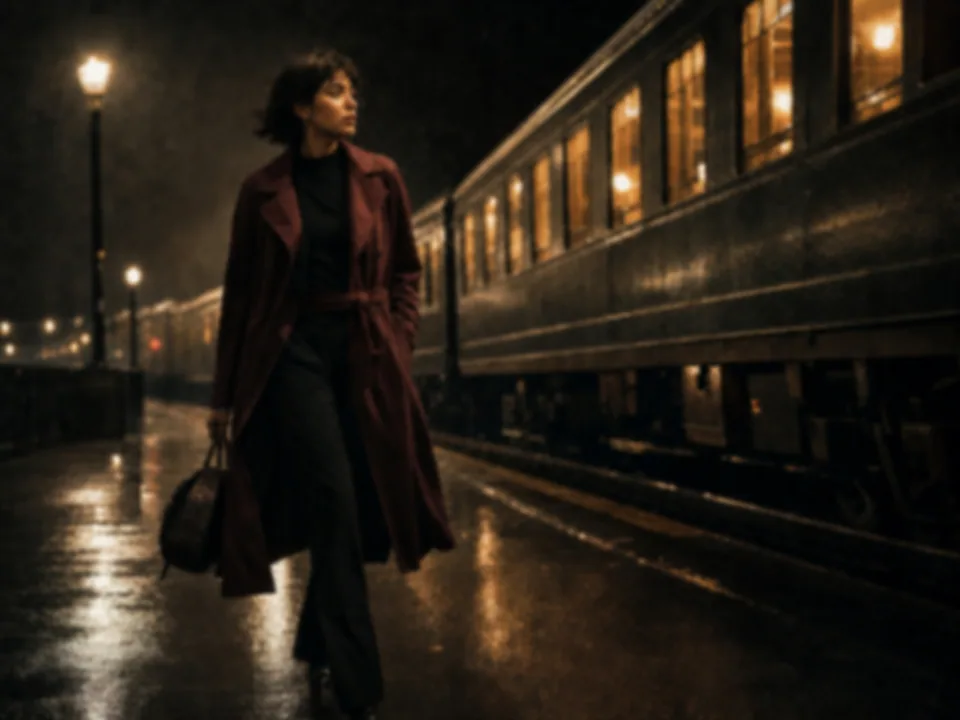
Explore images created with different prompts, styles, subjects, and compositions.
Rich detail with a polished editorial finish.
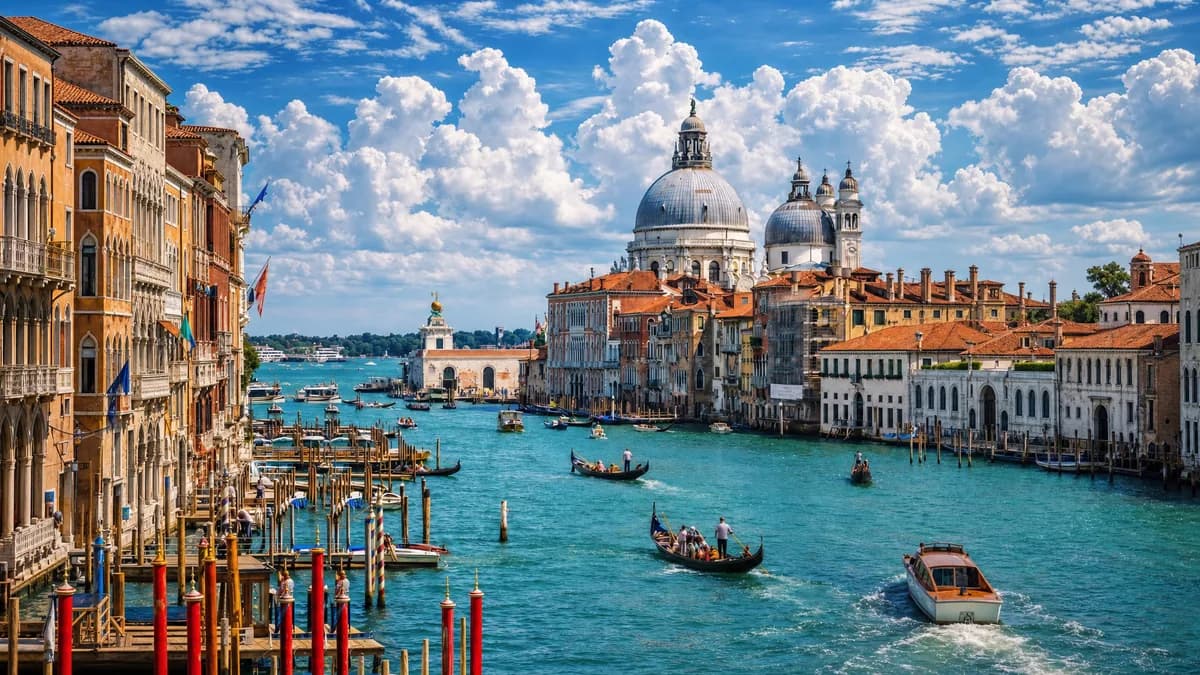
Balanced light, depth, and spatial structure.

Clear subjects with expressive, consistent features.
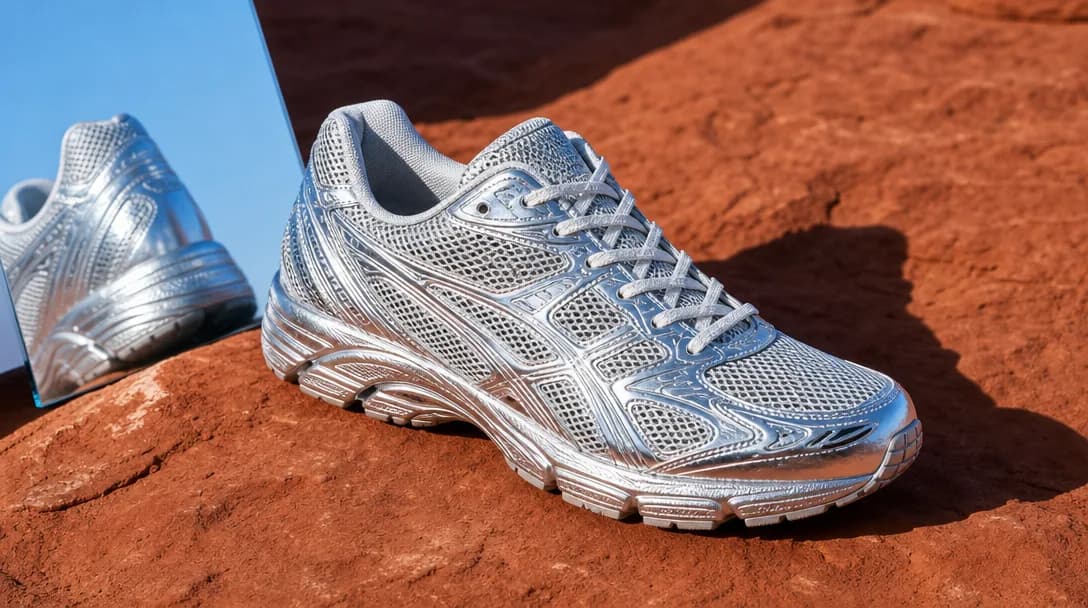
Natural textures and clean high-resolution output.
Model capabilities
Control the composition, keep references consistent, adjust the lighting, and edit specific details.
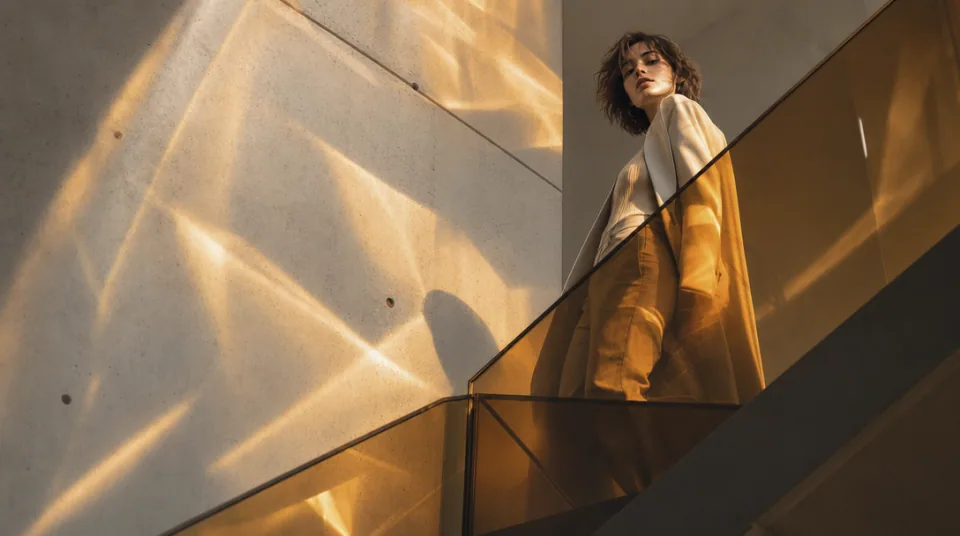
01 / COMPOSITION
Choose the framing, camera angle, perspective, and depth to create the scene you want.
See the workflow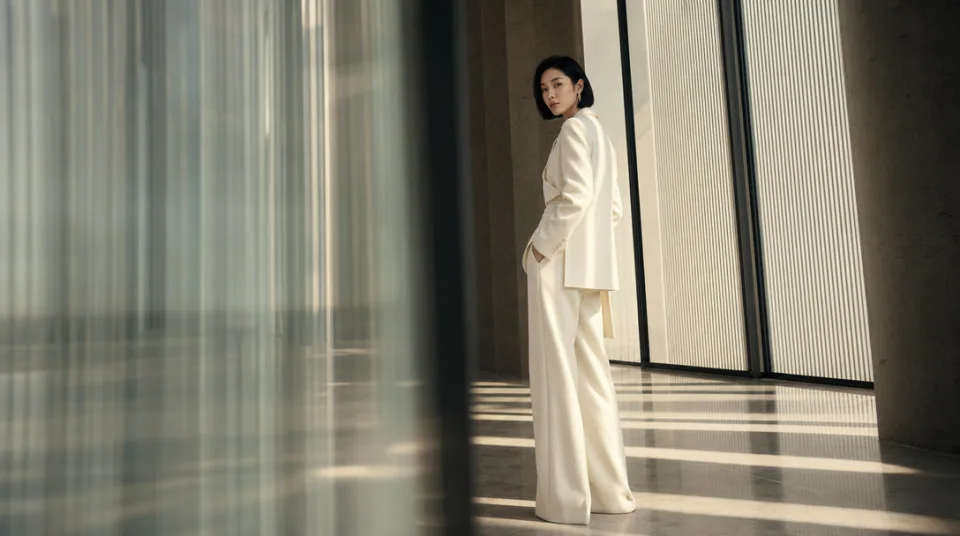
02 / CONSISTENCY
Use reference images to maintain the same character, product, clothing, or visual style across new images.
See the workflow
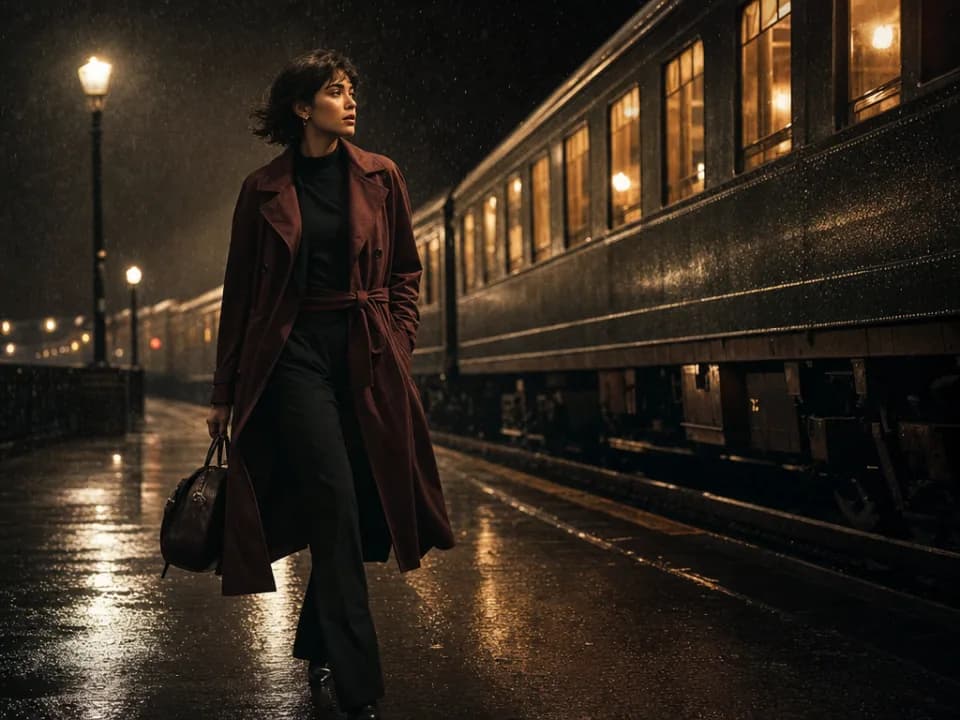
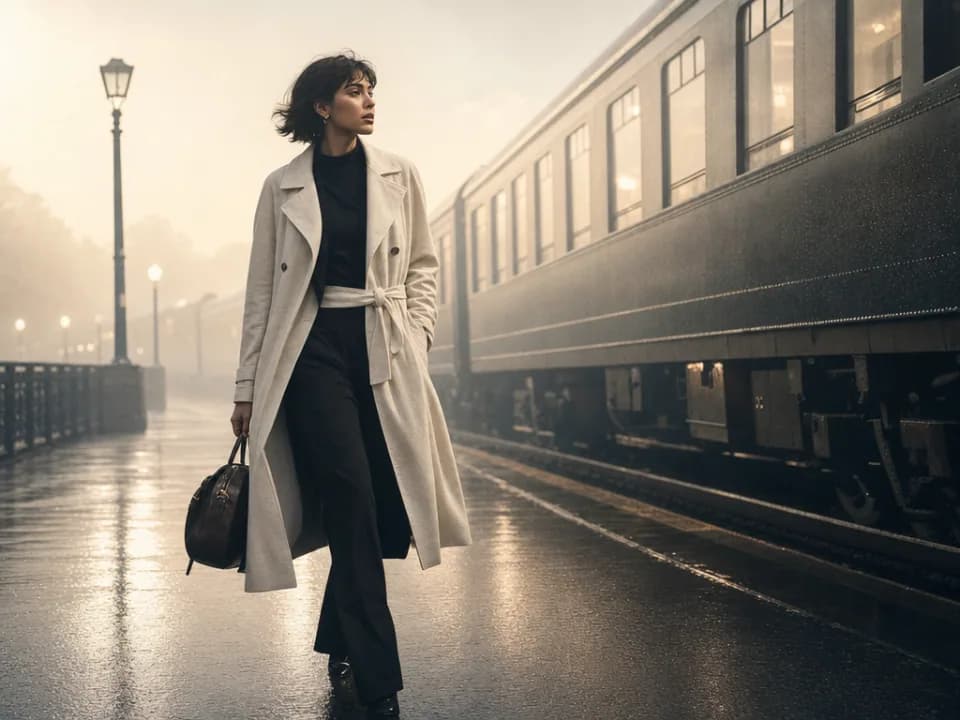
03 / LIGHTING
Adjust the light direction, contrast, color, and time of day to create different moods.
See the workflowOne workspace
Create an image from text and references, edit the result, and upscale it without switching tools.

Compare Flux Schnell's strengths, ideal use cases, supported controls, and tradeoffs before you generate.
Flux Schnell is the rapid-iteration option in the Flux lineup. Its advantage is a simple text-to-image workflow suited to producing rough visual directions, testing prompt language, and exploring several compositions before moving to a more controlled production model.
Use it for moodboards, thumbnails, story ideas, early campaign concepts, blog illustrations, simple product scenes, and prompt experiments. It is most valuable near the start of a project, when speed and variety matter more than precise reference matching.
This workspace exposes Flux Schnell as text-to-image only, with PNG or JPG export. It supports square, 4:3, 3:4, 16:9, and 9:16 layouts, but it does not currently offer reference-image or output-resolution controls.
Choose Schnell for fast text-only drafts. Choose Flux 2 Pro when you need multi-reference consistency and selectable 1K/2K output, Flux 2 Flex when typography and small details matter, or Kontext Pro when you are editing one existing image.
Keep the prompt concrete: subject, action, environment, composition, light, and visual style. Because there are no references in this workflow, describe distinctive details directly. Generate broad directions first, then reuse the strongest description in a higher-control model.
Use another model for identity consistency, exact product matching, localized edits, 2K/4K delivery, or dense text. Schnell is optimized for getting ideas on the screen quickly, not for every final-production requirement.