
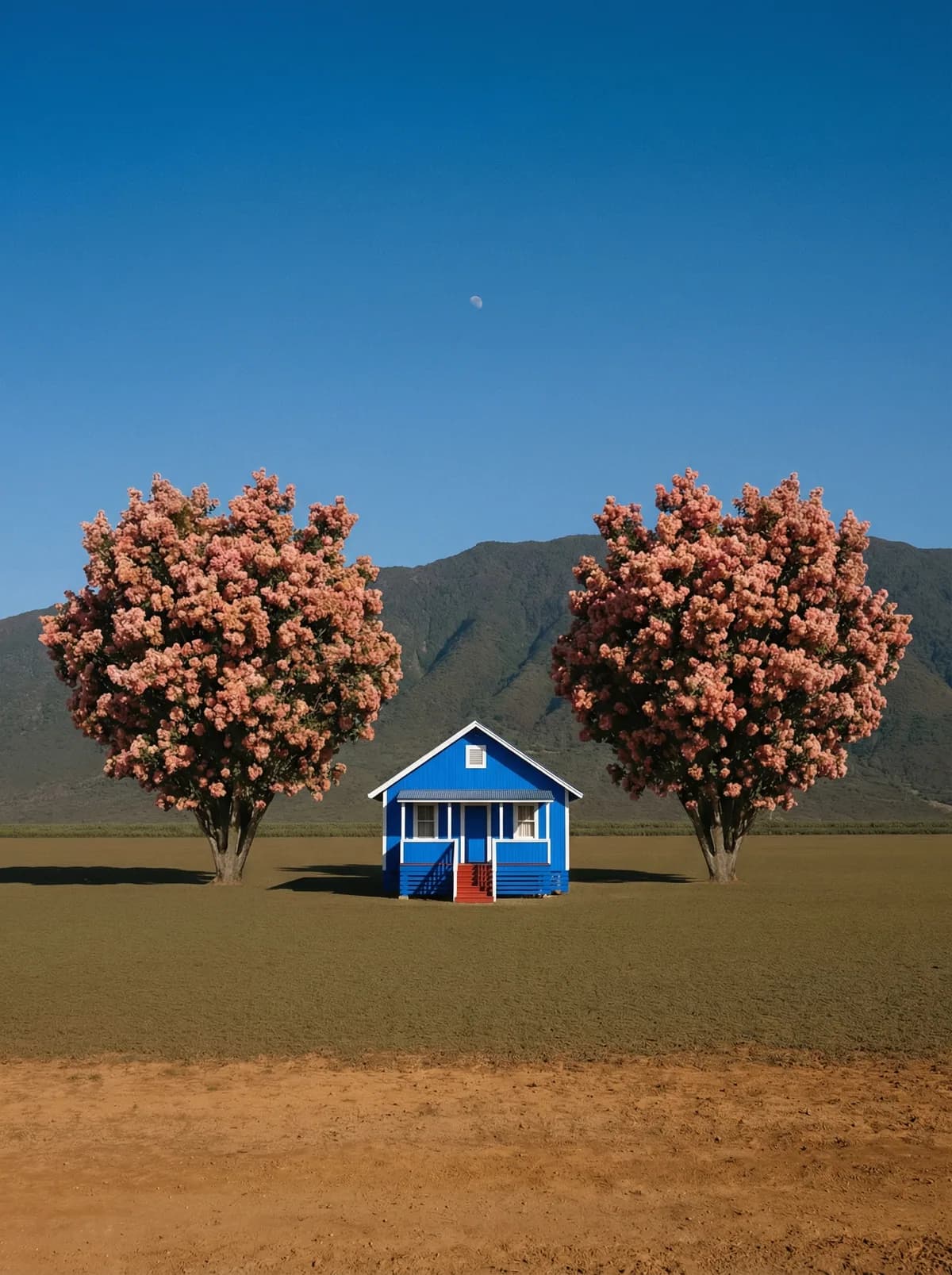
Creative direction
Rich detail with a polished editorial finish.
Create high-quality images with Nano Banana. Add reference images when the model supports them.
Compare models and choose the one that fits your next idea.
Featured creations
Explore images created with different prompts, styles, subjects, and compositions.
Rich detail with a polished editorial finish.
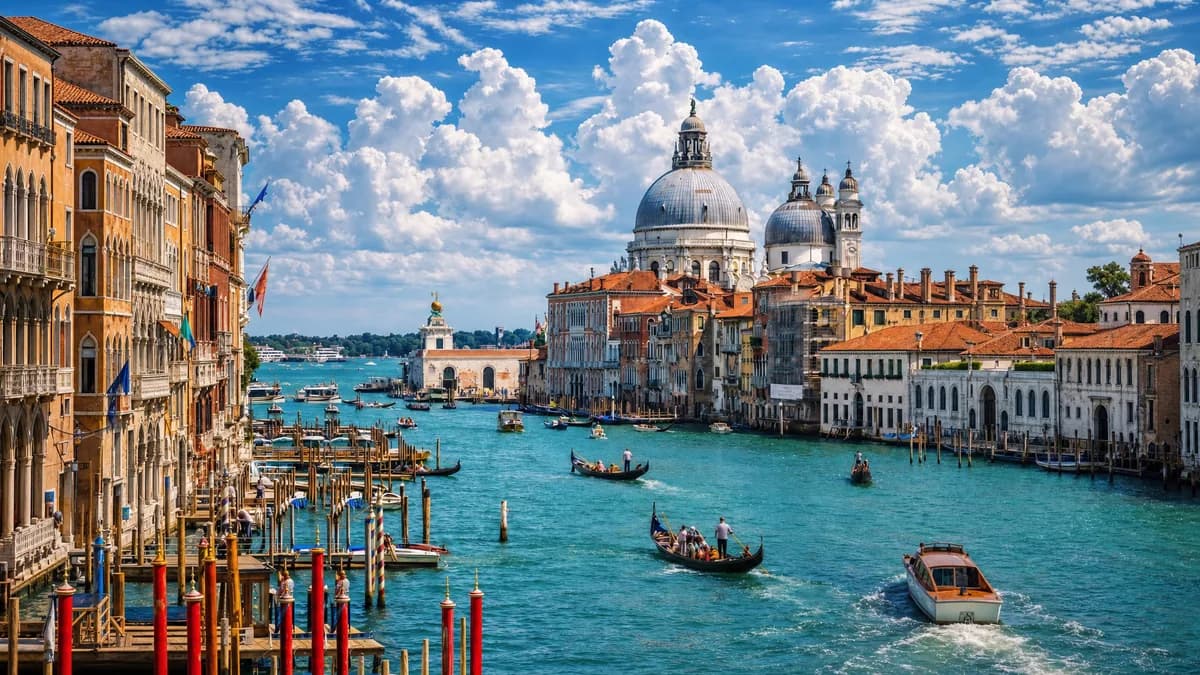
Balanced light, depth, and spatial structure.
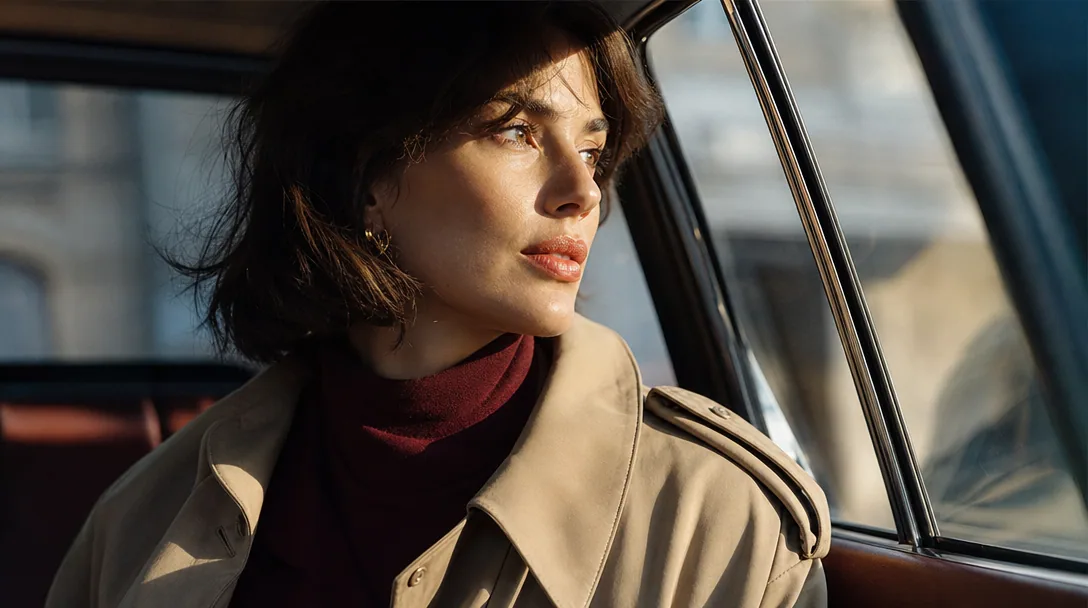
Clear subjects with expressive, consistent features.
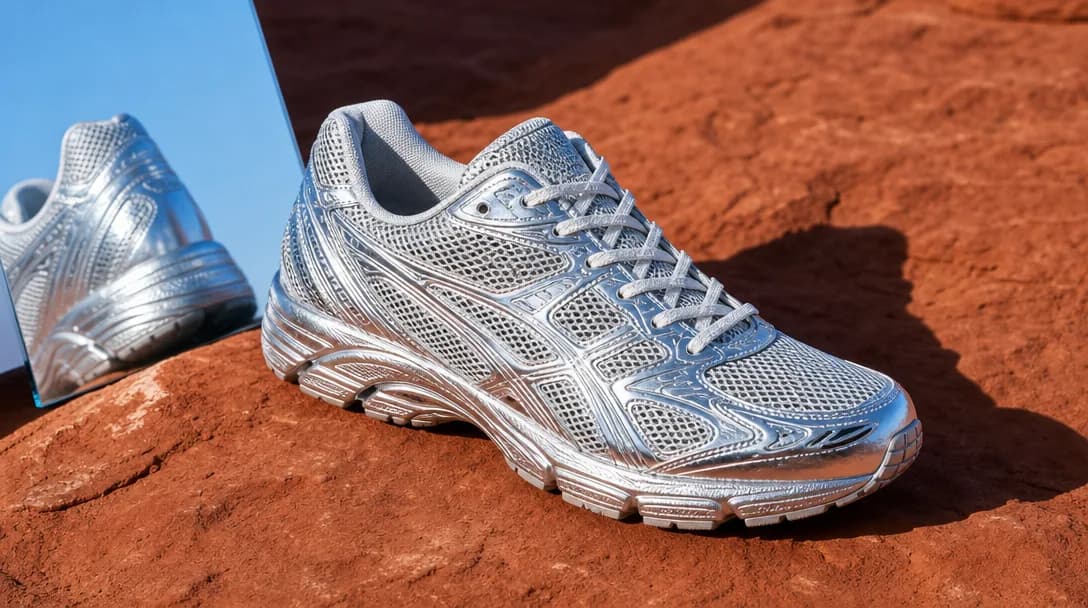
Natural textures and clean high-resolution output.
Model capabilities
Control the composition, keep references consistent, adjust the lighting, and edit specific details.
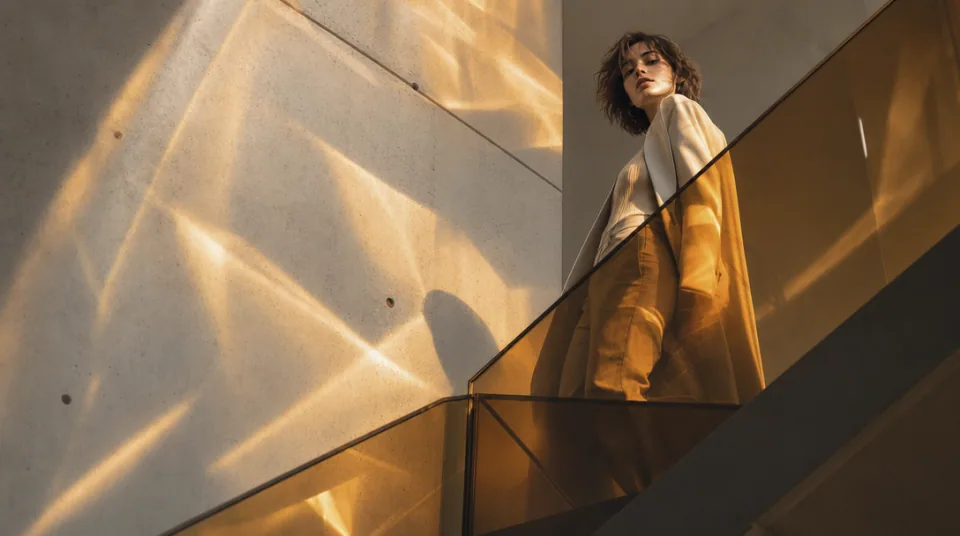
01 / COMPOSITION
Choose the framing, camera angle, perspective, and depth to create the scene you want.
See the workflow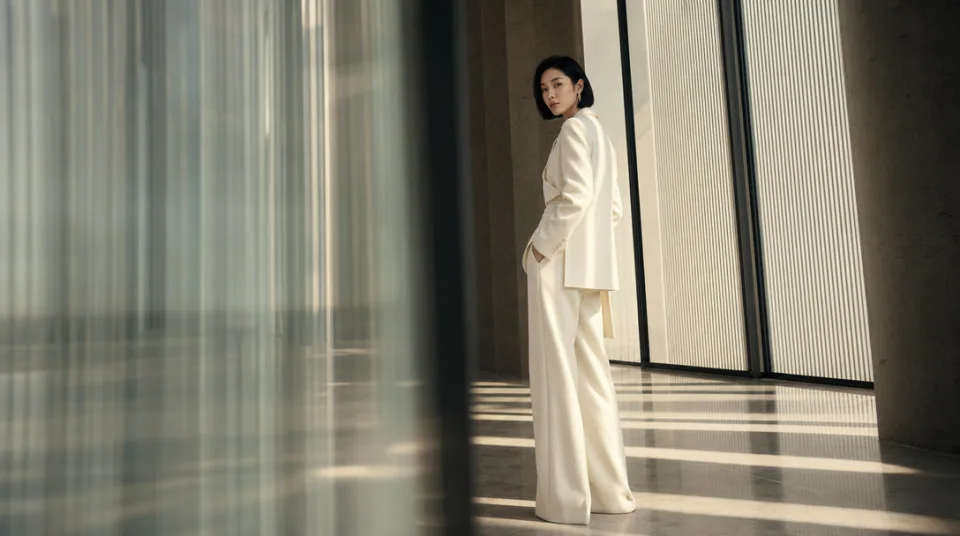
02 / CONSISTENCY
Use reference images to maintain the same character, product, clothing, or visual style across new images.
See the workflow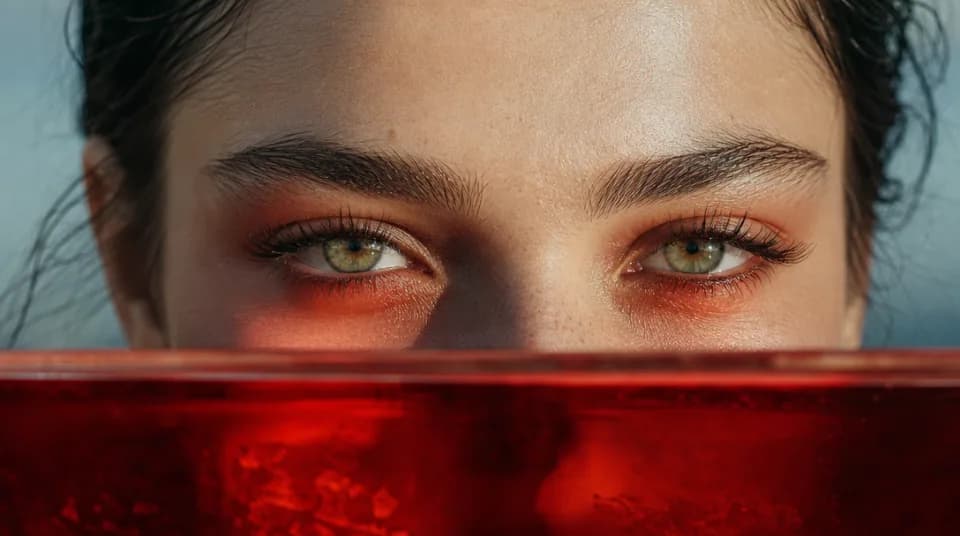
03 / LIGHTING
Adjust the light direction, contrast, color, and time of day to create different moods.
See the workflowOne workspace
Create an image from text and references, edit the result, and upscale it without switching tools.
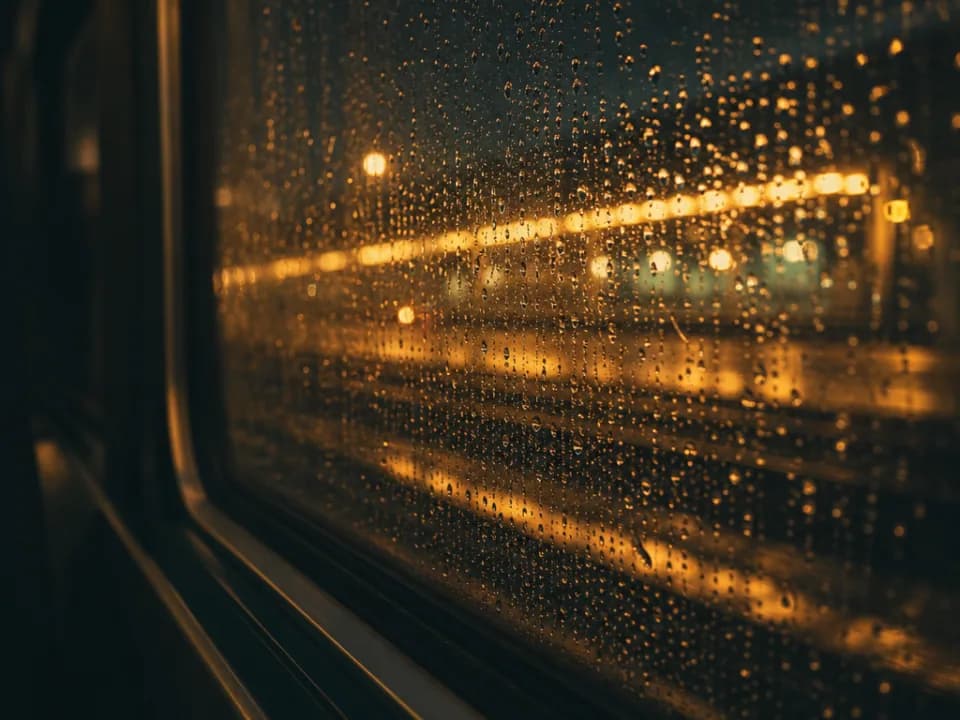
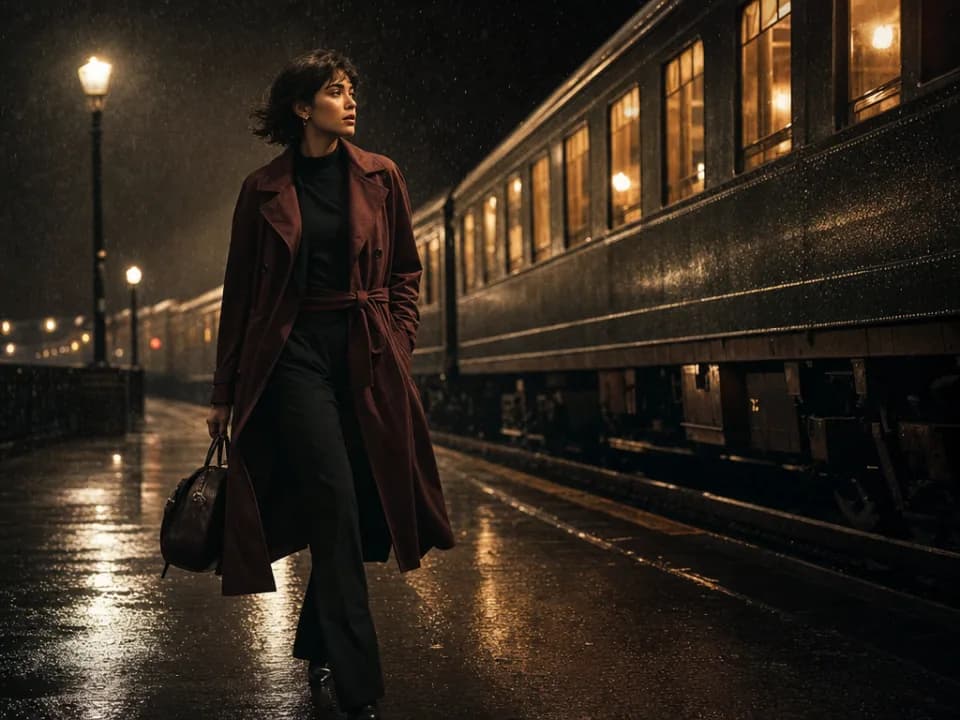
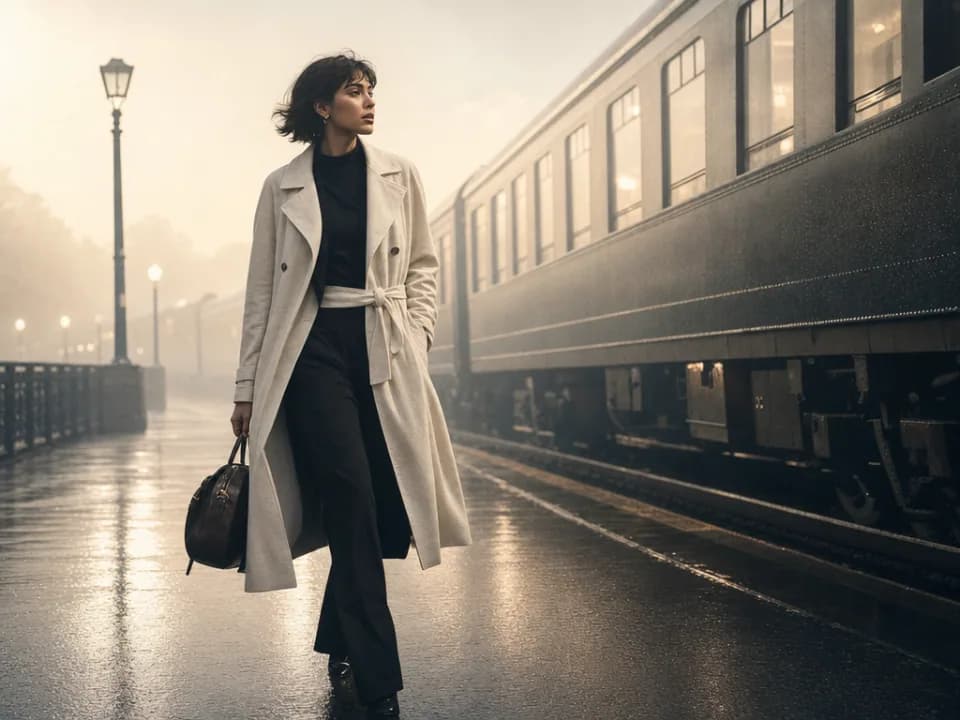
Compare Nano Banana's strengths, ideal use cases, supported controls, and tradeoffs before you generate.
Nano Banana is strongest at fast, natural-language image editing. It can preserve the recognizable look of people, pets, products, or characters while changing outfits, backgrounds, styles, or individual scene details without requiring a complex workflow.
It is a practical choice for everyday photo edits, character variations, product placement, style transfer, restored or reimagined photos, and quick social content. Use it when the idea is easy to explain in plain language and you want to iterate without configuring many technical controls.
The workspace accepts up to 10 reference images, exports PNG or JPG, and supports common portrait, square, landscape, vertical, and ultrawide ratios. This model does not expose a separate output-resolution selector in the current workspace.
Choose the original Nano Banana for straightforward, reference-led edits. Choose Nano Banana 2 when you need faster advanced iteration, more references, selectable 1Kâ4K output, or longer prompts; choose Nano Banana Pro when final-image fidelity and complex composition are the main priorities.
State the edit first, then state what must stay unchanged. A useful pattern is: âKeep the person, pose, and framing; replace the background with a rainy Tokyo street; match the existing light direction.â Make one major change per revision before combining several edits.
Use Nano Banana 2 or Pro for high-resolution production, complex typography, or dense multi-object layouts. Use Midjourney for style-first concept art, or Flux Kontext Pro when you want a focused edit to one source image with especially broad aspect-ratio control.