
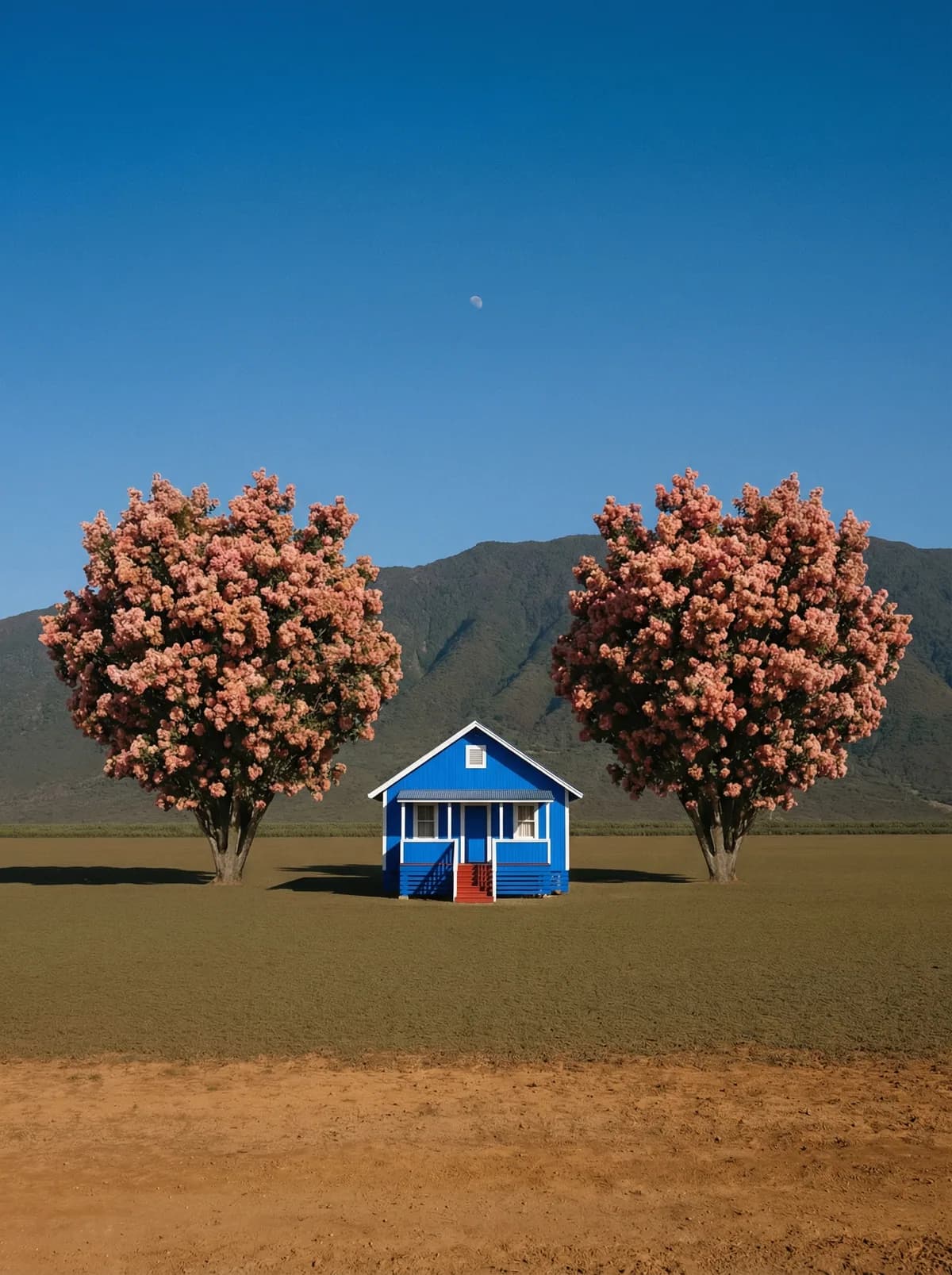
Creative direction
Rich detail with a polished editorial finish.
Create high-quality images with ChatGPT Image 2. Add reference images when the model supports them.
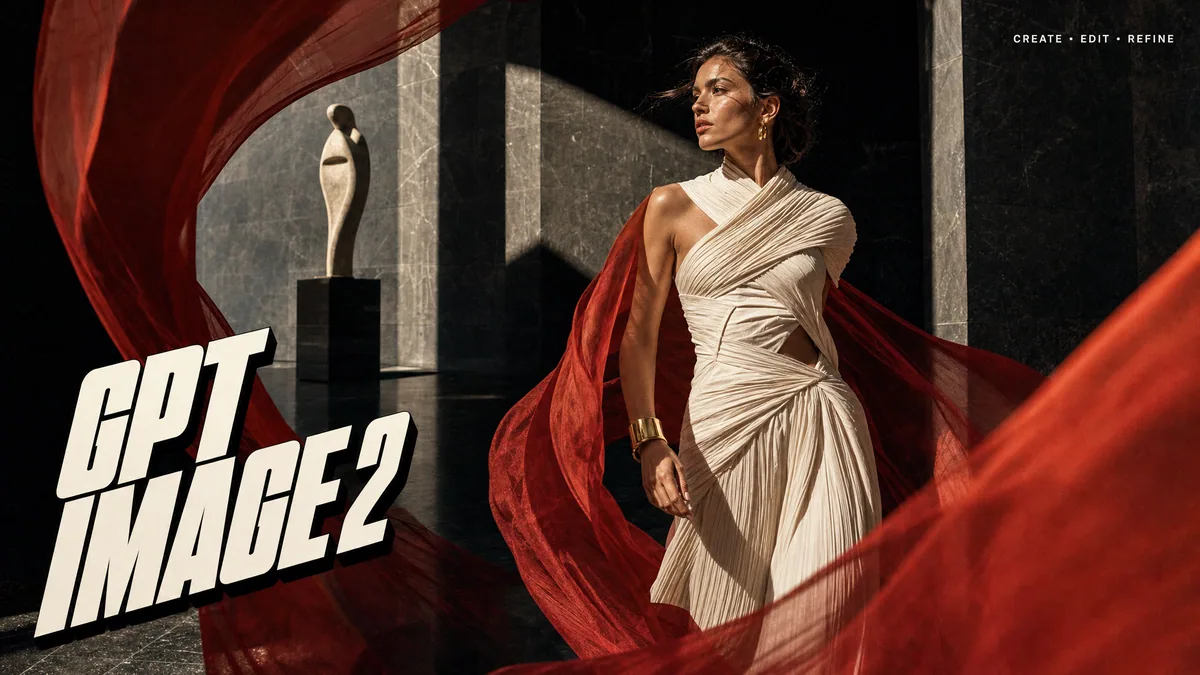
Compare models and choose the one that fits your next idea.
Featured creations
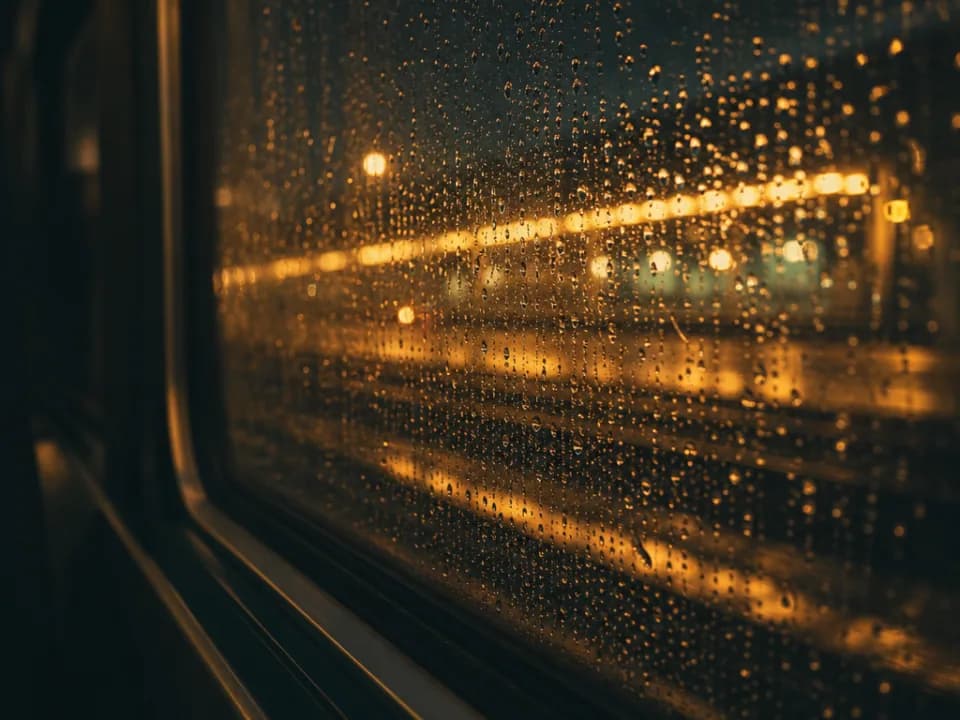
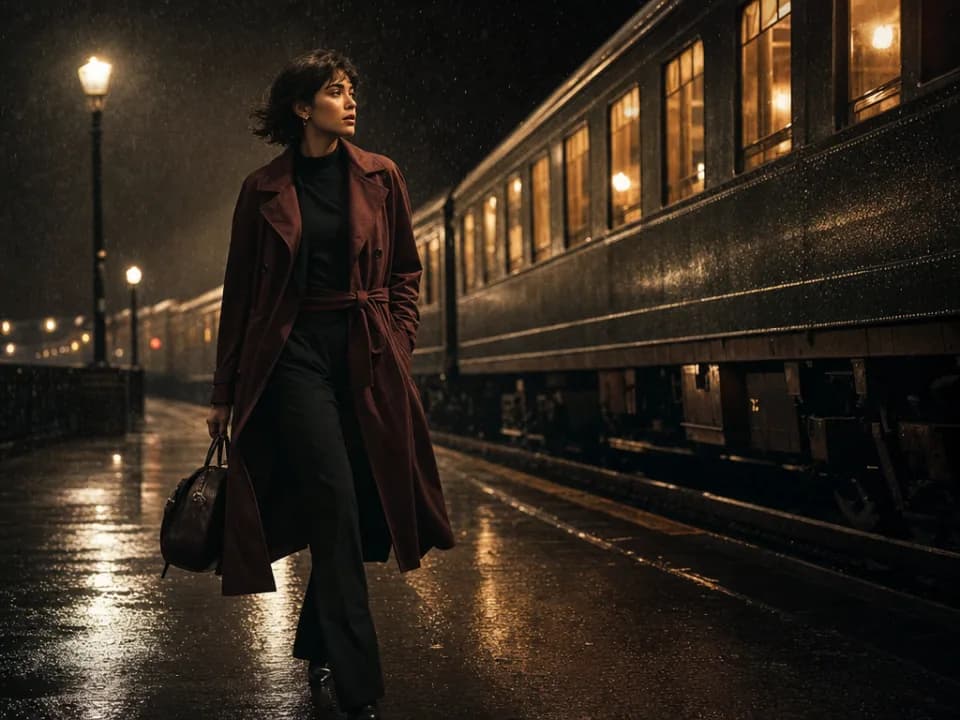
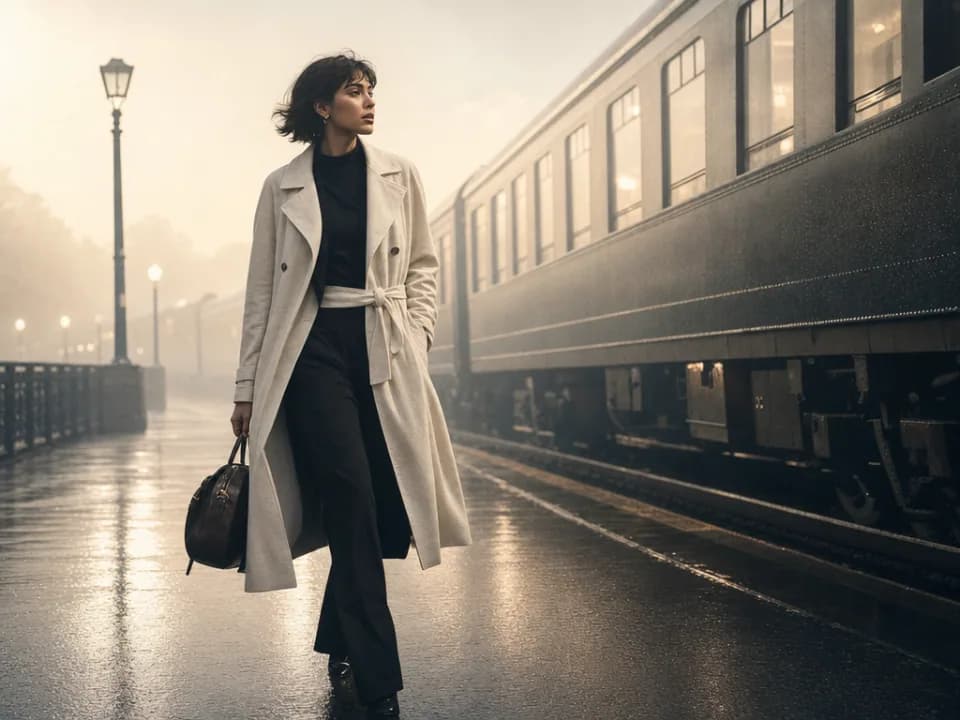
Explore images created with different prompts, styles, subjects, and compositions.
Rich detail with a polished editorial finish.
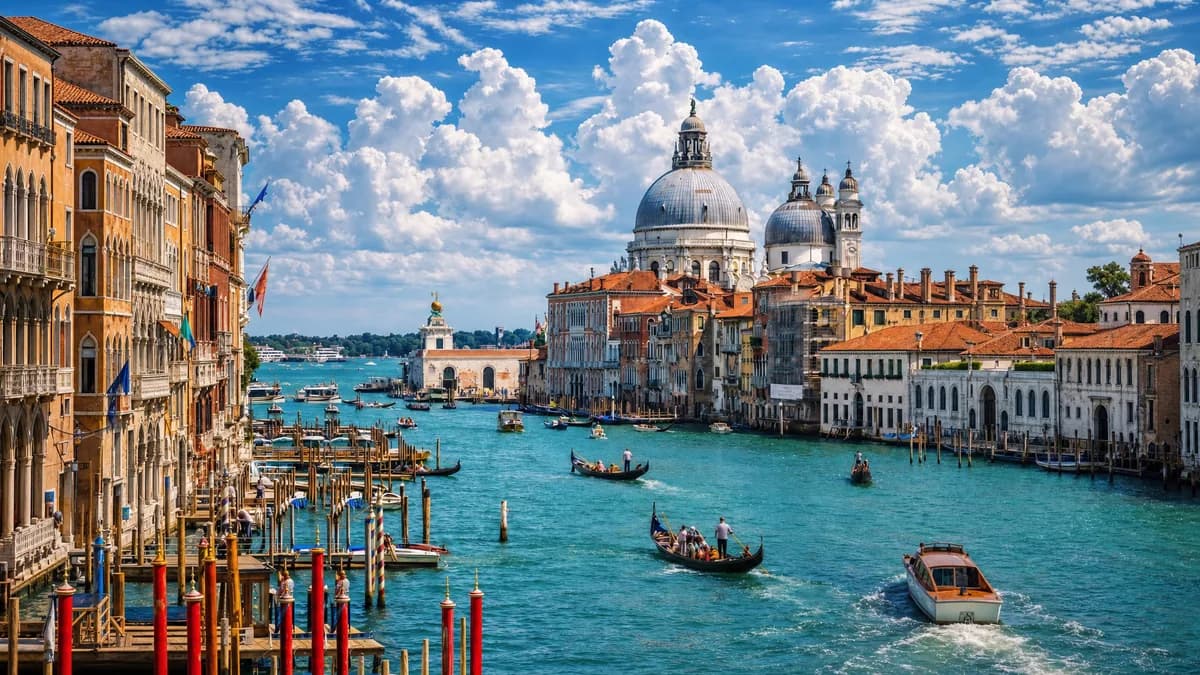
Balanced light, depth, and spatial structure.
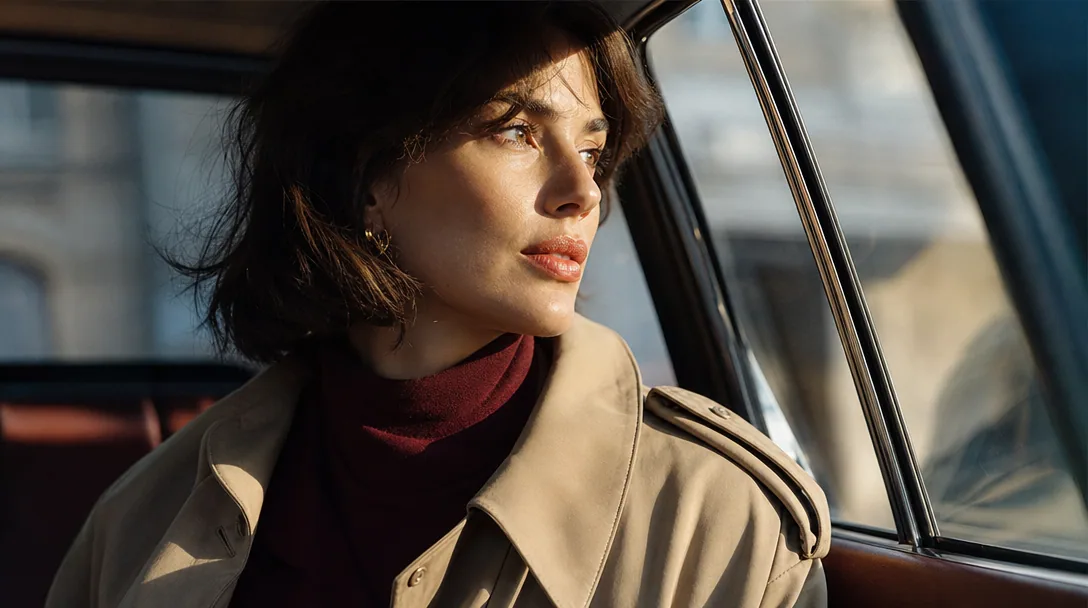
Clear subjects with expressive, consistent features.
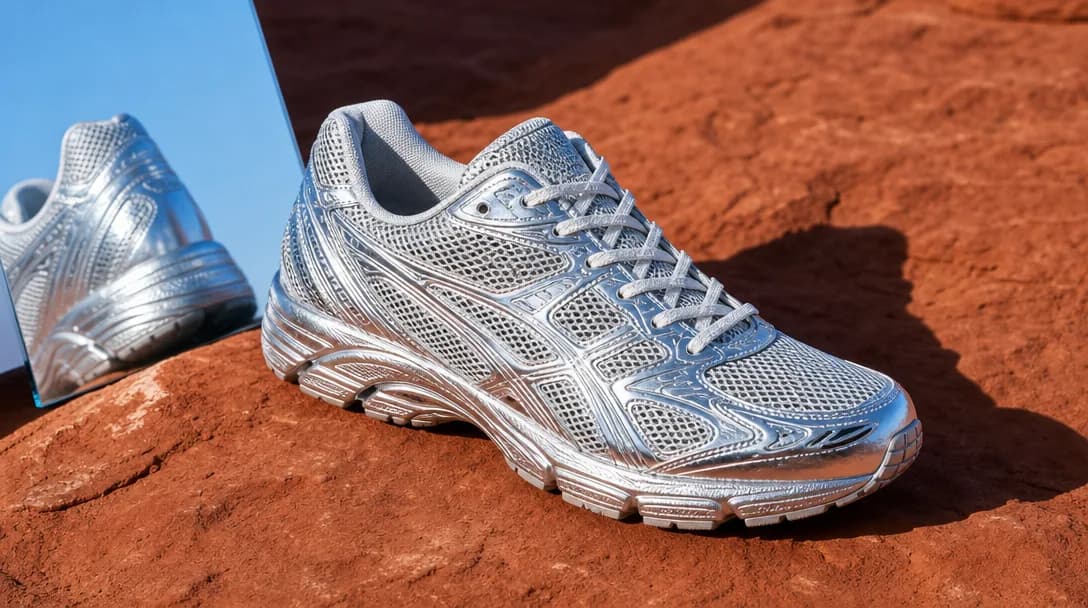
Natural textures and clean high-resolution output.
Model capabilities
Control the composition, keep references consistent, adjust the lighting, and edit specific details.
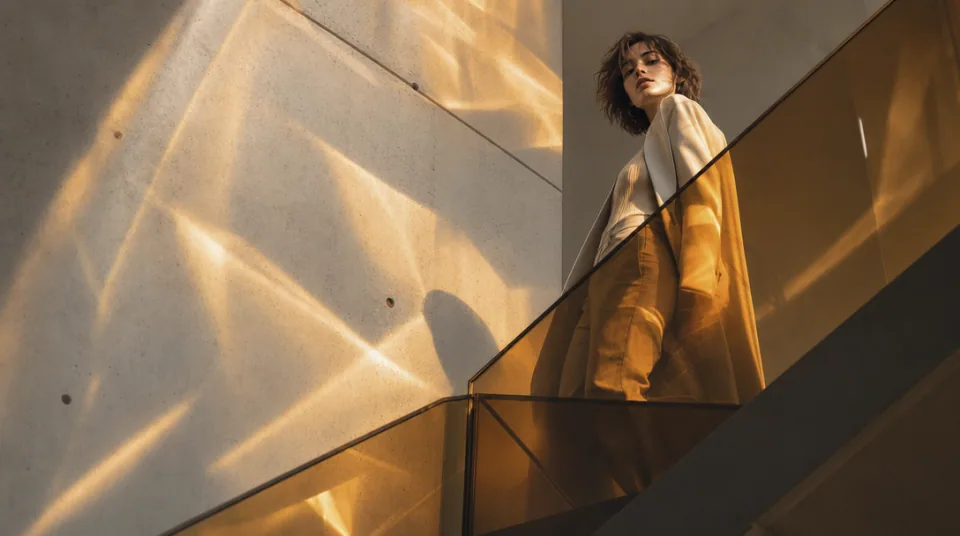
01 / COMPOSITION
Choose the framing, camera angle, perspective, and depth to create the scene you want.
See the workflow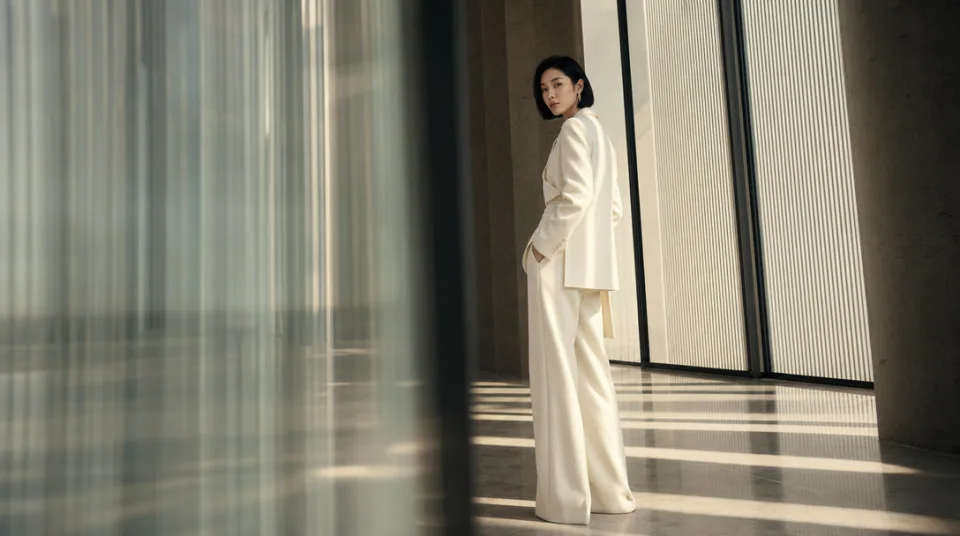
02 / CONSISTENCY
Use reference images to maintain the same character, product, clothing, or visual style across new images.
See the workflow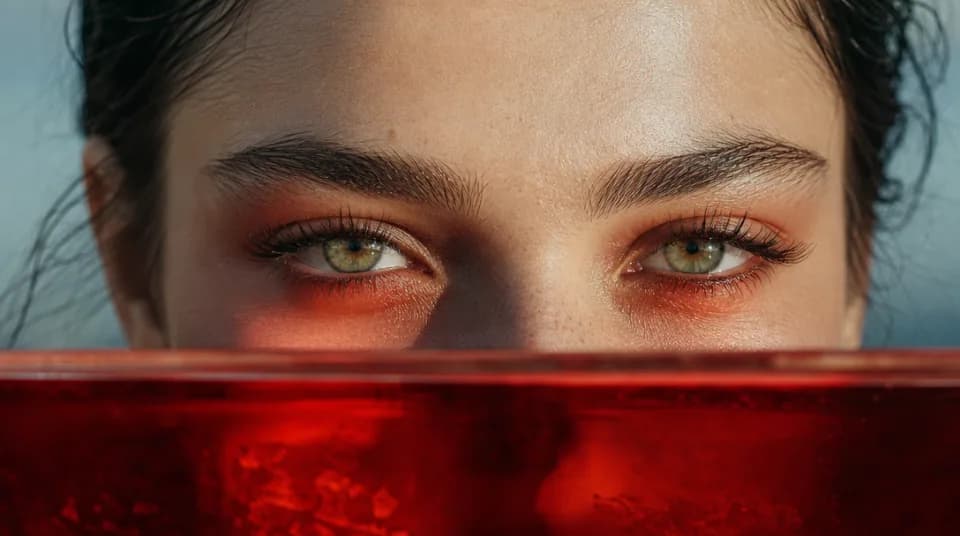
03 / LIGHTING
Adjust the light direction, contrast, color, and time of day to create different moods.
See the workflowOne workspace
Create an image from text and references, edit the result, and upscale it without switching tools.
Compare GPT Image 2's strengths, ideal use cases, supported controls, and tradeoffs before you generate.
GPT Image 2 is strongest when a brief contains many explicit requirements. It combines high-quality generation and editing with strong instruction following, high-fidelity image inputs, and room for detailed prompts, making it a practical choice for layouts, product scenes, and precise visual revisions.
Use it for marketing graphics, product mockups, editorial illustrations, diagrams, posters, or any image where the model must coordinate several objects, references, and pieces of copy. Its broad reference allowance is especially useful when a result needs to combine people, products, styling, and composition cues from separate sources.
The Gigapixel AI workspace accepts up to 16 reference images and offers 1K, 2K, and 4K output. Available layouts include Auto, square, landscape, portrait, 4:3, and 3:4. The workspace prevents unsupported size combinations before submission.
Choose GPT Image 2 when instruction precision and many references matter most. Nano Banana 2 is a strong alternative for faster multi-reference iteration with a wider set of aspect ratios, while Nano Banana Pro is better suited to complex, studio-style compositions where final-image polish is the priority.
Structure the prompt in layers: subject, composition, exact text, materials, lighting, camera, and constraints. When uploading several references, state the role of each one—for example, “use image 1 for the product, image 2 for the palette, and image 3 for the framing”—and quote any text that must appear in the image.
Choose a different model when the brief is mainly open-ended style exploration or when you want the fastest possible batch of rough concepts. Midjourney is more style-led, and Flux Schnell is a simpler option for rapid text-only iteration before you commit to a detailed production brief.