
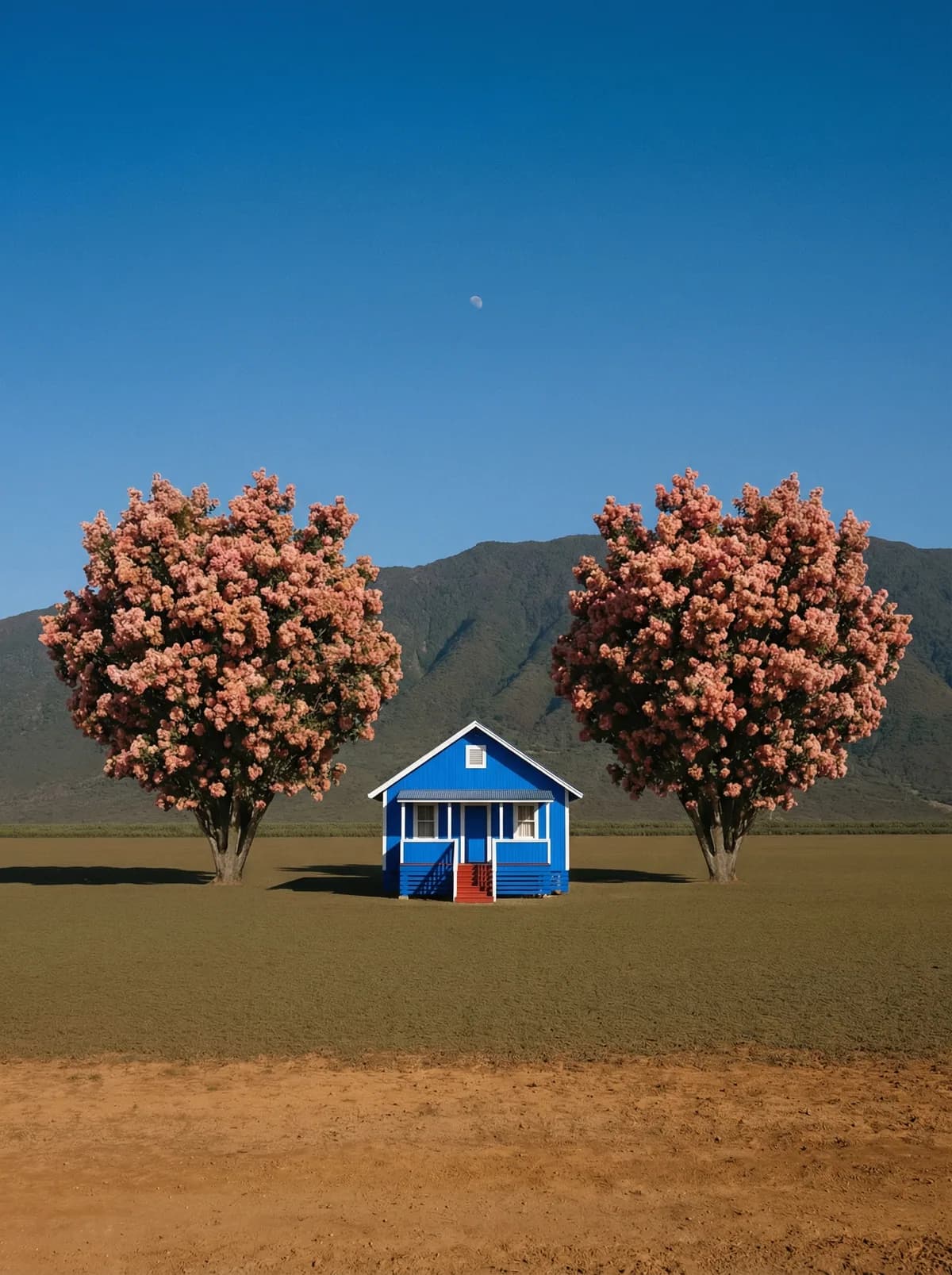
Creative direction
Rich detail with a polished editorial finish.
Create high-quality images with Midjourney. Add reference images when the model supports them.
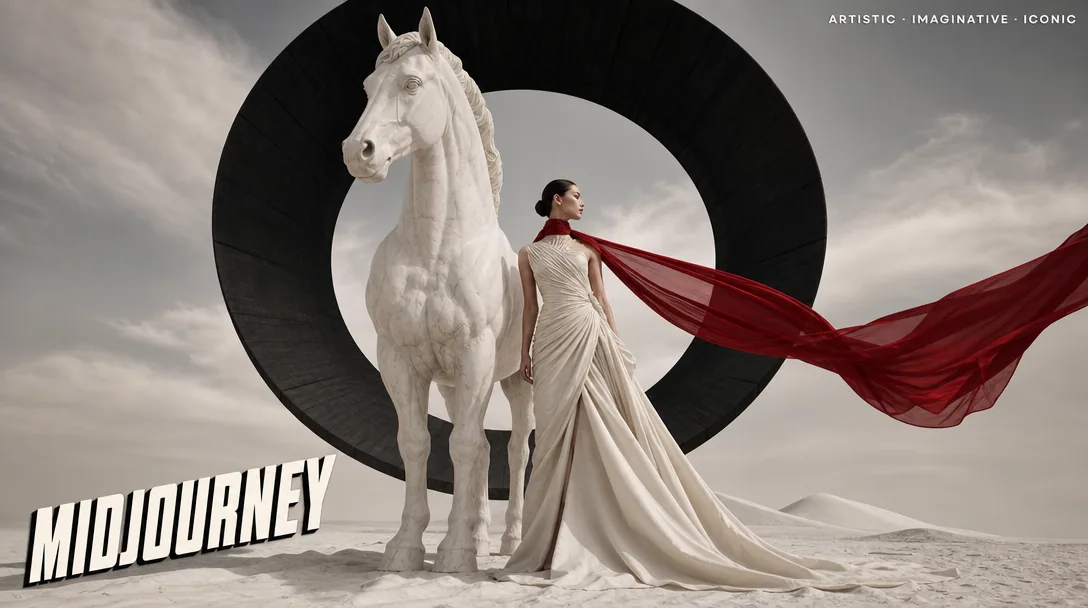
Compare models and choose the one that fits your next idea.
Featured creations
Explore images created with different prompts, styles, subjects, and compositions.
Rich detail with a polished editorial finish.
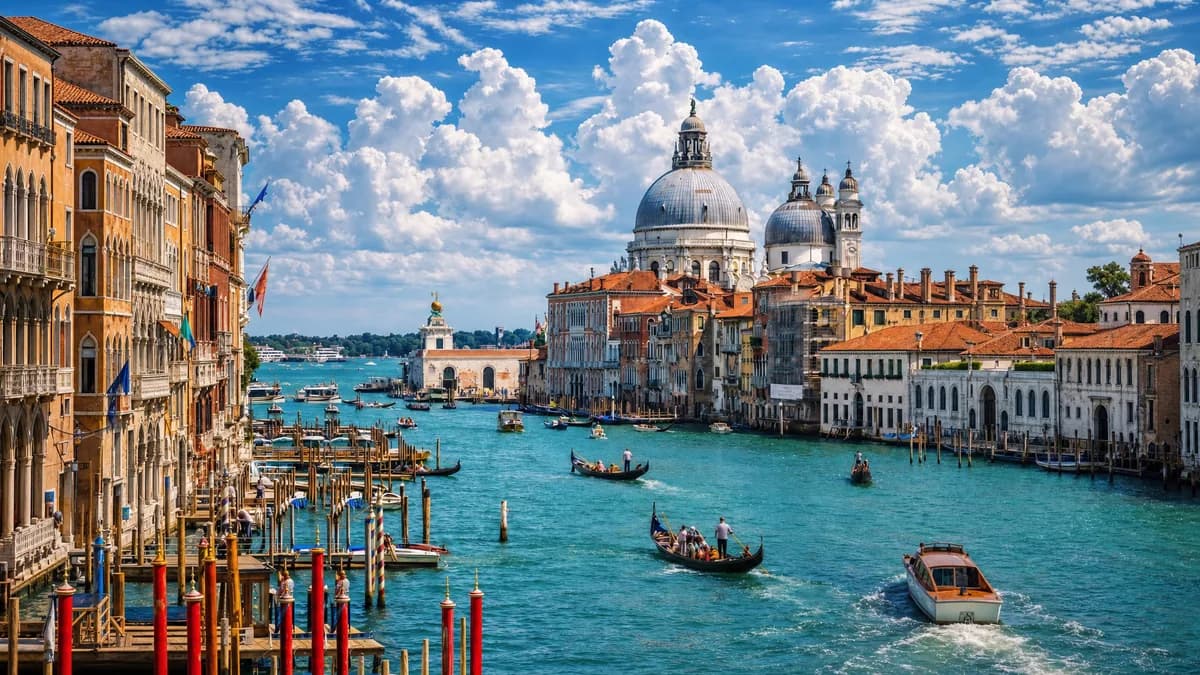
Balanced light, depth, and spatial structure.
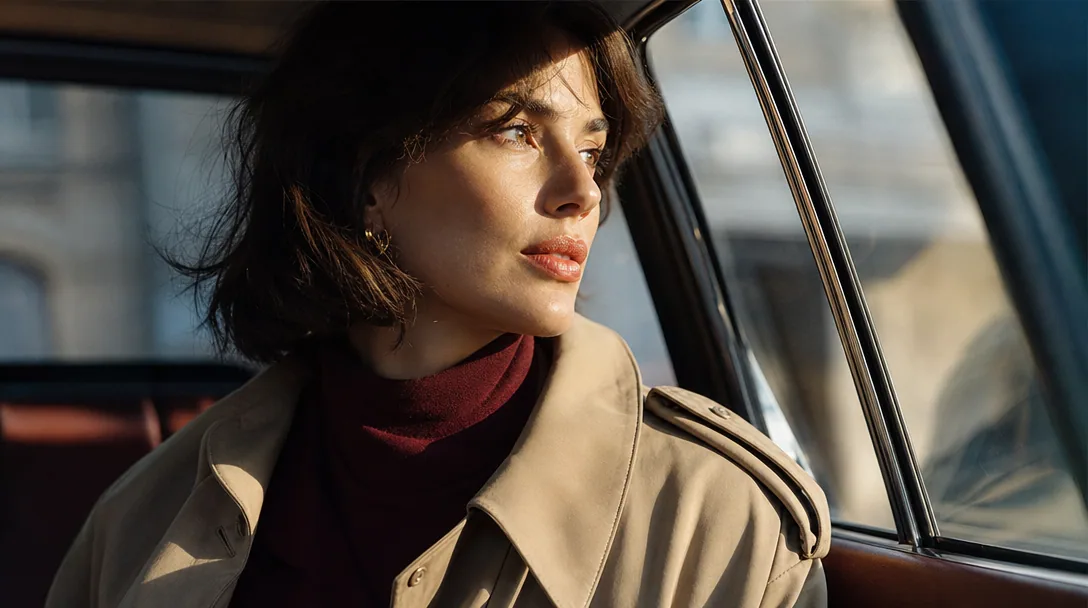
Clear subjects with expressive, consistent features.
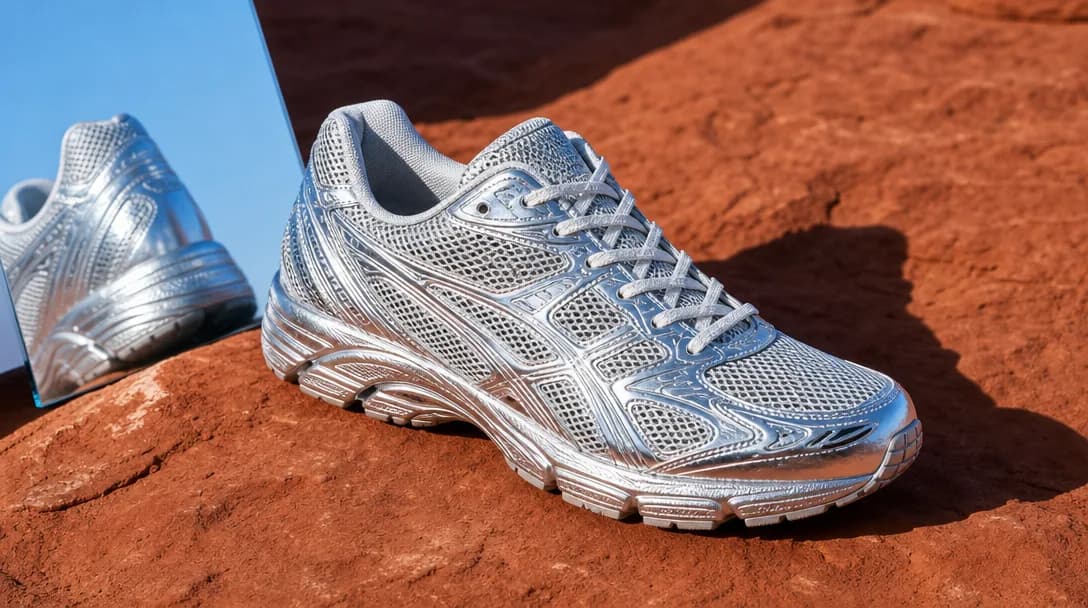
Natural textures and clean high-resolution output.
Model capabilities
Control the composition, keep references consistent, adjust the lighting, and edit specific details.
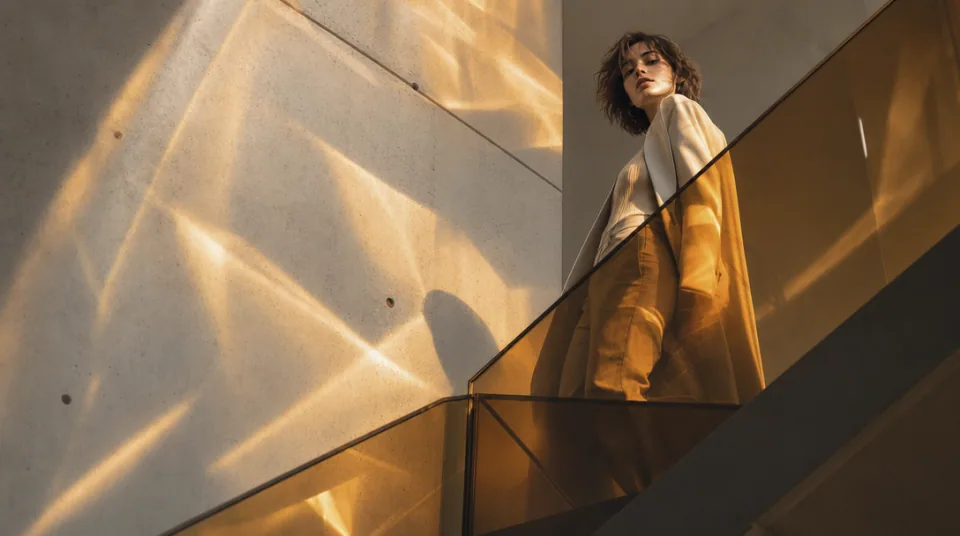
01 / COMPOSITION
Choose the framing, camera angle, perspective, and depth to create the scene you want.
See the workflow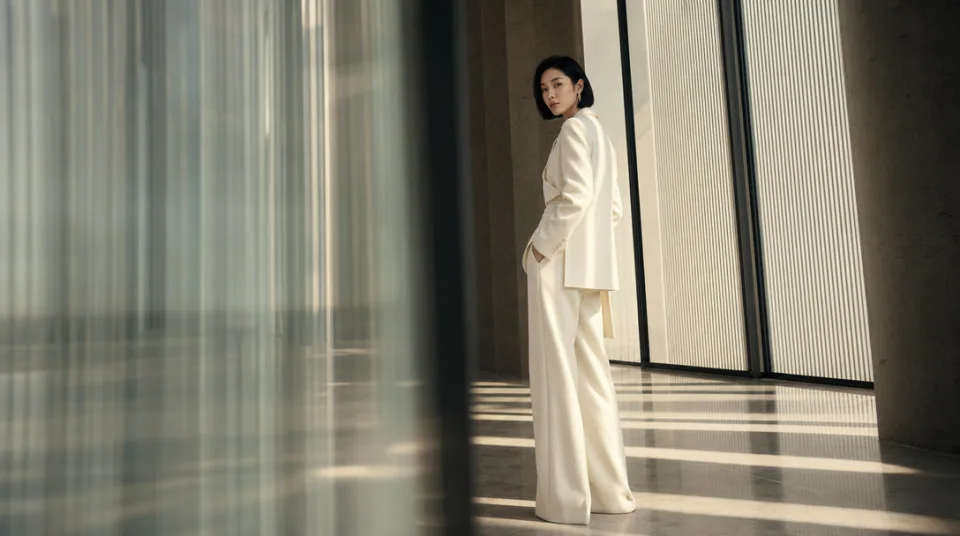
02 / CONSISTENCY
Use reference images to maintain the same character, product, clothing, or visual style across new images.
See the workflow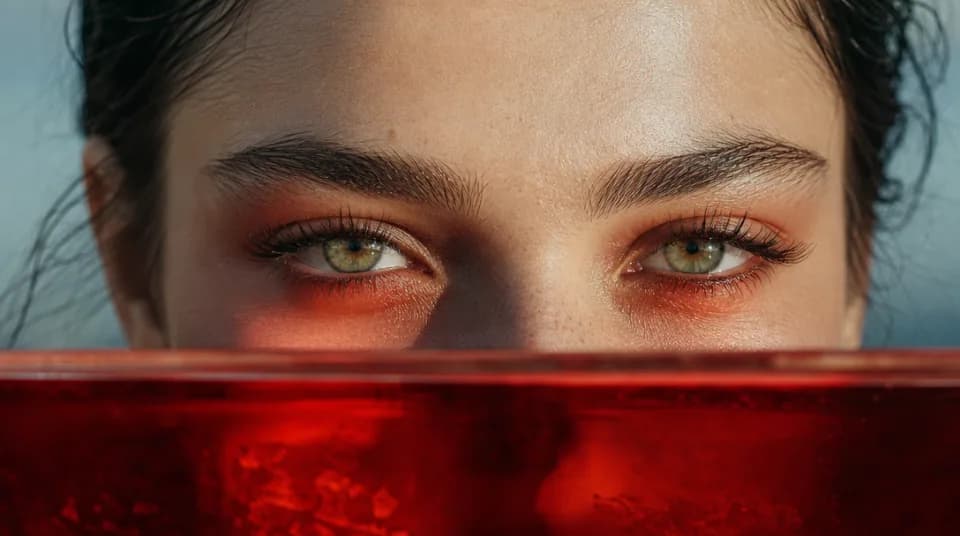
03 / LIGHTING
Adjust the light direction, contrast, color, and time of day to create different moods.
See the workflowOne workspace
Create an image from text and references, edit the result, and upscale it without switching tools.
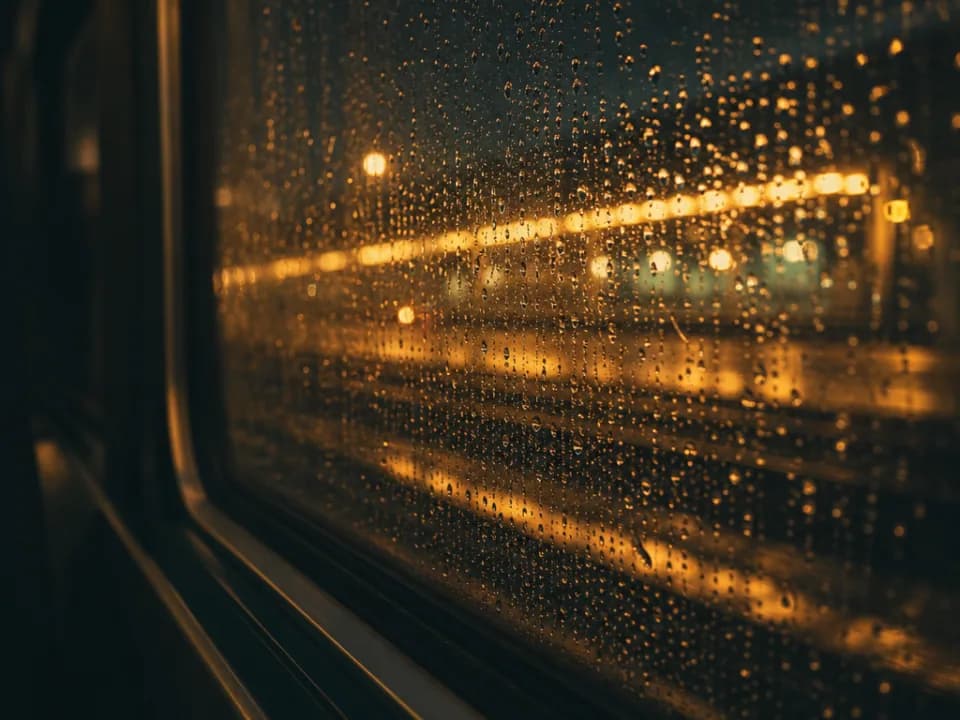
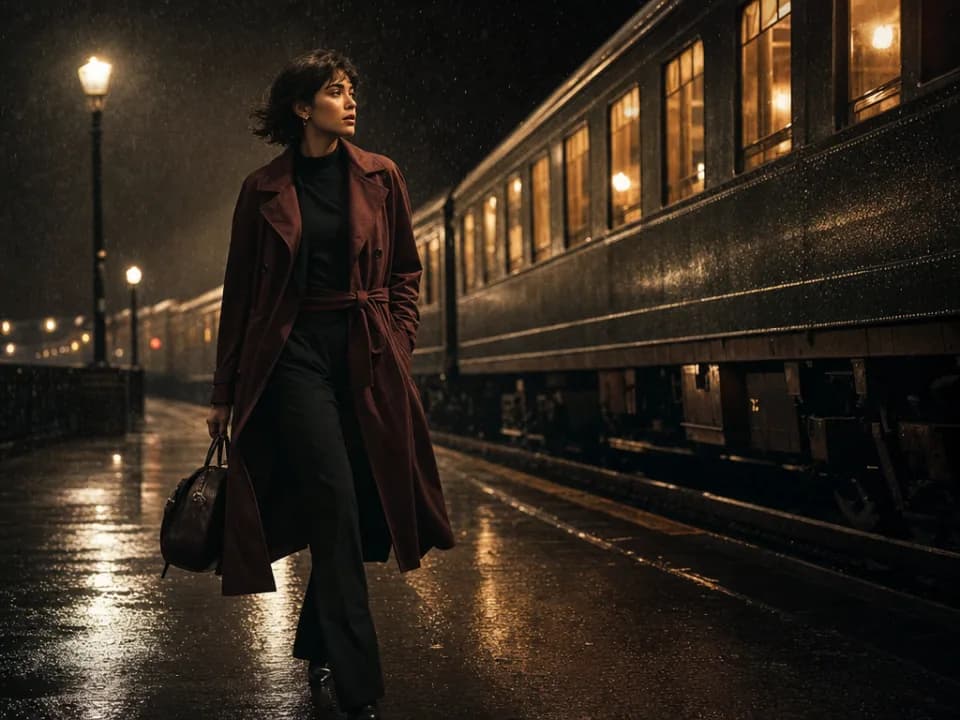
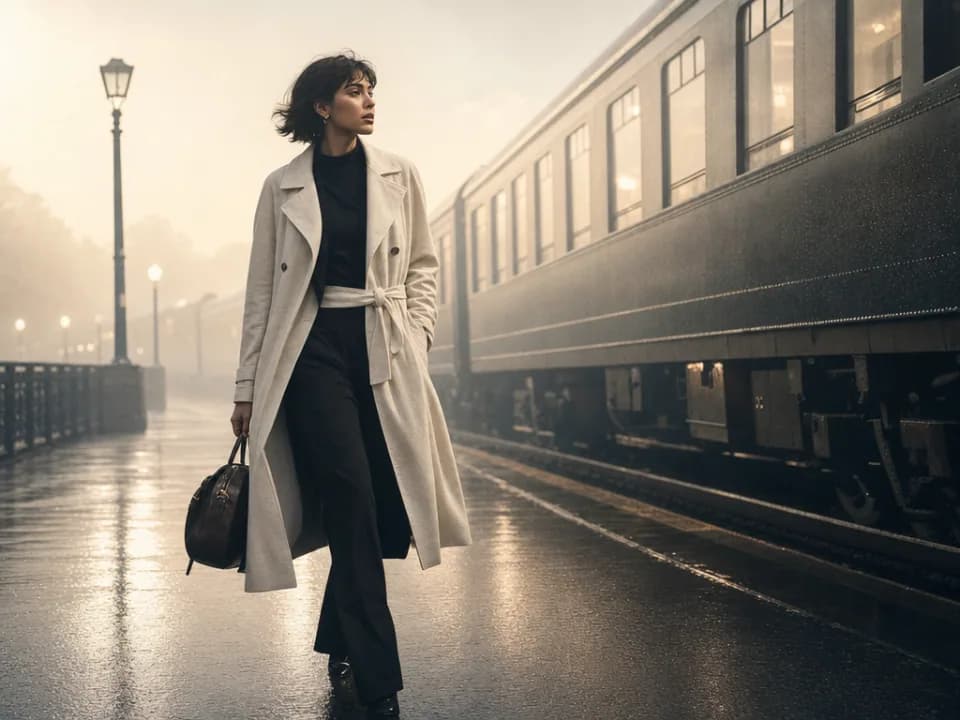
Compare Midjourney's strengths, ideal use cases, supported controls, and tradeoffs before you generate.
Midjourney is strongest at style-first visual exploration. It quickly turns a concise creative direction into distinctive composition, atmosphere, color, texture, and art direction, making it useful when you are searching for a look rather than executing a rigid edit specification.
Use it for concept art, editorial imagery, fashion direction, fantasy environments, album or book-cover exploration, cinematic keyframes, and mood-driven campaign ideas. It is a strong first step when a team needs several visually compelling directions to react to.
This Gigapixel AI page currently exposes text-to-image generation only. It supports nine aspect ratios covering square, portrait, landscape, vertical, and ultrawide compositions, but it does not currently expose reference-image, resolution, or output-format controls for Midjourney.
Choose Midjourney when visual taste, mood, and stylistic surprise are the priority. Choose GPT Image 2 or Nano Banana Pro when the brief contains exact text, many references, or strict editing instructions; choose Flux Kontext Pro when you need a targeted change to an existing image.
Lead with the subject and scene, then add medium, era, palette, lighting, lens or framing, and mood. Prefer a few specific visual cues over a long list of competing adjectives. If the image feels generic, change one strong art-direction variable at a time.
Use another model for precise source-image editing, dense typography, repeatable product consistency, or workflows that depend on several uploaded references. Midjourney is most valuable during visual discovery; a more instruction-led model may be better for the final production pass.