
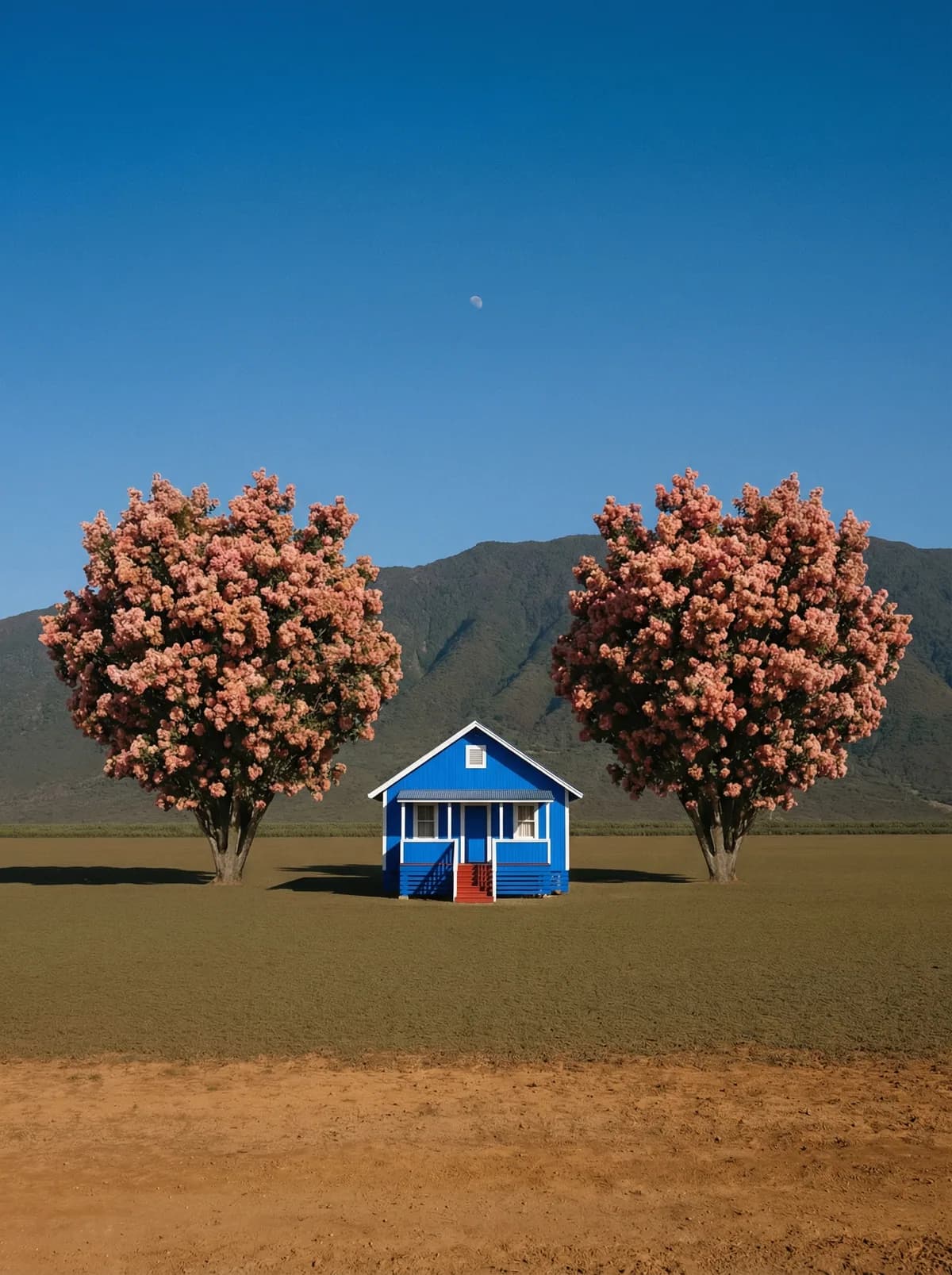
Creative direction
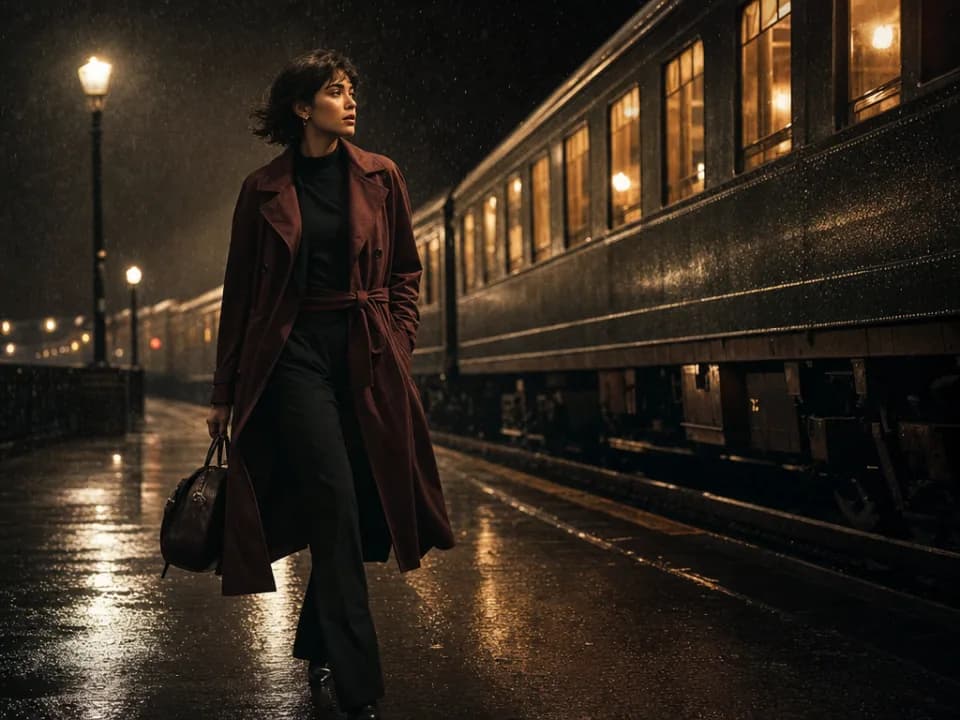
Rich detail with a polished editorial finish.
Create high-quality images with Seedream 4.5. Add reference images when the model supports them.
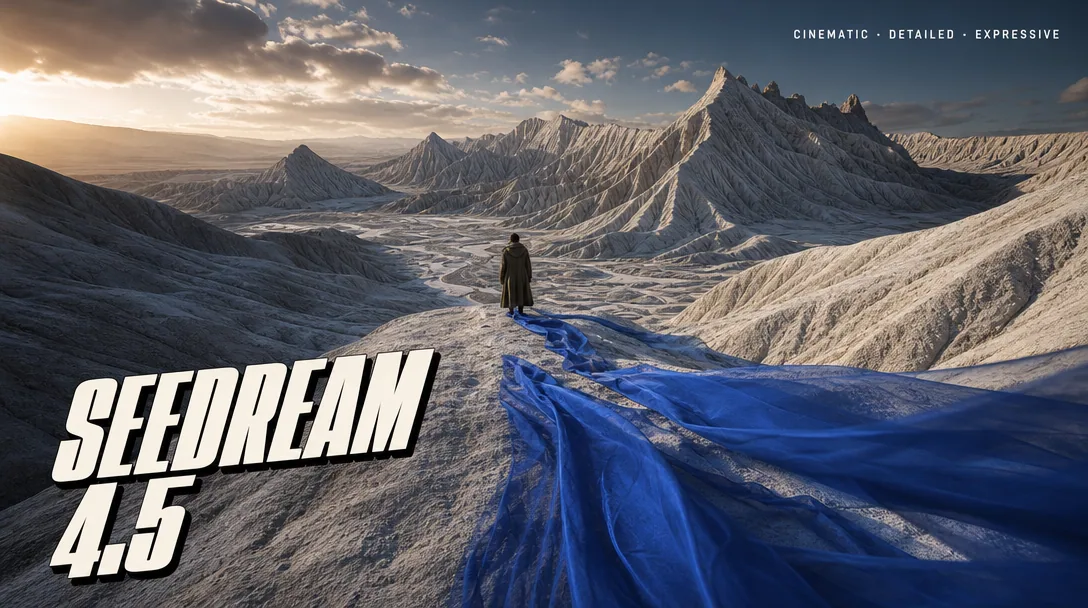
Compare models and choose the one that fits your next idea.
Featured creations
Explore images created with different prompts, styles, subjects, and compositions.
Rich detail with a polished editorial finish.
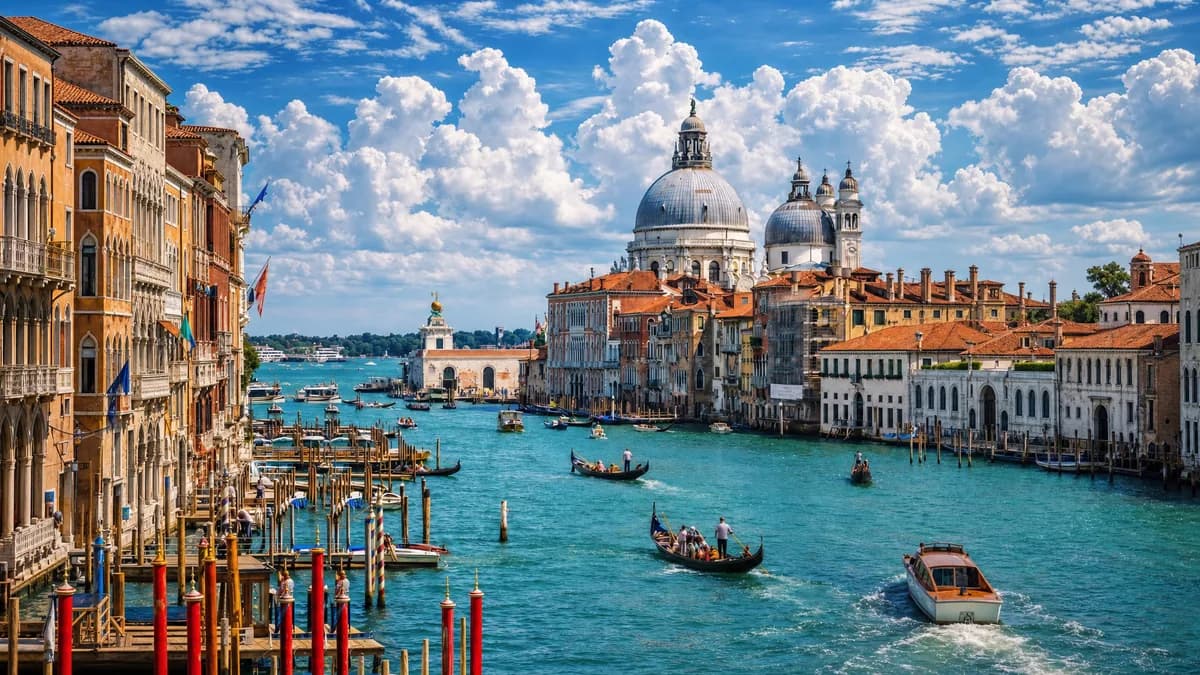
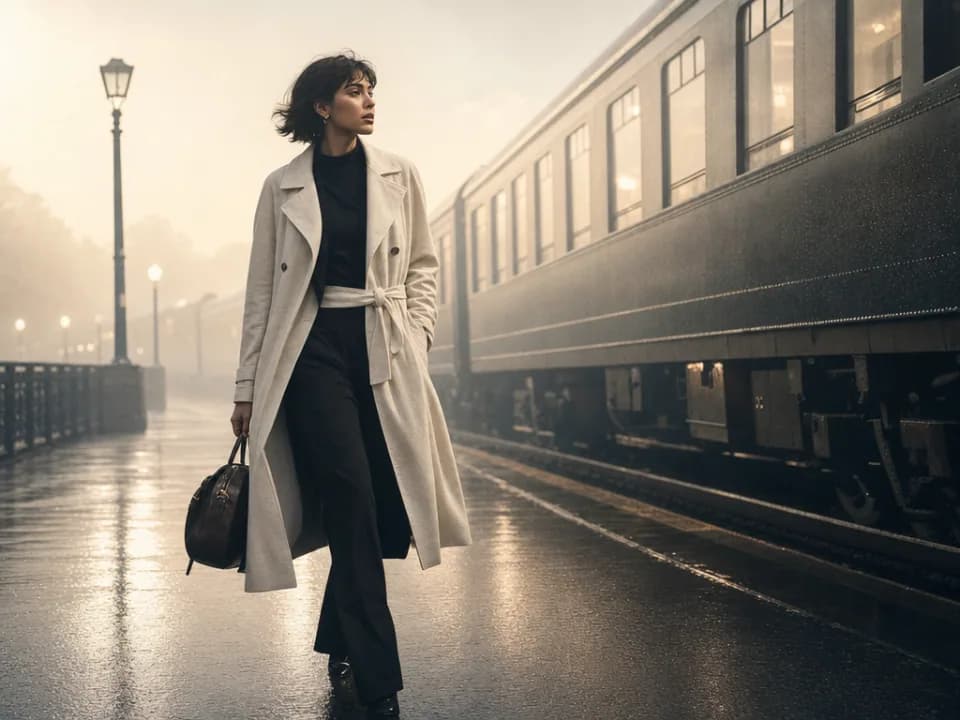
Balanced light, depth, and spatial structure.

Clear subjects with expressive, consistent features.
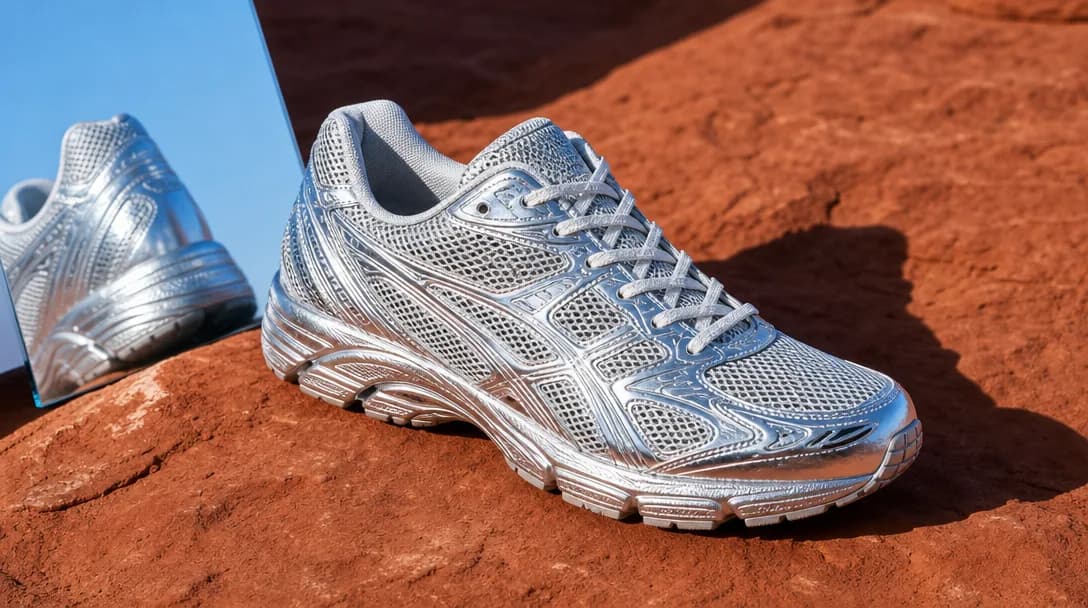
Natural textures and clean high-resolution output.
Model capabilities
Control the composition, keep references consistent, adjust the lighting, and edit specific details.
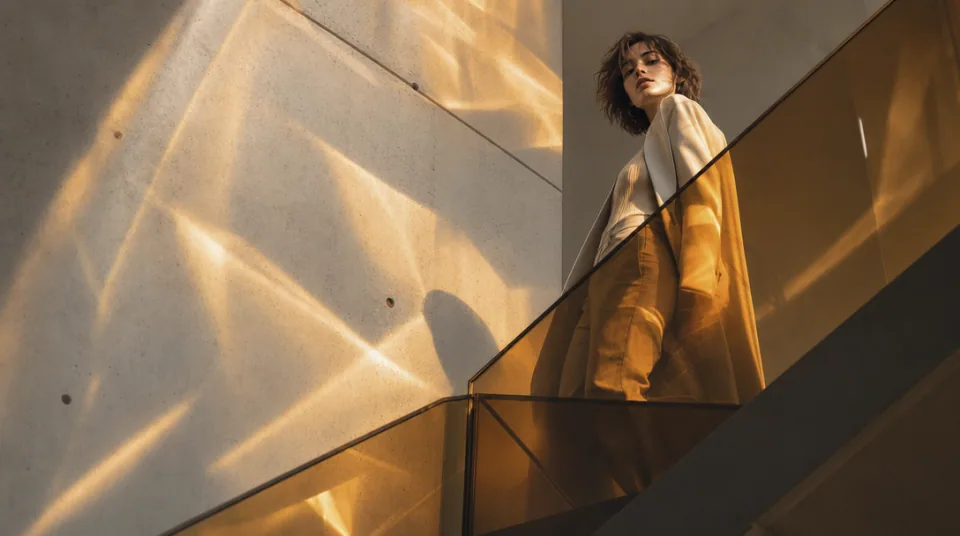
01 / COMPOSITION
Choose the framing, camera angle, perspective, and depth to create the scene you want.
See the workflow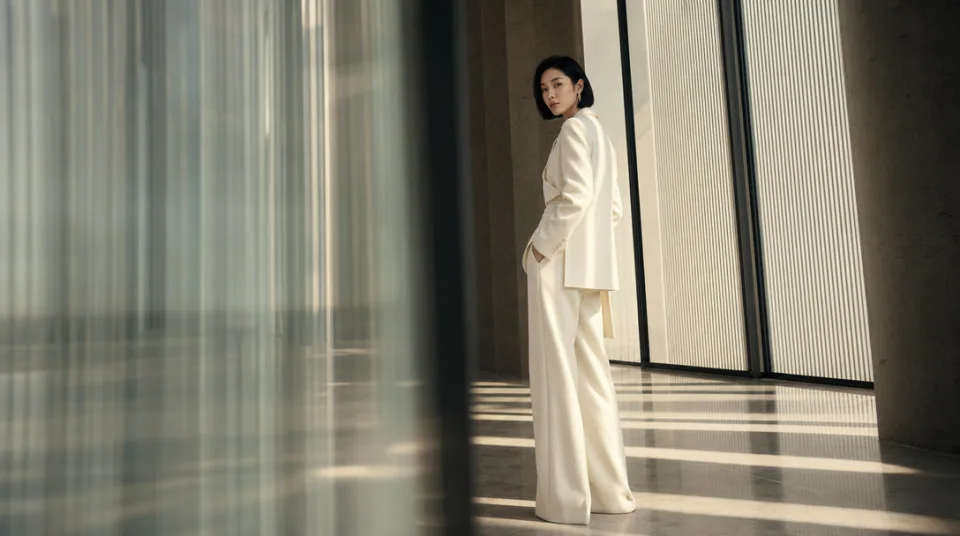
02 / CONSISTENCY
Use reference images to maintain the same character, product, clothing, or visual style across new images.
See the workflow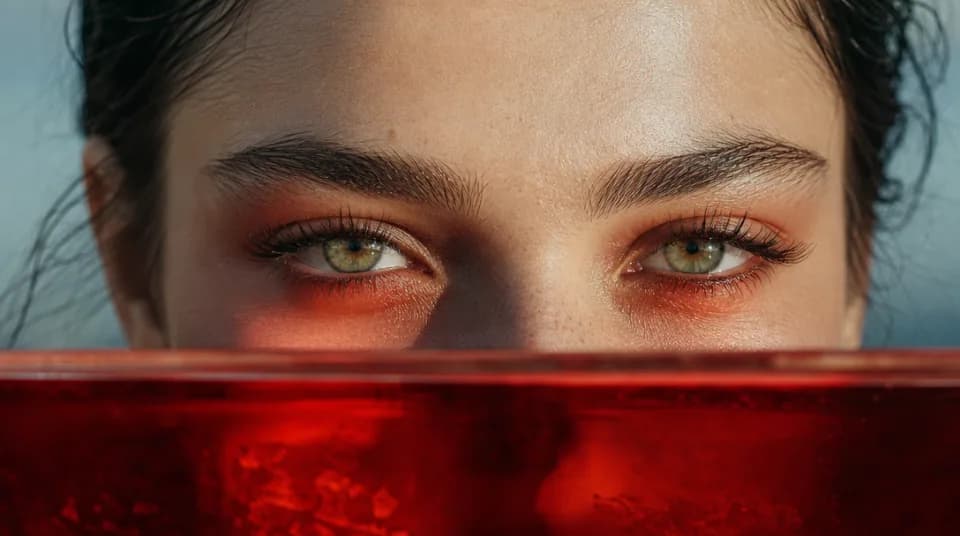
03 / LIGHTING
Adjust the light direction, contrast, color, and time of day to create different moods.
See the workflowOne workspace
Create an image from text and references, edit the result, and upscale it without switching tools.
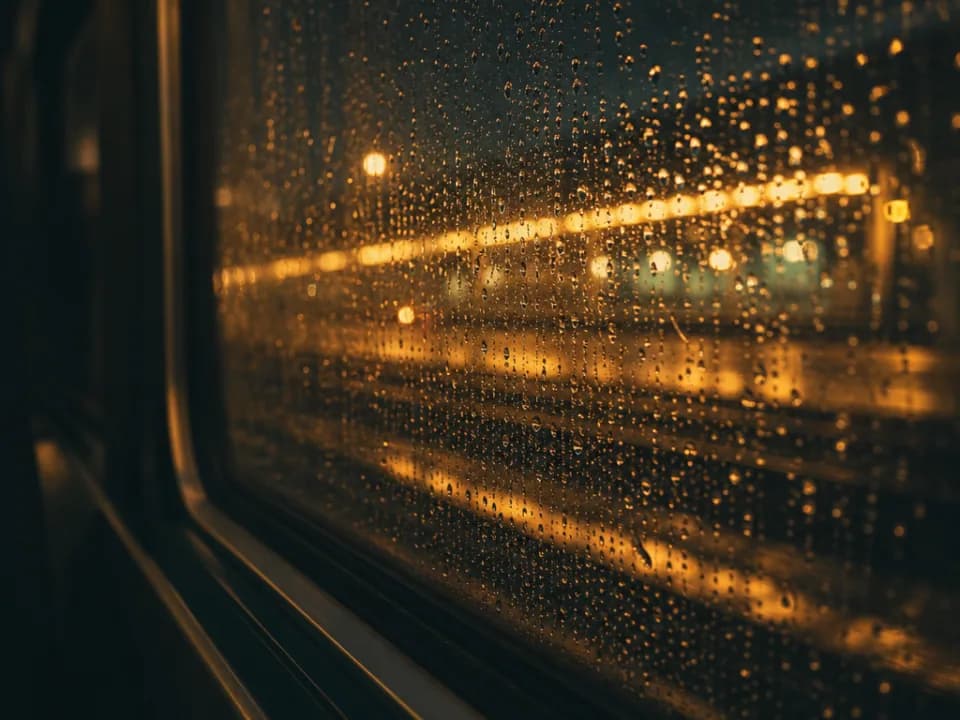
Compare Seedream 4.5's strengths, ideal use cases, supported controls, and tradeoffs before you generate.
Seedream 4.5 is a high-resolution, reference-friendly image model with a polished commercial look. Its main advantage in this workspace is a production-oriented combination of up to 10 references, strong composition control, and output that starts at 2K and can scale to 4K.
Use it for advertising key art, cinematic product imagery, editorial fashion, detailed environments, posters, and reference-led campaign assets. It is especially useful when the final image needs rich texture, deliberate lighting, and enough resolution for large digital placements or further editing.
The workspace accepts up to 10 reference images and offers 2K or 4K output. Available aspect ratios include square, portrait, landscape, vertical, and 21:9. References can separately define the subject, product, wardrobe, environment, palette, or composition.
Choose Seedream 4.5 when the deliverable is quality-led and will be produced at 2K or 4K. Seedream 4 is more flexible when you also need a lighter 1K output, while Nano Banana 2 is a better fit for very long prompts and larger reference sets during rapid iteration.
Start with the subject and action, then define framing, lens feel, lighting direction, materials, palette, and finish. If you upload several references, explain each image's job and identify the non-negotiable details. Avoid mixing several conflicting visual styles in the same request.
Choose Seedream 4 for 1K drafts, Flux 2 Flex for typography-heavy layouts and fine text detail, or Midjourney when the goal is broad visual exploration rather than a reference-led production image.