
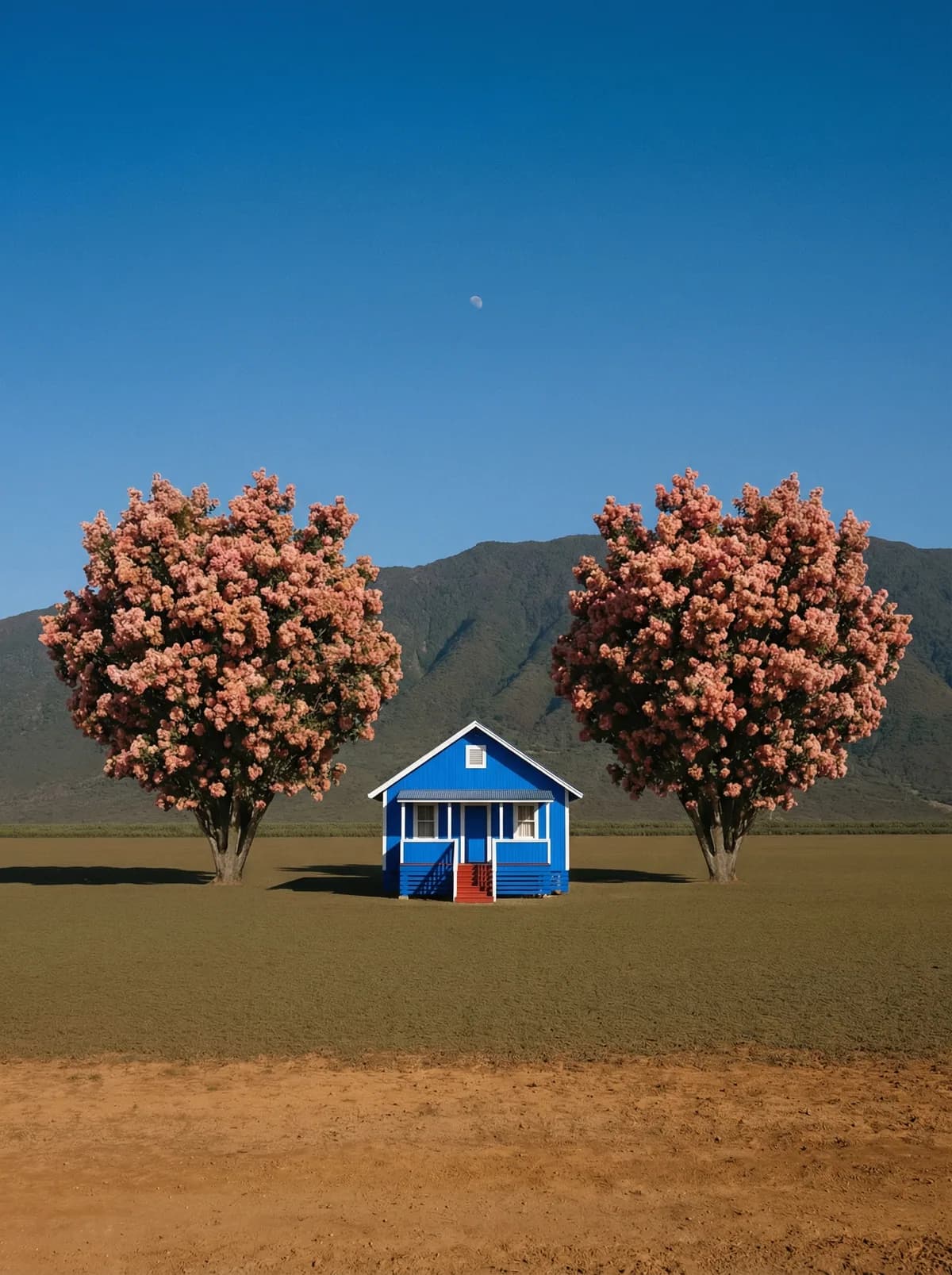
Creative direction
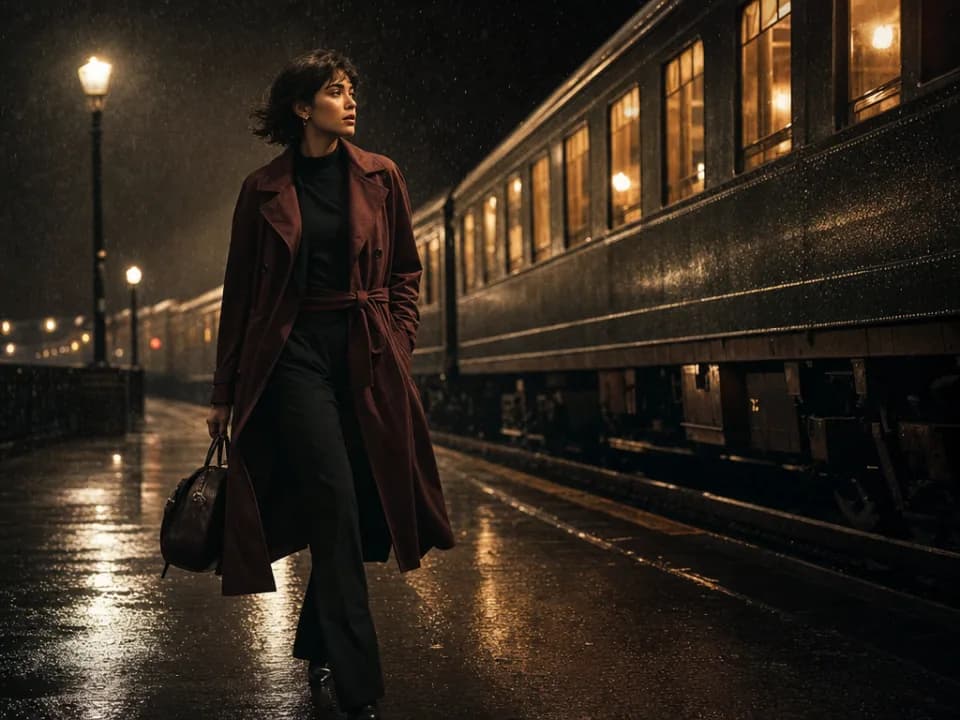
Rich detail with a polished editorial finish.
Create high-quality images with Seedream 4. Add reference images when the model supports them.
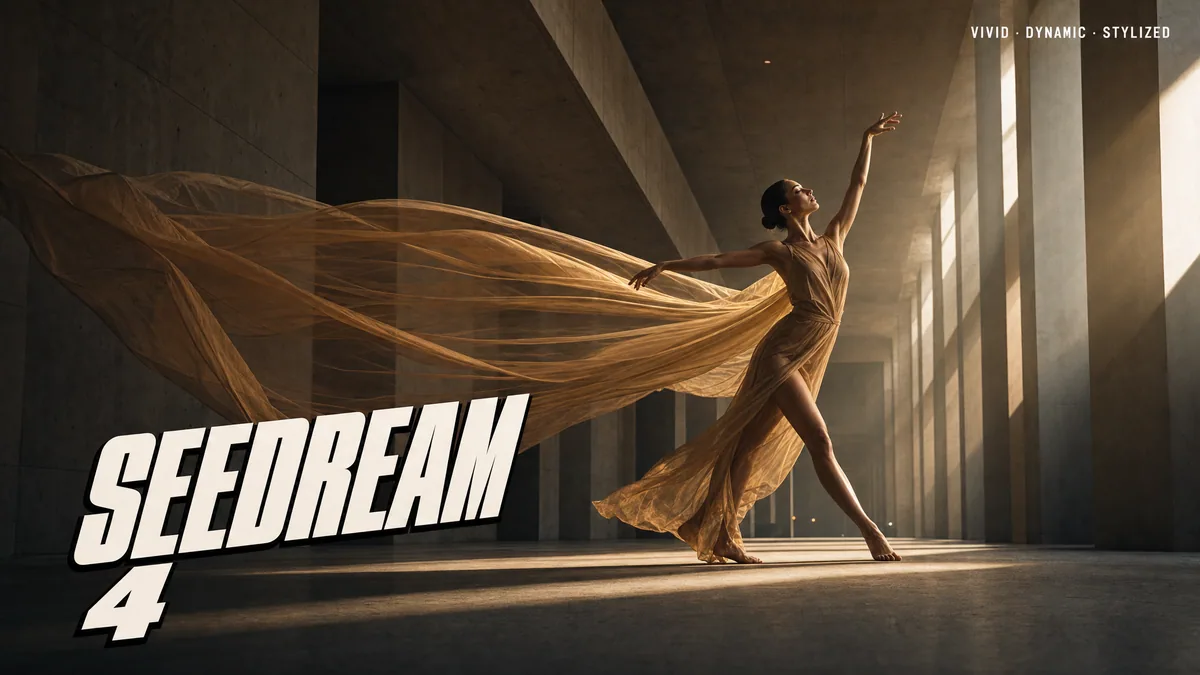
Compare models and choose the one that fits your next idea.
Featured creations
Explore images created with different prompts, styles, subjects, and compositions.
Rich detail with a polished editorial finish.
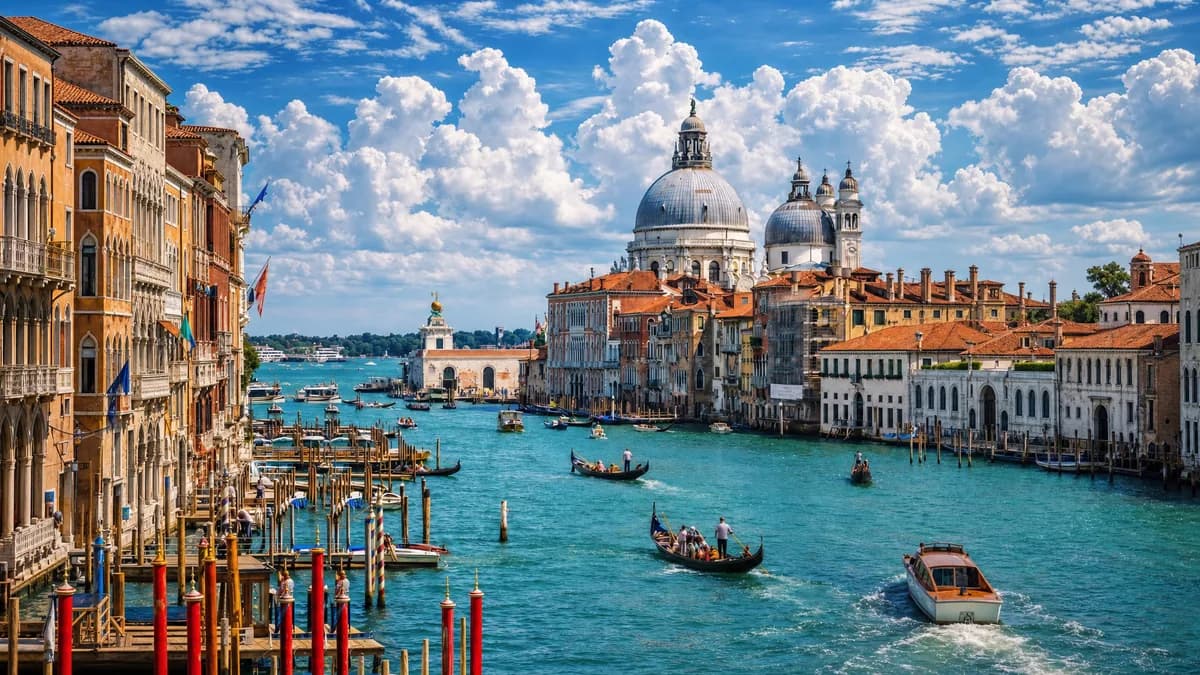
Balanced light, depth, and spatial structure.

Clear subjects with expressive, consistent features.
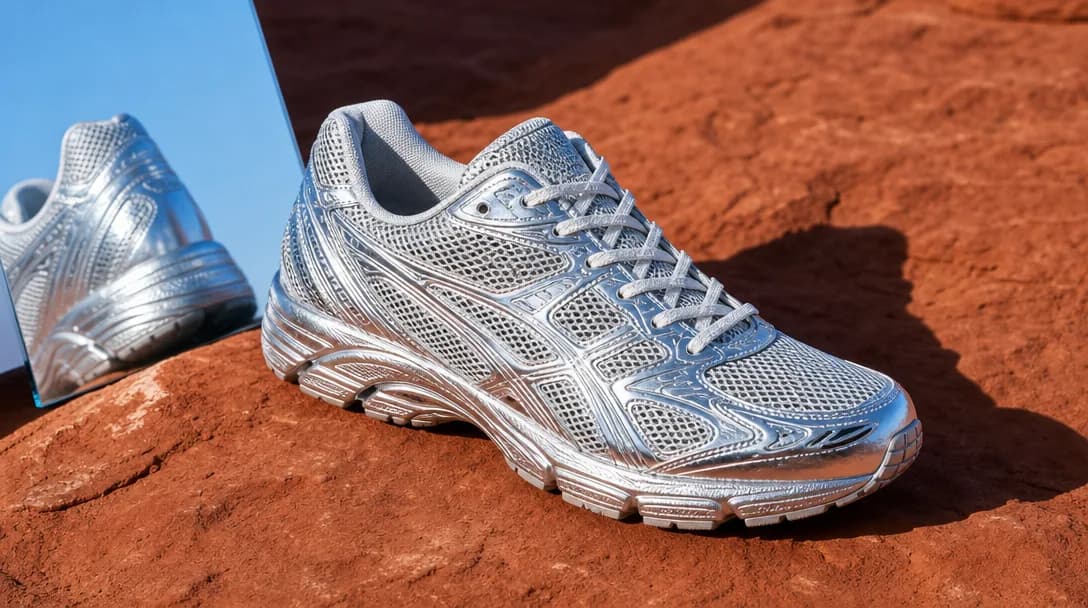
Natural textures and clean high-resolution output.
Model capabilities
Control the composition, keep references consistent, adjust the lighting, and edit specific details.
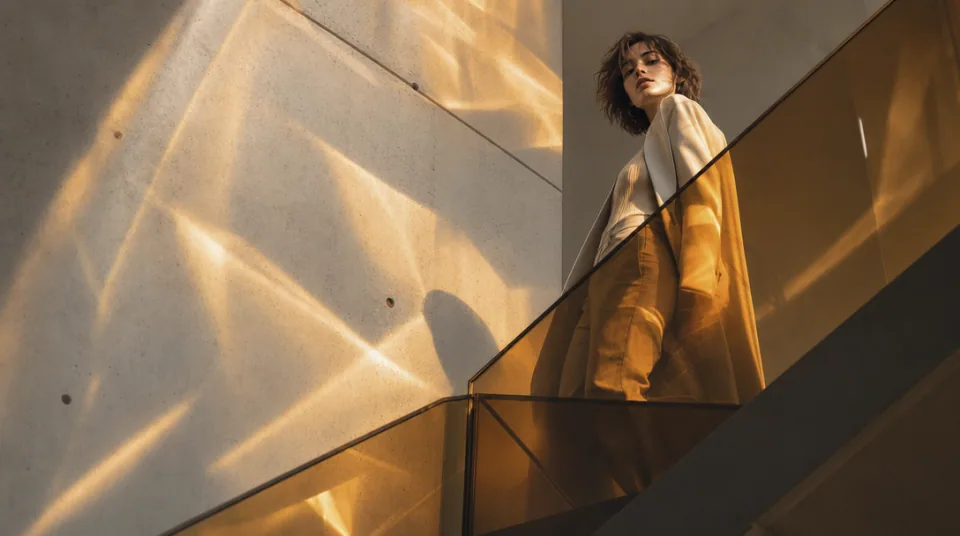
01 / COMPOSITION
Choose the framing, camera angle, perspective, and depth to create the scene you want.
See the workflow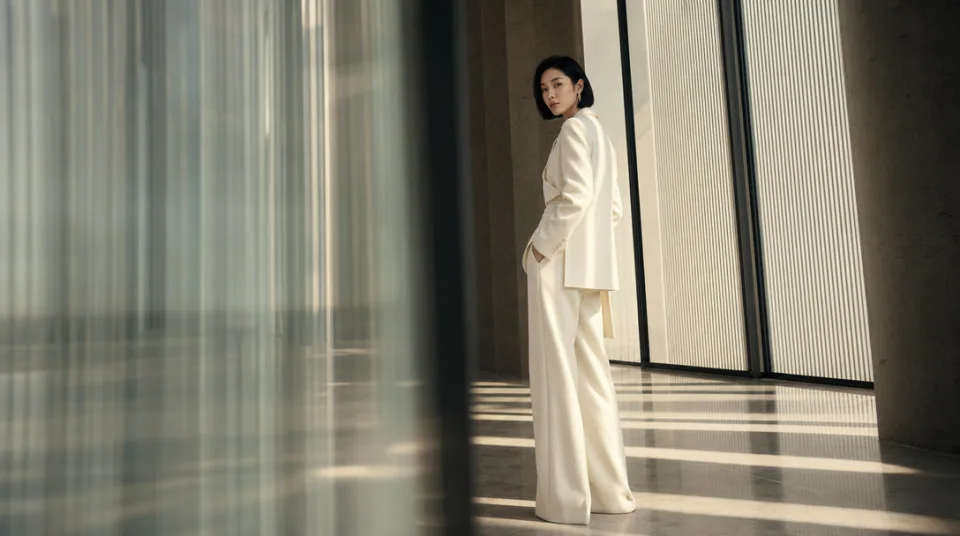
02 / CONSISTENCY
Use reference images to maintain the same character, product, clothing, or visual style across new images.
See the workflow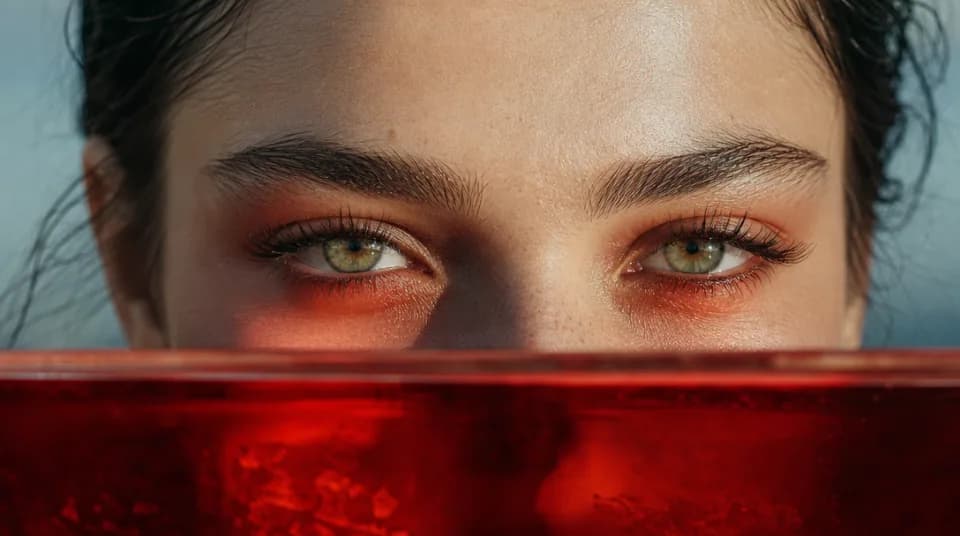
03 / LIGHTING
Adjust the light direction, contrast, color, and time of day to create different moods.
See the workflowOne workspace
Create an image from text and references, edit the result, and upscale it without switching tools.
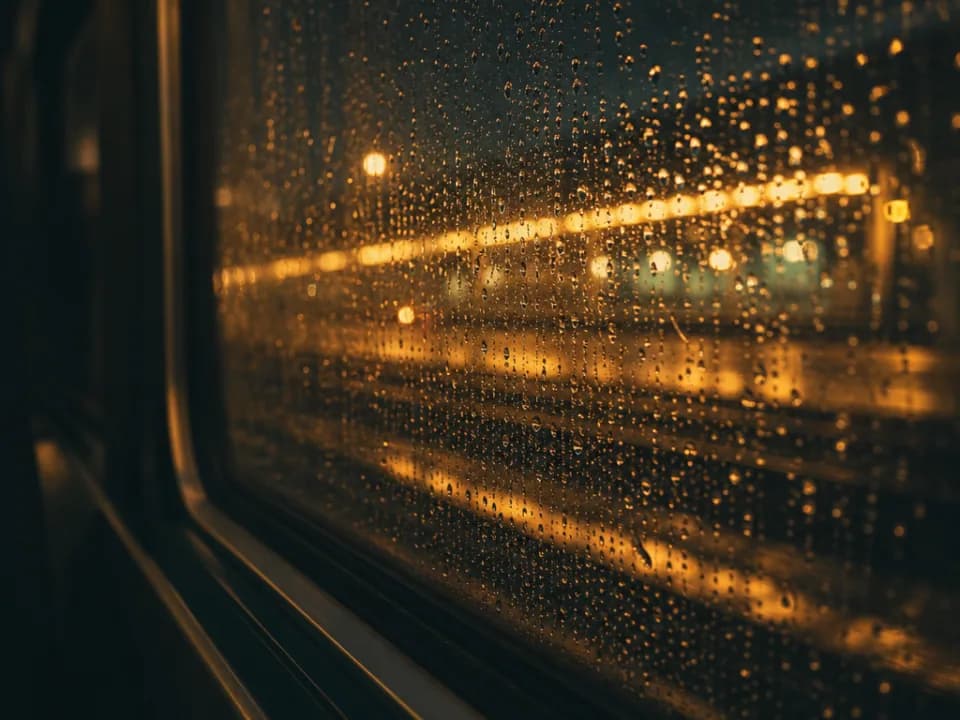

Compare Seedream 4's strengths, ideal use cases, supported controls, and tradeoffs before you generate.
Seedream 4 combines text-to-image creation and reference-based editing in a flexible 1Kâ4K workflow. It is strongest at detailed, aesthetically polished scenes, precise natural-language changes, style exploration, and compositions guided by multiple visual sources.
It works well for e-commerce retouching, advertising concepts, architectural visualization, film pre-production, illustrated explainers, and multi-image compositions. Choose it when you want one model for both quick drafts and high-resolution final variations.
The workspace accepts up to 10 reference images, offers 1K, 2K, and 4K output, and supports eight common ratios from portrait and square to 21:9. Use clean references with compatible perspectives when identity, pose, product shape, or layout must remain stable.
Seedream 4 is the more flexible choice when you need 1K, 2K, and 4K options in the same workflow. Seedream 4.5 is better positioned for quality-led 2K/4K delivery, while Nano Banana 2 offers longer prompts, more references, and additional output-format controls.
Describe the intended scene before the style: subject, action, composition, camera angle, and spatial relationships. Then add lighting, color, material, and finish. For edits, state both the requested change and the elements that must stay untouched.
Choose Seedream 4.5 when every deliverable will be 2K or 4K and final polish matters most, Flux Kontext Pro for a tightly scoped edit to one source image, or Midjourney for open-ended, style-first concept discovery.