
Automatic Subject Detection
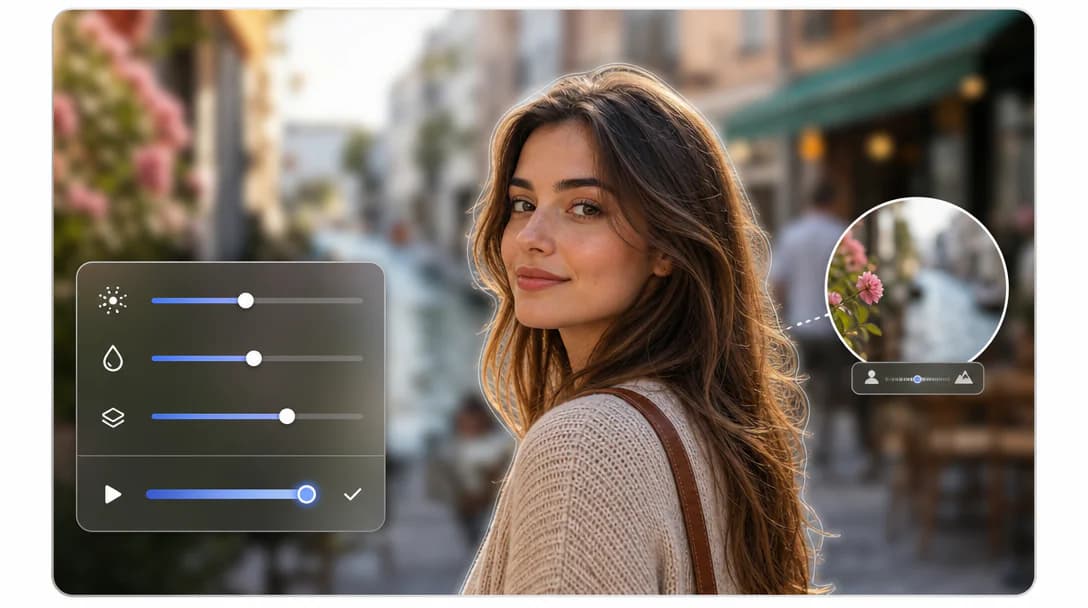
Identify the main subject and separate it from the background accurately.
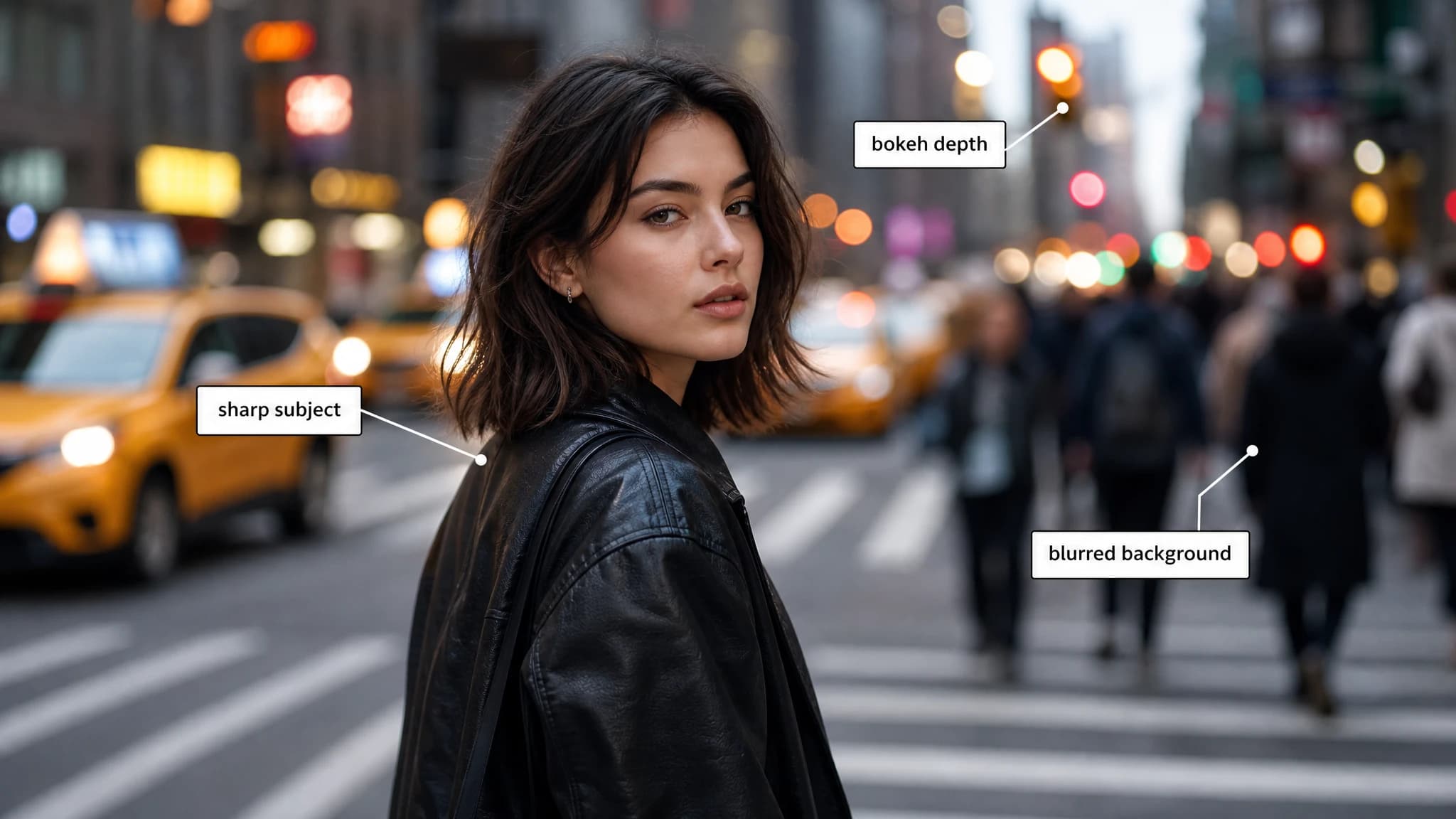
Upload an image to start using Blur Background.
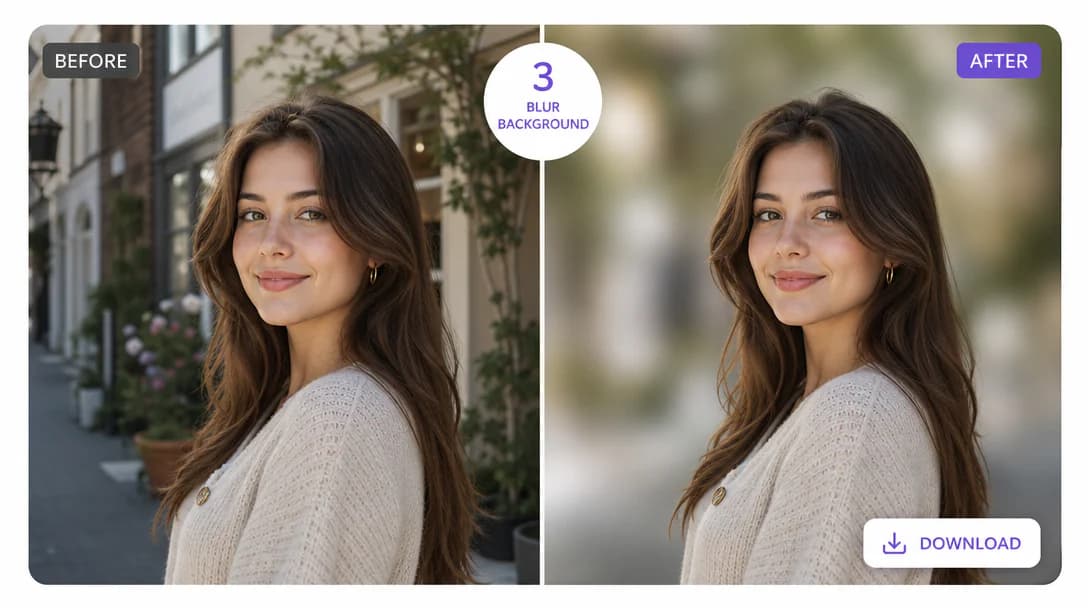
Silence the visual noise in your photos. Instantly soften distracting backgrounds to create a clean, cinematic look that directs every eye to your subject.
Identify the main subject and separate it from the background accurately.
Apply smooth background blur that feels more like real optical depth.
Keep faces, products, and important objects sharp and clear.
Draw attention to the subject while reducing background distractions naturally.
Great for portraits, product photos, social posts, and presentation visuals.
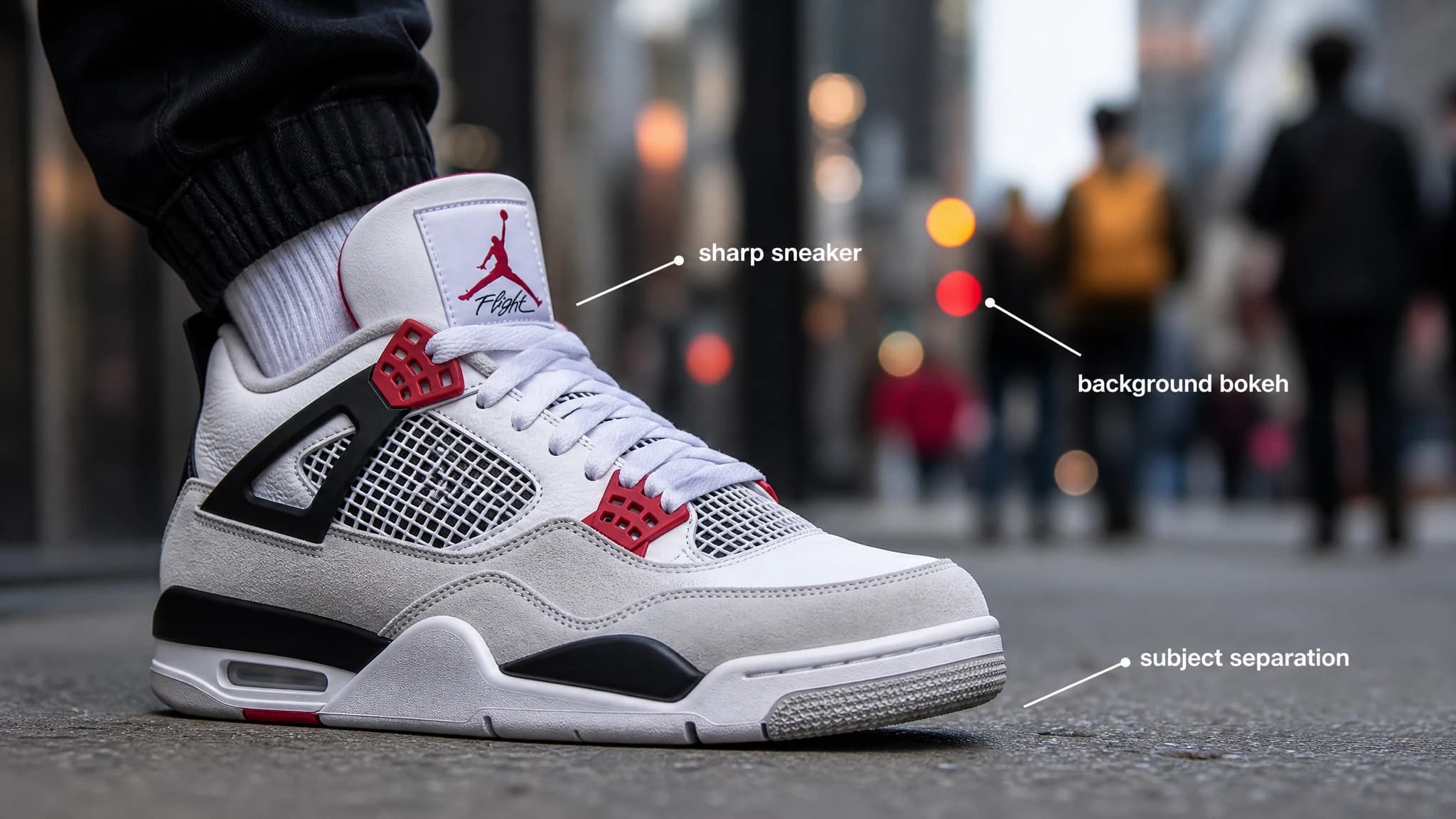
Create portrait-style depth, product focus, or cleaner social visuals without manual selection work.
Keep important foreground details sharp while softening background distractions.
Preview every adjustment instantly, then download the finished image at full resolution.
Blur an image background in three simple steps.

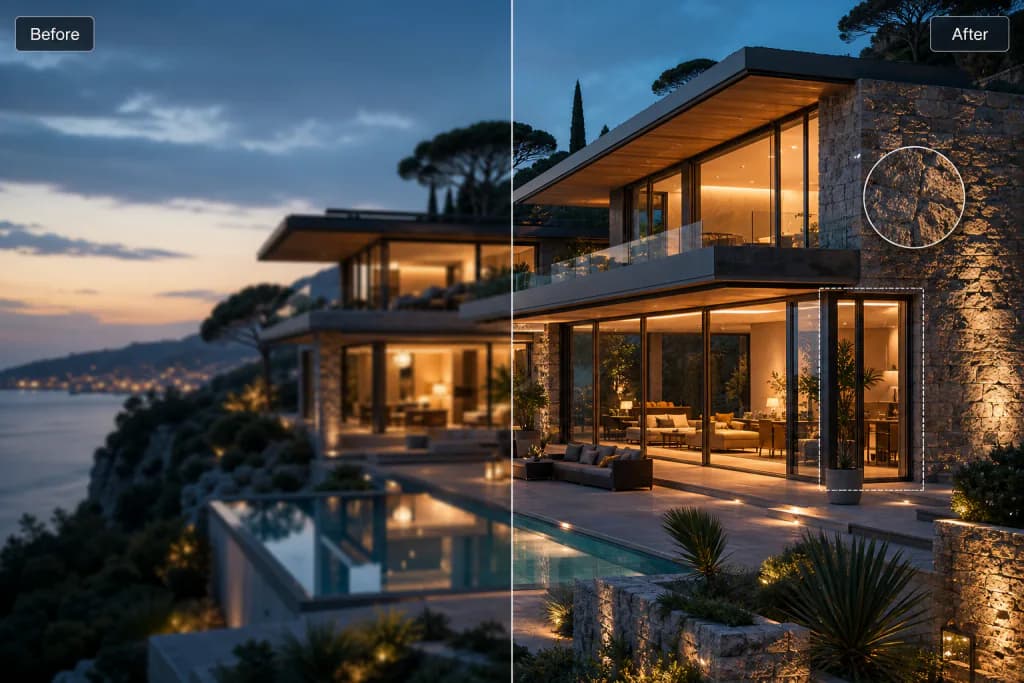
Increase resolution and detail without losing quality.

Create original visuals from text prompts with AI.

Generate polished logo concepts and brand marks with AI.
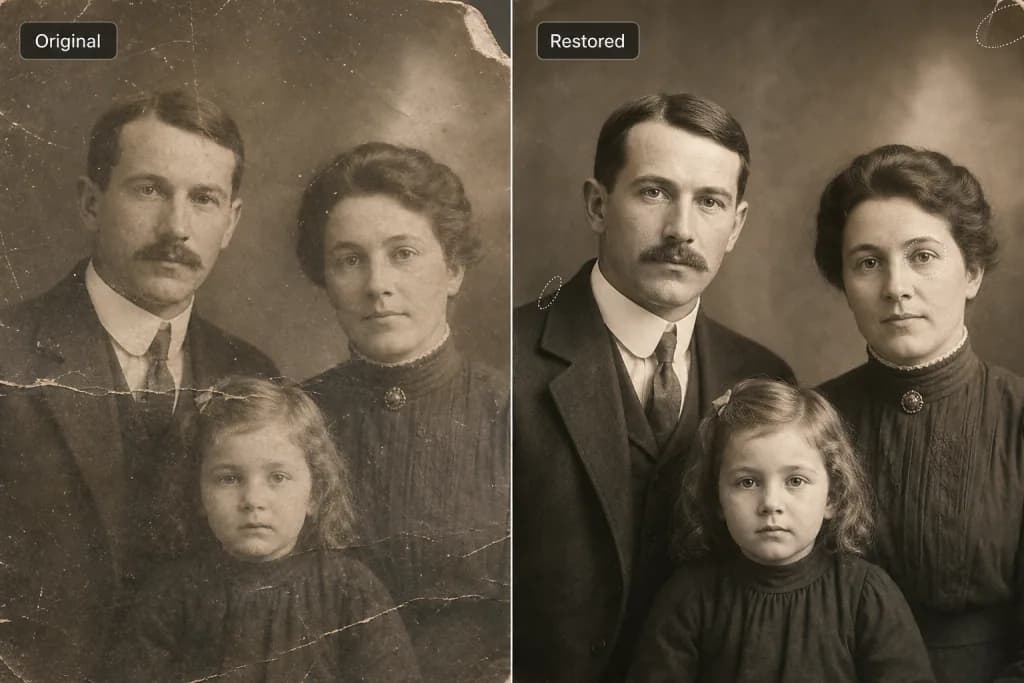
Restore old and damaged photos to new life.
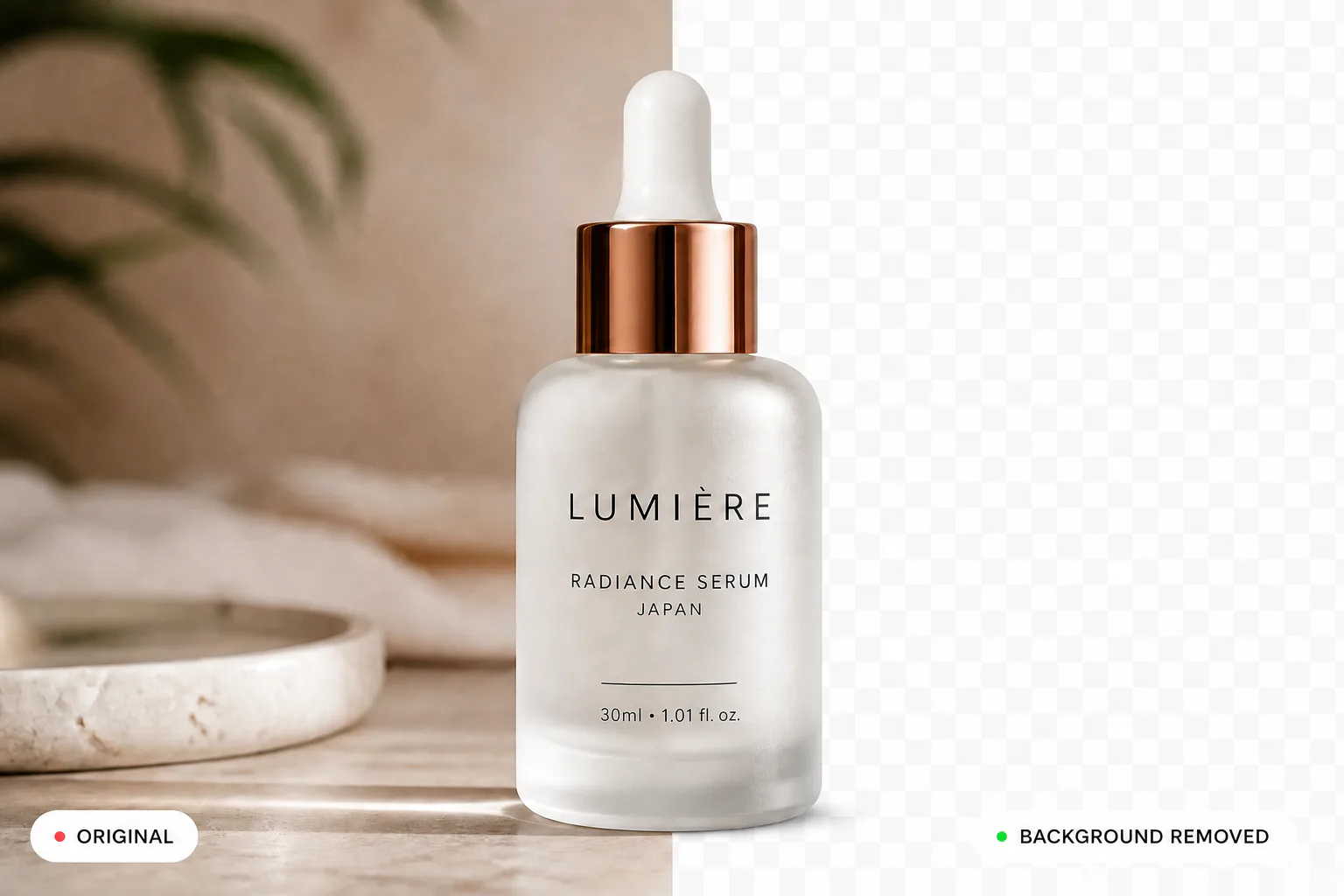
Remove backgrounds instantly and cleanly.
Learn More About Blur Background