ChatGPT Image 2.5 — Free AI Image Generator & Editor
Bring campaign visuals, portraits, and product stories to life with ChatGPT Image 2.5. Start with free credits, choose Flare or Sunburst, and create from a prompt or reference images.
Find Your Next Creative Starting Point
Explore other image models for your next creative project.
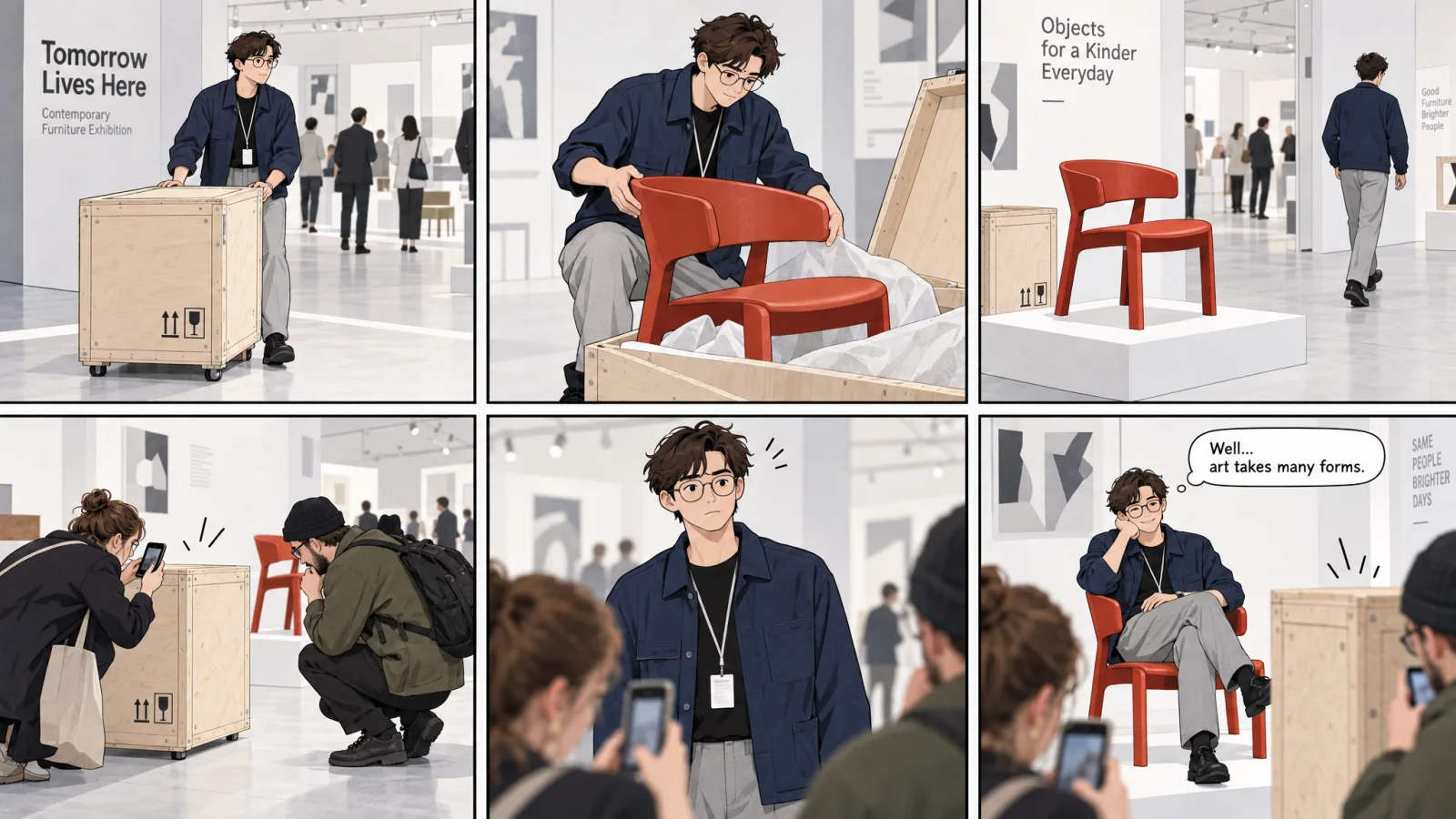
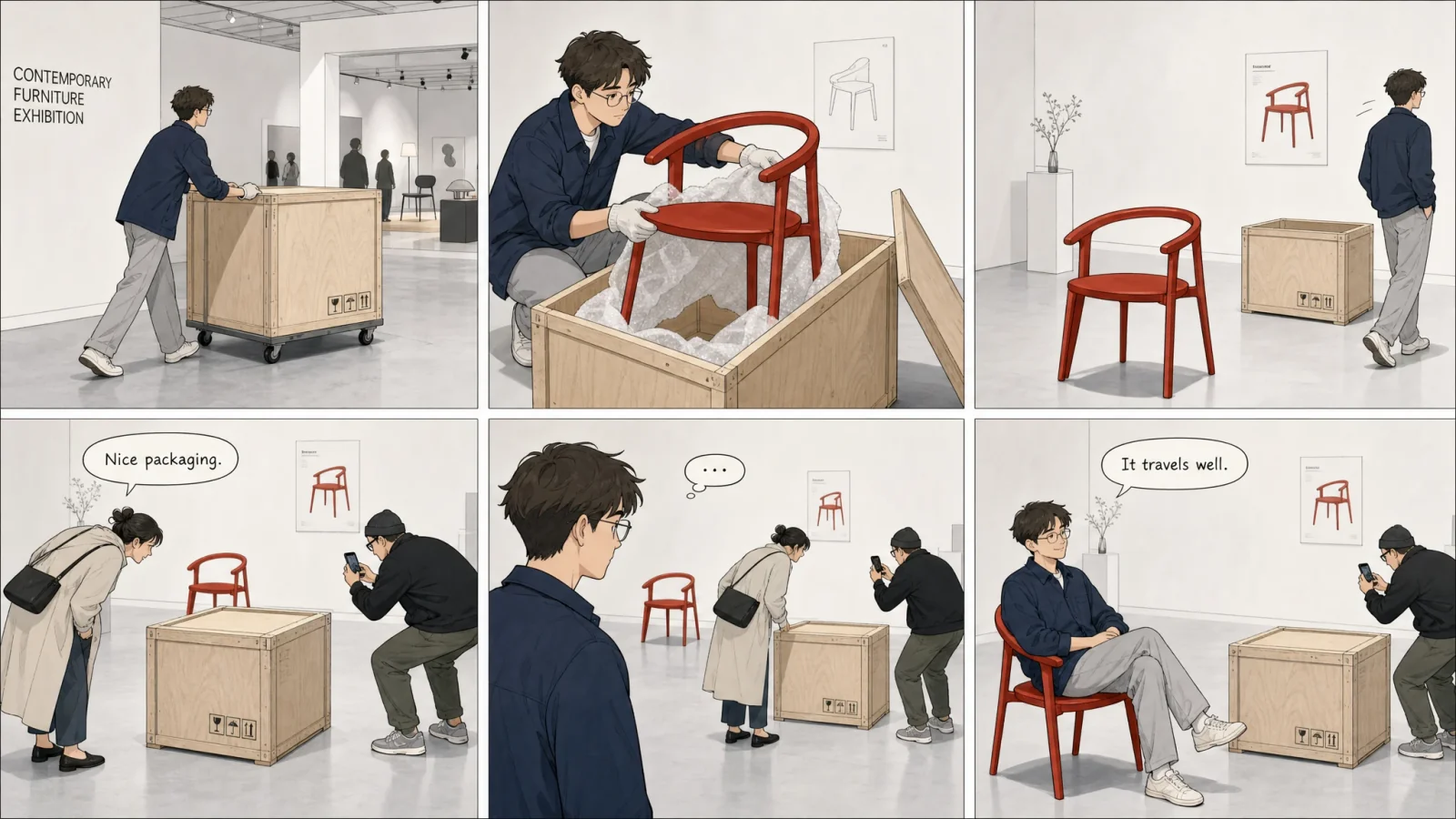
Explore six creative concepts for AI image generation and editing, from visual continuity and editorial layouts to comic storytelling and brand campaigns.
01 / VISUAL CONTINUITY
Visual Continuity Across Multiple Frames
Watch a cherry-filled ice cube melt in a short animation assembled from a sequence of images. Follow the changing ice, reflections, and meltwater while the cherry and setting stay visually connected.
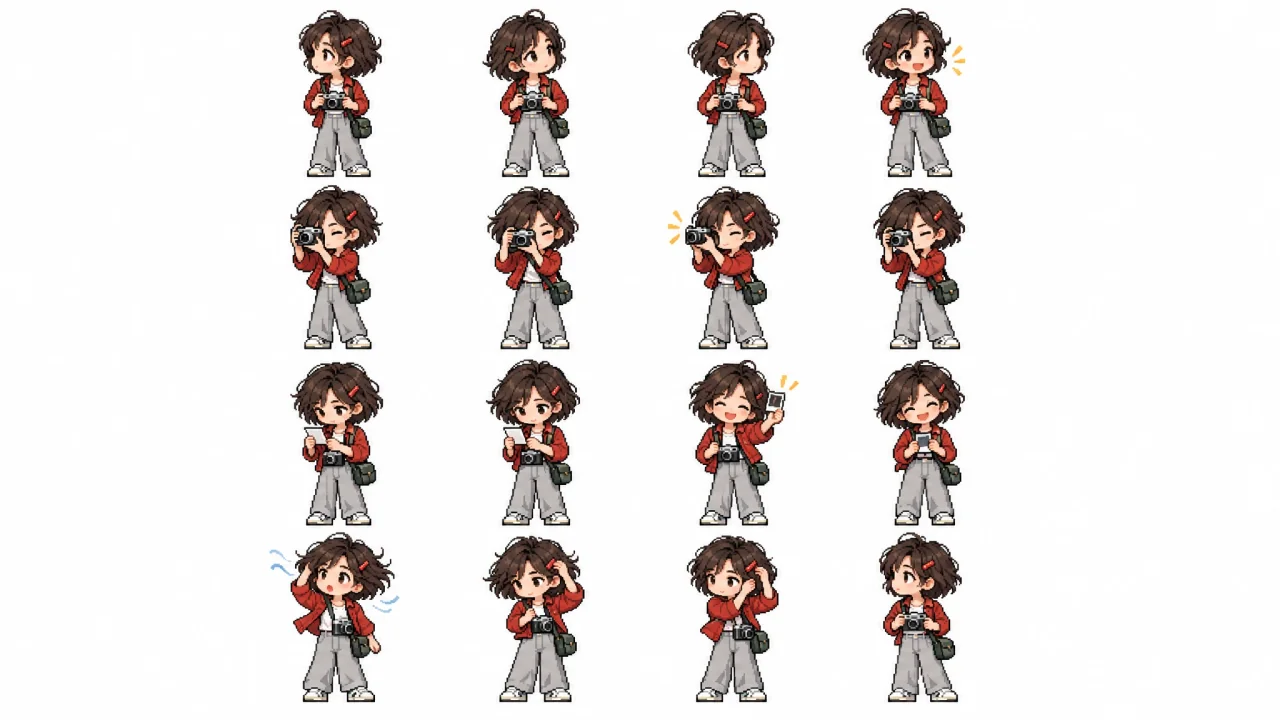
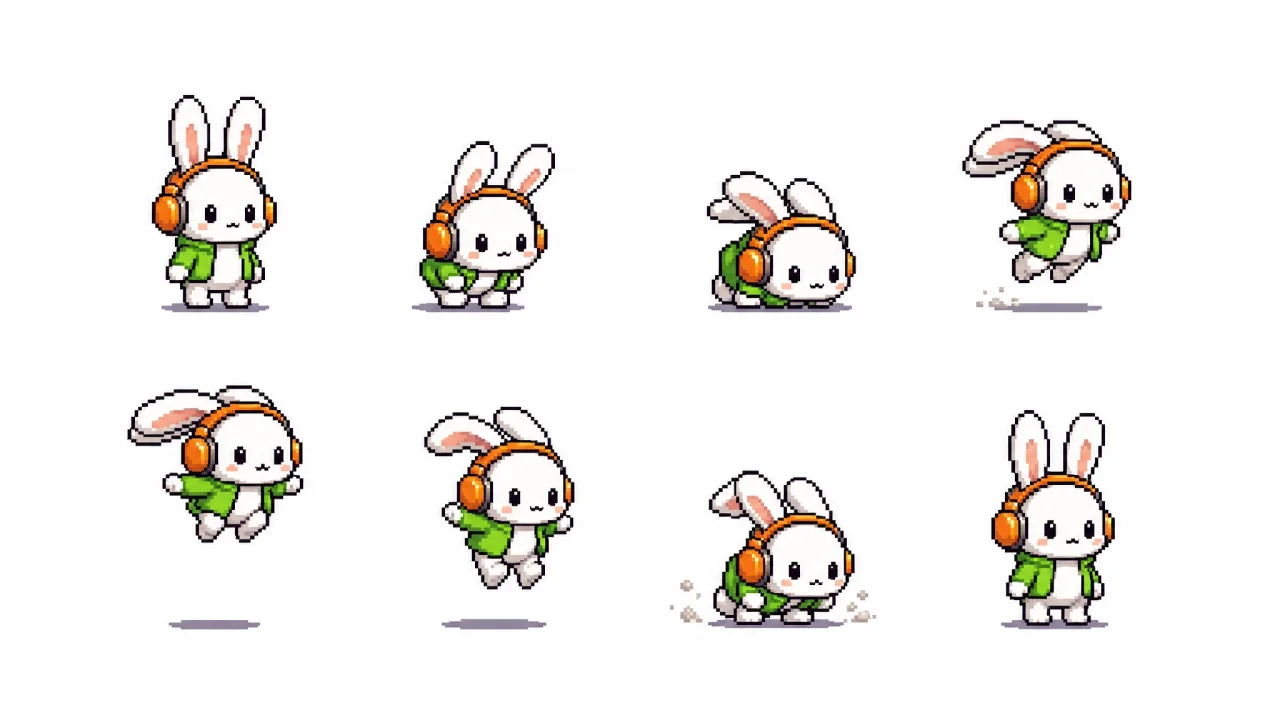
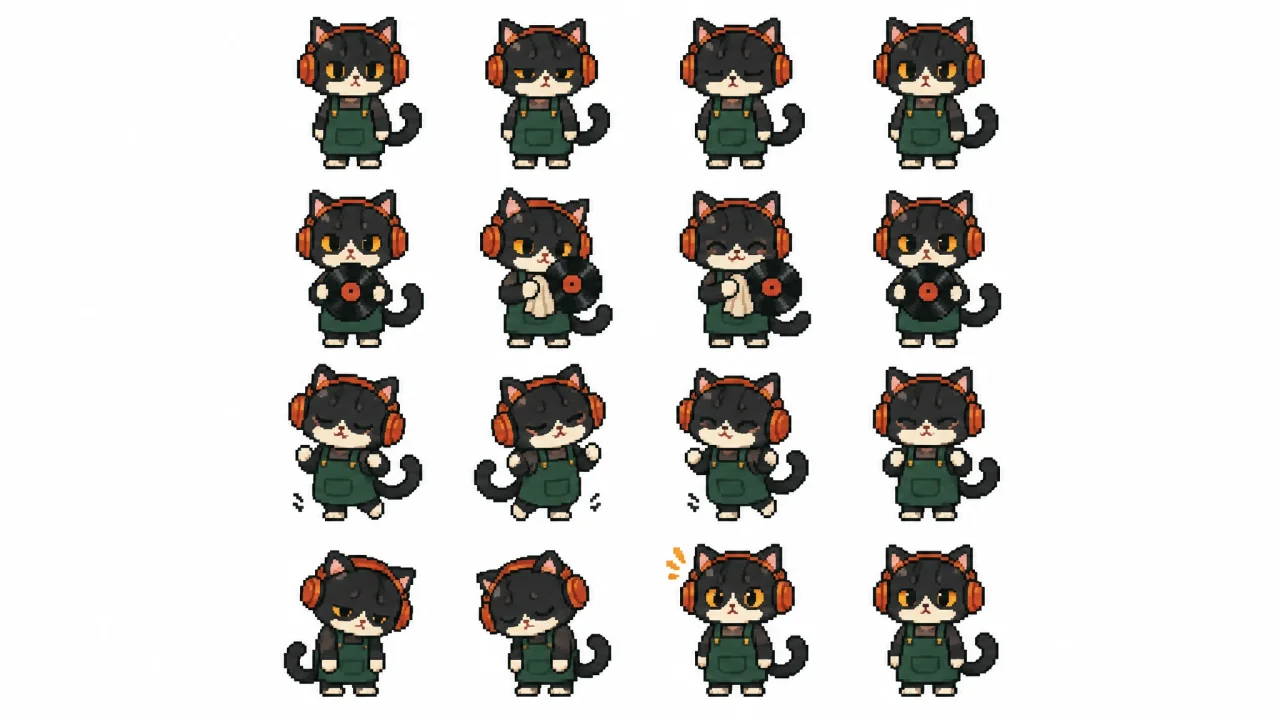
Create cohesive pixel art across a grid of panels. Explore character variations, themed scenes, and visual sequences with shared palettes, crisp pixel detail, and a consistent style.
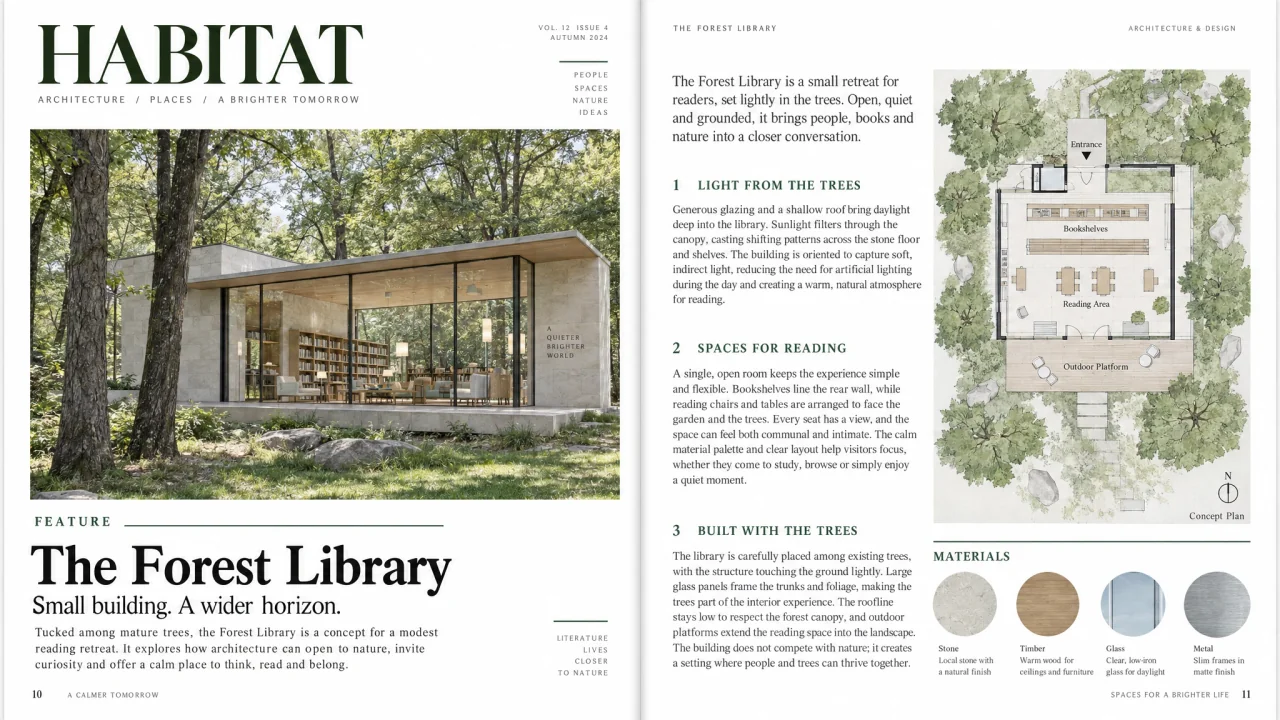
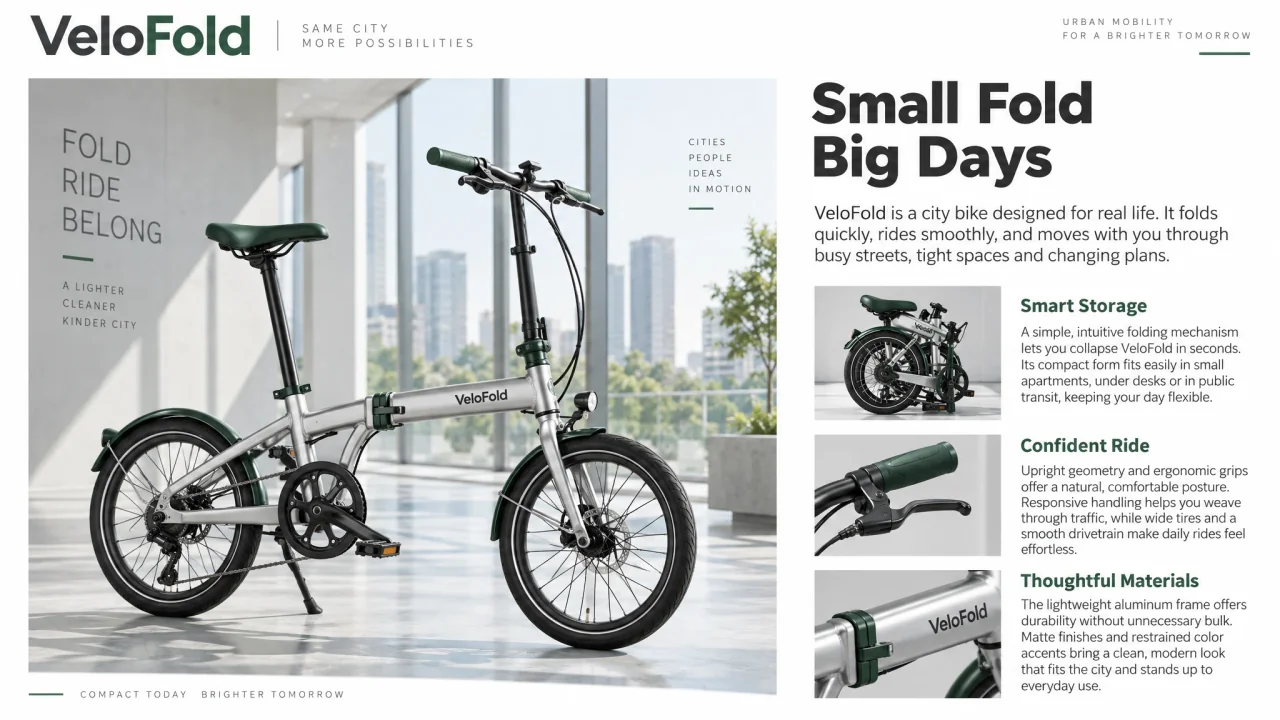
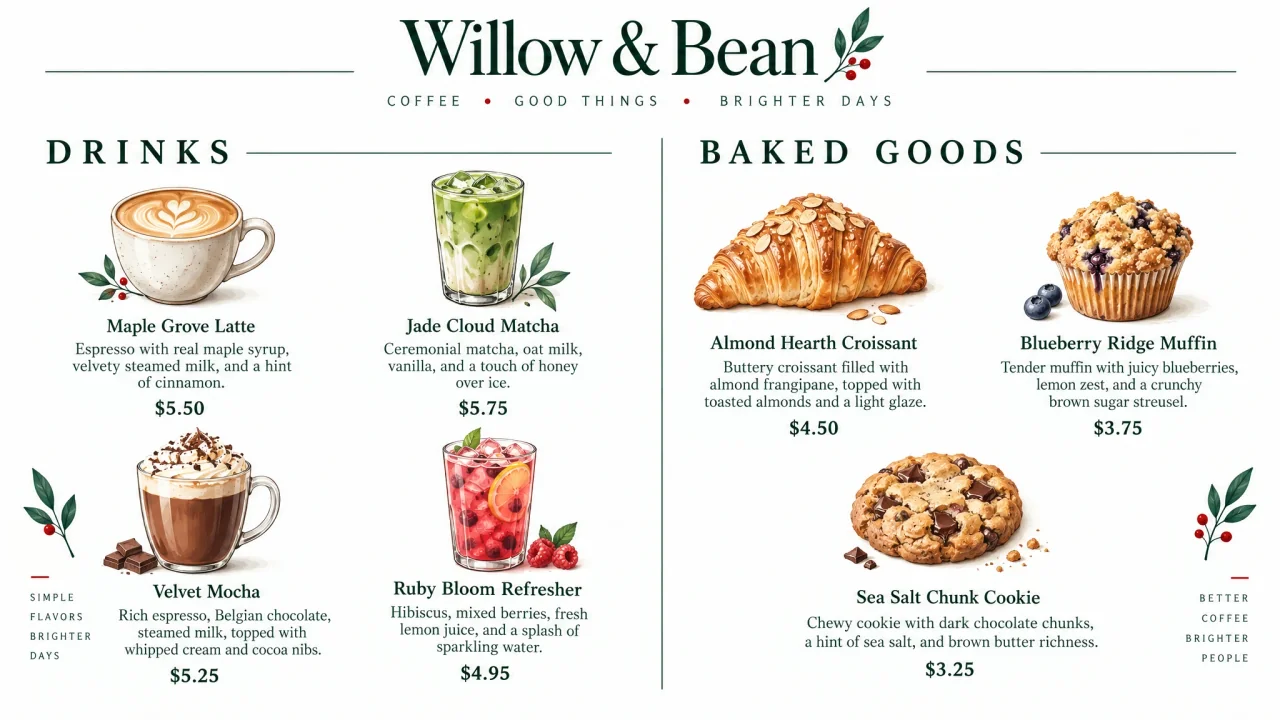
Turn a creative brief into a complete composition, with AI generating the imagery, headlines, body copy, and layout together. Explore complex text-and-image designs with accurate wording, clear hierarchy, and cohesive visual relationships.
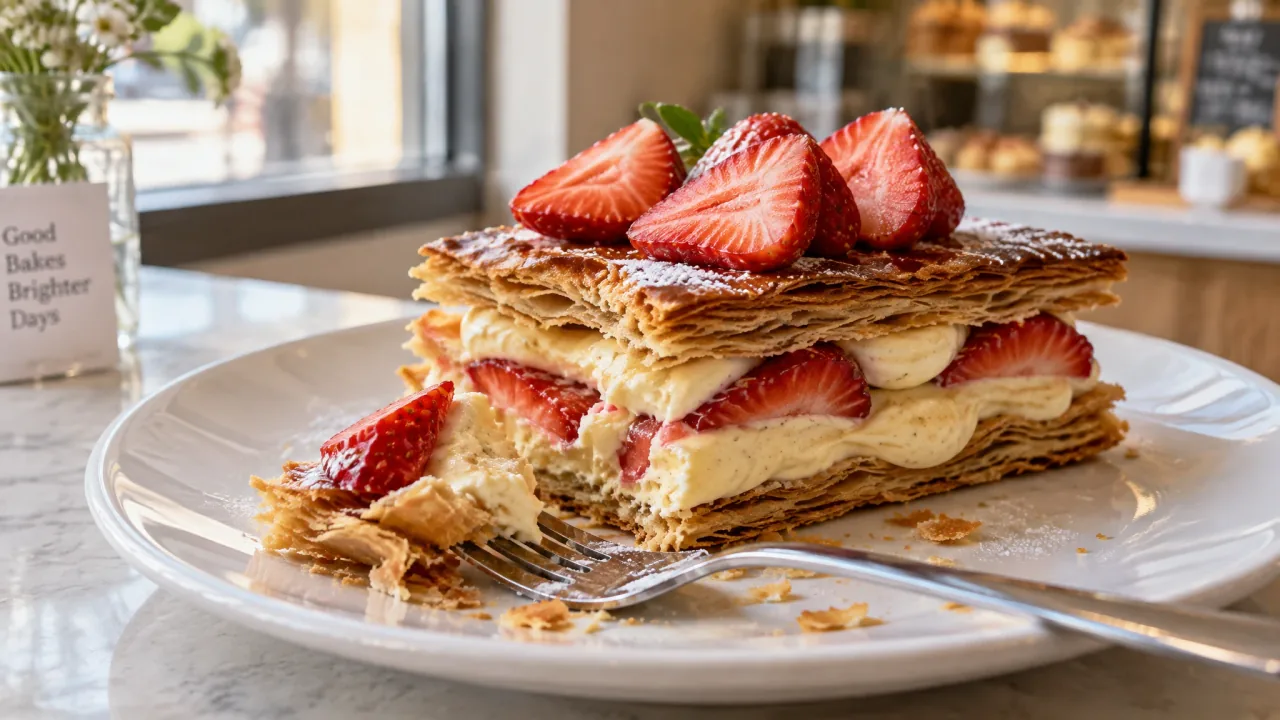
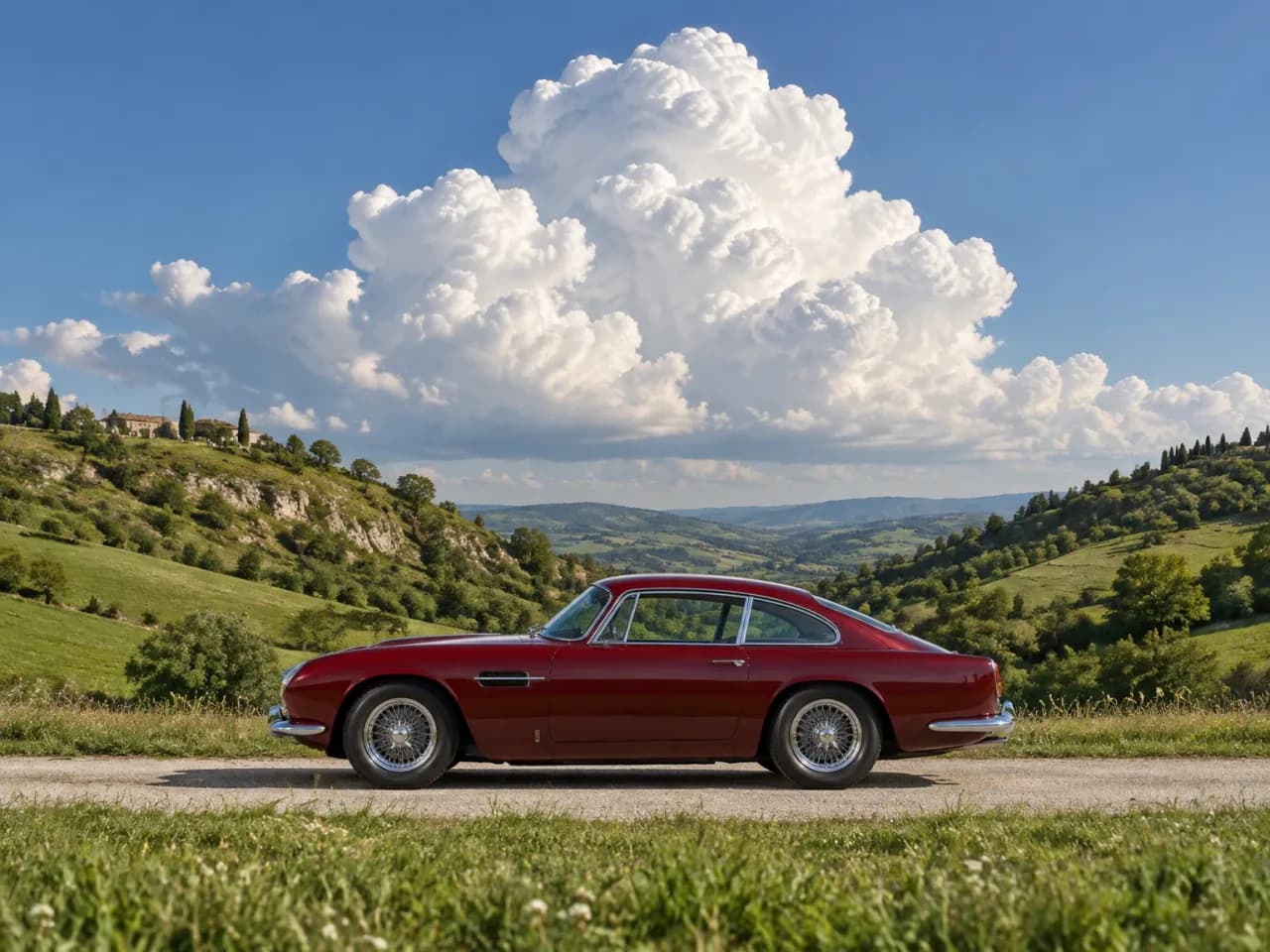
Render materials with more natural texture and less smearing. Fine surface details, subtle reflections, and realistic light and shadow bring greater clarity and depth to every image.
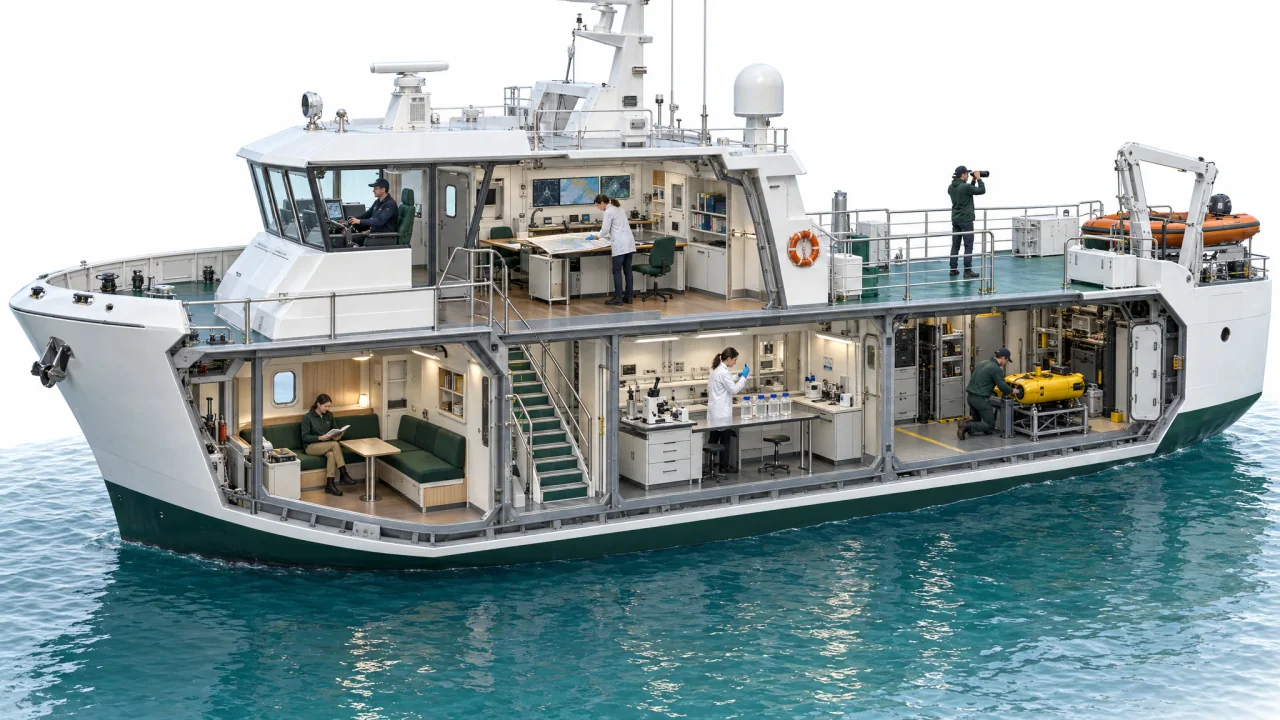
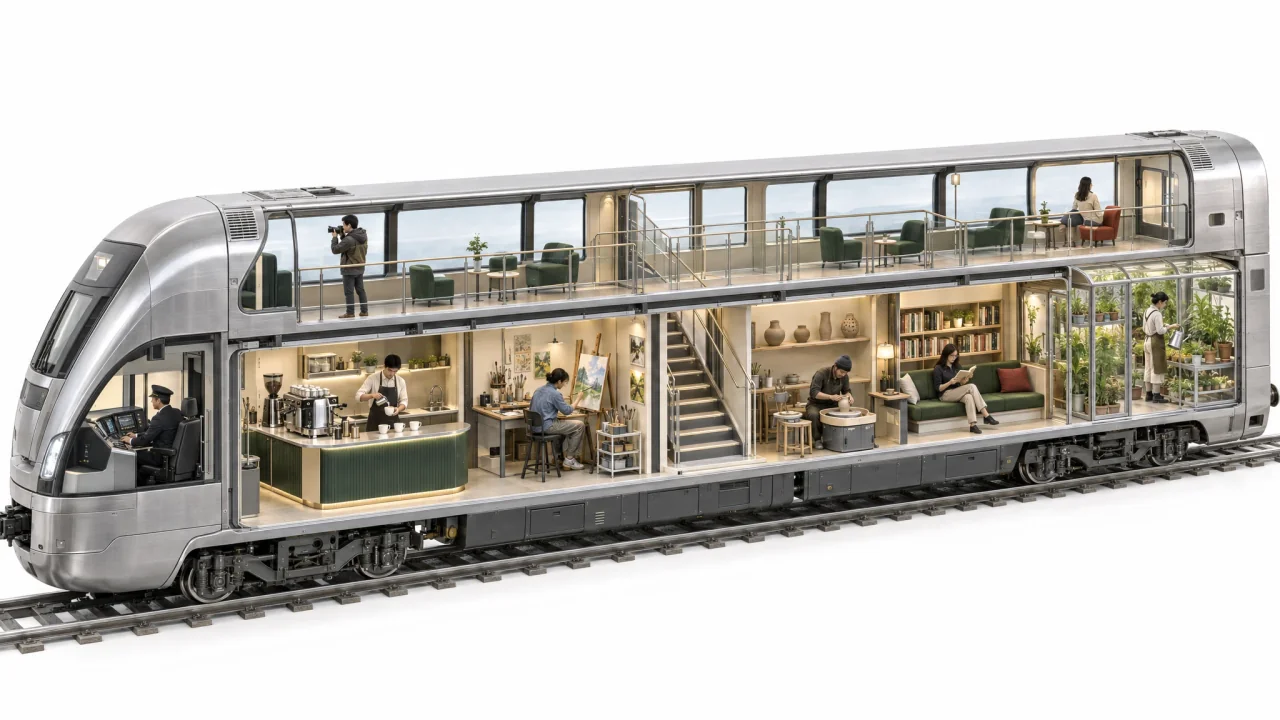
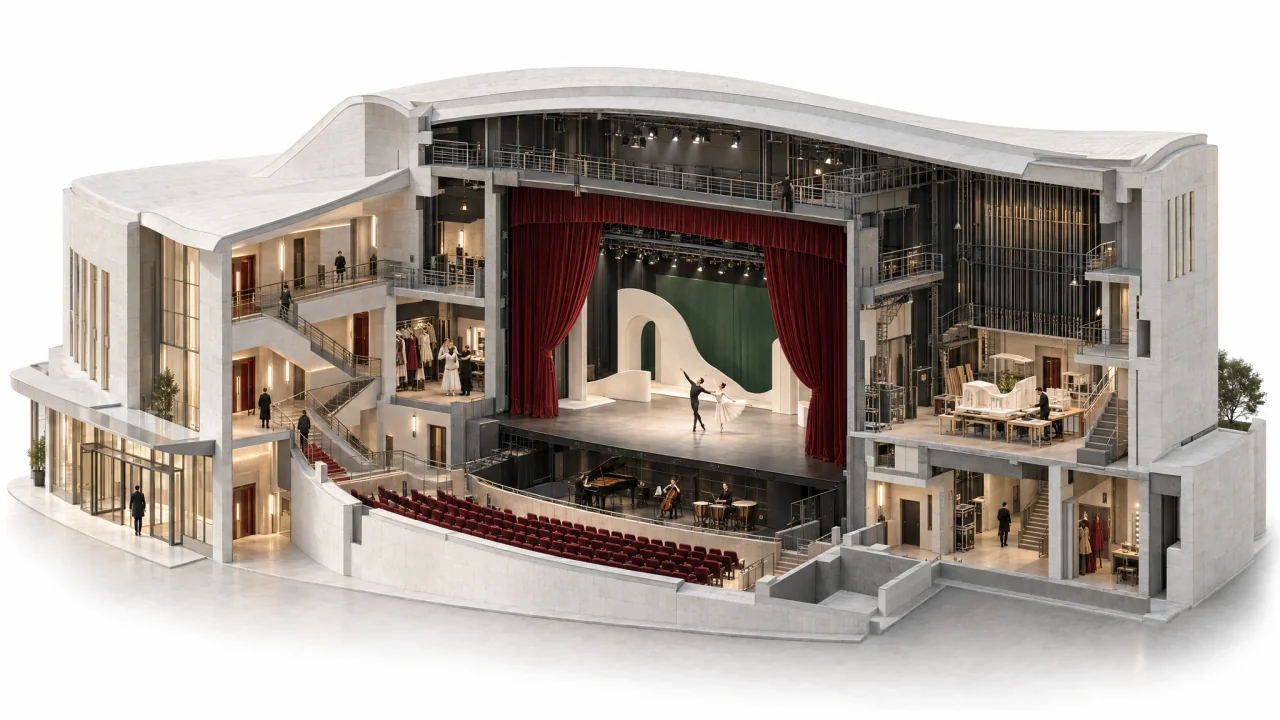
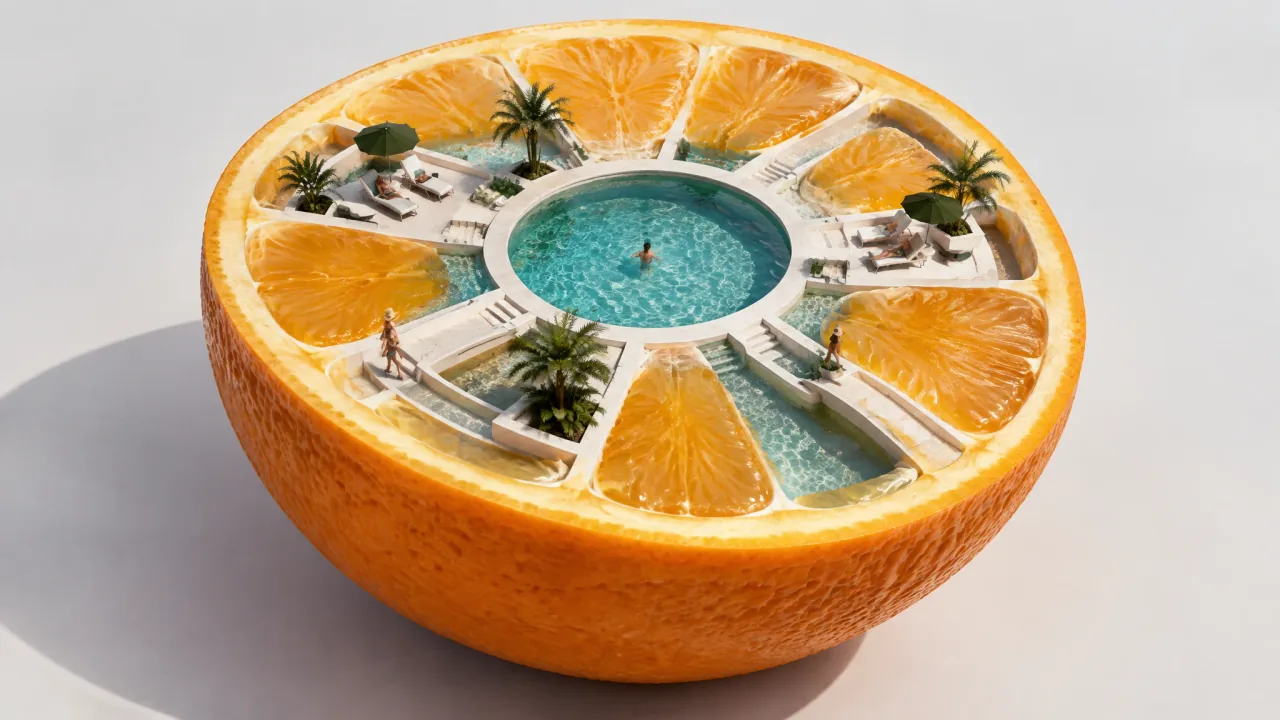
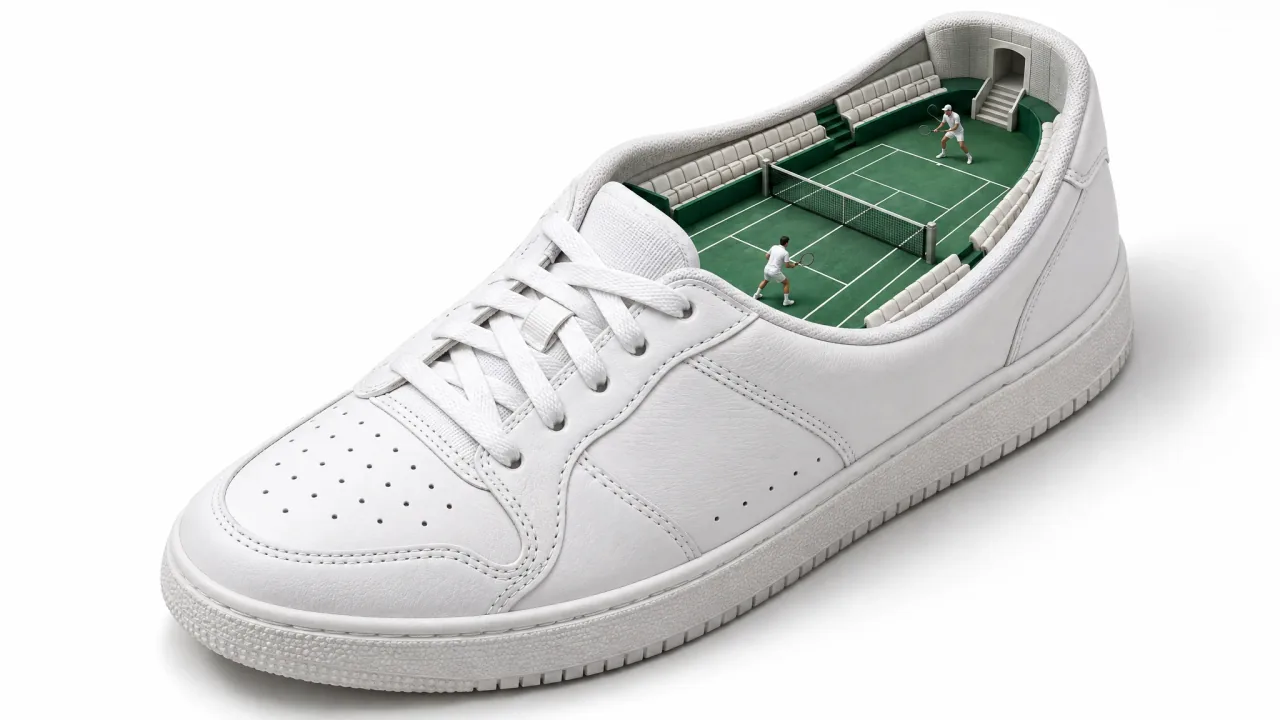
Reveal layered interiors through detailed cutaways and miniature scenes. Bring rooms, structures, and small stories together in a connected composition, with carefully arranged details that invite a closer look.
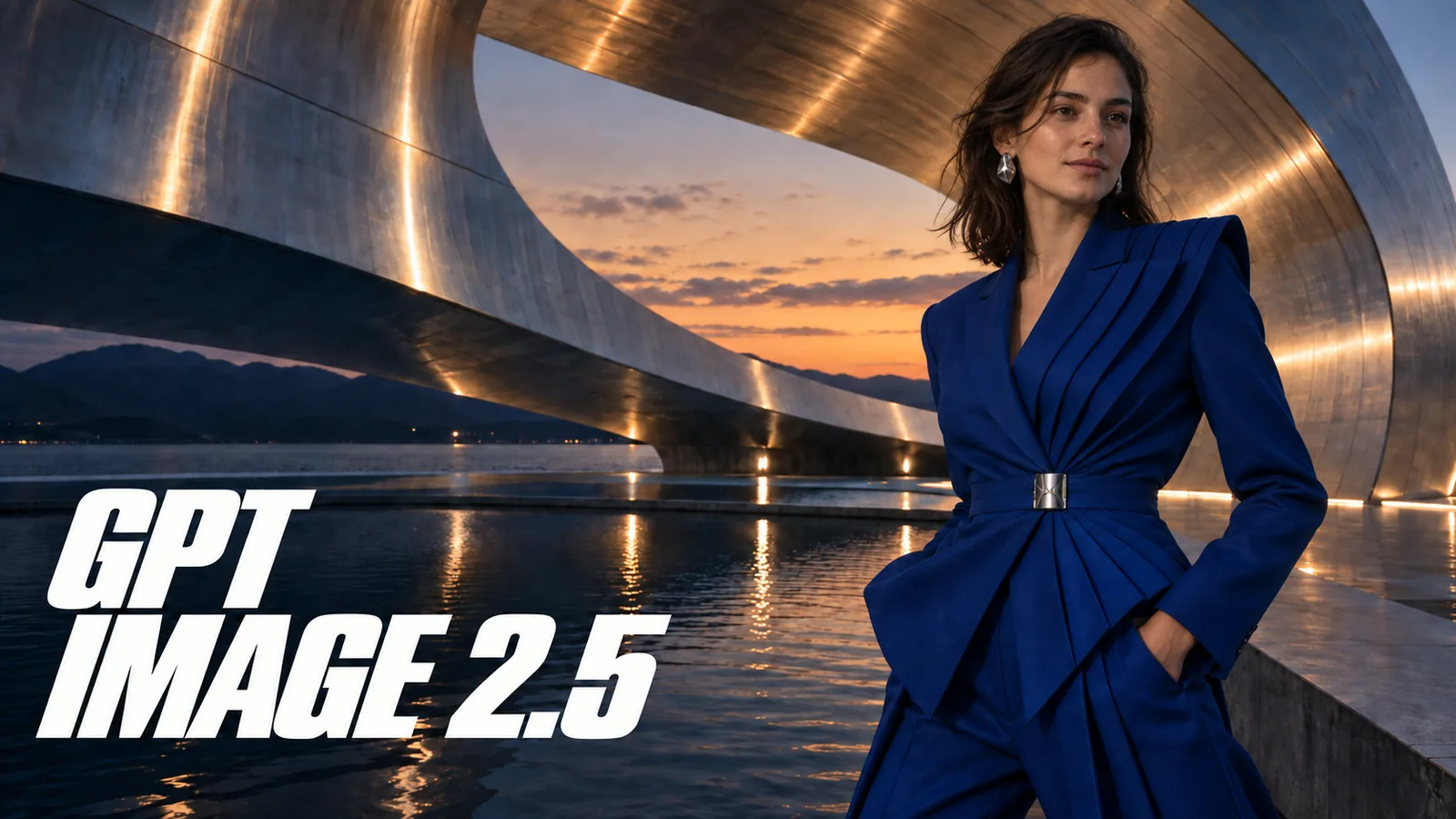
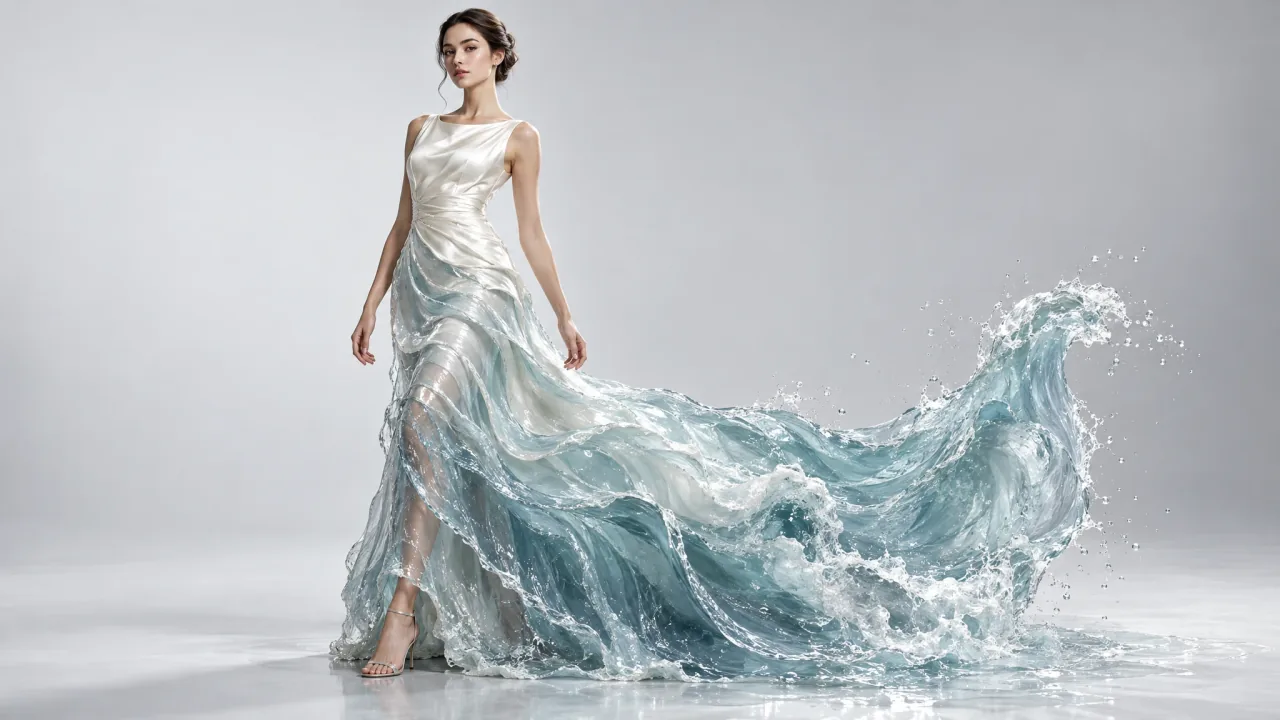
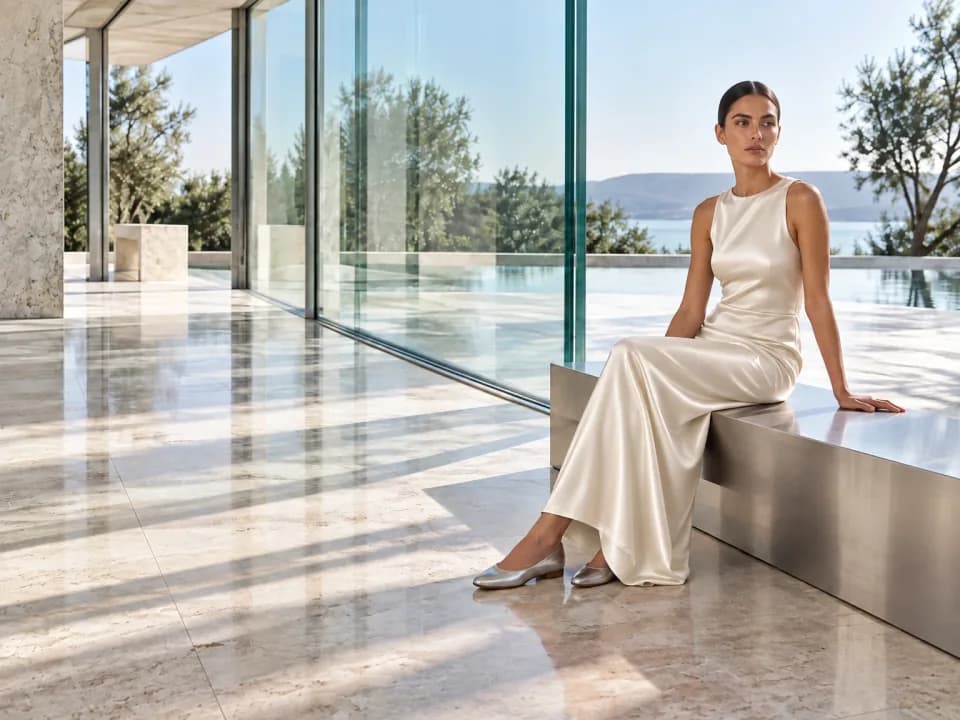
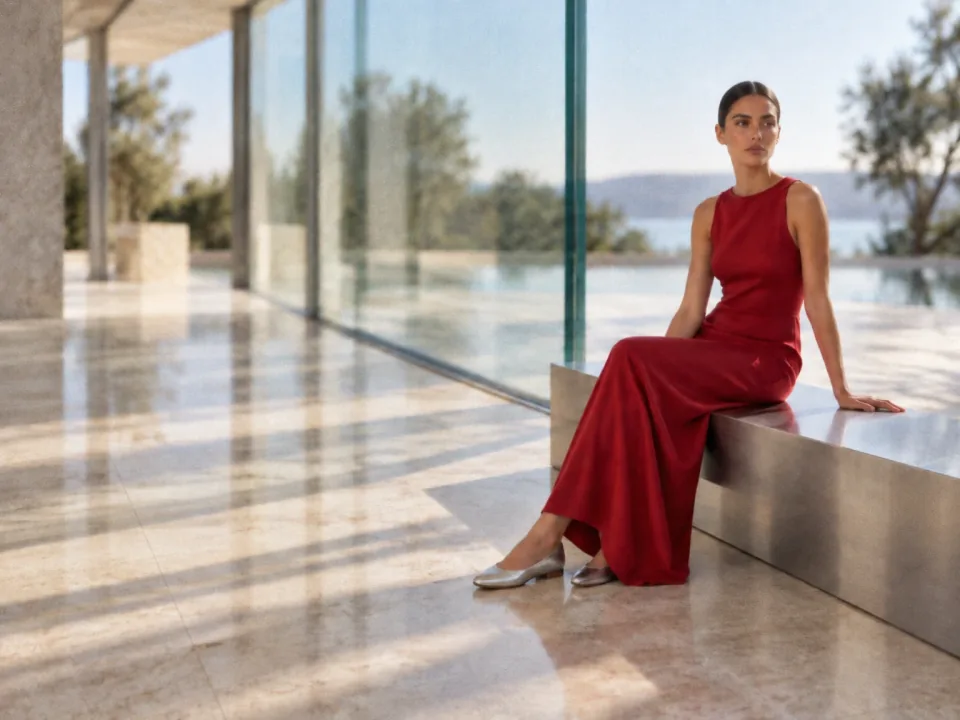
Combine fashion, architecture, and nature in unexpected ways to create distinctive visuals for creative advertising, brand campaigns, and original storytelling. Shape the composition, materials, and details around your concept to make every image express a clear idea.
Generate images with ChatGPT Image 2.5 Flare or Sunburst, then continue editing and upscaling in the Gigapixel AI workflow.
Text
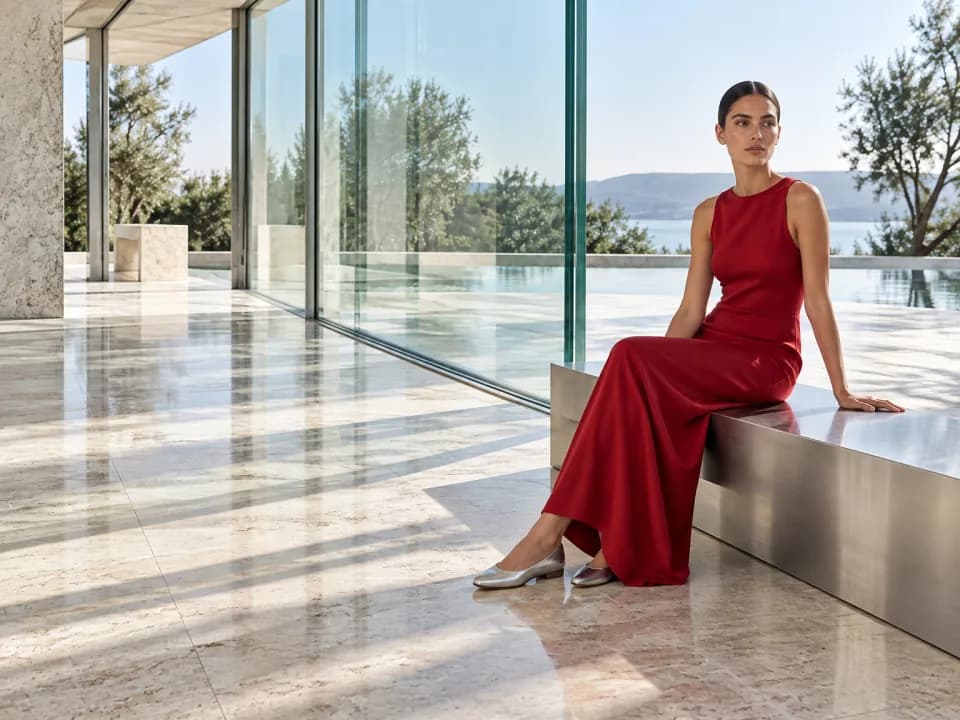
Create a fashion editorial inspired by this architecture. Add a woman in a cherry-red dress, with natural daylight, reflective materials and generous space.
Image
Image generation
ModelChatGPT Image 2.5 — Free AI Image Generator & Editor
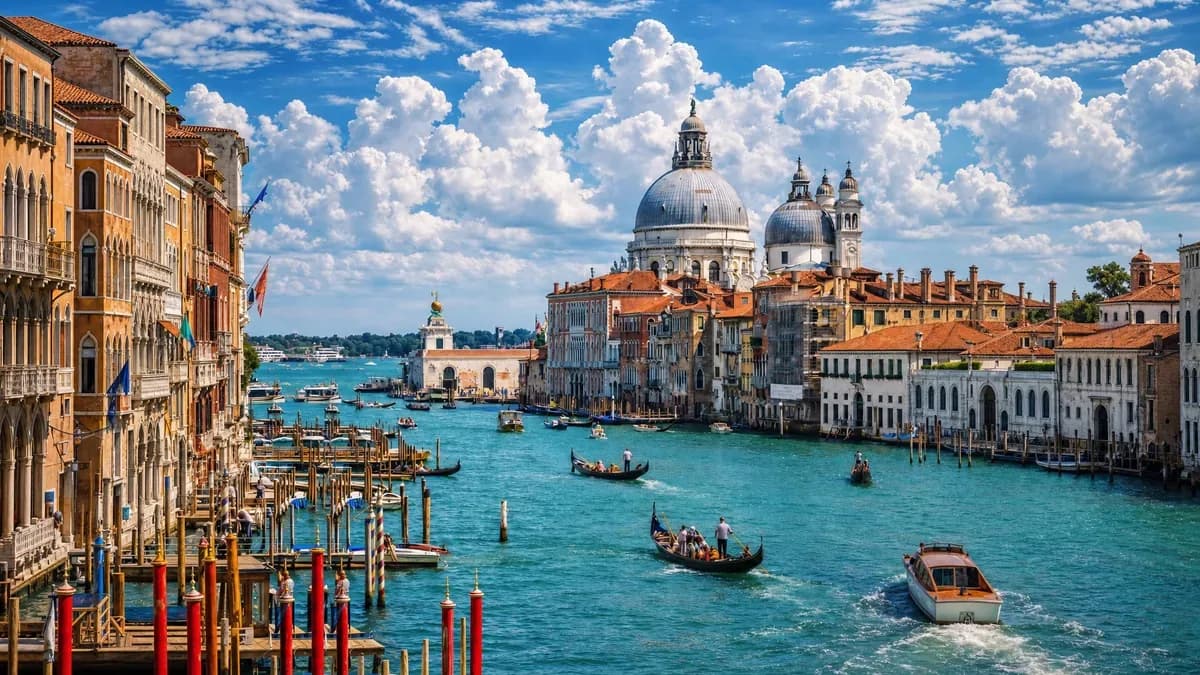
Build your brief around a subject, a setting, and a point of view. These shared gallery images offer inspiration for your next project.
A distinct campaign mood
Set the palette, materials, and atmosphere before refining the details.
Room for your story
Plan how the subject, background, and open space work together.
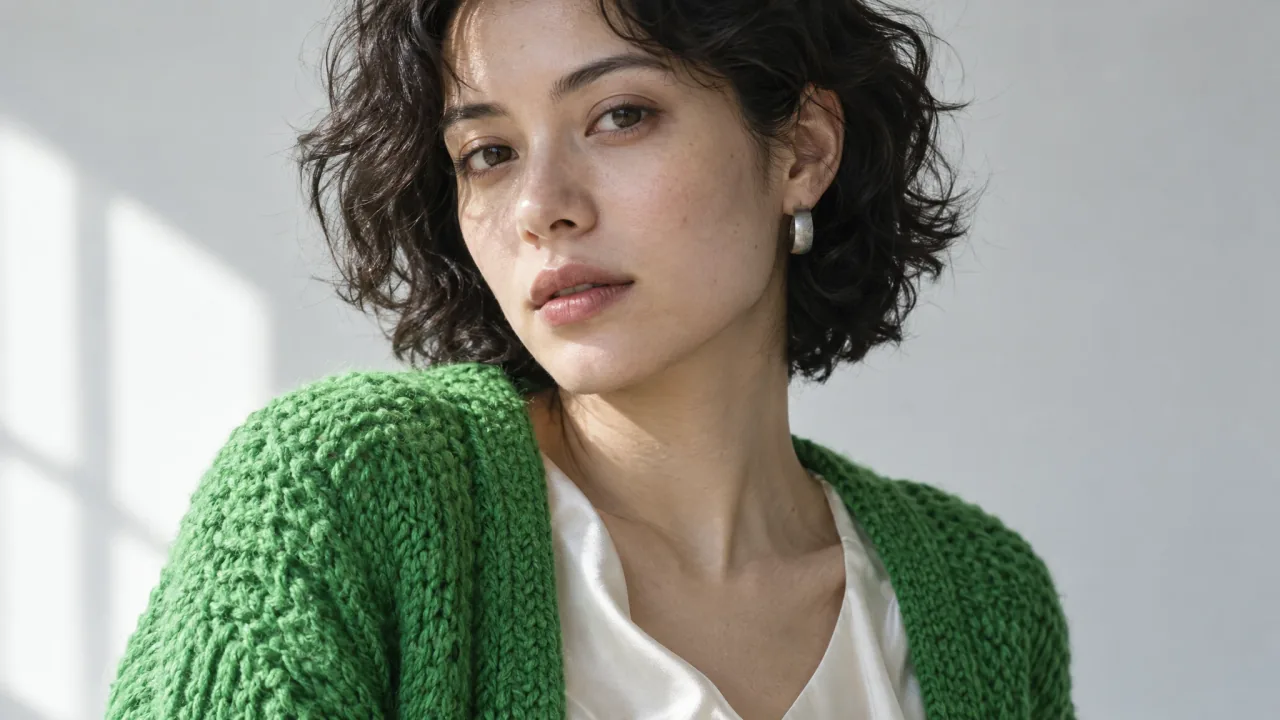
Portraits with intention
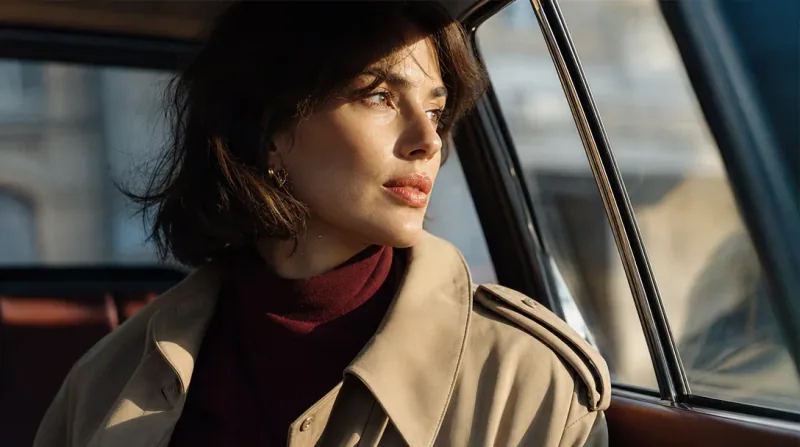
Describe the expression, styling, and setting that give a subject character.
Details that set the scene
Use surface textures, soft shadows, and color accents to shape the mood.
ChatGPT Image 2.5: Your Questions Answered
What changes in image quality, how well edits hold together, and what to expect before you create.
Use the same prompt, reference images, and comparable settings with both models. Compare textures, text, composition, and how well edits preserve the details you want to keep. Results vary by image and request.
Look closely at skin, rock, fabric, and distant foliage. Describe the material, surface roughness, and lighting you want; asking for “more detail” alone does not guarantee a natural result.
Small edits can still change nearby details or redraw the subject. Name the exact change and what must stay fixed—for example, “change only the jacket color; keep the face, pose, lighting, and background unchanged.” Check the whole result after each edit.
Keep a clear reference, make one focused change at a time, and compare faces, logos, proportions, and colors against the original. Not every detail will necessarily remain identical.
Put the exact wording in quotation marks and specify its placement and reading order. Before publishing, inspect every character, number, and line break; attractive typography is not a guarantee of correct copy.
Flare and Sunburst are both available in this workspace. They use the same inputs, resolution options, and credit prices. Switch the selected model to compare results from the same prompt and reference images.
Generation time varies with the selected model, settings, and service load. Follow progress in the workspace history; the result appears when the task finishes. A fixed completion time is not guaranteed.
Both models cost 4 credits per 1K image, 8 credits per 2K image, and 12 credits per 4K image, matching ChatGPT Image 2. Each request produces one image. The 27:16, 16:27, 9:8, and 8:9 aspect ratios support 1K only. Check the displayed cost before submitting.
Yes. Sign up on Gigapixel AI to get free credits, then select ChatGPT Image 2.5 Flare or Sunburst and enter a prompt. You can also add up to 16 reference images for editing. Each request produces one image and uses the credits shown before you generate.