
Automatic Object Detection
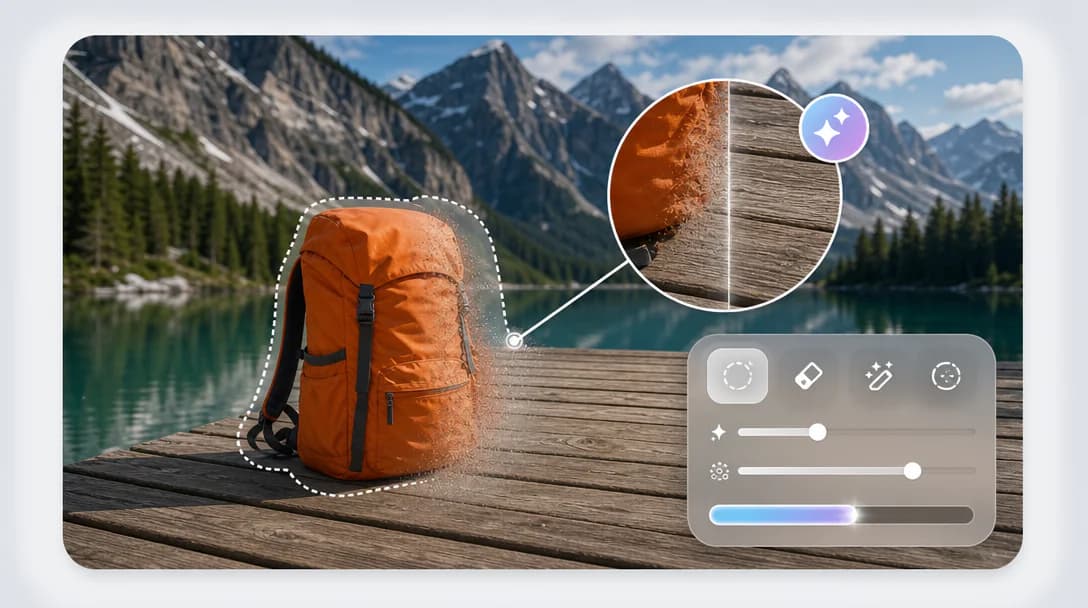
Detect unwanted objects and isolate them from the surrounding scene.
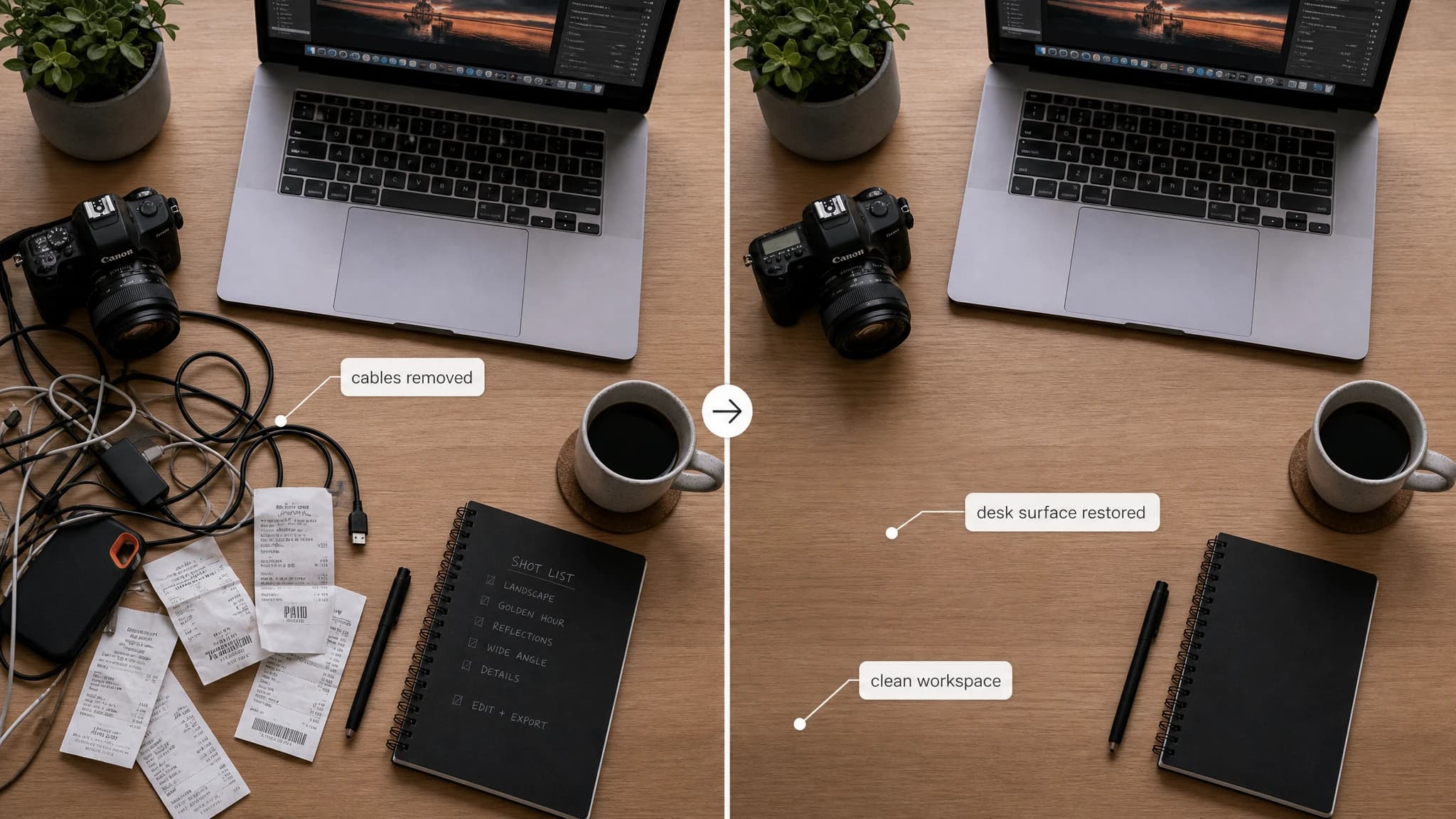
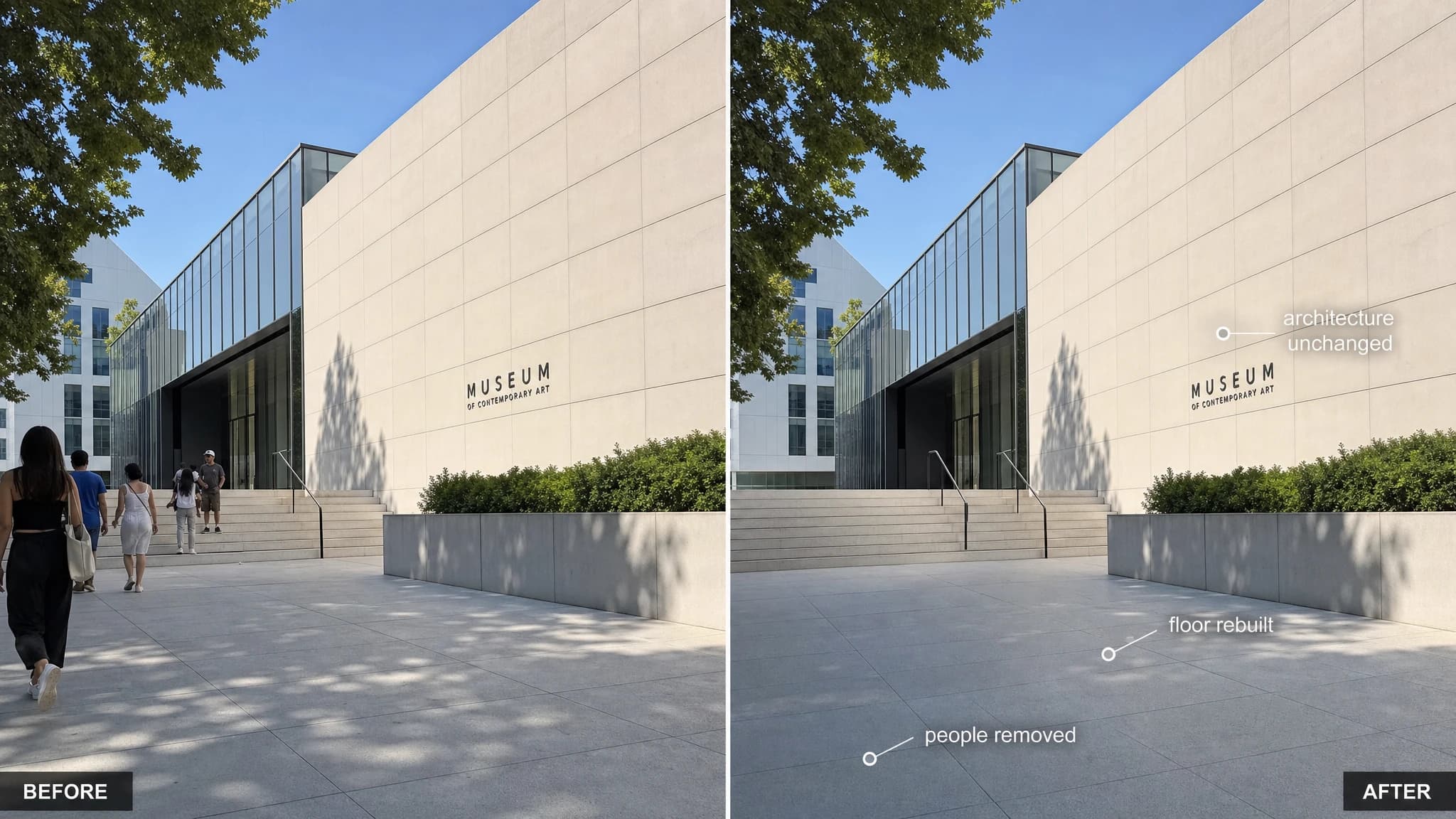
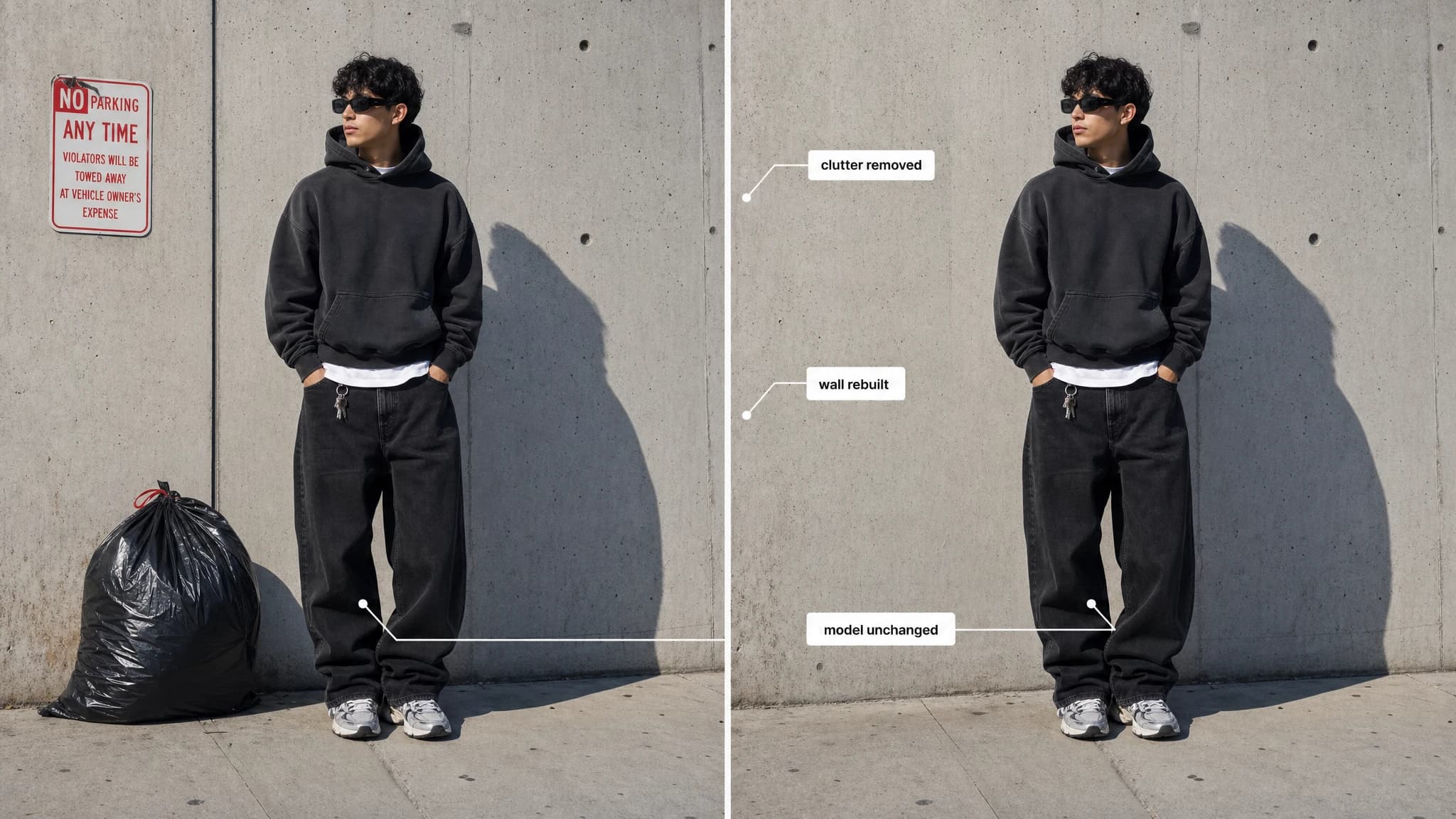
Start creating with Object Remover and adjust the settings in the workspace.
Clean images by removing what you do not need. Remove unwanted objects while keeping the scene natural and complete, without manual editing or complex tools.
Detect unwanted objects and isolate them from the surrounding scene.
Remove distractions from photos with a fast and simple workflow.
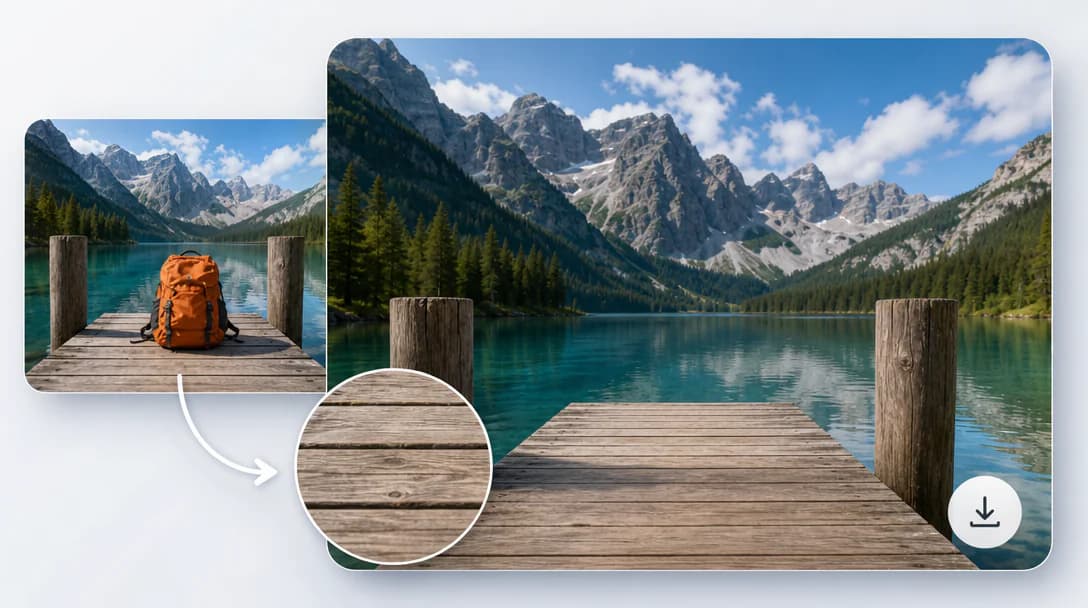
Reconstruct the removed area to blend with nearby textures and patterns.
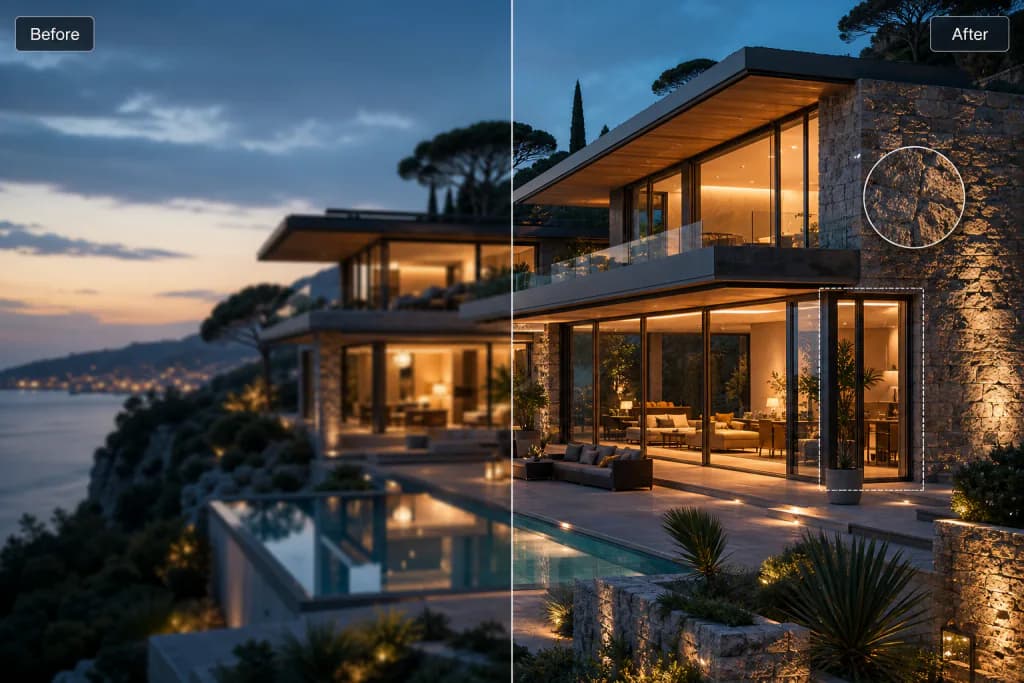
Maintain lighting, depth, and visual balance for a realistic final image.
Ideal for refining photos before reuse in content, presentations, or design layouts.
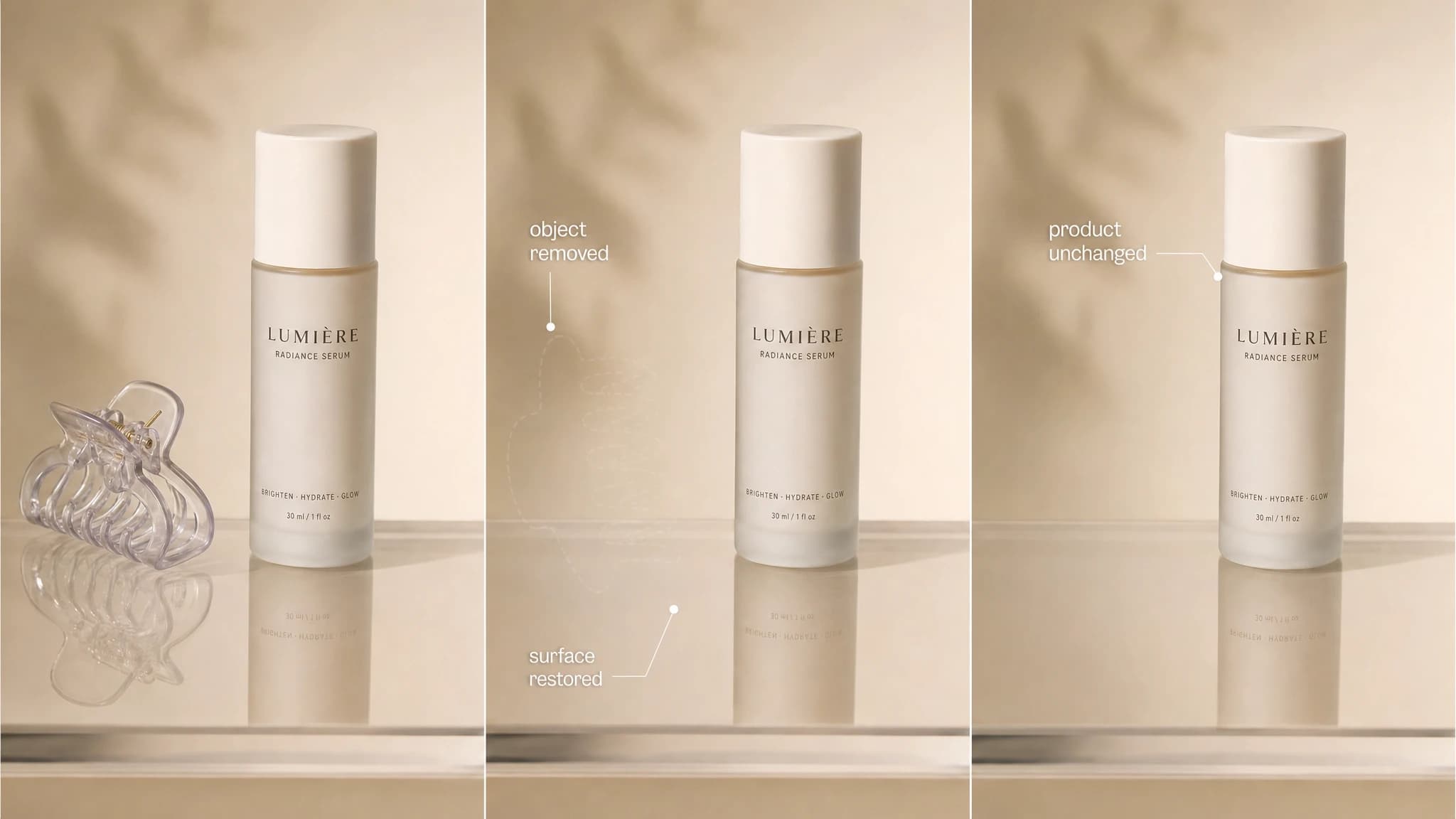
Erase unwanted people, objects, clutter, or visual distractions from photos.
Use AI to rebuild the surrounding background so the edit blends into the original scene.
Save cleaned images to your history for review, download, or further edits.
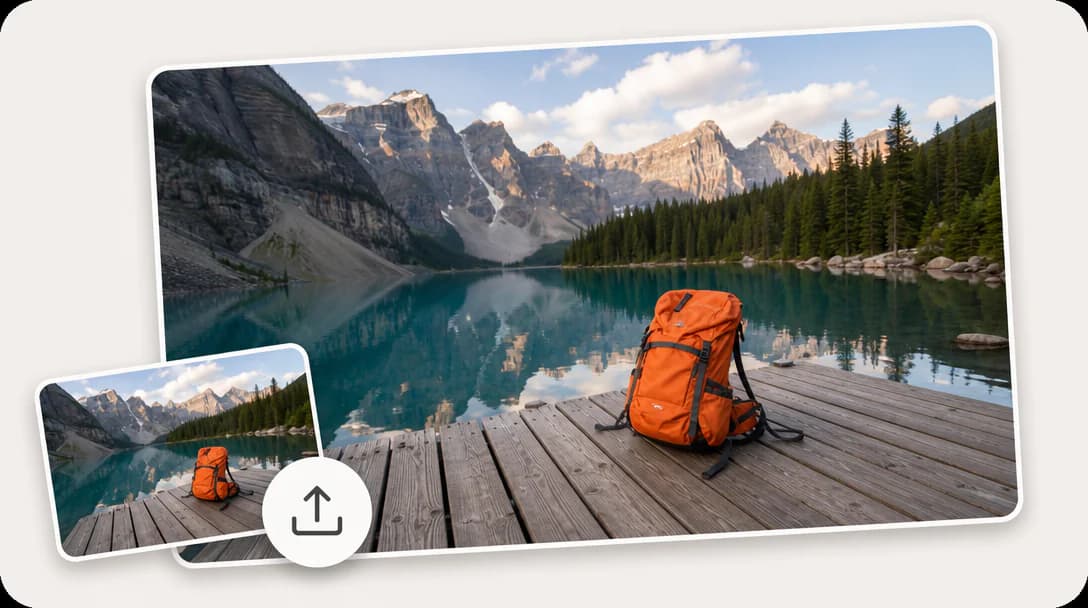
Remove objects from an image in three simple steps.
Increase resolution and detail without losing quality.

Create original visuals from text prompts with AI.

Generate polished logo concepts and brand marks with AI.
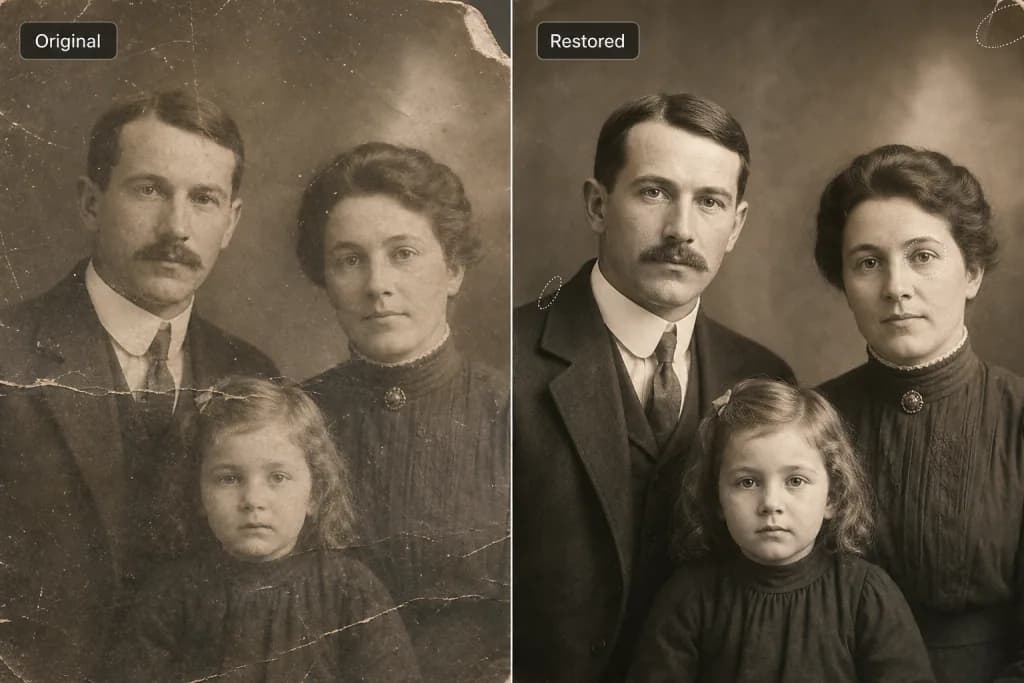
Restore old and damaged photos to new life.
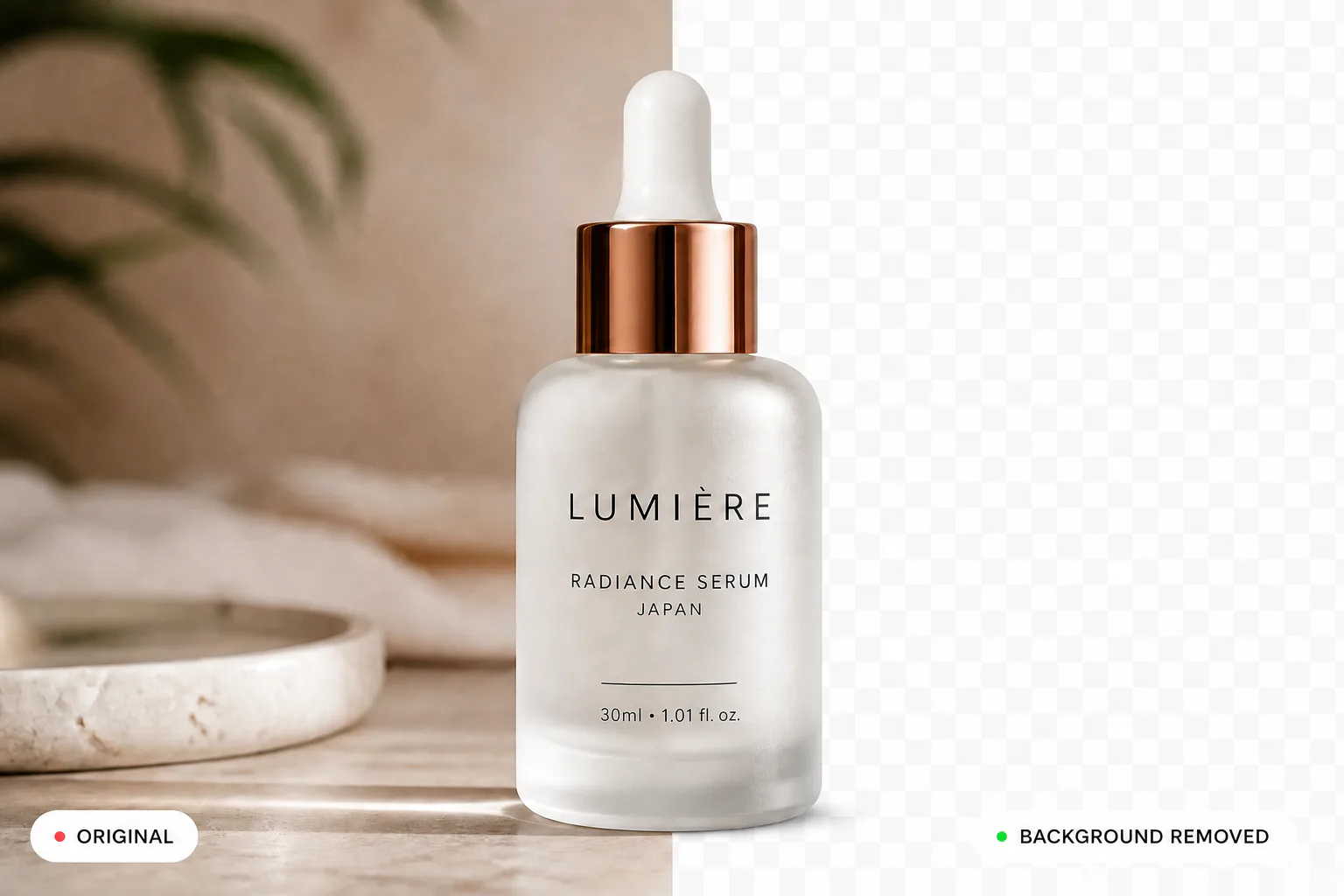
Remove backgrounds instantly and cleanly.
Learn More About Object Remover