
Create a cinematic four-shot narrative sequence with elegant, motivated cuts. Maintain the same young woman, beige trench coat, brown leather suitcase, station architecture and soft morning light throughout. Shot 1 — Establishing shot: Inside a grand European train station in the early morning, warm sunlight streams through tall glass windows and travelers move quietly across the concourse. A young woman in a beige trench coat walks into frame, carrying a small brown leather suitcase. The camera slowly tracks alongside her. Shot 2 — Clock and reaction: Cut to a composed close-up of the large station clock, then cut back to a subtle profile close-up of the woman. She calmly studies the time for a moment. Her expression remains restrained; only her gaze sharpens and her pace begins to quicken. Shot 3 — Journey to the platform: Cut to a wide rear tracking shot as she moves briskly through the station toward the platform. Her coat sways naturally and the suitcase rolls behind her. The camera follows smoothly through passing travelers, with reflections moving across the polished floor. The pace feels urgent but controlled—she does not panic or sprint. Shot 4 — Quiet resolution: Cut to a wide platform shot as she reaches the waiting train and steps safely through the open carriage door. From inside the carriage, the camera holds on her as she places the suitcase beside her, looks through the window and exhales softly. The train begins to leave the station, morning light passing gently across her face. Restrained visual storytelling, subtle performance, coherent narrative progression, precise continuity, graceful cinematic cuts, smooth camera movement, realistic human motion, shallow depth of field, soft film grain, warm natural highlights, muted elegant color palette, atmospheric station ambience, sophisticated European drama, photorealistic, anamorphic cinematic composition
Veo 3.1
Compare models and choose the one that fits your next idea.
Carry the reference imageâs color, lighting, texture, and visual mood into motion.
Use a reference image to preserve the subject or visual style as the scene moves.
01
Style Consistency
Carry the reference image’s color, lighting, texture, and visual mood into motion.
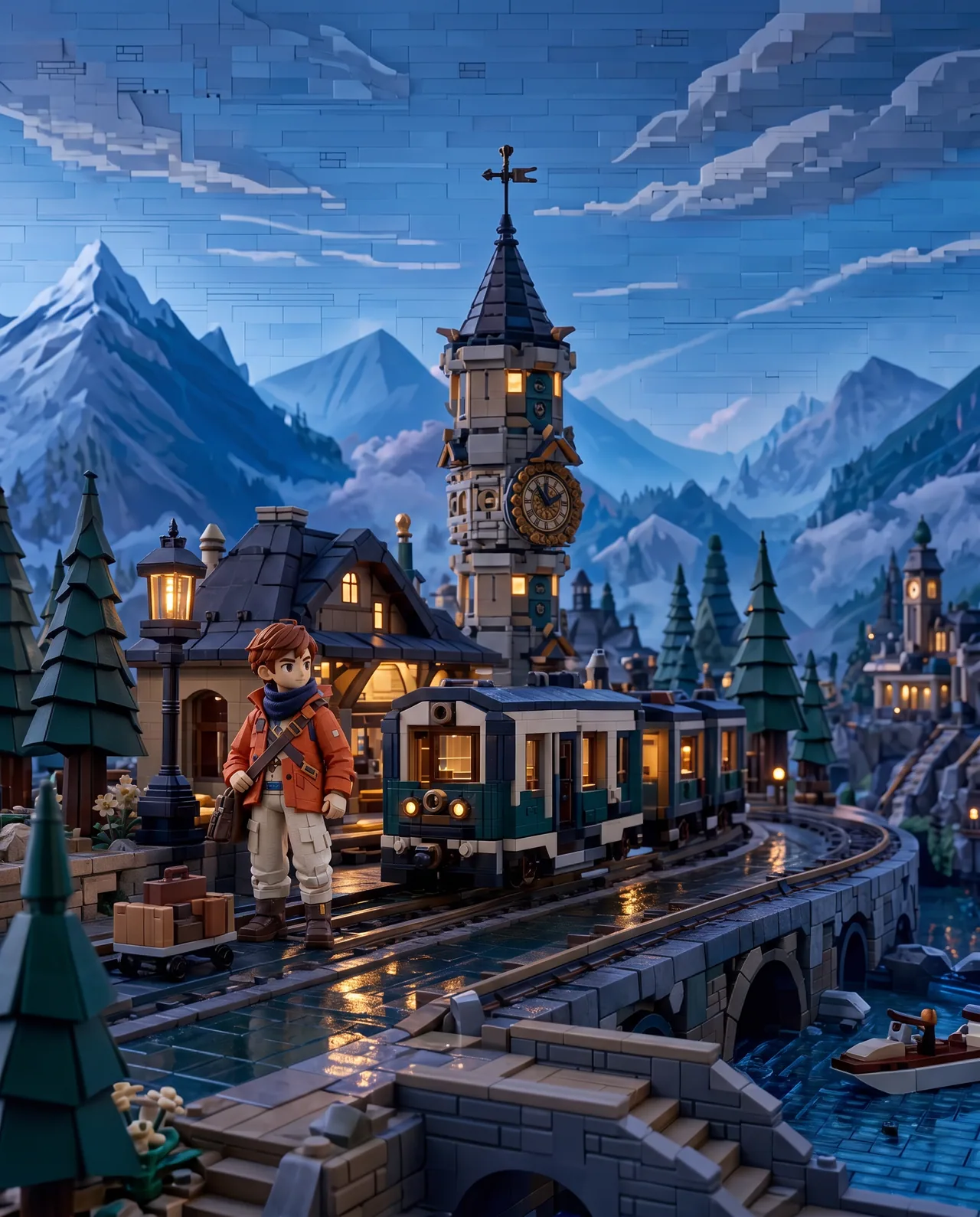
Generated video
02
Character Consistency
Keep facial features, clothing, and defining details recognizable in a new scene.
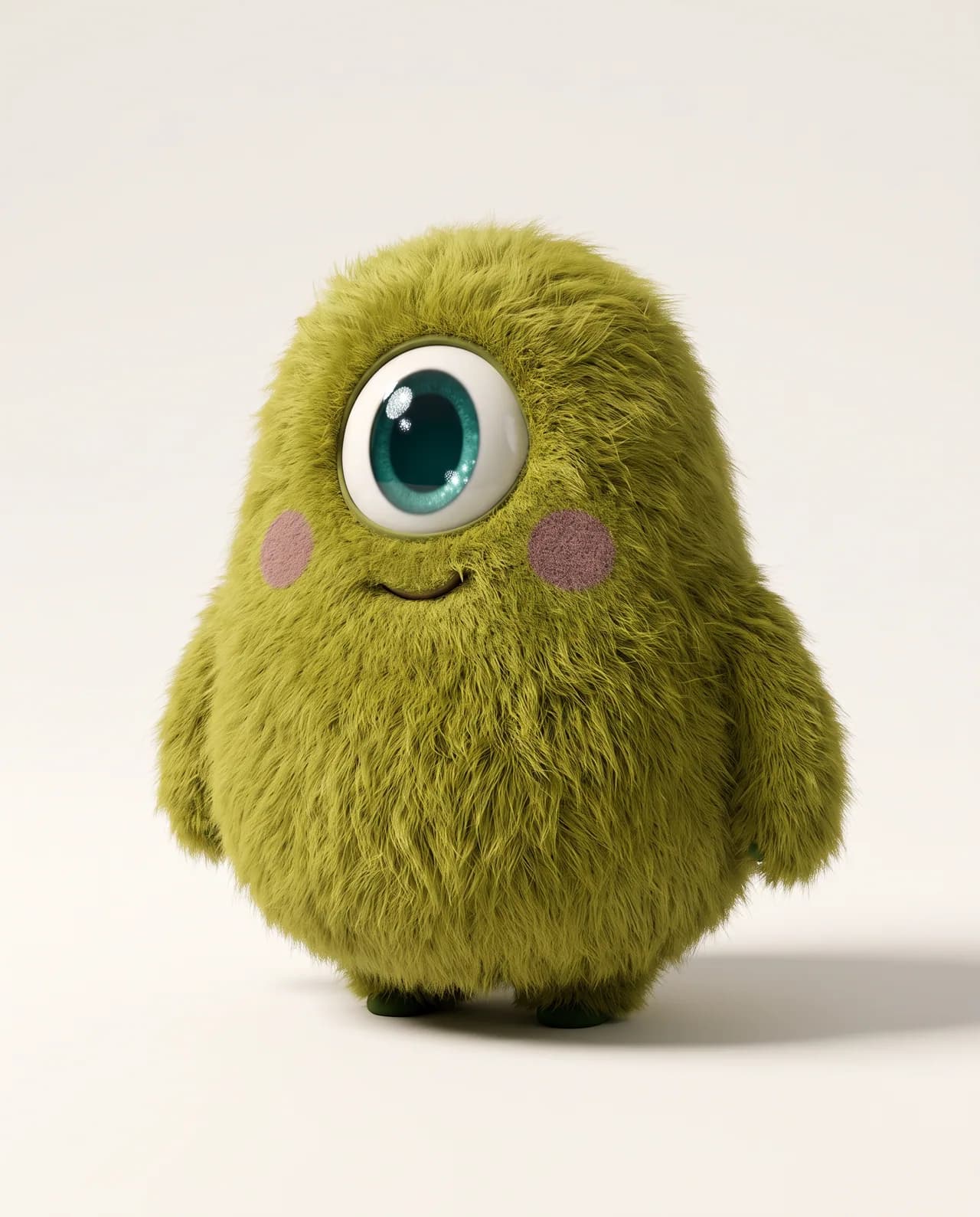
Generated video
Grok Imagine Video Brings Every Camera Move to Life
Apply different camera movements to the same subject and scene.
Two Frames. One Continuous Shot.
Upload a first frame and a last frame. The model generates a smooth, coherent transition between them.
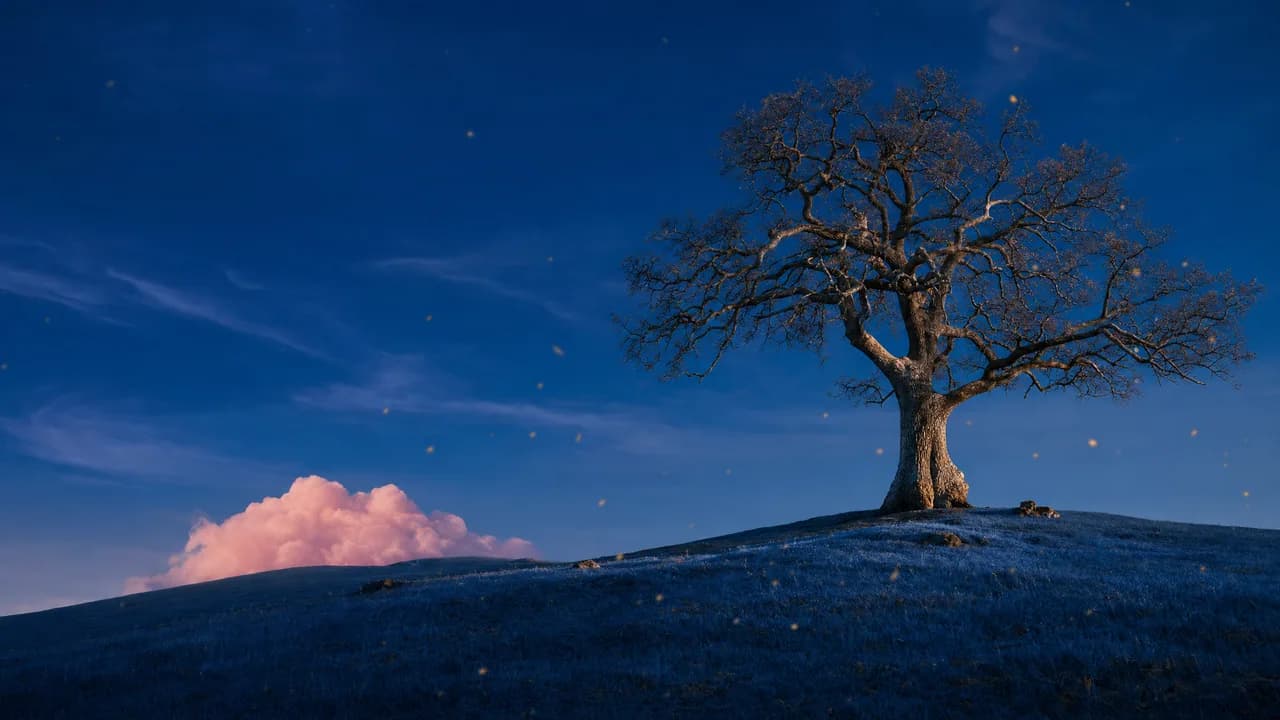

Generated video
Frequently Asked Questions
Compare Grok Imagine Video's strengths, generation modes, supported controls, and tradeoffs before you create.
Grok Imagine Video is strongest at quickly turning a written idea or one still image into a short moving clip. Its advantage is a simple workflow with flexible 1â15 second duration, making it useful for rapid animation, social content, and early motion concepts.
Use it for bringing portraits, illustrations, product shots, memes, thumbnails, environments, and concept frames to life. It is a strong choice when one source image already contains the subject and composition, and the main creative decision is how the scene should move.
Choose Text to Video to build a clip from a written scene, or Image to Video to animate exactly one starting image. This model does not support a separate multi-reference or first-and-last-frame mode in the current Gigapixel AI workspace.
The workspace supports any duration from 1 to 15 seconds, 480p or 720p output, and 16:9, 9:16, or 1:1 framing. This makes it easy to match a clip to landscape, vertical social, or square placements without changing models.
For image-to-video, describe motion rather than repeating the still image: subject movement, environmental motion, camera path, speed, and sound. Keep the movement compatible with the starting pose and framing. For text-to-video, define one clear action and one camera idea before adding style details.
Choose Seedance 2.0 when the scene depends on several references, Kling 3.0 when you need first-and-last-frame control, or Veo 3.1 when 1080p/4K output and a quality-led cinematic workflow are more important than quick single-image animation.