
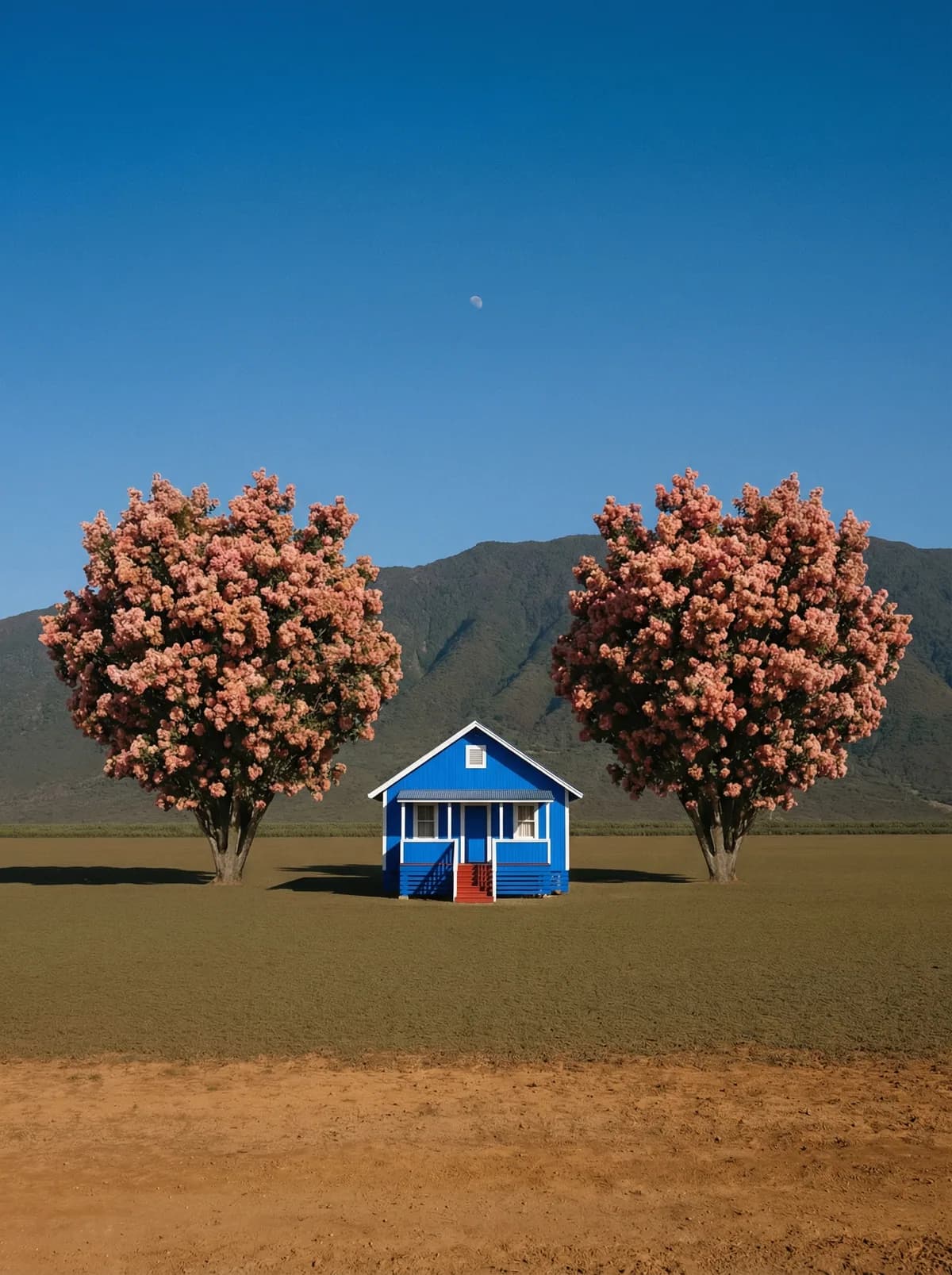
Creative direction
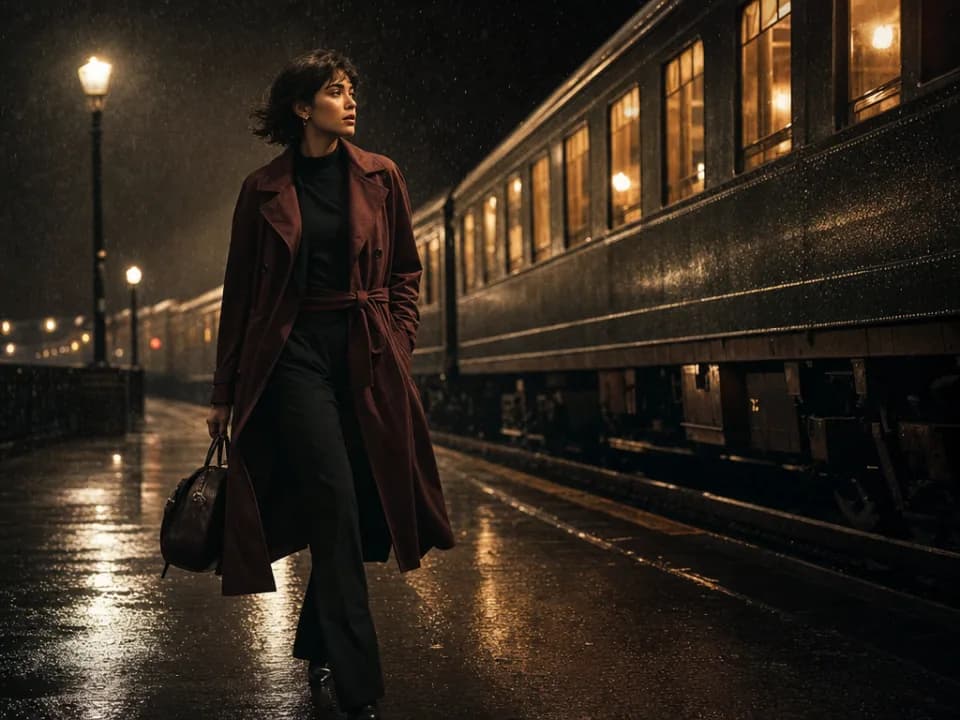
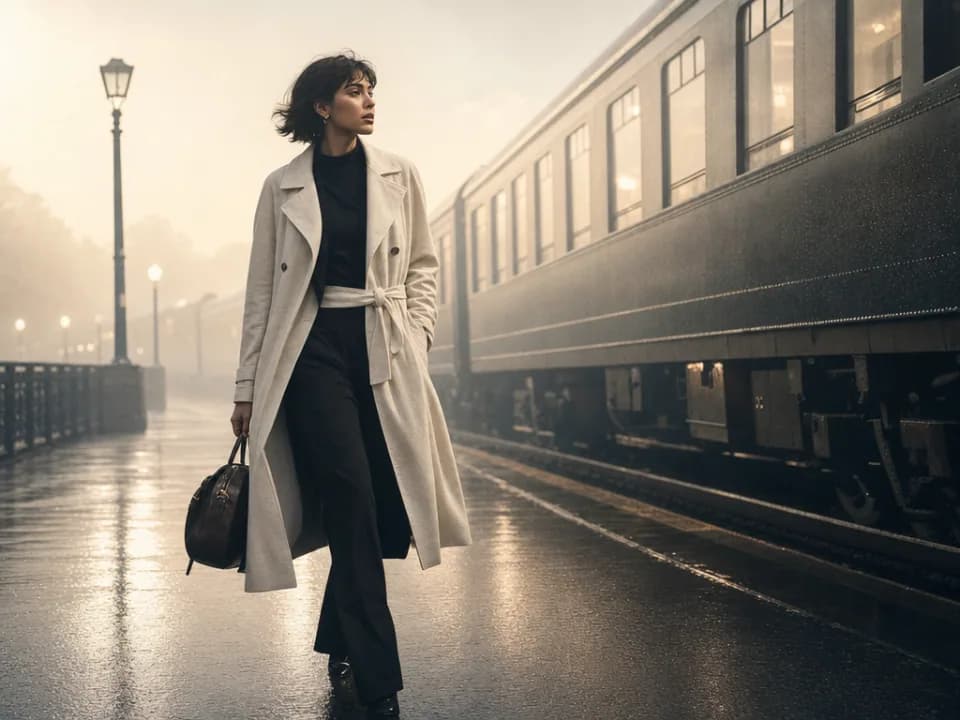
Rich detail with a polished editorial finish.
Create high-quality images with Nano Banana Pro. Add reference images when the model supports them.
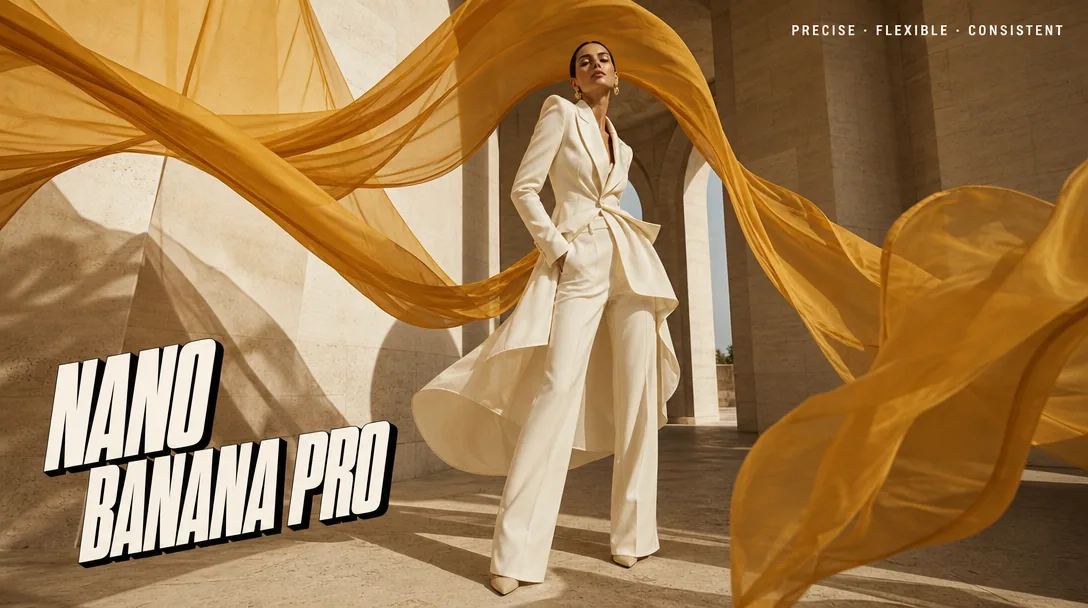
Compare models and choose the one that fits your next idea.
Featured creations
Explore images created with different prompts, styles, subjects, and compositions.
Rich detail with a polished editorial finish.
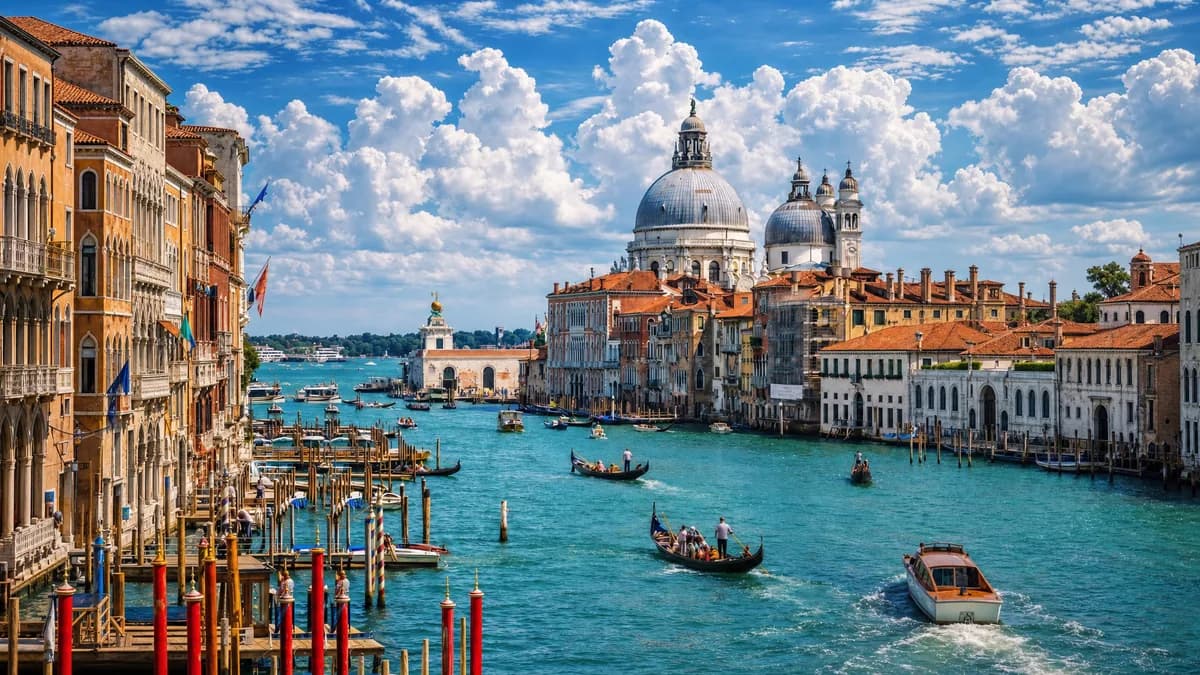
Balanced light, depth, and spatial structure.

Clear subjects with expressive, consistent features.
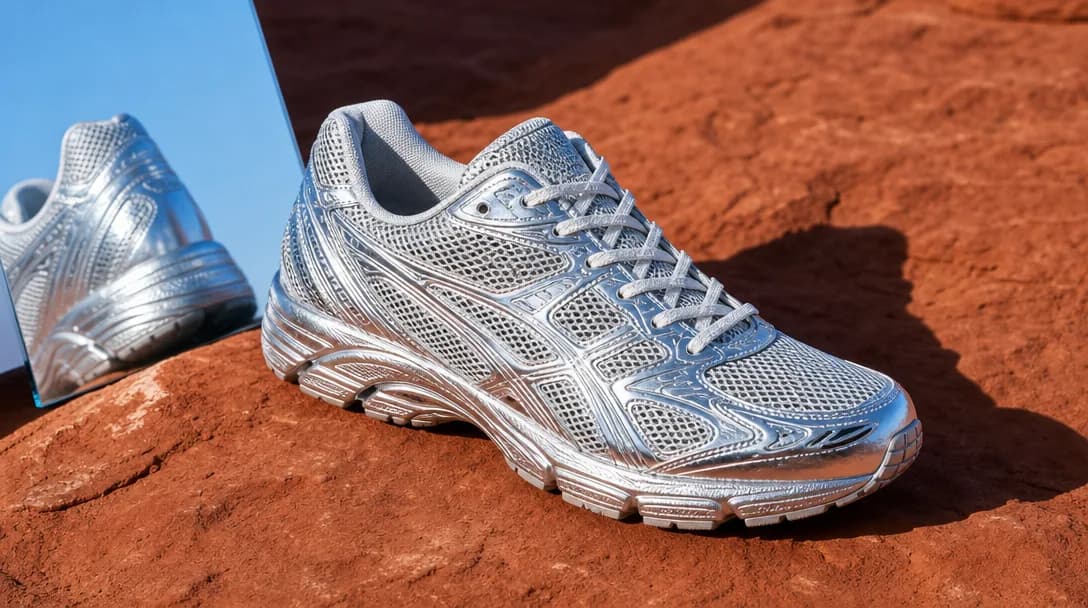
Natural textures and clean high-resolution output.
Model capabilities
Control the composition, keep references consistent, adjust the lighting, and edit specific details.
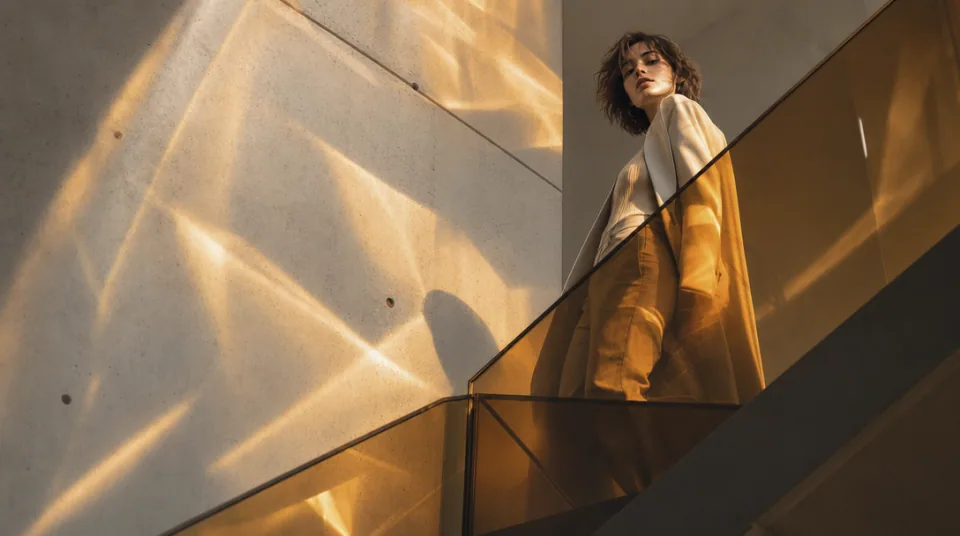
01 / COMPOSITION
Choose the framing, camera angle, perspective, and depth to create the scene you want.
See the workflow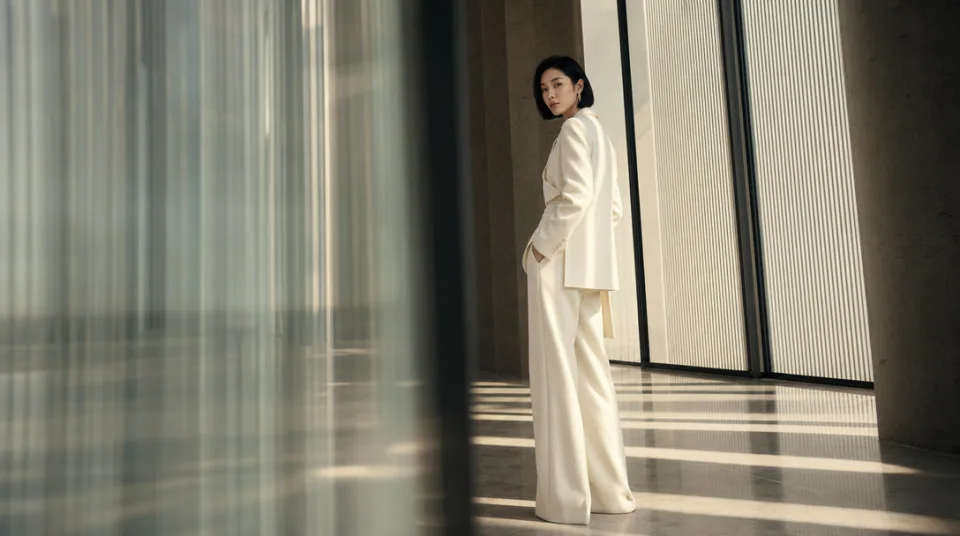
02 / CONSISTENCY
Use reference images to maintain the same character, product, clothing, or visual style across new images.
See the workflow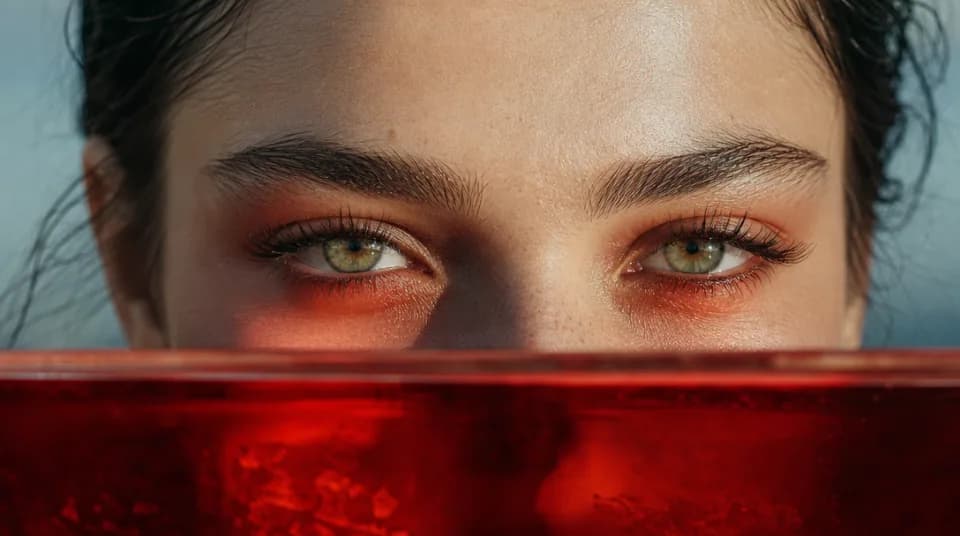
03 / LIGHTING
Adjust the light direction, contrast, color, and time of day to create different moods.
See the workflowOne workspace
Create an image from text and references, edit the result, and upscale it without switching tools.
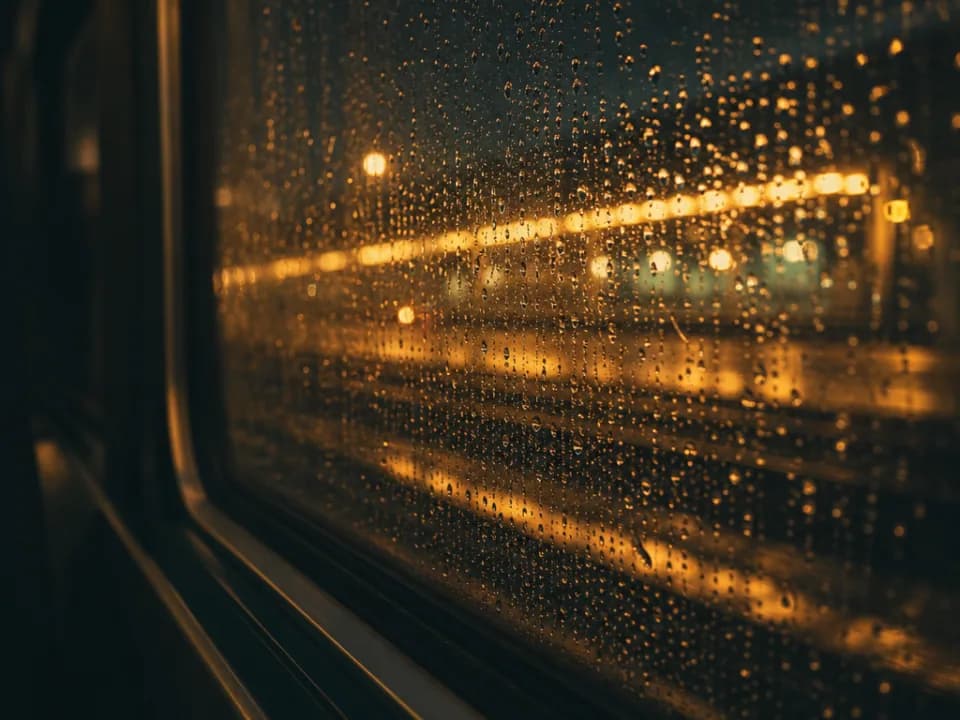
Compare Nano Banana Pro's strengths, ideal use cases, supported controls, and tradeoffs before you generate.
Nano Banana Pro is the quality-first option in the Nano Banana family. It is strongest at complex compositions, high-fidelity subjects, legible text, branded visual systems, and controlled changes to camera, lighting, color, and local details.
Use it for polished advertising, product scenes, infographics, storyboards, packaging concepts, branded social campaigns, and any final asset where several people or objects must feel coherent in one frame. It is particularly useful when text and visual hierarchy both matter.
The Gigapixel AI workspace supports up to 8 reference images, 1K, 2K, and 4K output, PNG or JPG export, and aspect ratios from portrait and square through landscape and 21:9. Use the references for identity, product, style, layout, or lighting direction.
Choose Pro when quality, detailed reasoning, and complex visual organization take priority. Nano Banana 2 is better for faster iteration and larger reference sets, while the original Nano Banana is a lighter choice for straightforward natural-language edits.
Write the brief like a production note: define the message, subject hierarchy, exact copy, composition, camera, lighting, palette, and output placement. Assign a clear role to every reference and explicitly list what must remain unchanged. For text-heavy work, keep the copy exact and quoted.
Choose Nano Banana 2 for high-volume exploration, Flux 2 Flex for designs dominated by typography and tiny details, or Midjourney when the goal is to discover an expressive visual style rather than follow a tightly specified production brief.