
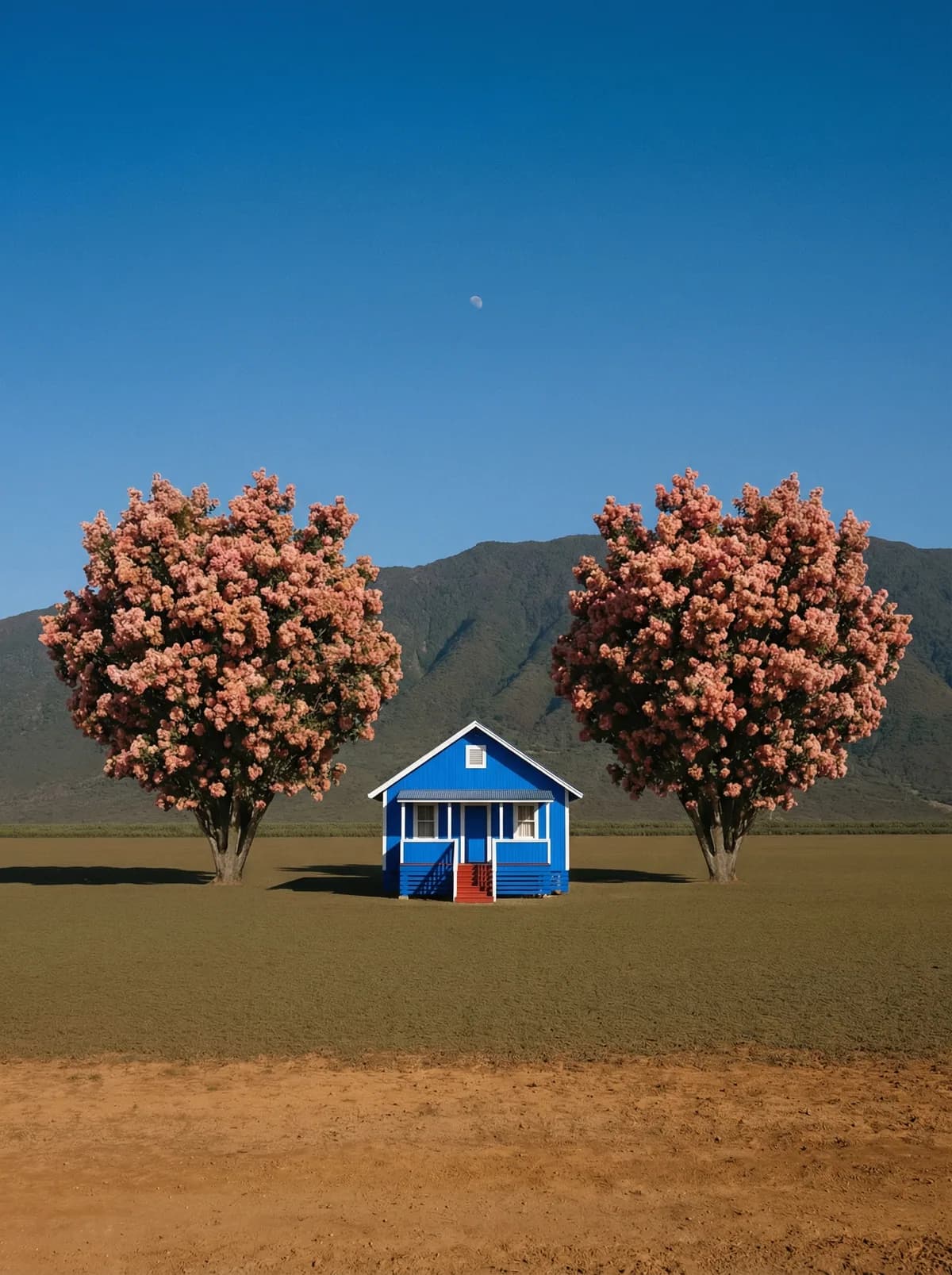
Creative direction
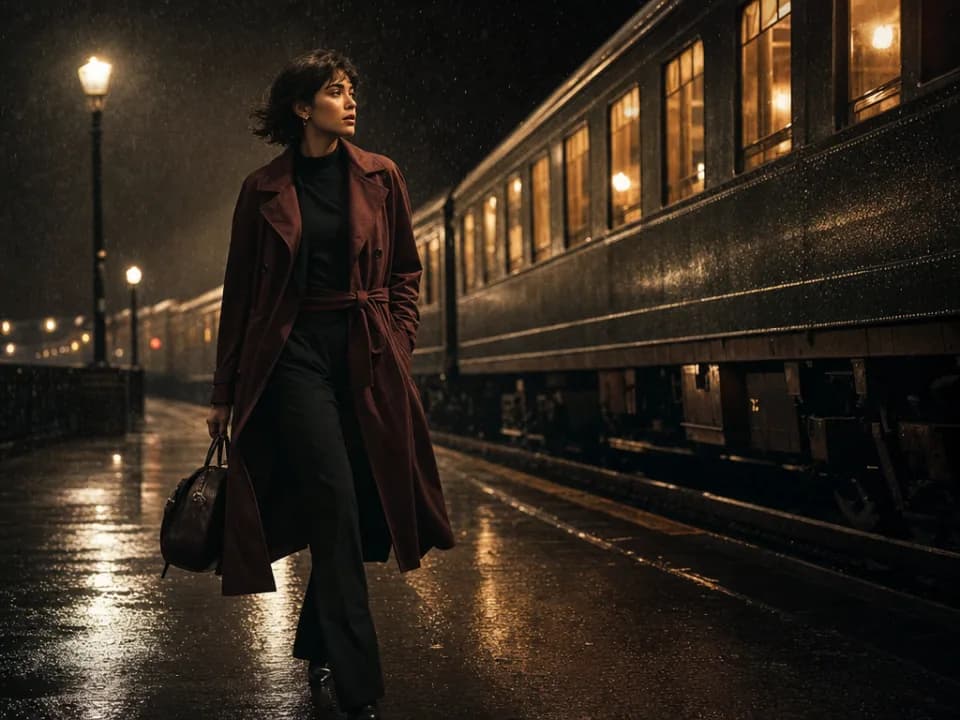
Rich detail with a polished editorial finish.
Create high-quality images with Flux 2 Pro. Add reference images when the model supports them.
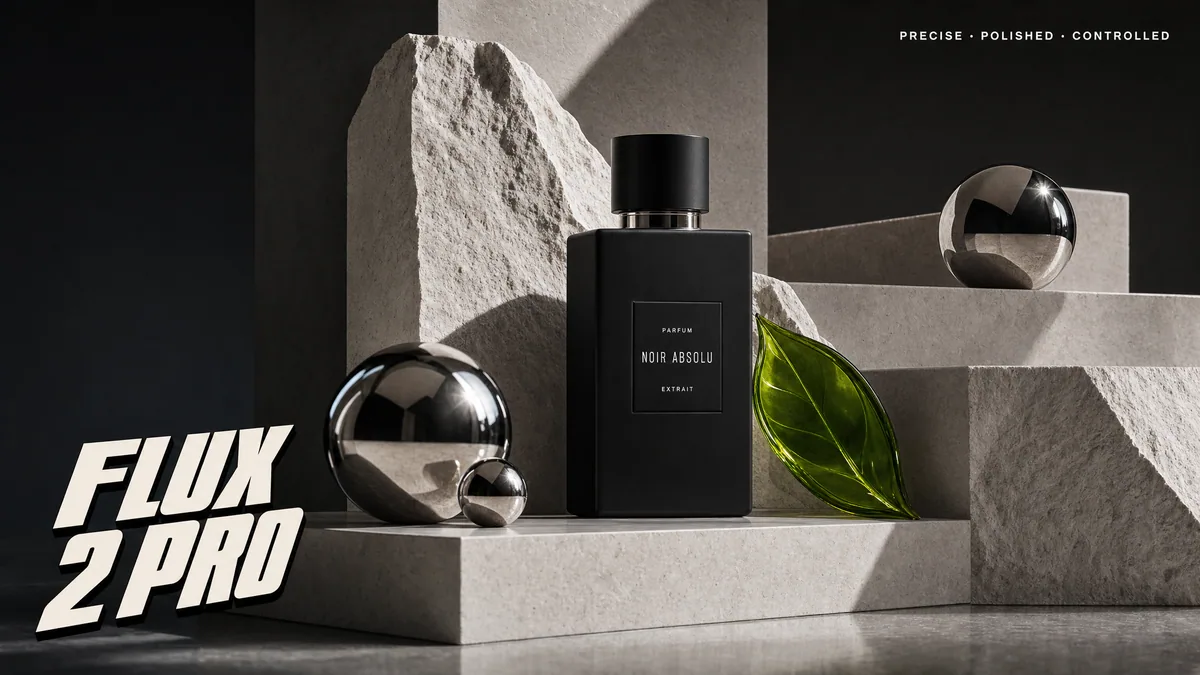
Compare models and choose the one that fits your next idea.
Featured creations
Explore images created with different prompts, styles, subjects, and compositions.
Rich detail with a polished editorial finish.
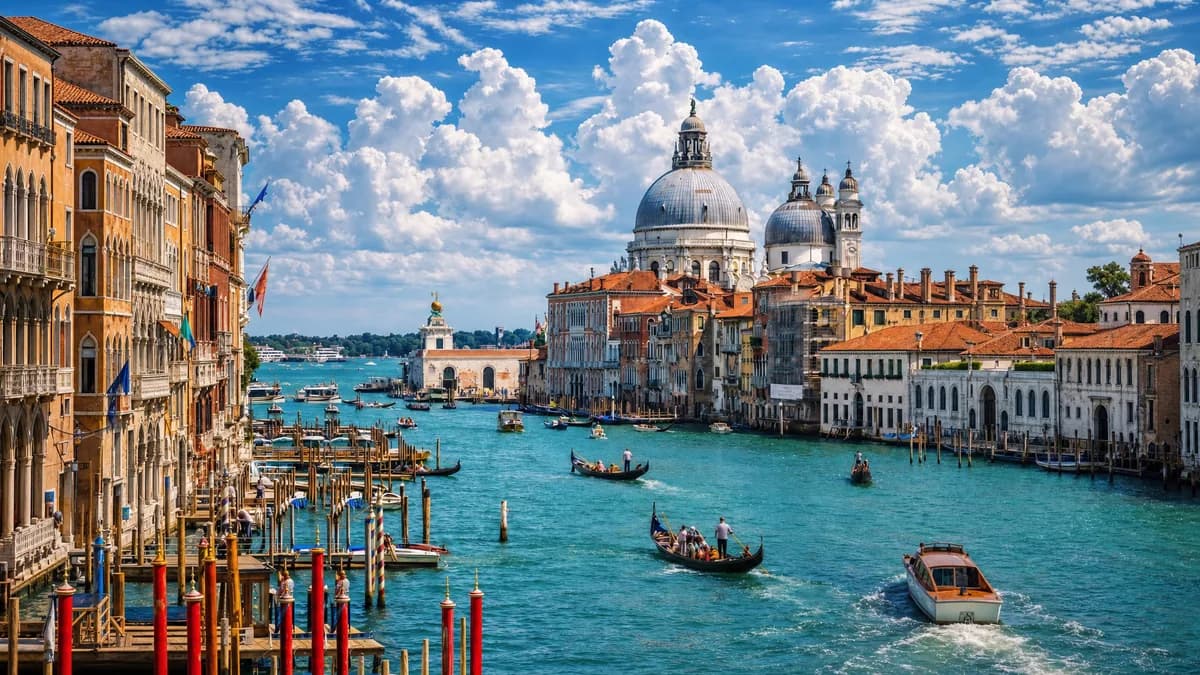
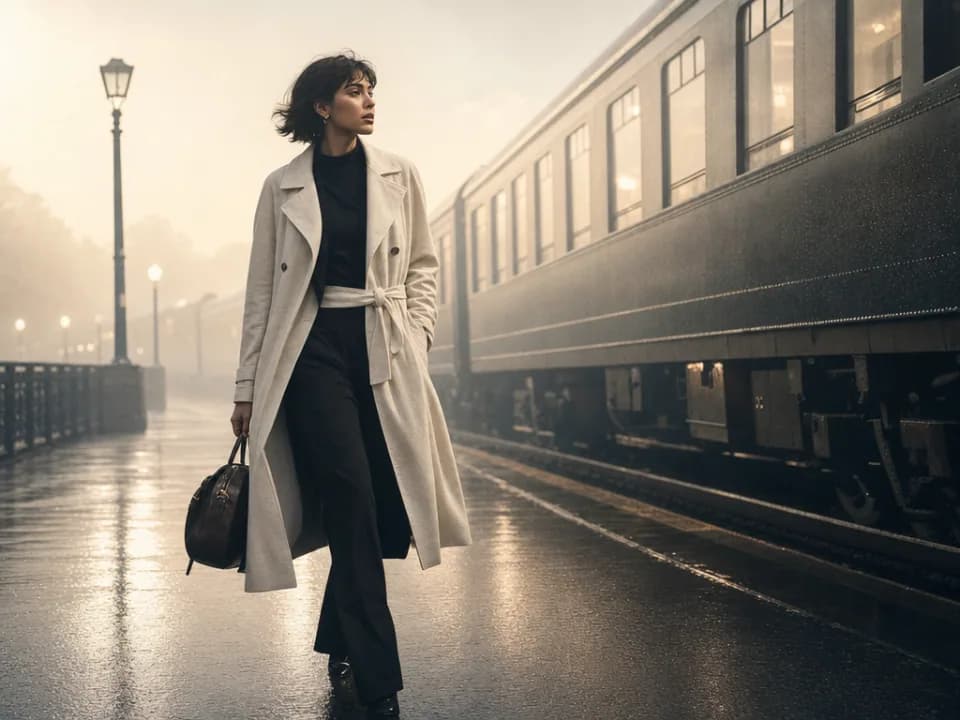
Balanced light, depth, and spatial structure.

Clear subjects with expressive, consistent features.
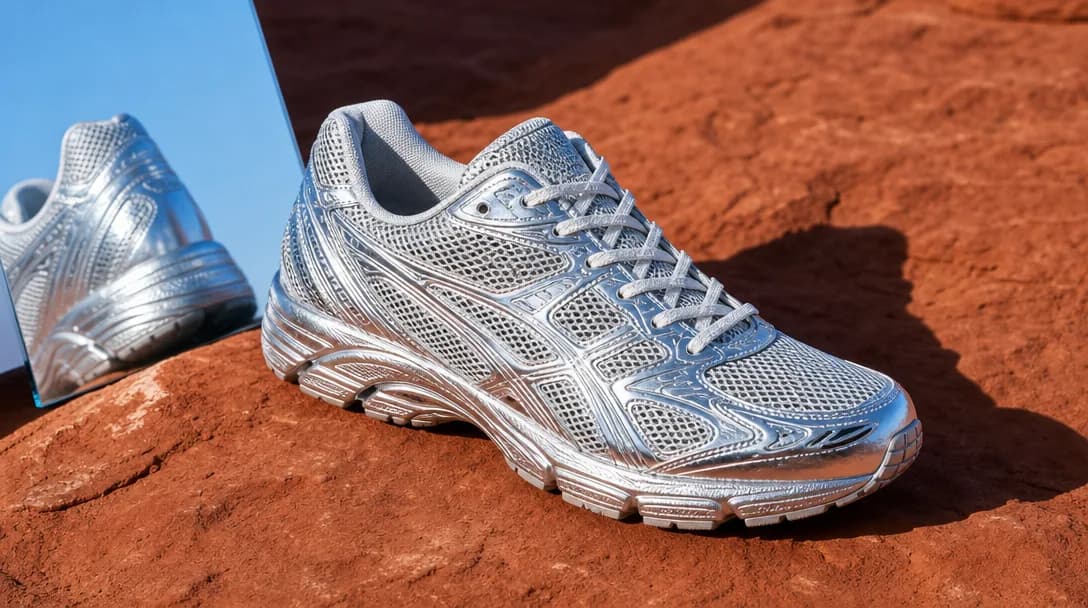
Natural textures and clean high-resolution output.
Model capabilities
Control the composition, keep references consistent, adjust the lighting, and edit specific details.
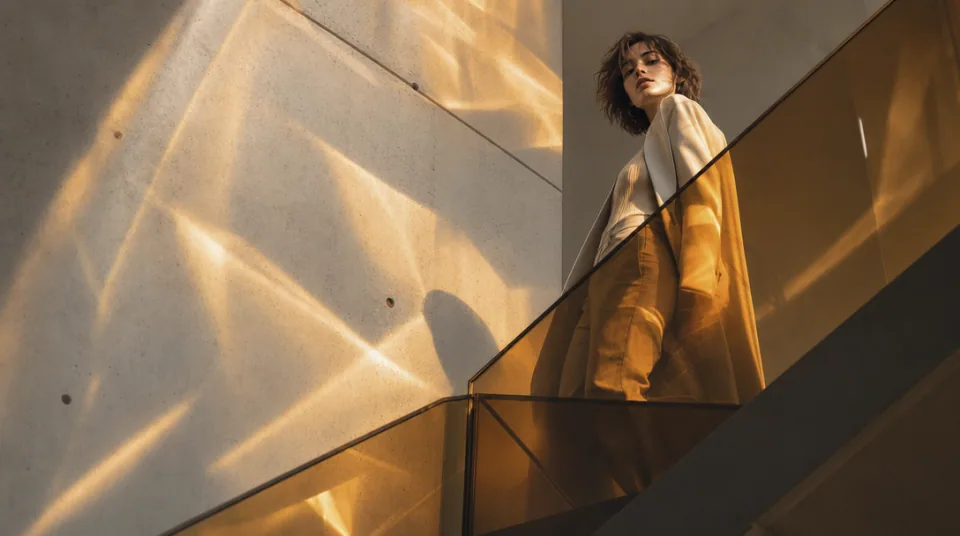
01 / COMPOSITION
Choose the framing, camera angle, perspective, and depth to create the scene you want.
See the workflow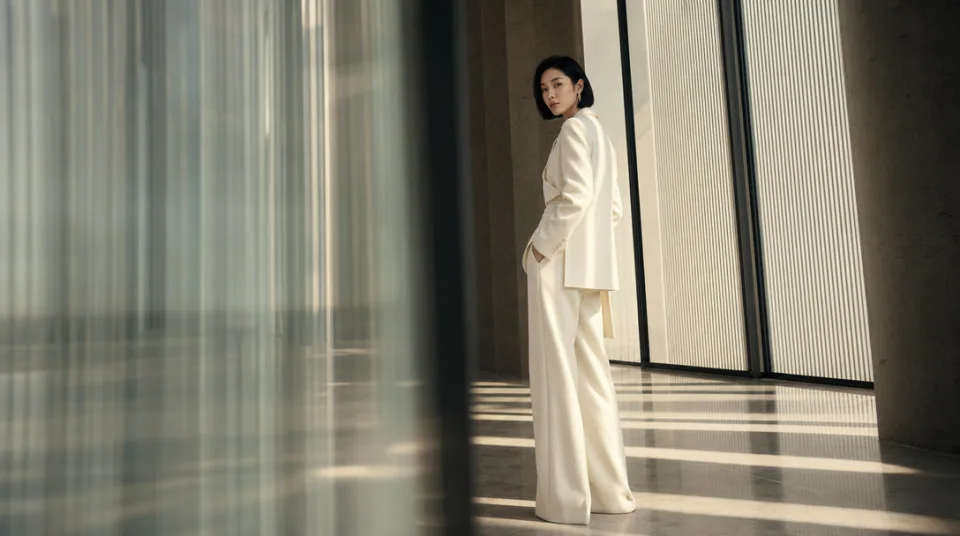
02 / CONSISTENCY
Use reference images to maintain the same character, product, clothing, or visual style across new images.
See the workflow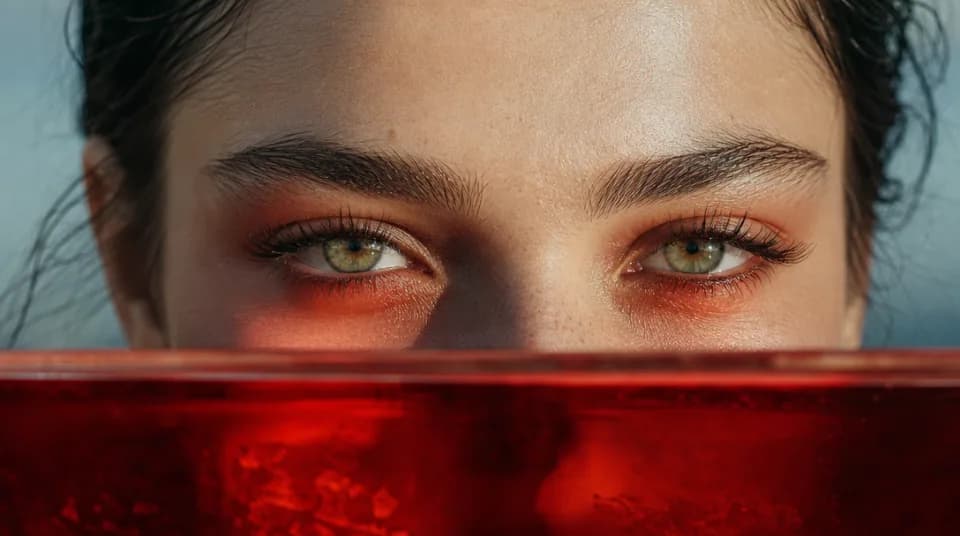
03 / LIGHTING
Adjust the light direction, contrast, color, and time of day to create different moods.
See the workflowOne workspace
Create an image from text and references, edit the result, and upscale it without switching tools.
Compare Flux 2 Pro's strengths, ideal use cases, supported controls, and tradeoffs before you generate.
Flux 2 Pro is the production-at-scale option in the Flux 2 family. It balances photorealistic detail, prompt adherence, multi-reference consistency, typography, and practical cost, making it a reliable default for repeatable commercial image generation.
Use it for product photography, e-commerce scenes, ad variants, fashion editorials, branded social assets, realistic portraits, and campaign images that combine several products or people. It is a strong choice when you need consistent results across a series rather than a single experimental image.
The workspace accepts up to 8 reference images and offers 1K or 2K output. Eight aspect ratios cover square, portrait, landscape, vertical, and 21:9 compositions. References can guide identity, product shape, pose, style, or layout within the same scene.
Choose Pro for a dependable balance of quality and production efficiency. Choose Flux 2 Flex when typography and preservation of small details are the priority, Flux Kontext Pro for focused edits to one existing image, or Flux Schnell for the fastest early-stage text-only exploration.
Use a structured brief: subject, environment, composition, camera, lighting, materials, color, and text. State the role of each reference and use concrete spatial language such as âproduct centered, model behind it, soft key light from camera left.â Keep required brand colors and copy explicit.
Choose another model when you need 4K output, more than 8 references, or extremely long instructions. Nano Banana 2 and GPT Image 2 provide broader high-resolution or reference-heavy workflows, while Midjourney is better for open-ended art-direction discovery.