
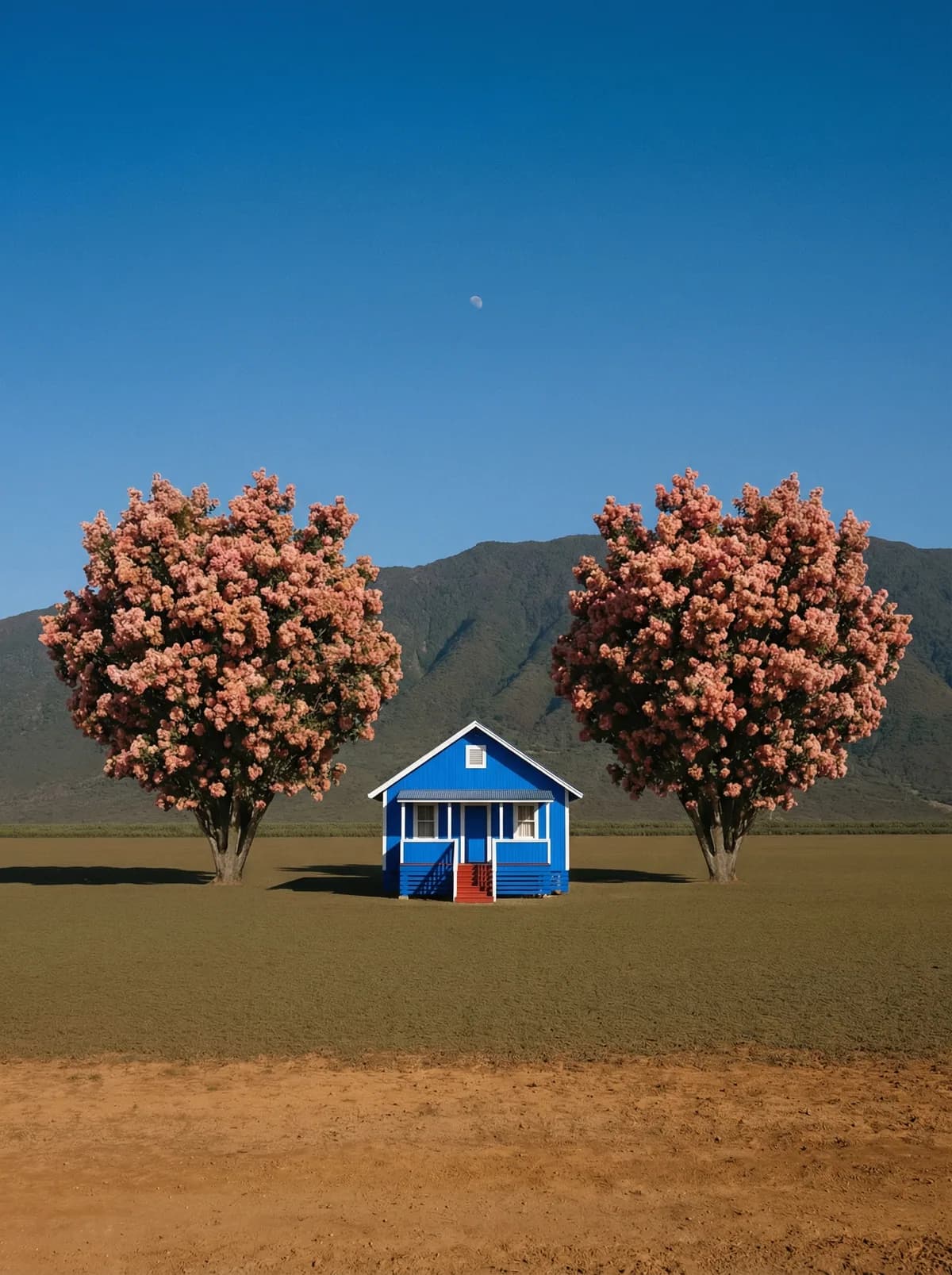
Creative direction
Rich detail with a polished editorial finish.
Create high-quality images with Z-Image. Add reference images when the model supports them.
Compare models and choose the one that fits your next idea.
Featured creations
Explore images created with different prompts, styles, subjects, and compositions.
Rich detail with a polished editorial finish.
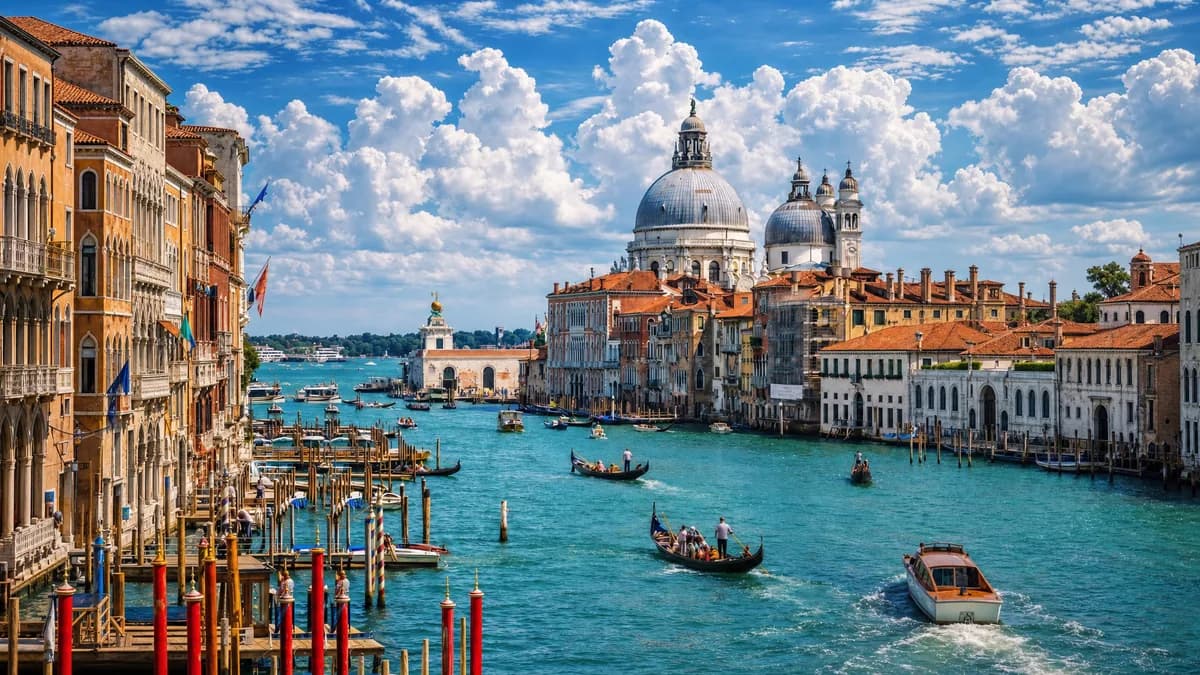
Balanced light, depth, and spatial structure.
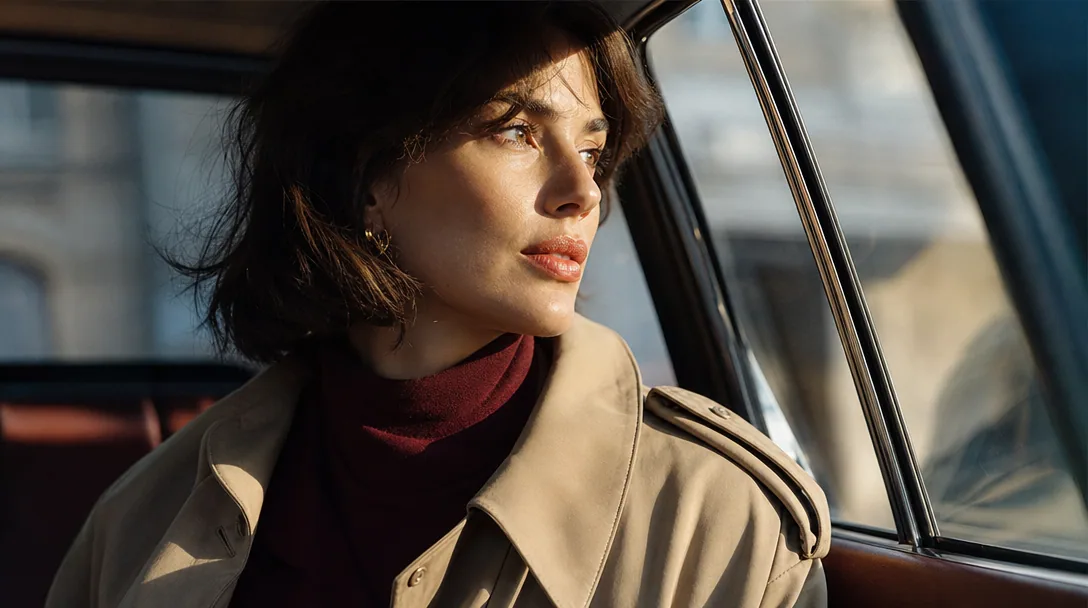
Clear subjects with expressive, consistent features.
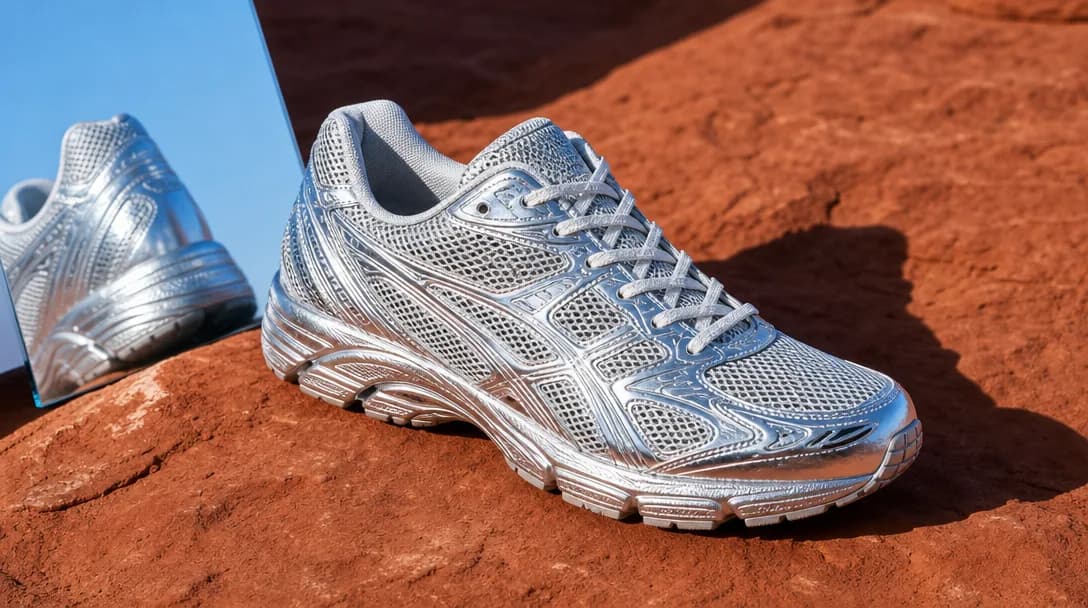
Natural textures and clean high-resolution output.
Model capabilities
Control the composition, keep references consistent, adjust the lighting, and edit specific details.
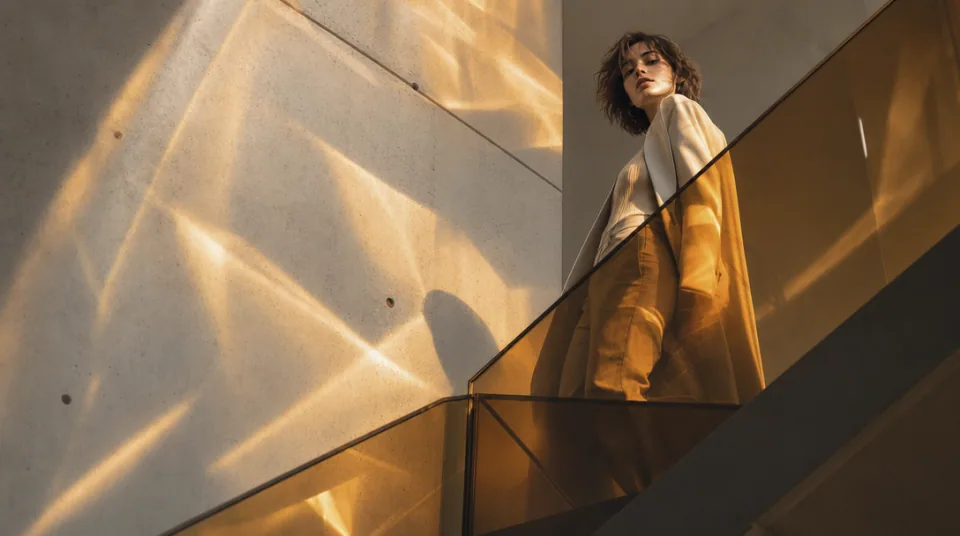
01 / COMPOSITION
Choose the framing, camera angle, perspective, and depth to create the scene you want.
See the workflow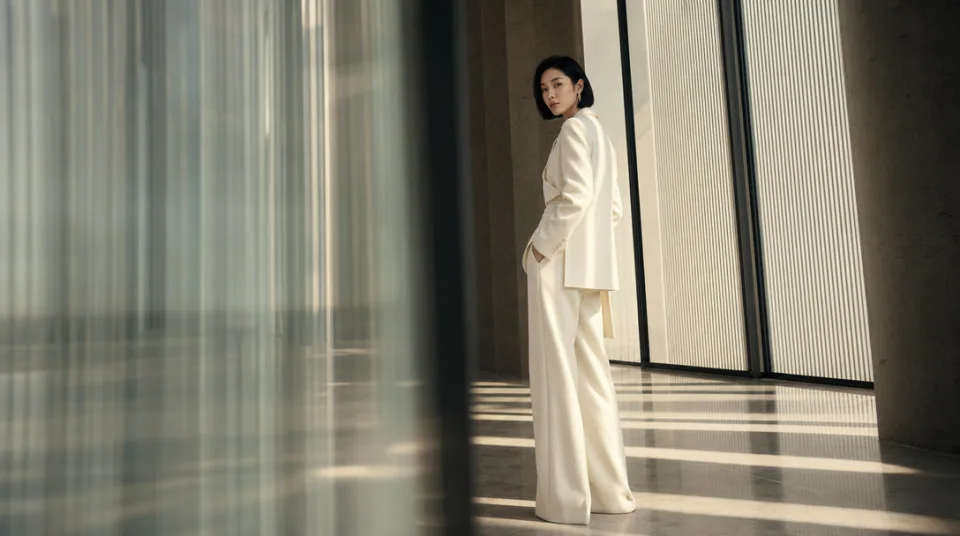
02 / CONSISTENCY
Use reference images to maintain the same character, product, clothing, or visual style across new images.
See the workflow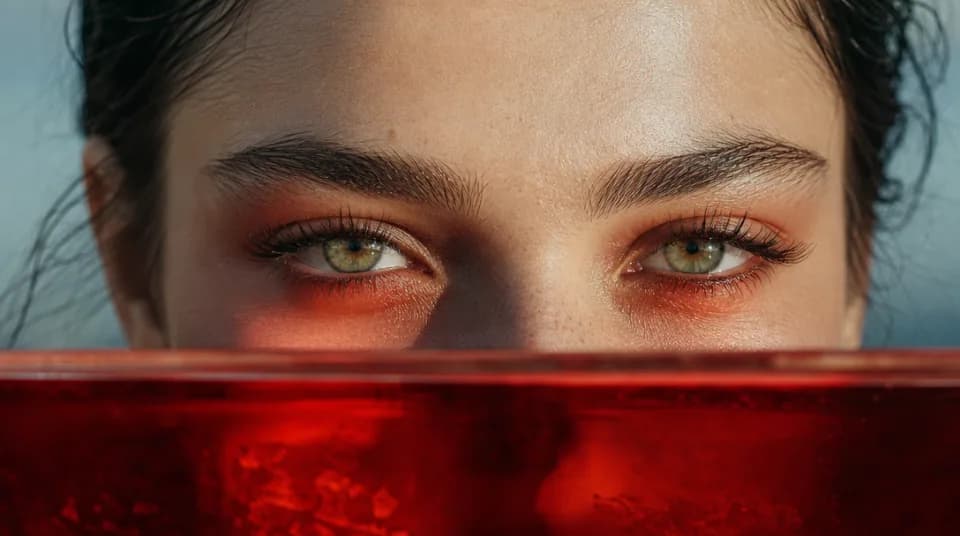
03 / LIGHTING
Adjust the light direction, contrast, color, and time of day to create different moods.
See the workflowOne workspace
Create an image from text and references, edit the result, and upscale it without switching tools.
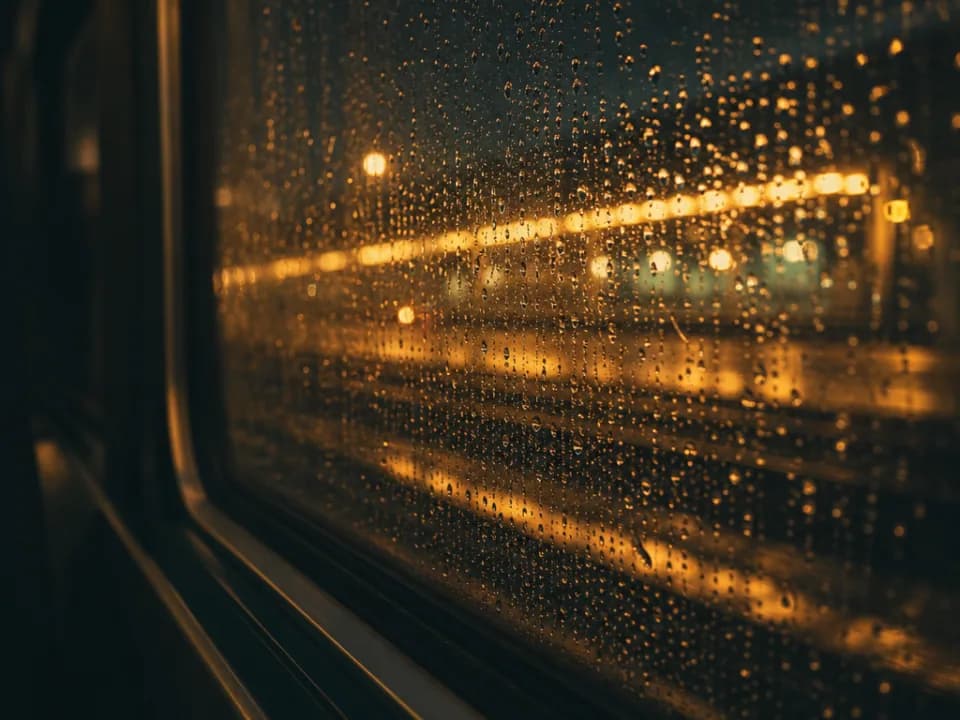
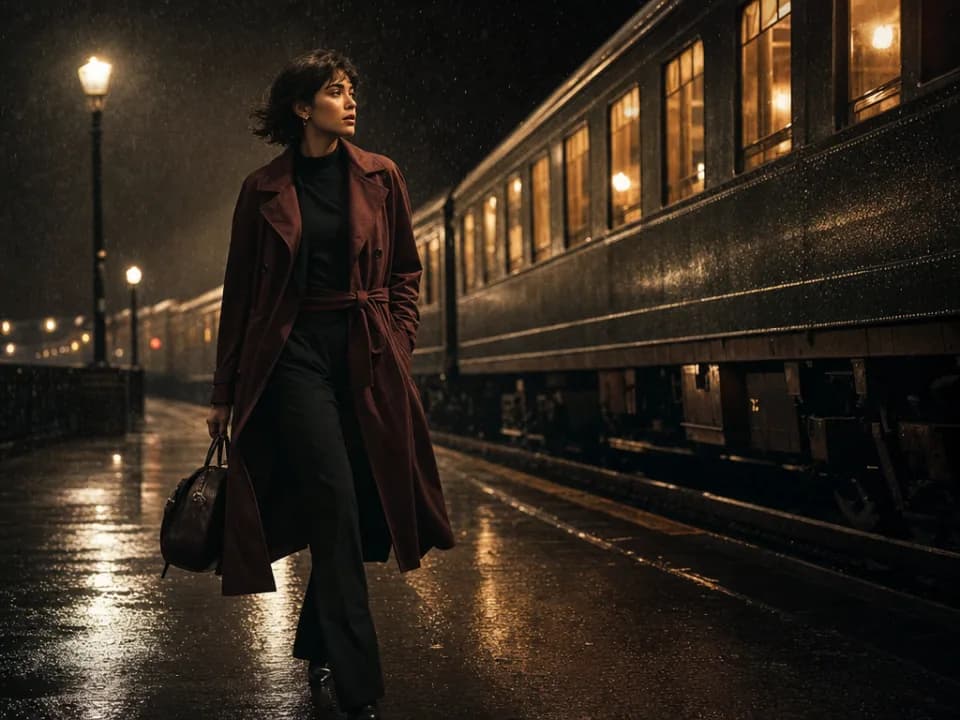
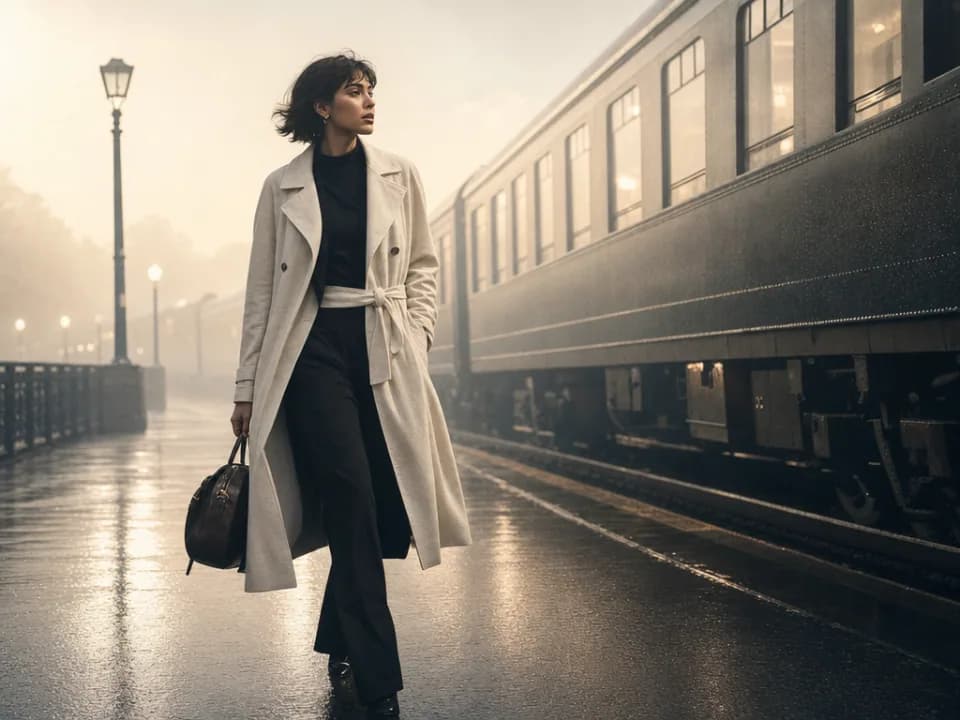
Compare Z-Image's strengths, ideal use cases, supported controls, and tradeoffs before you generate.
Z-Image is a streamlined text-to-image option for clean, expressive visual creation. Its advantage is a lightweight workflow with enough aspect-ratio choice for common content formats, making it useful when references and advanced output controls are unnecessary.
Use it for concept illustrations, social graphics, blog imagery, simple posters, character ideas, and quick visual variations from a written brief. It works best when the desired scene can be described directly without preserving an uploaded product or identity.
This Gigapixel AI page supports text-to-image generation across seven common ratios: square, portrait, landscape, and vertical formats. It does not currently expose reference-image, resolution, or output-format controls for Z-Image.
Choose Z-Image when you want a straightforward text-led workflow with more ratio choices than Grok Imagine. Choose Flux Schnell for rapid Flux-based ideation, Midjourney for style-first exploration, or a Nano Banana model when references and editing controls are important.
Describe the image from large structure to small detail: subject, setting, action, framing, light, palette, and finish. Because the workflow is text-only, spell out any defining clothing, object, material, or spatial relationship that the result must include.
Use another model when you need source-image editing, character or product consistency, exact resolution selection, or several references. Z-Image is best for self-contained prompts and uncomplicated image-generation tasks.