
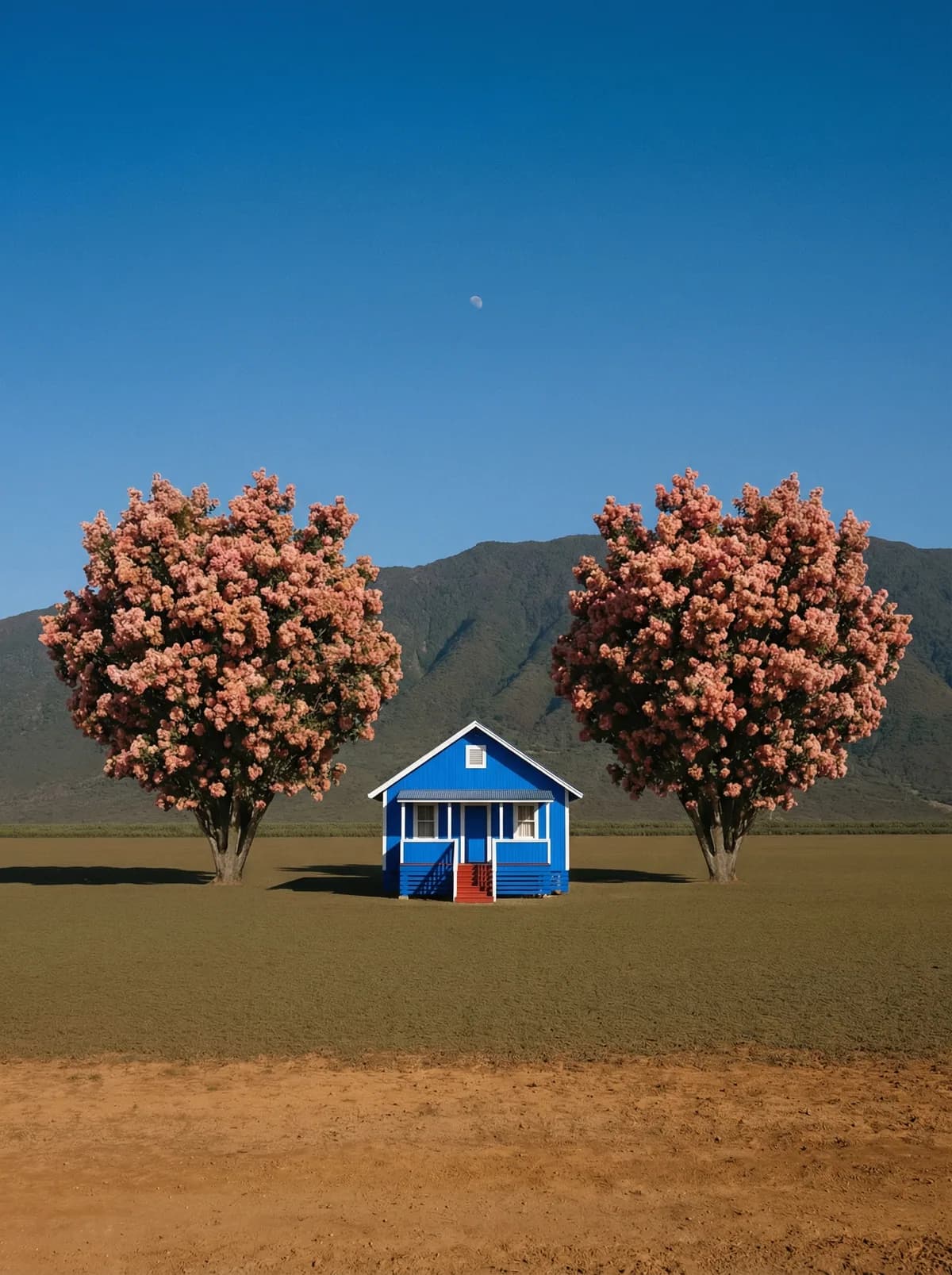
Creative direction
Rich detail with a polished editorial finish.
Create high-quality images with Grok Imagine. Add reference images when the model supports them.
Compare models and choose the one that fits your next idea.
Featured creations
Explore images created with different prompts, styles, subjects, and compositions.
Rich detail with a polished editorial finish.
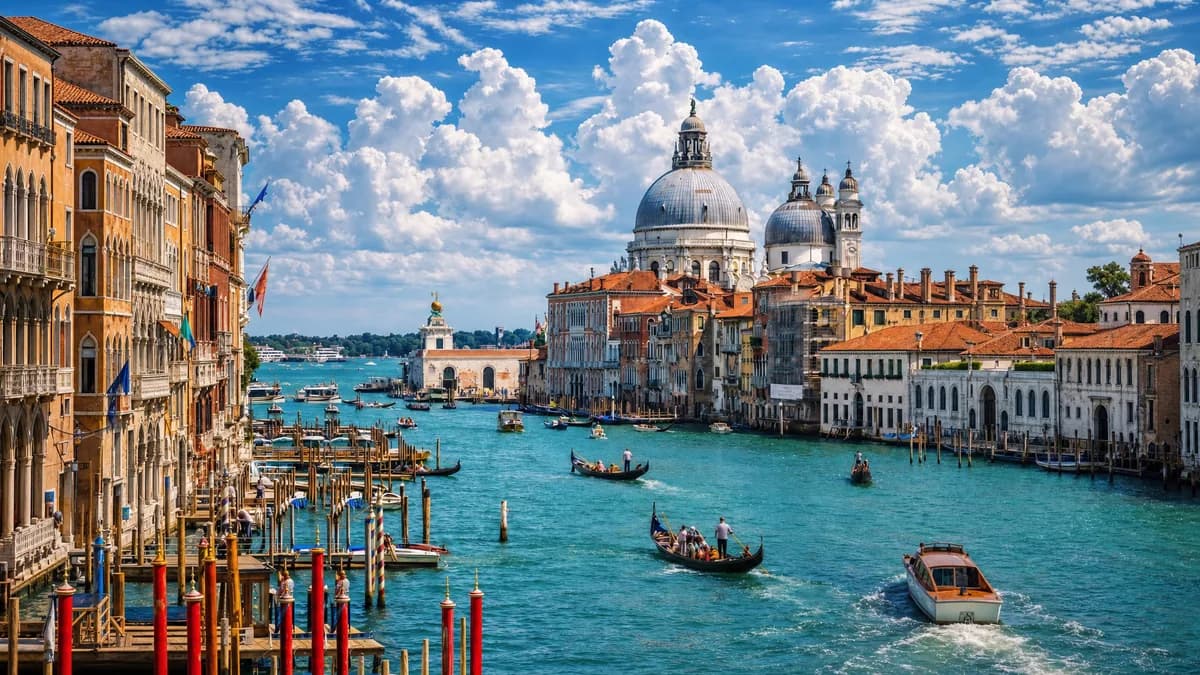
Balanced light, depth, and spatial structure.
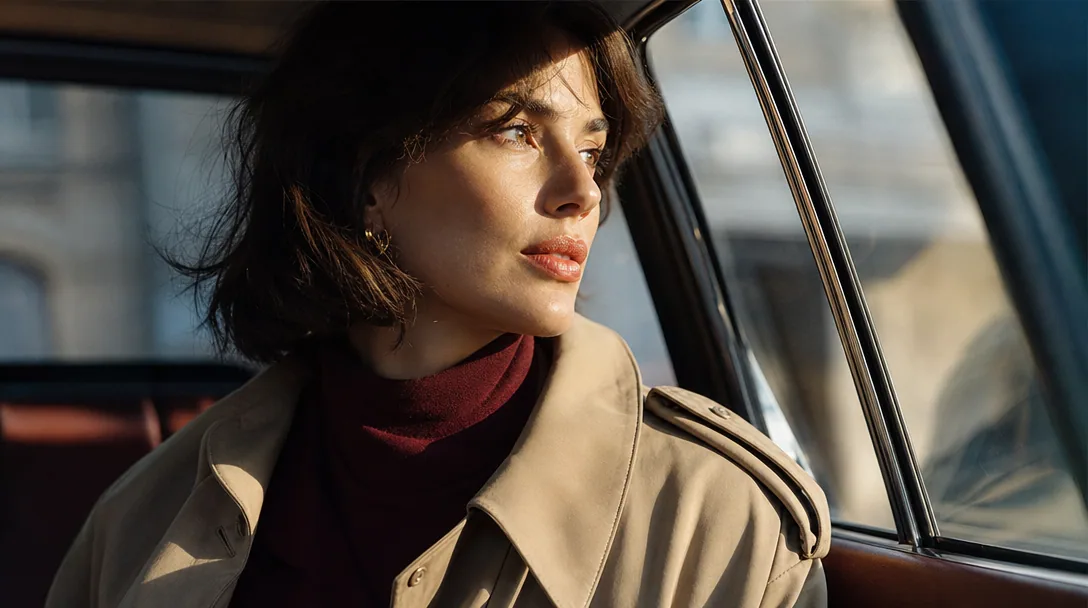
Clear subjects with expressive, consistent features.
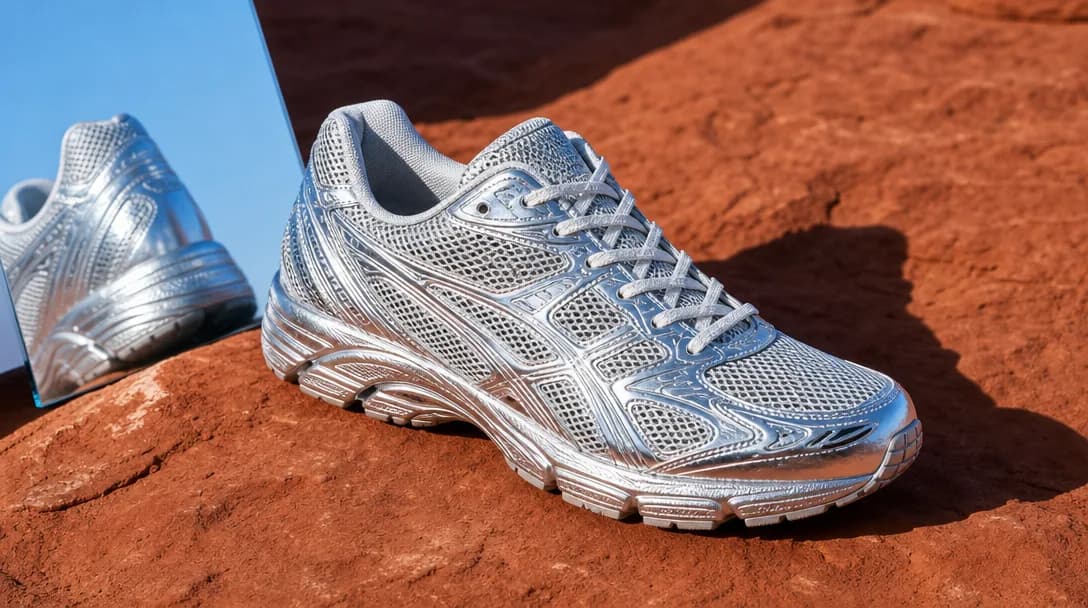
Natural textures and clean high-resolution output.
Model capabilities
Control the composition, keep references consistent, adjust the lighting, and edit specific details.
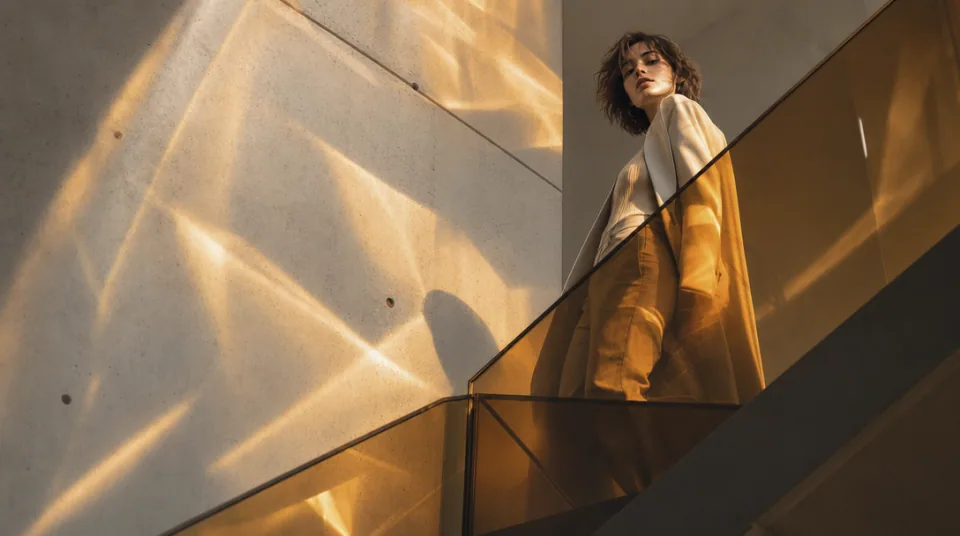
01 / COMPOSITION
Choose the framing, camera angle, perspective, and depth to create the scene you want.
See the workflow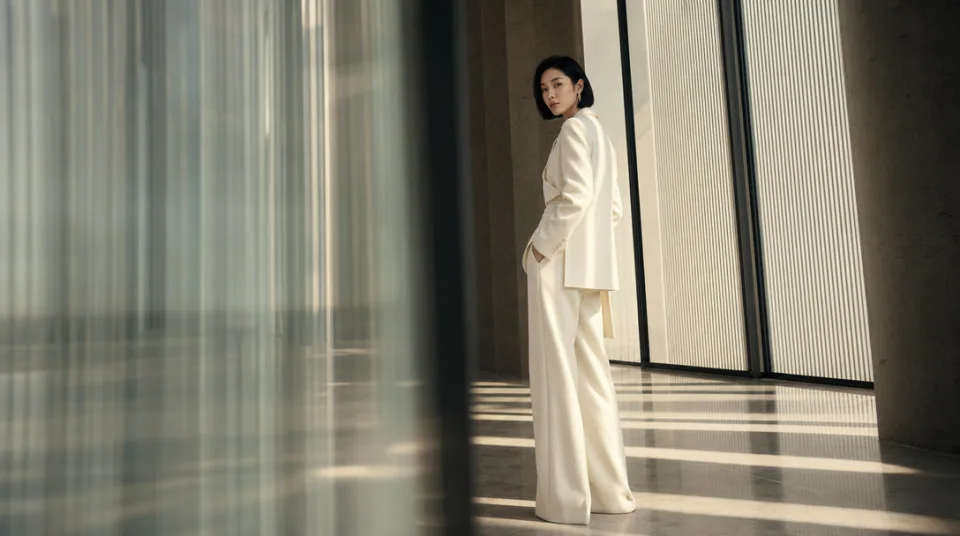
02 / CONSISTENCY
Use reference images to maintain the same character, product, clothing, or visual style across new images.
See the workflow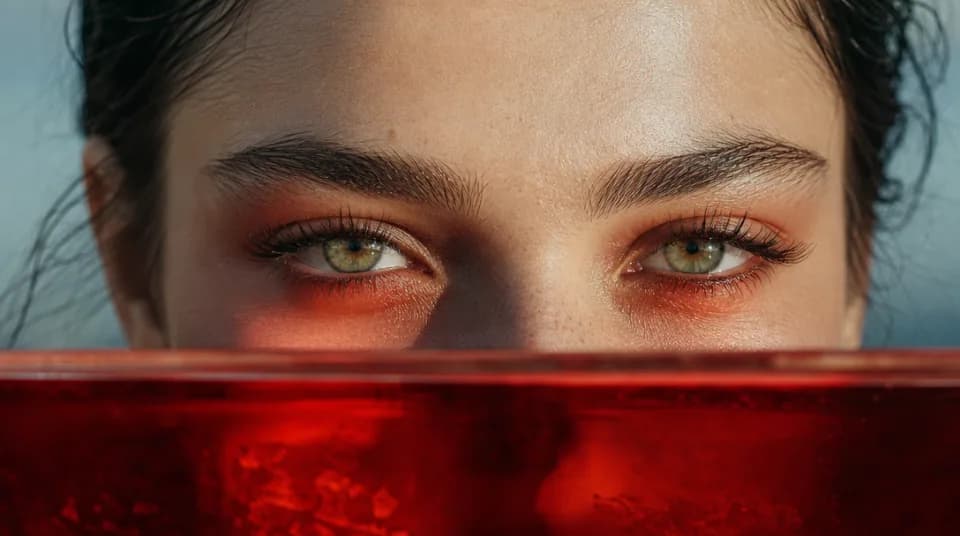
03 / LIGHTING
Adjust the light direction, contrast, color, and time of day to create different moods.
See the workflowOne workspace
Create an image from text and references, edit the result, and upscale it without switching tools.
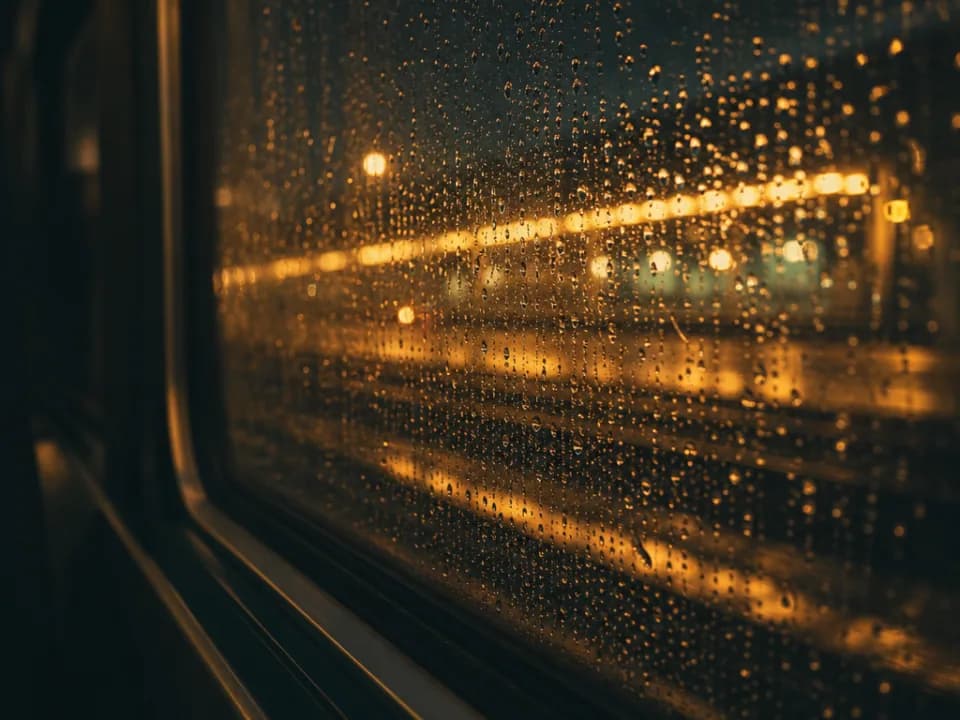
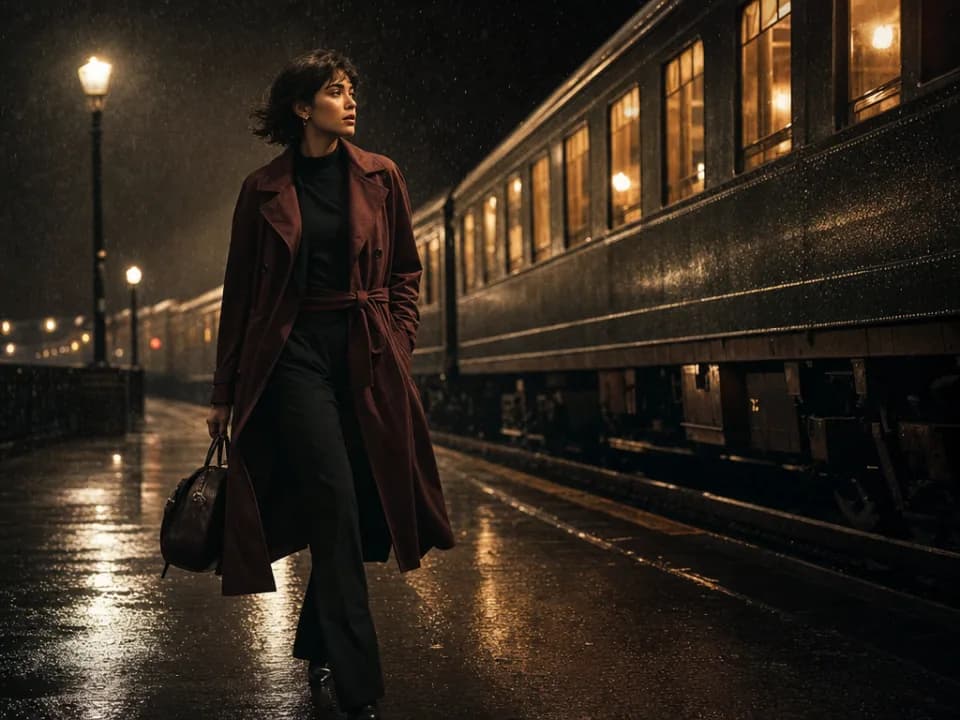
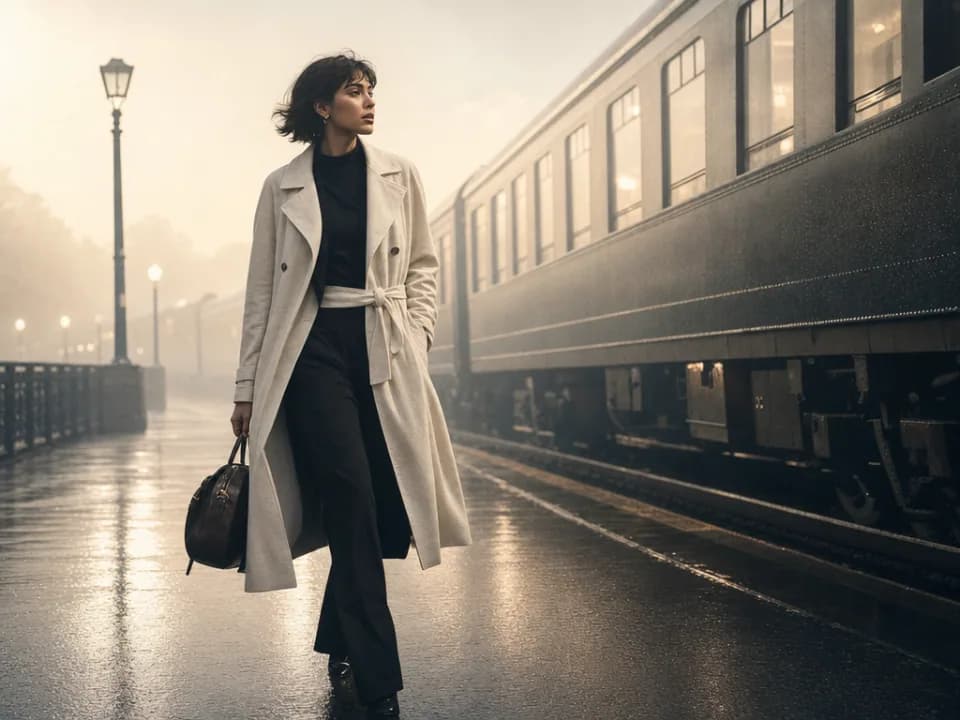
Compare Grok Imagine's strengths, ideal use cases, supported controls, and tradeoffs before you generate.
Grok Imagine is a streamlined model for turning direct prompts into realistic or stylized images with minimal setup. It is particularly useful for photorealistic scenes, portraits, product concepts, social graphics, and playful visual ideas that benefit from clear instruction following.
Use it for social posts, memes, campaign concepts, product mockups, character portraits, thumbnail ideas, and quick marketing visuals. Its simple control set is a good fit when you want to move from a clear idea to a usable visual without managing a large reference library.
The workspace supports text-to-image generation or a single reference image. You can choose square 1:1, landscape 3:2, or portrait 2:3. It does not currently expose a separate resolution or file-format selector for this model.
Choose Grok Imagine for a direct text prompt or a simple single-image variation. Choose Nano Banana 2 or GPT Image 2 when you need many references and high-resolution controls, Midjourney for broader style exploration, or Flux Kontext Pro for a more tightly scoped edit to one source image.
Use a direct visual brief: subject, action, setting, composition, lighting, palette, and style. For a reference edit, clearly separate what should be preserved from what should change. If realism matters, describe materials, skin, reflections, and the source of light instead of only saying âphotorealistic.â
Use another model when the job requires ultrawide output, 4K delivery, several identity or product references, or a large amount of exact text inside the image. Grok Imagine is best when a focused prompt and at most one source image are enough.