
02
Choose the Right AI Tool
Select the tool that best fits your image and let AI work its magic.
Choose a tool
Enhance
Denoise
Restore
or drop a file
Examples
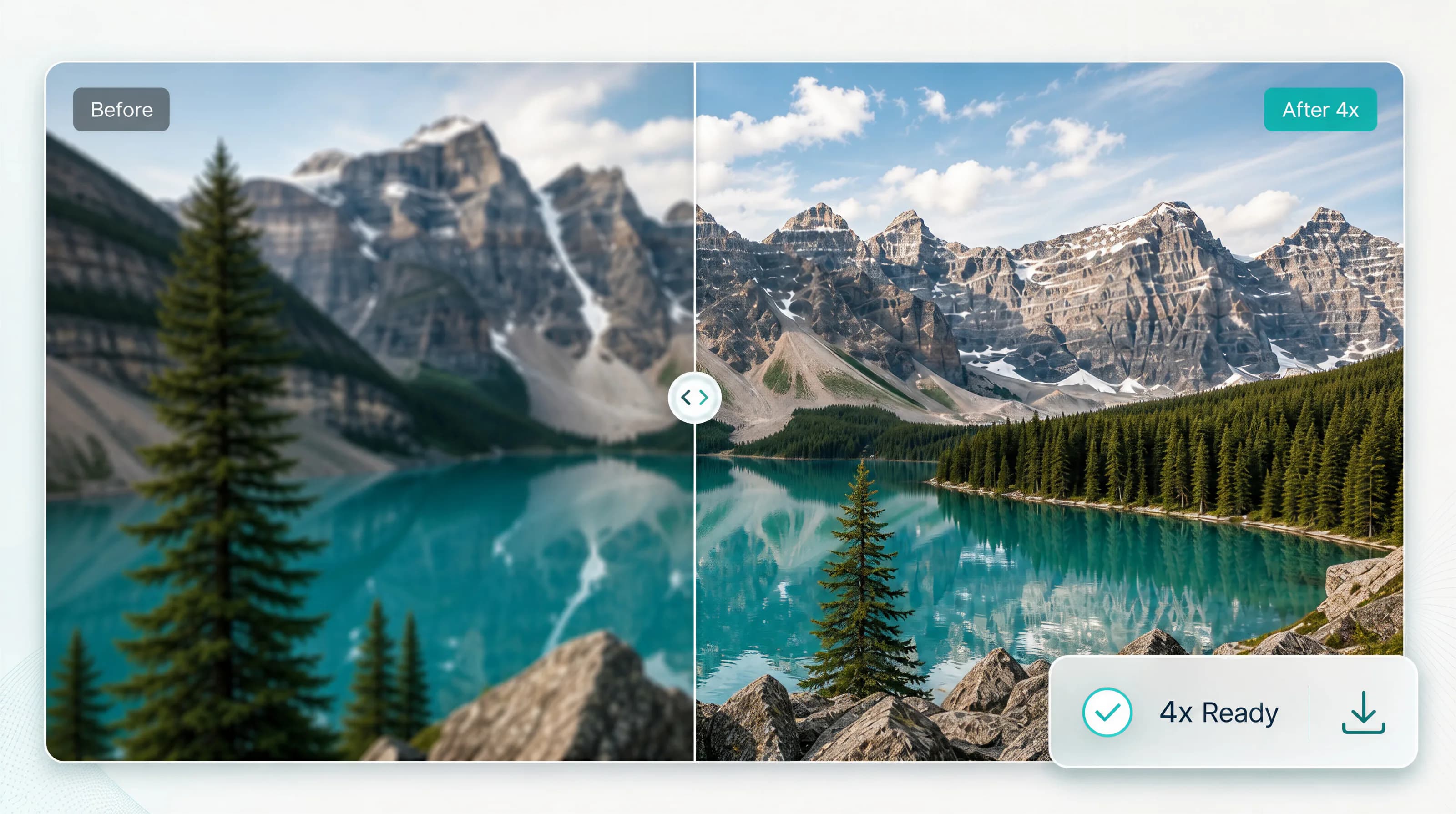
Before & after
By uploading an image or URL, you agree to our Terms of Service. To learn more about how Gigapixel AI handles your personal data, check our Privacy Policy.
Choose the right tool for every image workflow.
Restore Image
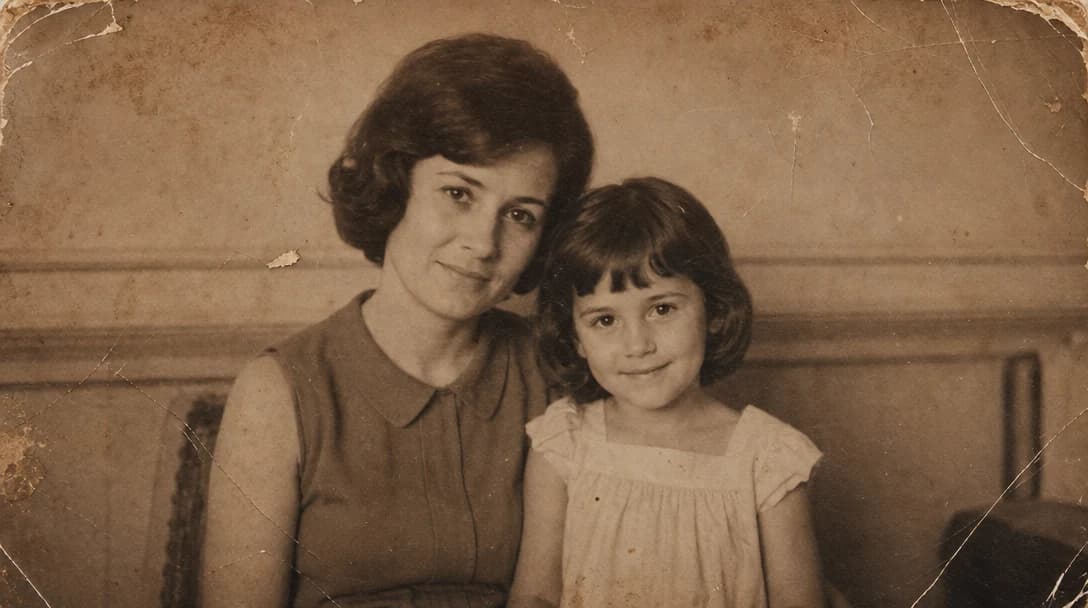
Repair old or damaged photos
AI Image Editor
Edit with natural language
Background Remover
Create clean cutouts
AI Clothes Changer
Change outfits from a prompt
Object Remover
Erase unwanted objects
Image Inpainting
Fill and replace image areas
Text Remover
Remove watermarks and text
Style Transfer
Apply new visual styles
Blur Background
Create natural subject focus
AI Logo Generator
Generate polished logo concepts
Image To Prompt
Convert images into prompts
See the difference across every image type.







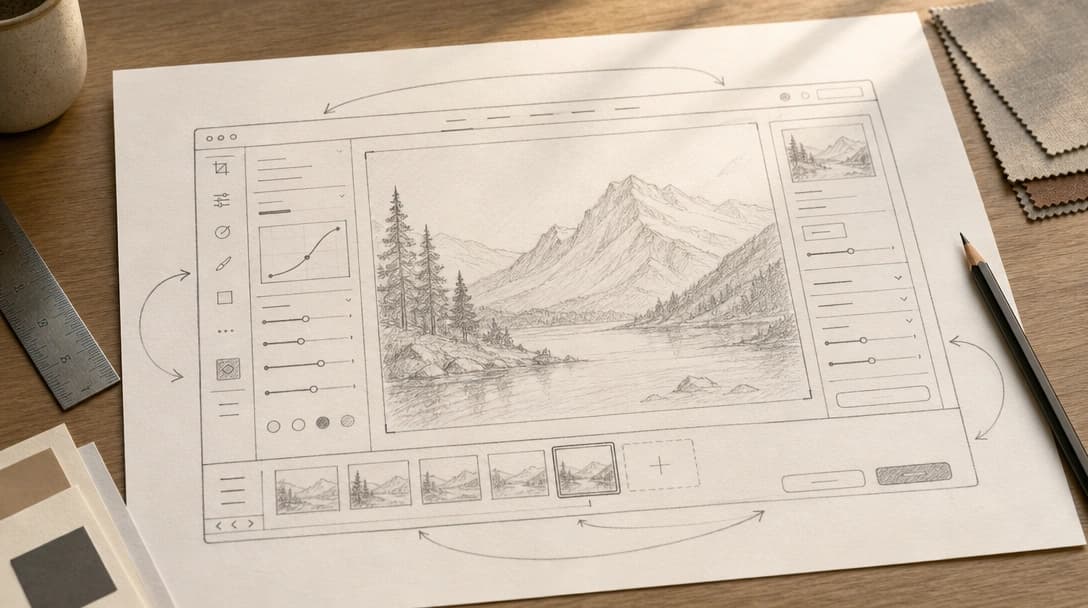
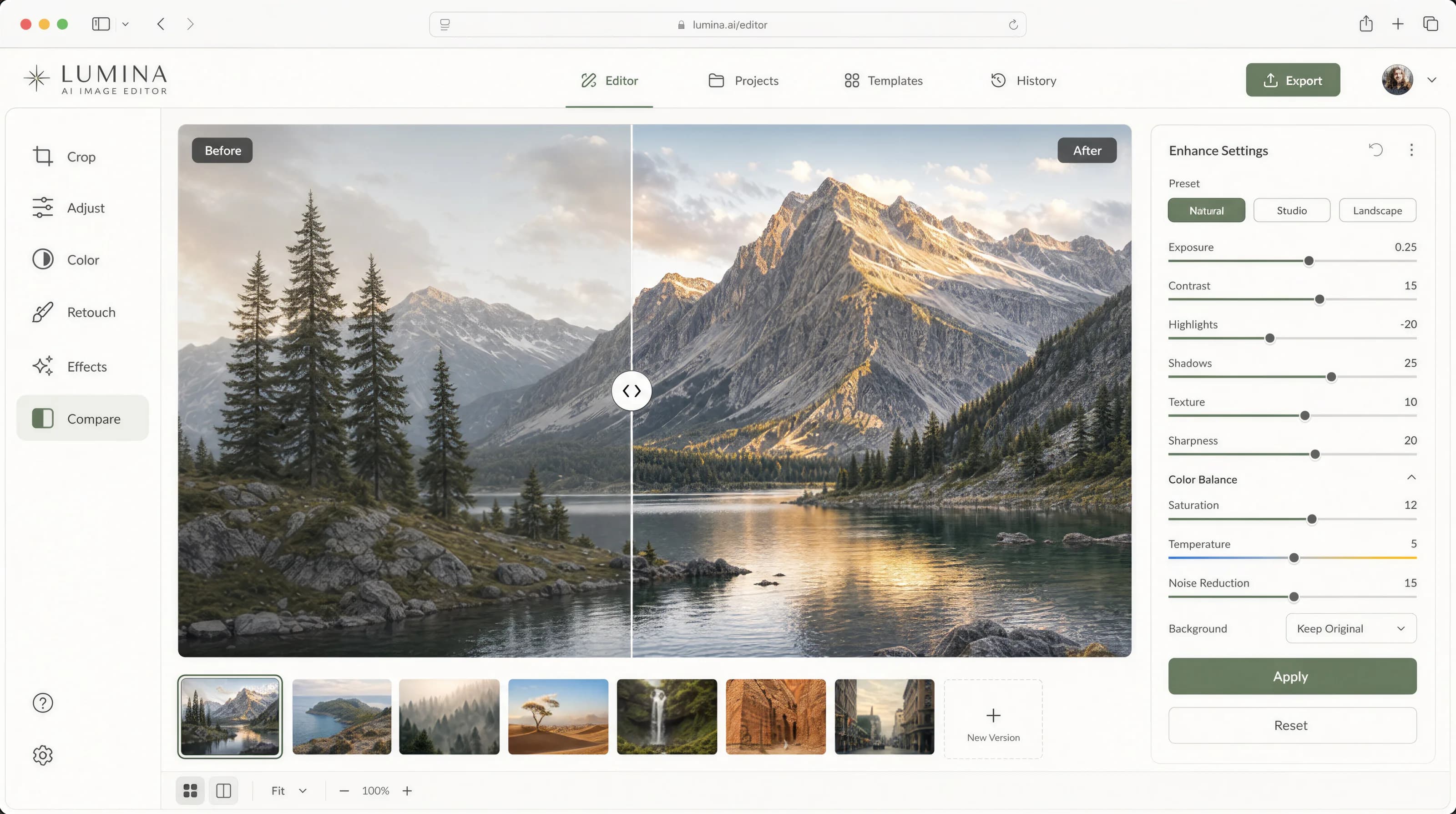
Enhance any image in just a few simple steps.
01
Drag & drop your image or browse to get started.
02
Select the tool that best fits your image and let AI work its magic.
03
Preview and download your high-quality enhanced image.
From product catalogs to personal archives, Gigapixel AI helps every team create sharper, cleaner, more usable visuals.

“Make every post look ready to publish.”
Creators
Social Content
Creator Workflow
Refresh campaign visuals, ad creatives, and social assets faster.
Create sharper product photos that build trust at every zoom level.

“Turn product visuals into storefront-ready assets.”
Brands
Ecommerce
Online Stores

“Deliver polished galleries without slowing down.”
Photographers
Studio Work
Client Delivery
Upscale mockups, references, and brand assets without losing detail.
Prepare covers, layouts, and print visuals with cleaner detail.

“Bring old memories back into focus.”
Families
Old Photos
Personal Archives
“Gigapixel AI has completely changed the way I prepare product photos. I can take a soft marketplace image, recover the edges, and publish a sharper version without going back to the studio.”
Sarah L.
Ecommerce Seller
“I use it every day to rescue old prints and enhance my portraits. The face recovery is natural, the texture stays believable, and the exports are clean enough for client delivery.”
Michael B.
Photographer
“Clean, powerful, and easy to use. It fits perfectly into my design workflow when I need larger mockups, sharper references, or quick image cleanup before a presentation.”
Daniel K.
Designer
Gigapixel AI is an online upscaling platform for turning low-resolution images and videos into sharper, cleaner, higher-resolution results. It uses AI to recover detail, reduce artifacts, and prepare visuals for print, ecommerce, social, creative work, and professional delivery.
Gigapixel AI focuses on upscale quality first: high-resolution enhancement, detail recovery, noise cleanup, batch image processing, and dedicated workflows for photos, product shots, old images, creative assets, and video clips.
Upload your image, choose the upscale strength and AI model, then start the enhancement. You can preview the result, compare details, and download the improved file when it is ready.
It can make many soft, noisy, compressed, or old images look noticeably clearer by rebuilding edges, texture, and fine detail. Extremely damaged or tiny source files still have limits, but the tool is designed to create the cleanest useful upscale from the pixels available.
Yes. You can upload multiple images and process them in one workflow, which is useful for product catalogs, creative batches, client galleries, and repeated social or marketplace exports.
Gigapixel AI supports flexible access for casual and professional use. Free users can try core enhancement workflows, while paid plans or credits unlock higher limits, faster processing, larger files, and more advanced upscale options.
Gigapixel AI supports common image formats such as JPG, PNG, and WebP, plus common video formats for video upscaling workflows. Enhanced results are prepared in standard export formats that are easy to use across web, print, ecommerce, and editing tools.
Your uploads are used to complete the upscale task you request. We design the workflow around privacy, secure processing, and giving you control over the files you upload and download.
The platform uses secure upload and processing flows, access controls, and infrastructure safeguards to keep enhancement tasks reliable. We also separate private user files from public examples and product content.
Yes. If an upload fails, a result looks wrong, billing needs review, or you have an idea for improving the service, you can contact support and include the file type, task settings, and a short description so the team can help faster.
Still have questions? Contact support.