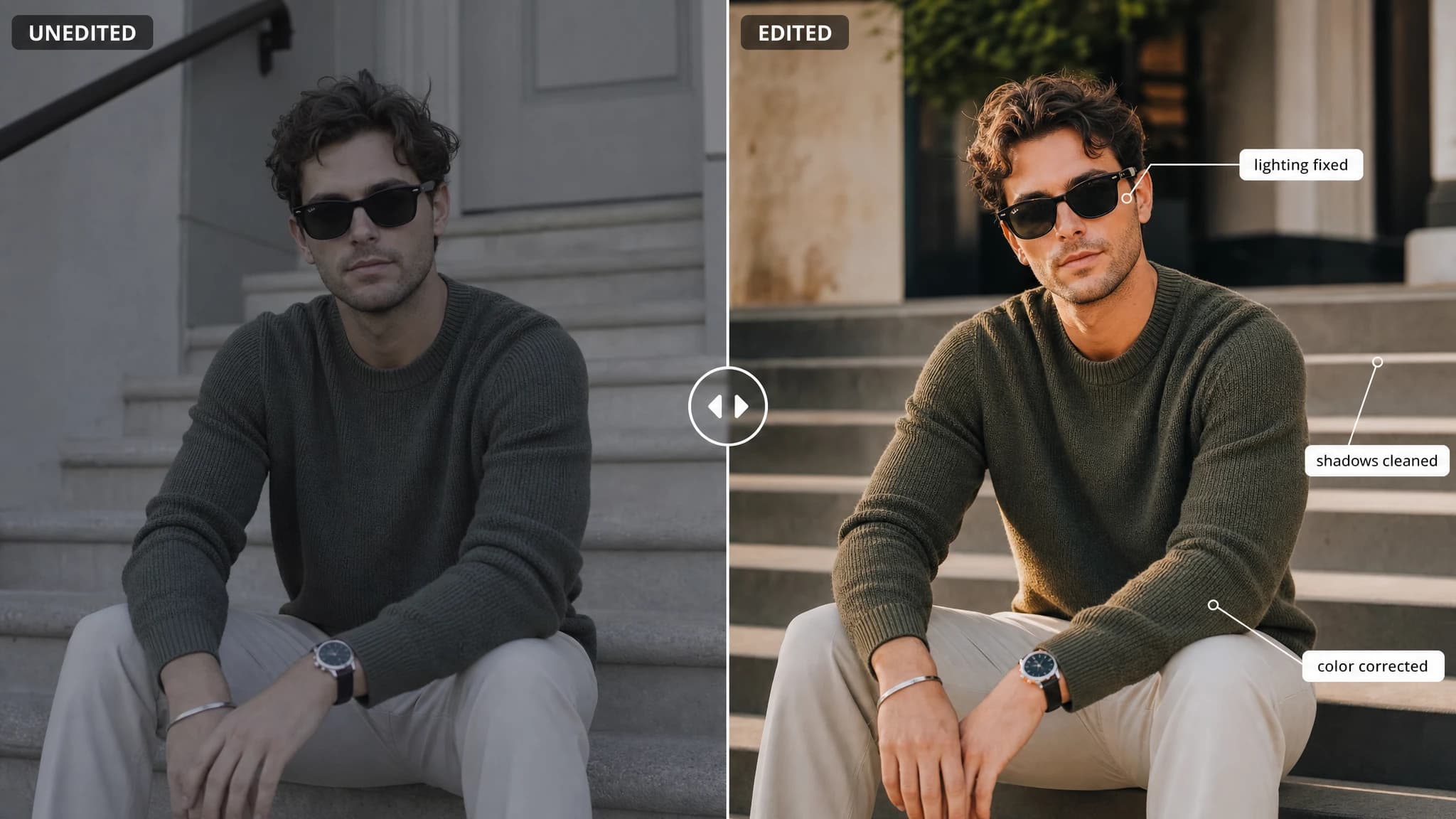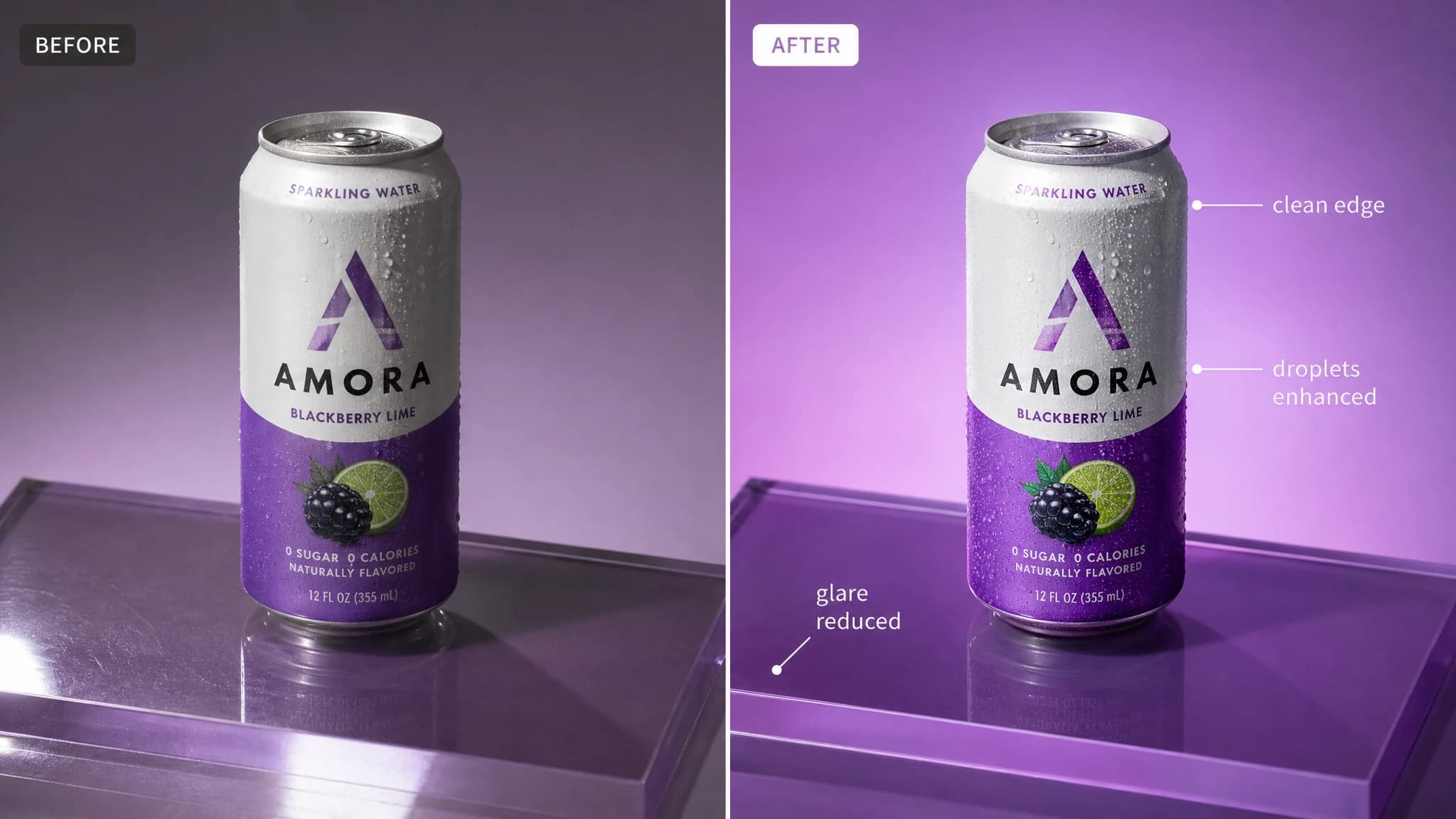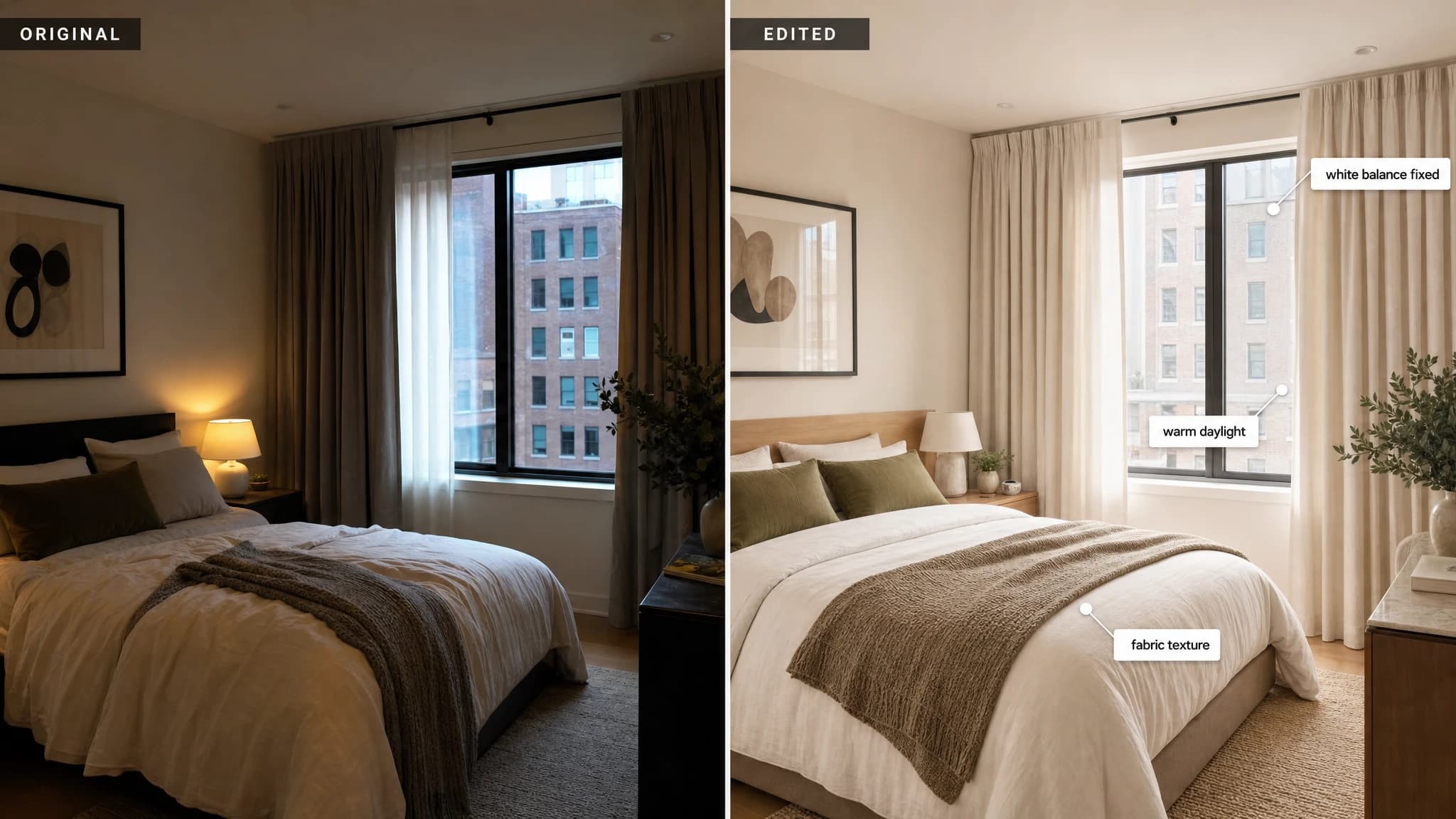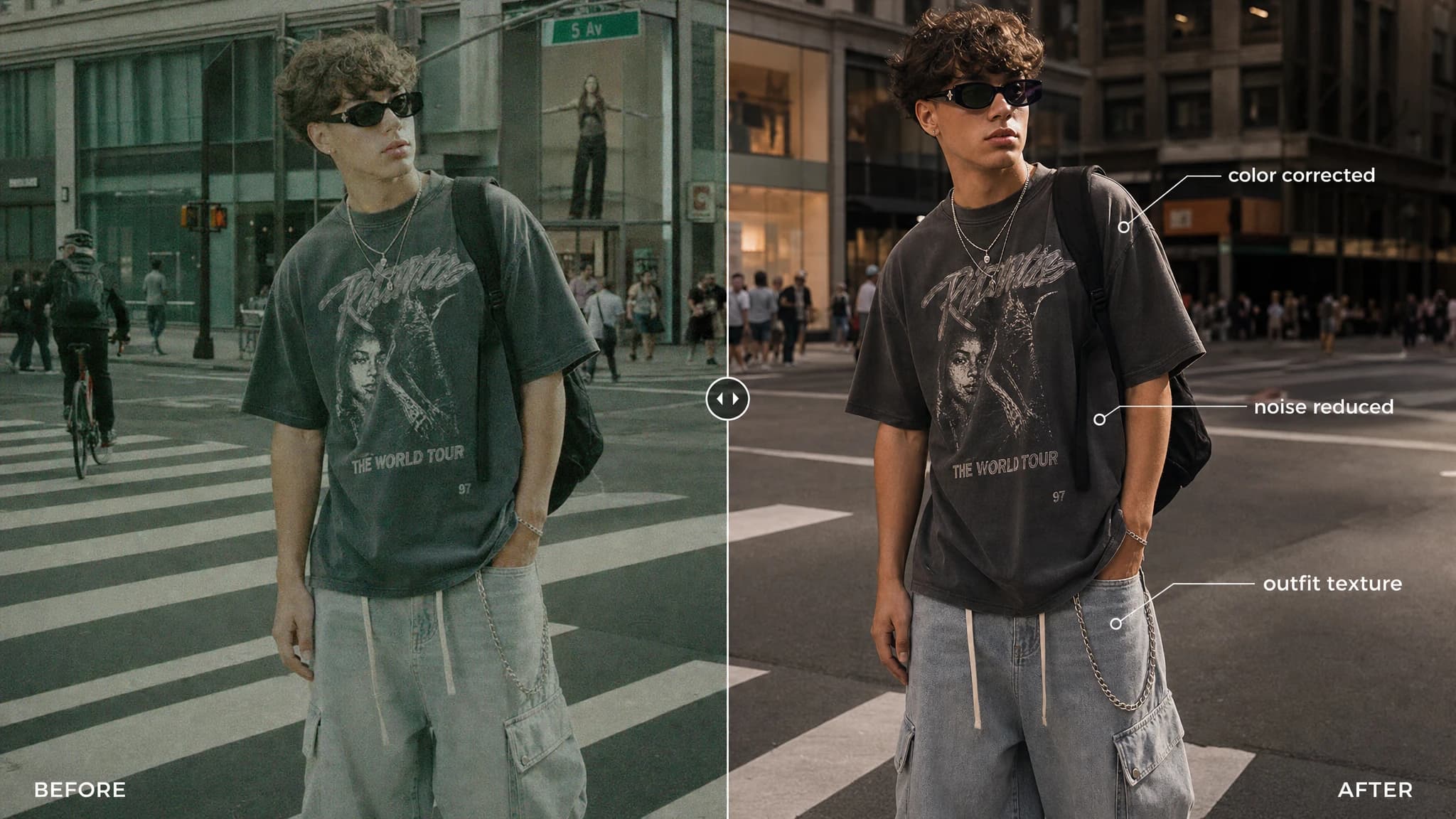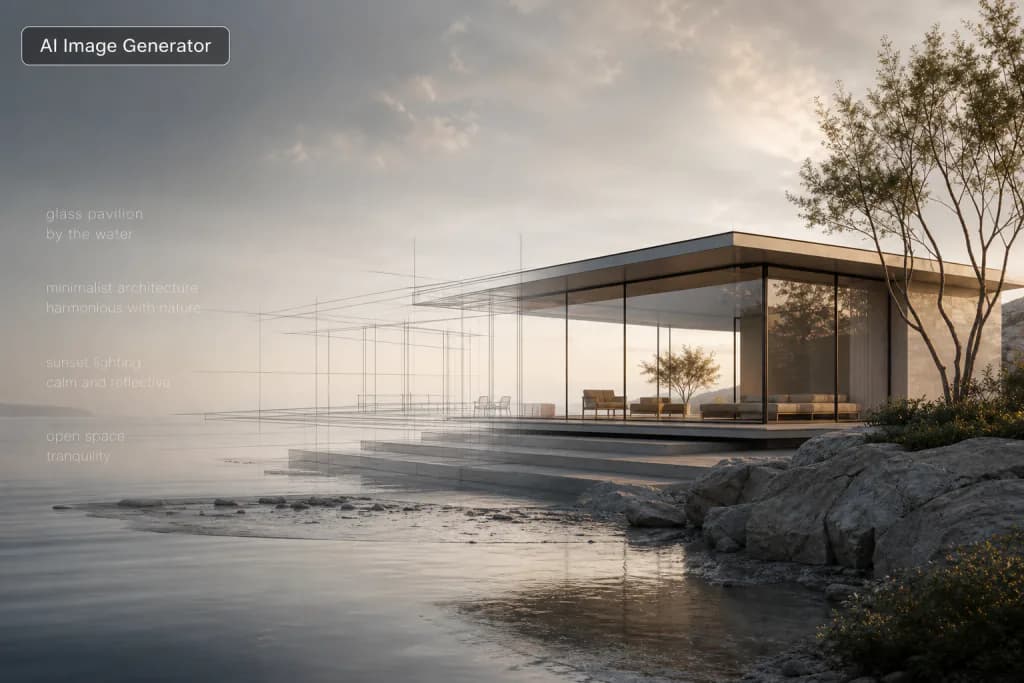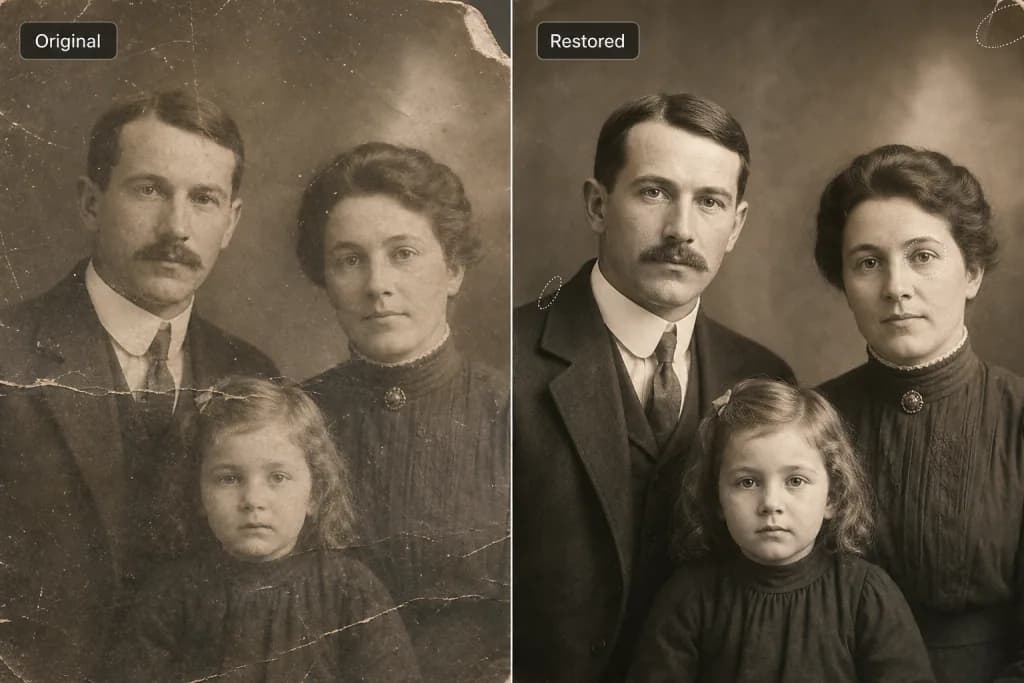
Image editor example 1
Image editor example 2
Image editor example 3

AI Image Editor

Upload an image to start using AI Image Editor.

or drop a file,

Gigapixel AI: Advanced Image Editing Technology

Create stunning images with our AI-powered editor. Transform selected areas of your images with text descriptions, customize styles, and produce high-resolution outputs. Fast processing and affordable pricing.

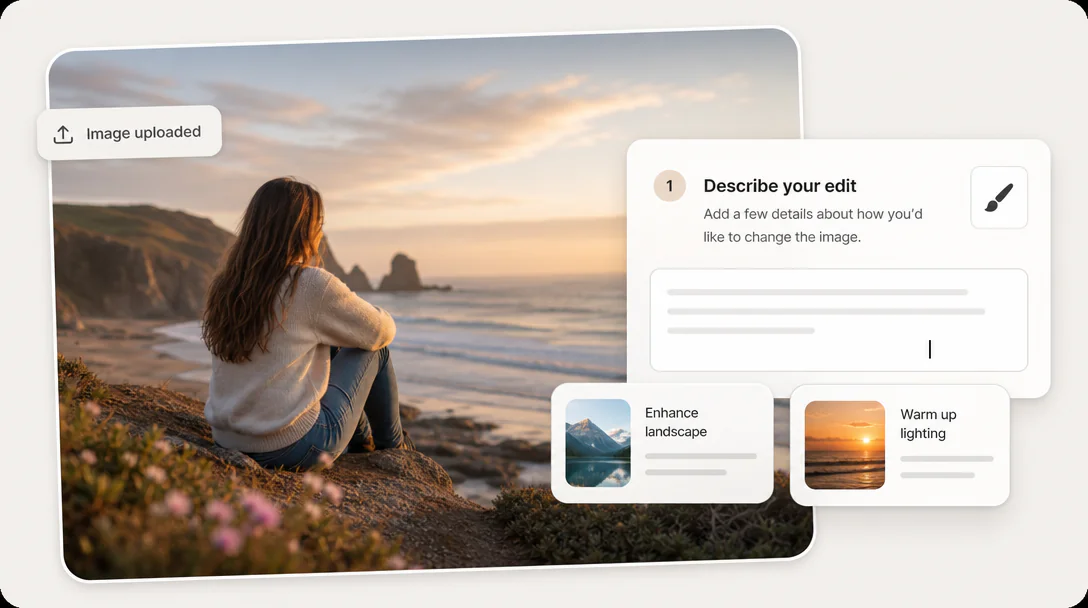
Simple Upload

Upload an image and select the area you want to edit with an easy masking workflow.

Precise Mask Editing

Mark specific areas with better control, making local edits cleaner and more accurate.

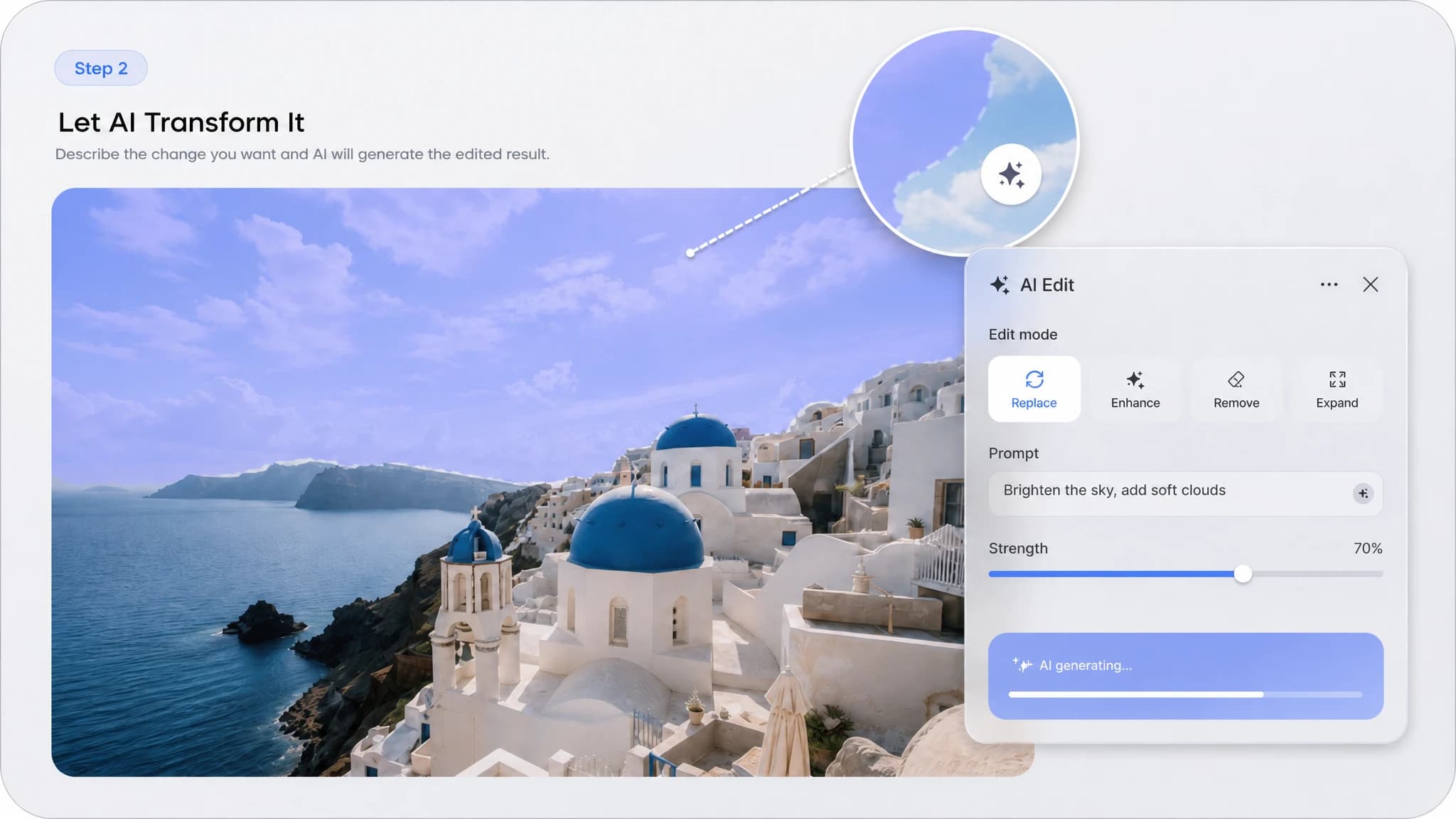
Text-Guided Editing

Enter a prompt and let AI transform the selected area based on your description.

Fast Cloud Processing

Edit complex images quickly with cloud-based processing and smooth performance.

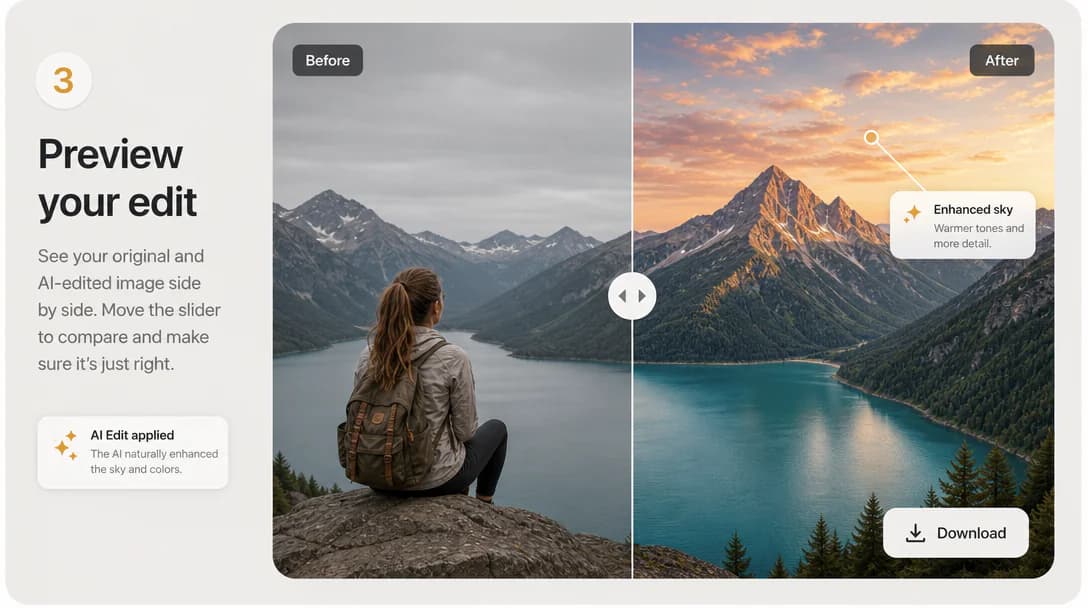
High-Quality Output

Download polished results with strong detail retention, ready for creative or professional use.

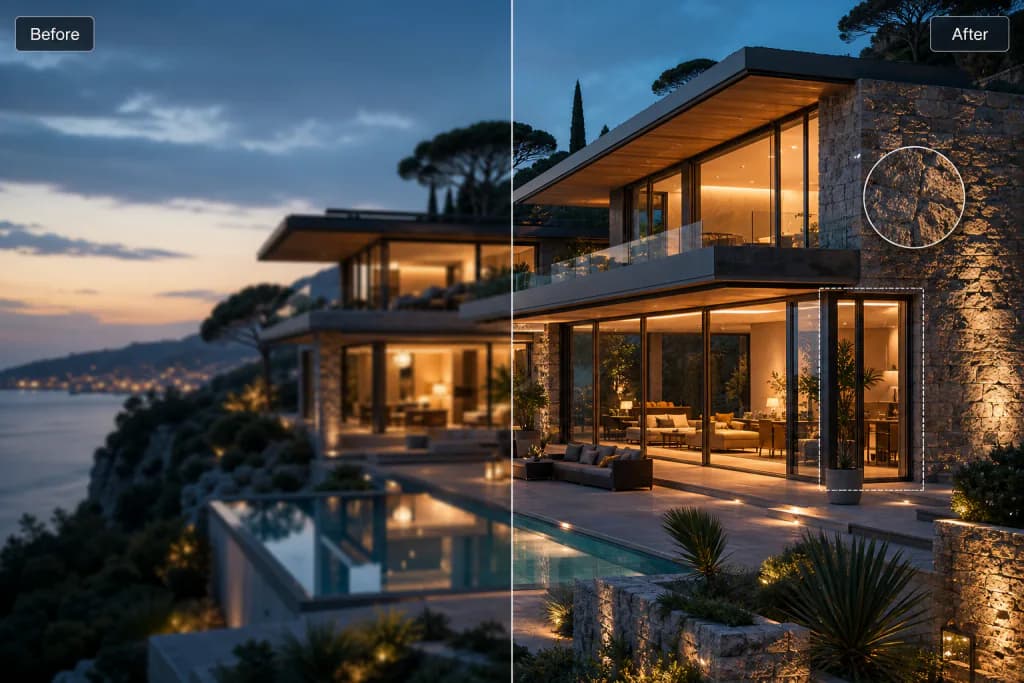
Fix damaged details and keep the image looking natural. preview

Fix damaged details and keep the image looking natural.

Clear creative direction

Keep the workspace focused on the source, instruction, and final preview.

Useful configuration

Use model and output settings only where they add real control.

Saved results

Open history to revisit outputs without losing your current flow.

How to Use AI Image Editor

Use AI Image Editor in three simple steps.

Upload Your Image previewDescribe Your Edit previewSave Edited Image preview

Explore More AI Tools

View all

Frequently Asked Questions

Learn More About AI Image Editor

Gigapixel AI로 이미지·영상 업스케일

지금 시작하기
매일 무료 크레딧 제공개인정보 보호 및 보안최대 10배 향상