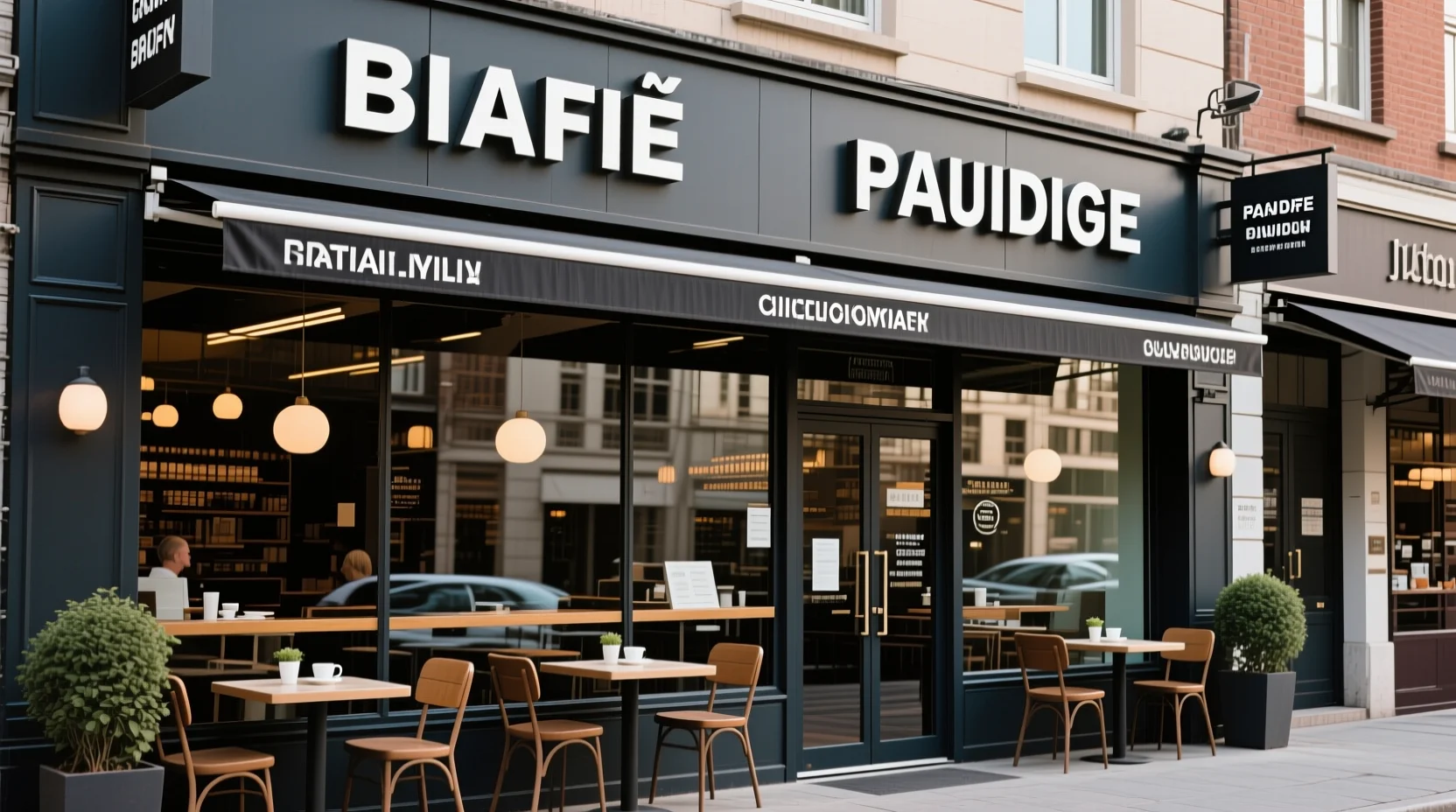
Prompt: Change the subject’s outfit to a black leather jacket while keeping the pose and lighting.
Free AI Image Generator & Accurate Text Editor
High-fidelity generation meets surgical text editing. Create perfect typography in seconds with advanced instruction following.
Precision, Fidelity, and Intelligence
Powered by advanced Qwen-VL architecture for superior understanding of both text and images.
Accurate Typography
Text That Spells Correctly. Qwen Image excels at rendering accurate text within images, making it perfect for posters, logos, and designs where correct spelling is essential.
Instruction-Based Editing
Edit with Natural Language. Modify images by simply chatting. Type "change the background to a beach" or "make the text red," and the AI executes your edit precisely without complex masking.
Complex Scene Fidelity
Capture Every Detail. Execute dense creative briefs with ease. The model captures precise spatial layouts, lighting nuances, and object interactions, ensuring the result matches your imagination perfectly.
Vision-Language Intelligence
Qwen Image deeply understands the structure and context of your uploaded images. This allows for context-aware edits that blend naturally with the original photo.
Create Professional Images in 3 Steps
A simple workflow for generation and editing
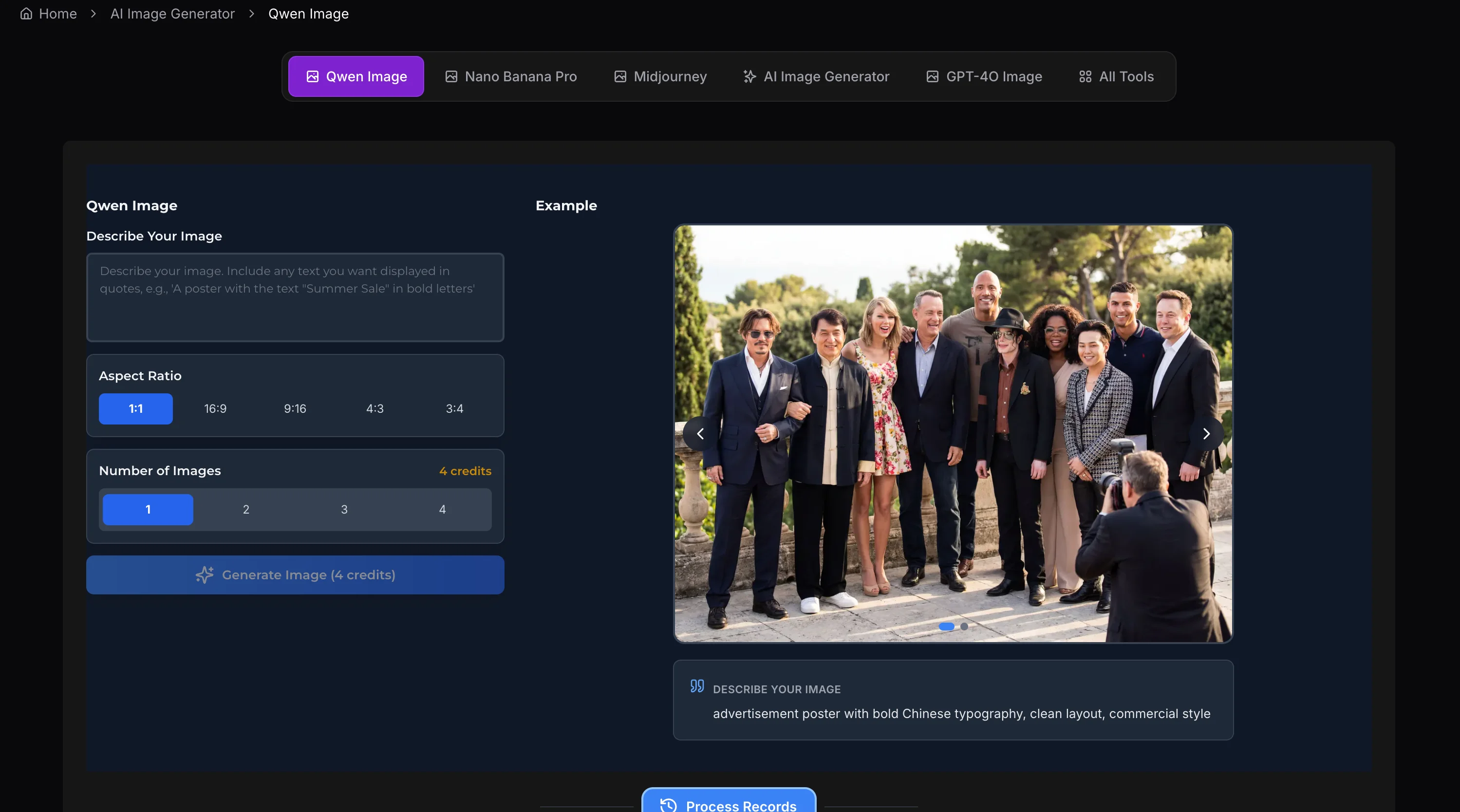
Upload & Instruct
Upload a reference image (optional) and type your text prompt. If editing, simply describe the change (e.g., "add a hat"). If generating text, enclose it in quotes.
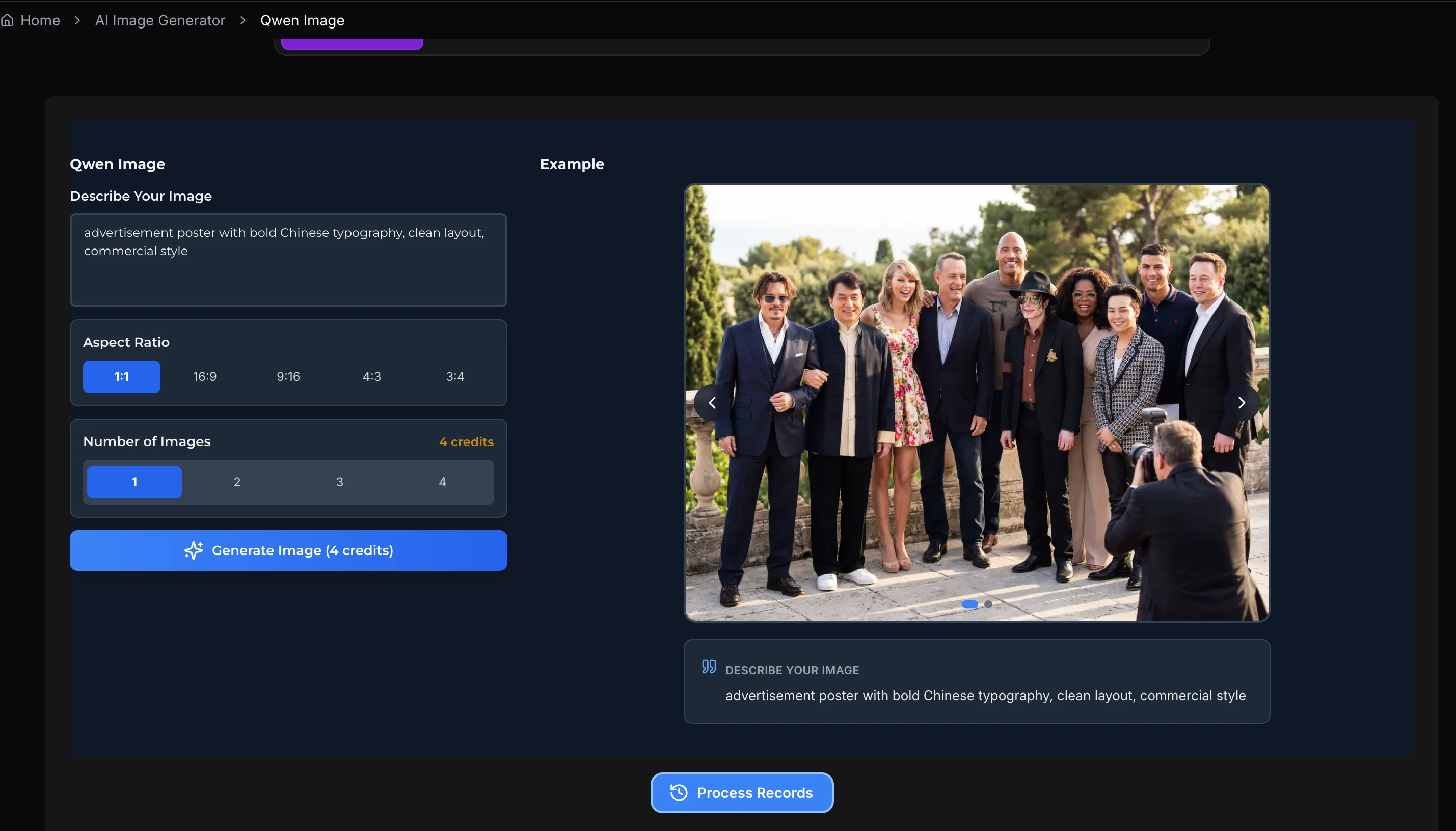
Select Ratio & Settings
Choose your desired aspect ratio (e.g., 16:9 for banners, 1:1 for social). Adjust style parameters or randomness (seed) to fine-tune the output style.
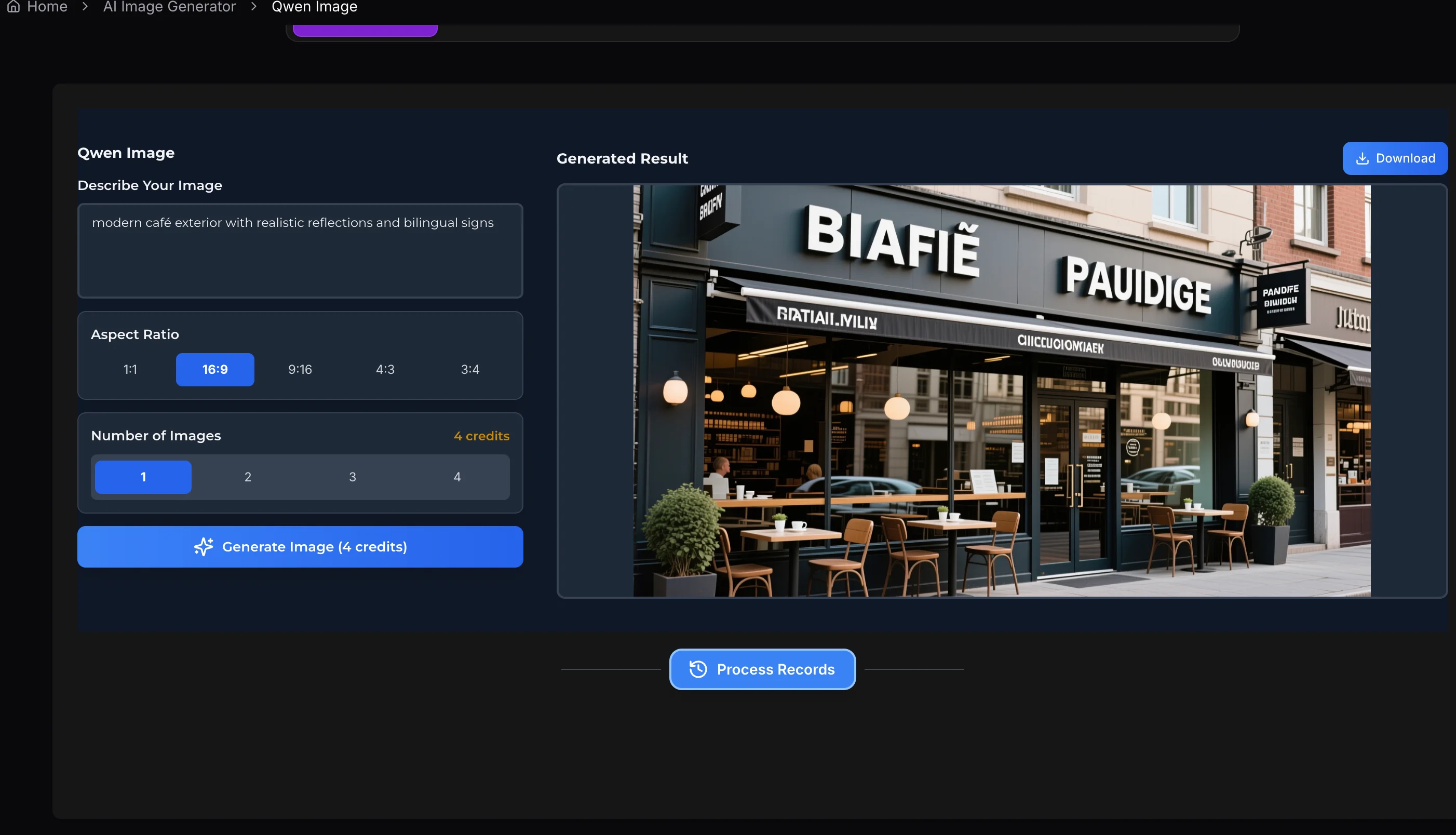
Generate & Download
Click generate to process your request. Once the high-fidelity image is ready, preview the details and download it instantly to your device.
Frequently Asked Questions
Clear answers to help you create confidently — from first prompt to final render.