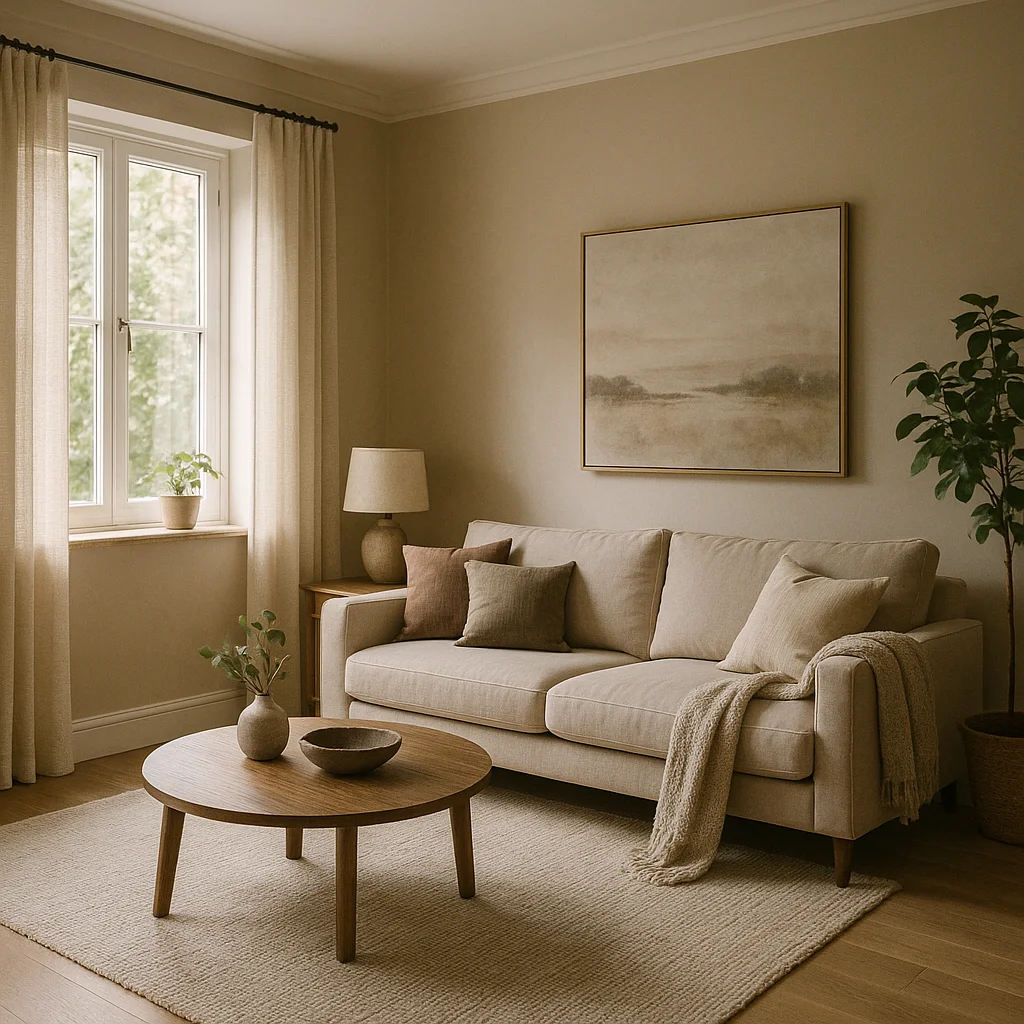
Prompt: cozy modern living room with gentle window light and realistic details.
Create & Edit with GPT-4o Image - OpenAI's Vision Model
OpenAI's GPT-4o vision model delivers powerful dual-mode capabilities—generate stunning images from text descriptions or intelligently edit and transform existing images with natural language instructions.
OpenAI's Multimodal Vision Intelligence
GPT-4o Image combines OpenAI's breakthrough vision understanding with creative generation—offering dual-mode functionality for both creation and intelligent editing.
Text-to-Image Generation
Generate original images from detailed text descriptions powered by GPT-4o's exceptional language understanding. Complex creative briefs are interpreted with precision, translating nuanced prompts into high-quality visual outputs.
Intelligent Image Editing
Upload any image and describe desired changes using natural language—GPT-4o's vision model understands context and executes sophisticated edits, transformations, and enhancements while preserving original image integrity.
Multiple Variation Generation
Generate up to 4 creative variations simultaneously, enabling rapid exploration of alternative compositions, styles, and interpretations. Perfect for A/B testing, creative direction, and finding the ideal visual solution.
Advanced Language Understanding
Leverages GPT-4o's state-of-the-art natural language processing for unparalleled prompt comprehension. Interprets complex instructions, nuanced requests, and sophisticated creative direction with exceptional accuracy.
Dual-Mode Creation & Editing Workflow
Generate original images from scratch or intelligently transform existing visuals—GPT-4o Image adapts to your creative needs.
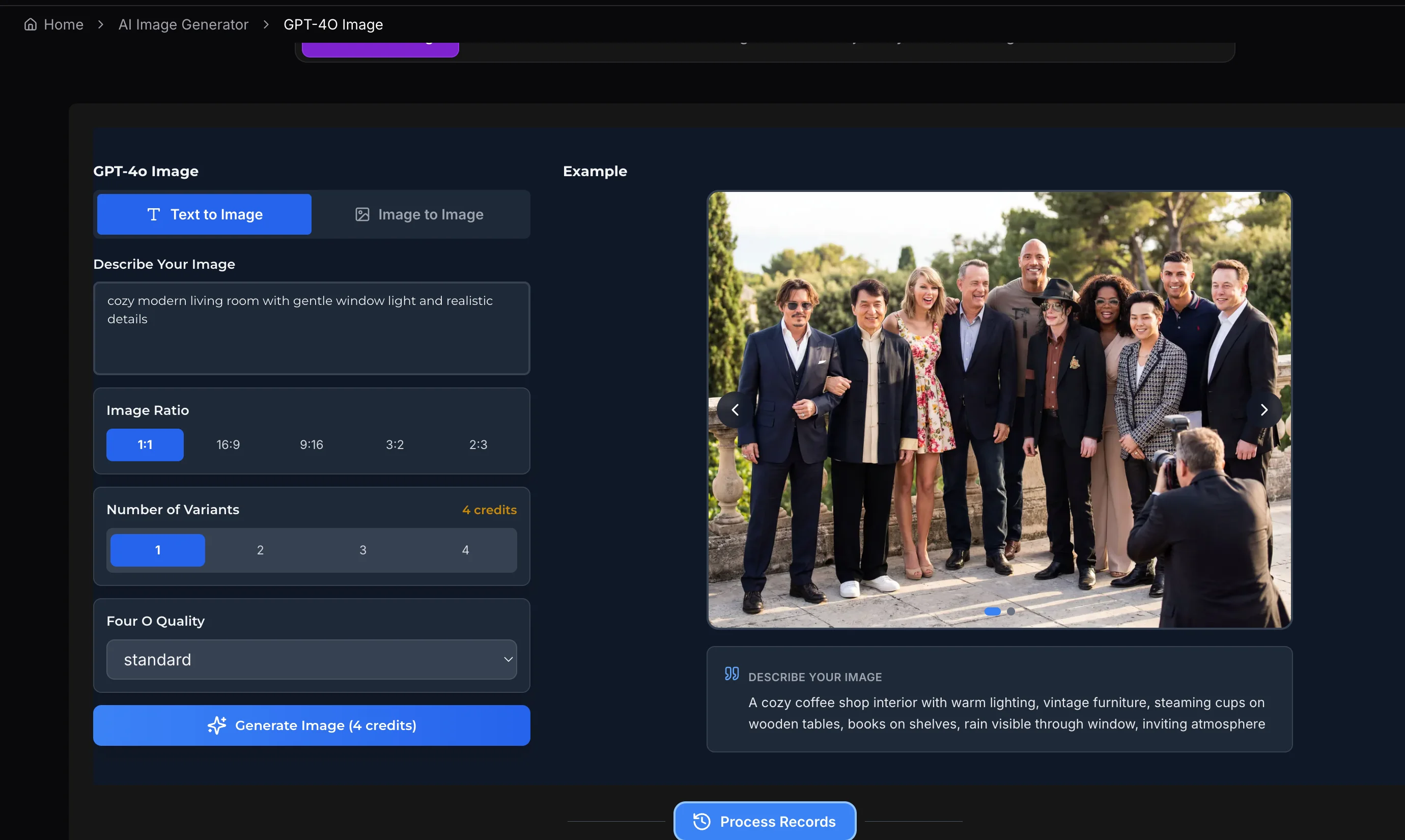
Describe or Upload
For new images: Write a detailed text description including subject, style, composition, and mood. For editing: Upload an existing image and describe the specific changes, enhancements, or transformations you want applied.
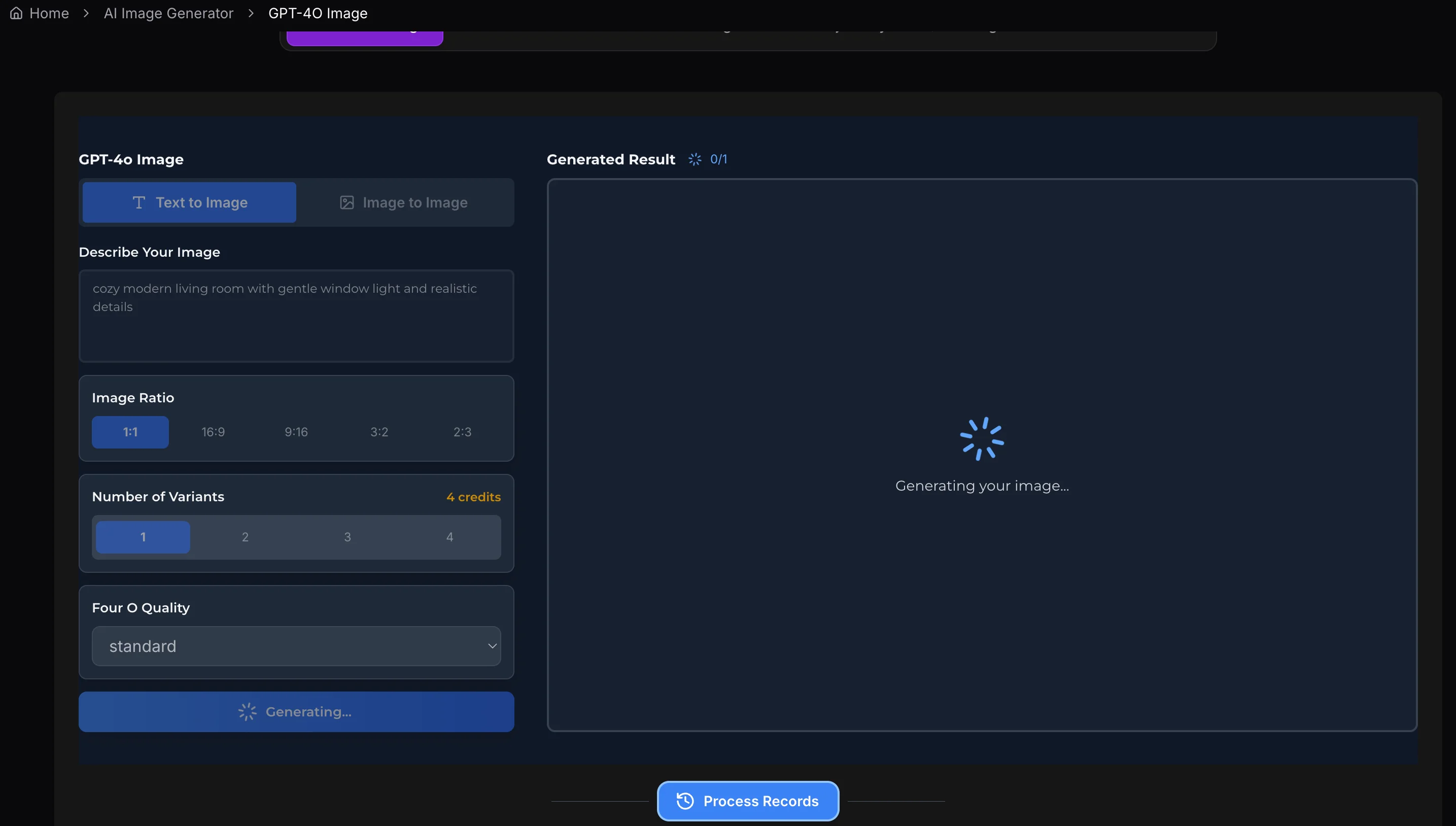
Configure Generation Settings
Select aspect ratio for your intended use case. Choose the number of variations to generate (1-4 options) for exploring creative alternatives or finding the perfect result.
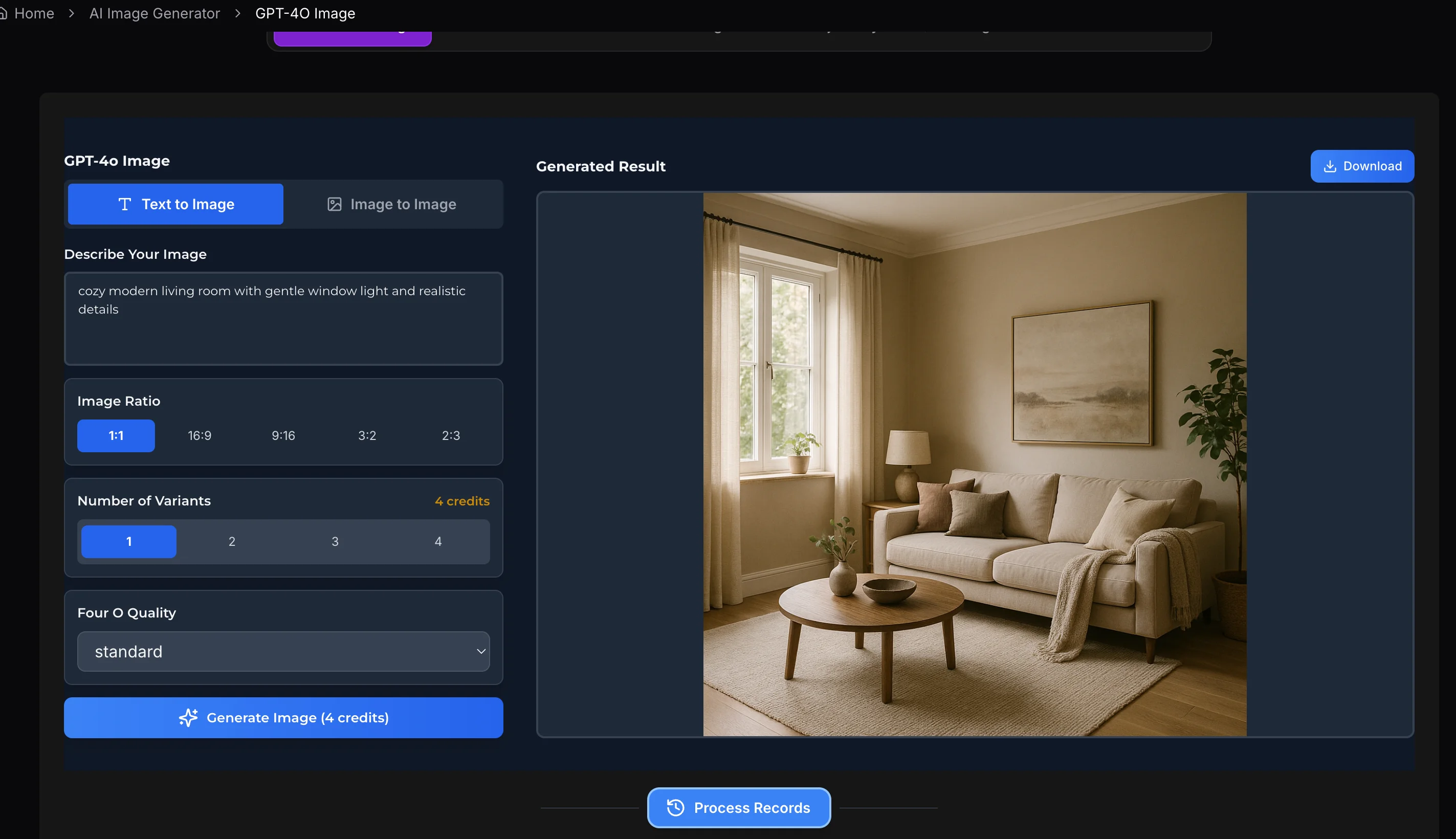
Generate & Download Results
Click Generate to create or edit your images. Review the variations, select your favorites, and download immediately in high resolution for use in your projects.
Frequently Asked Questions
Common questions about GPT-4o Image's generation and editing capabilities.