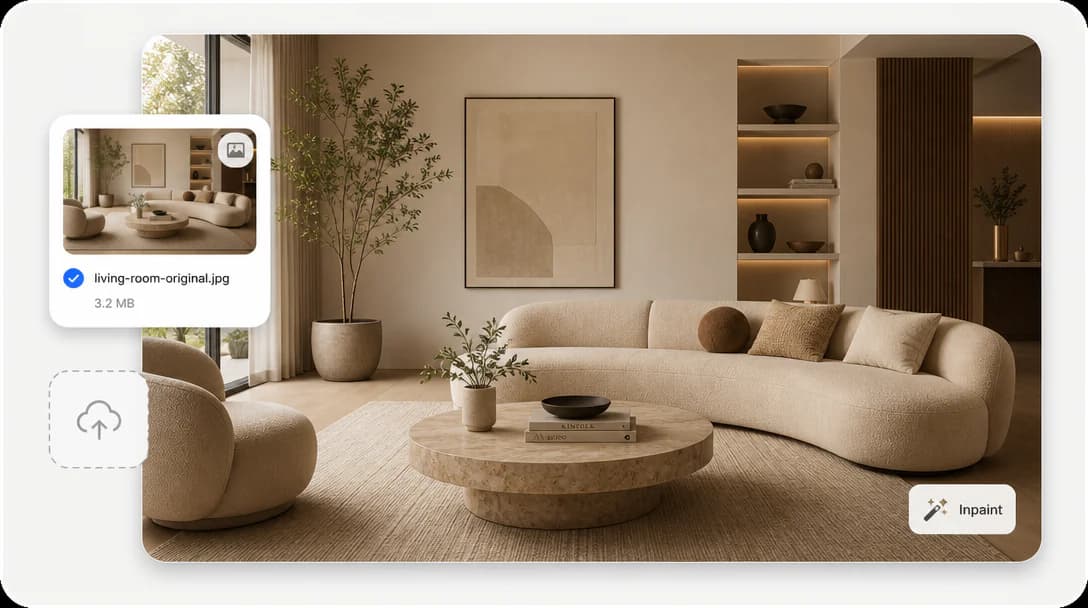
Simple Upload
Upload your image and start editing with a quick, easy workflow.
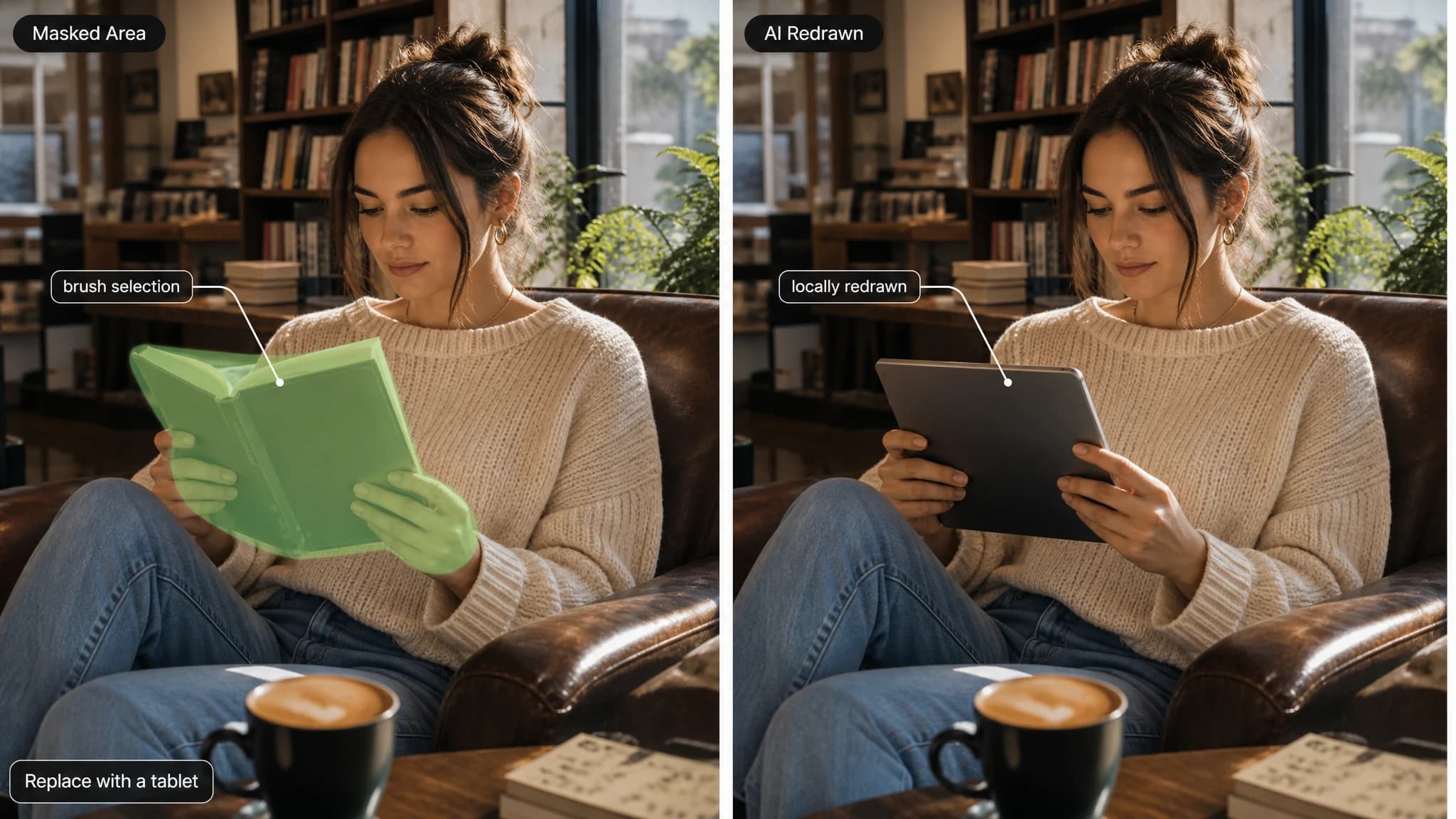
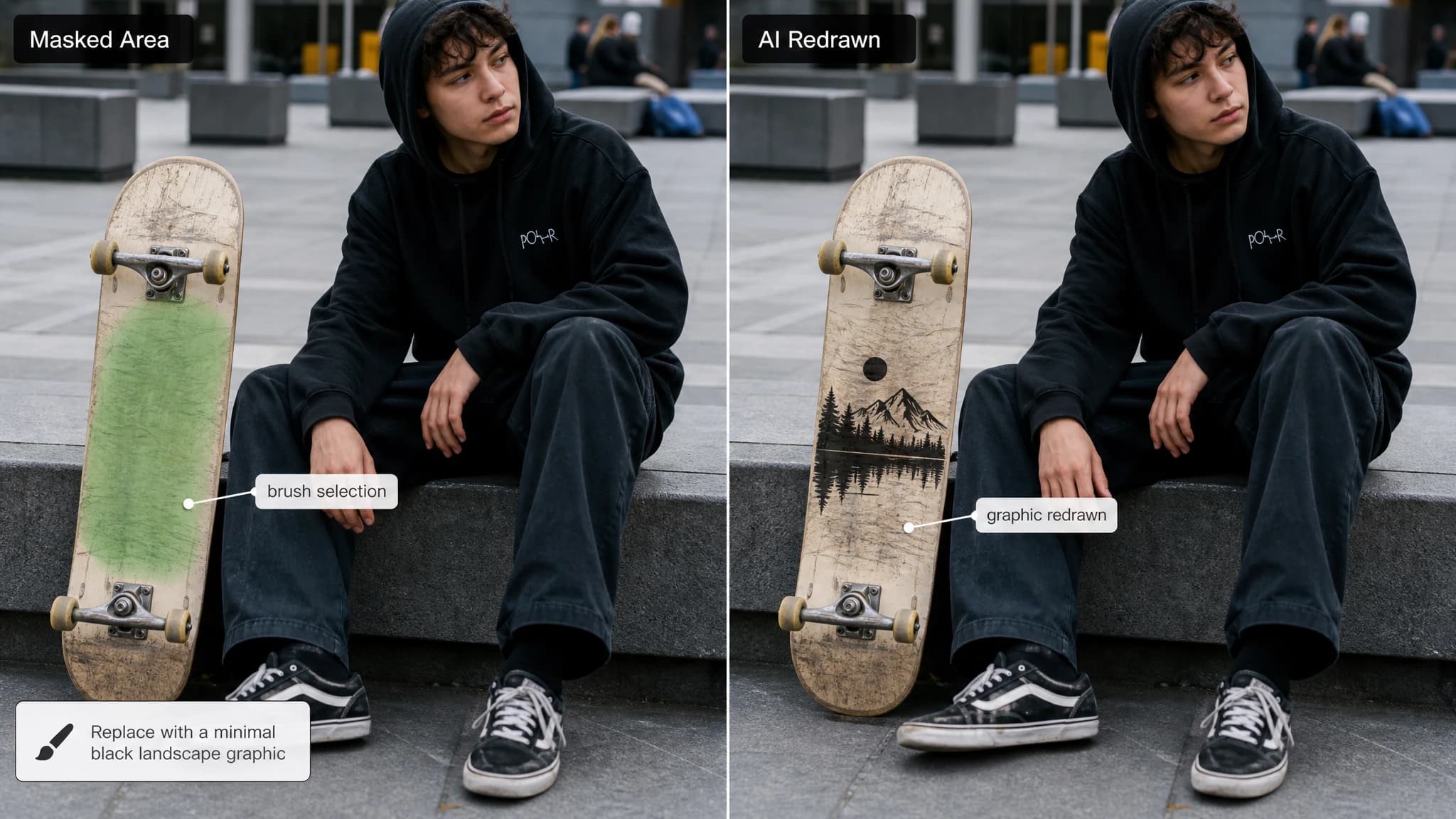
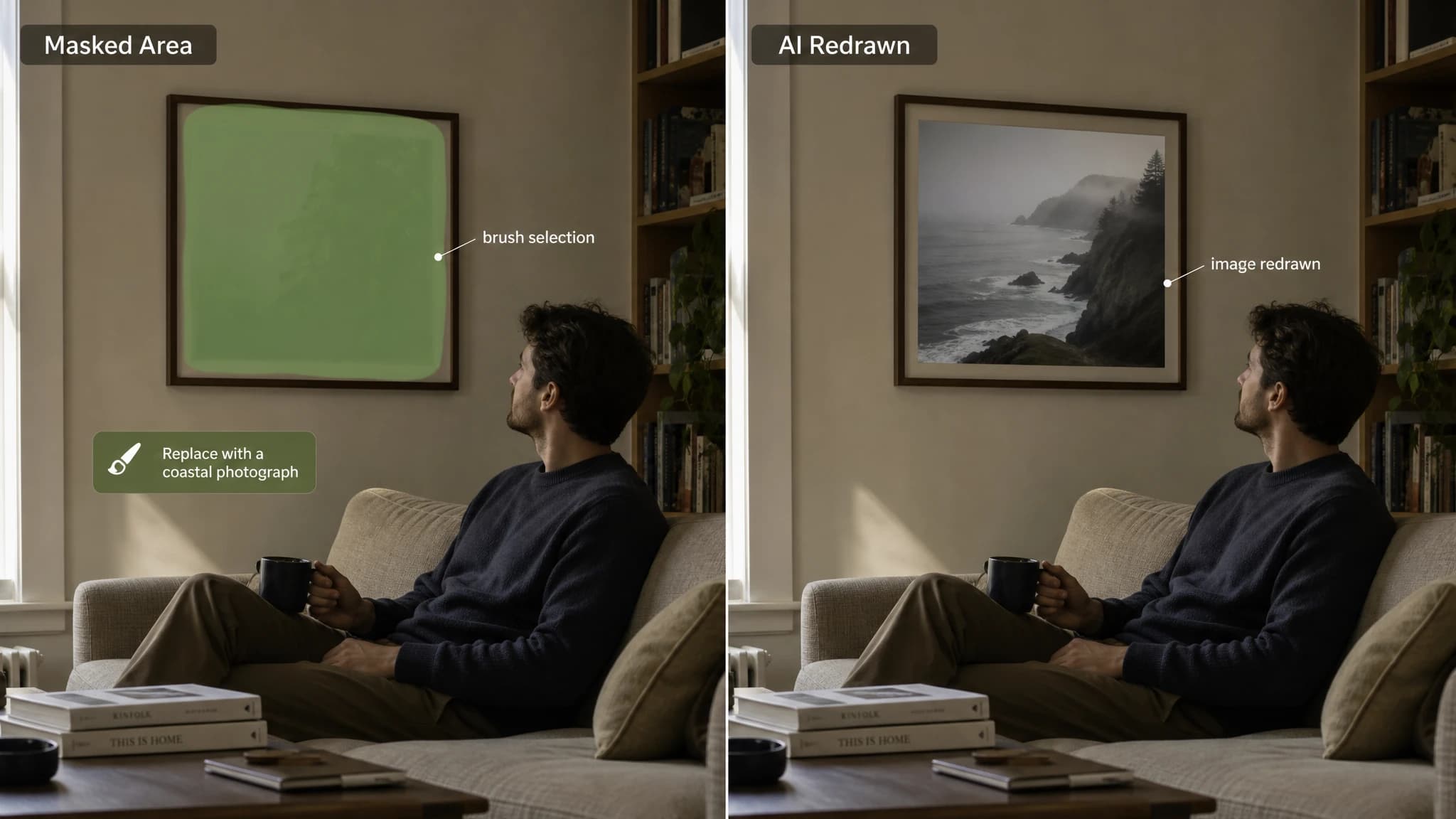
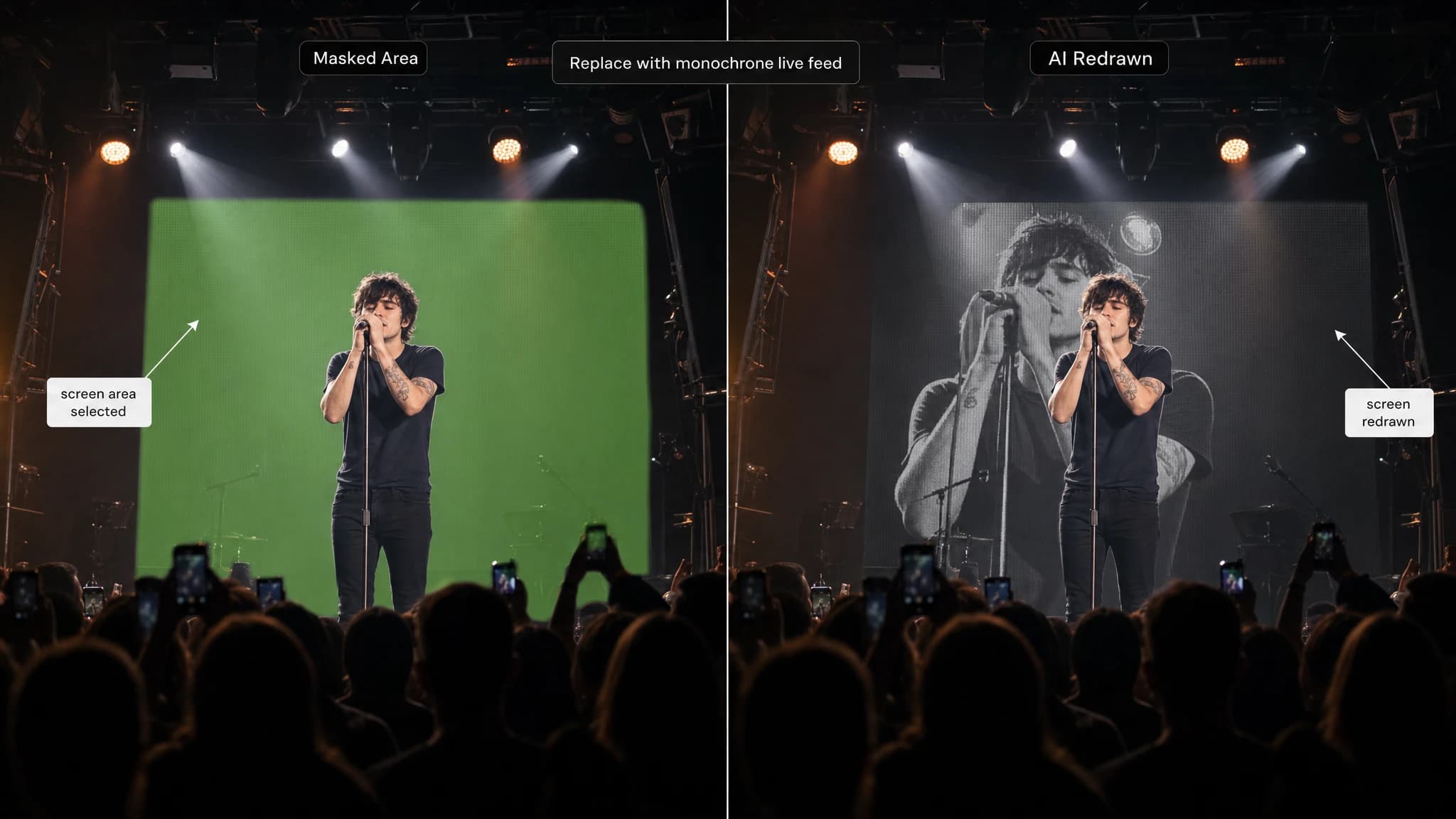
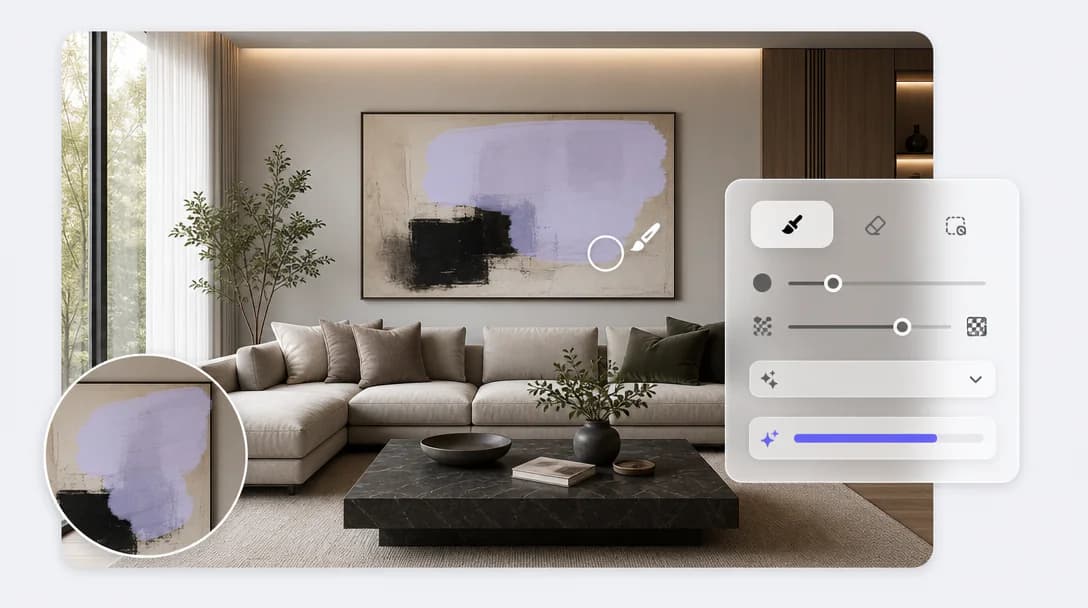
Brush over an area and describe what should replace it. Everything outside the selection stays protected.
Transform any image through inpainting. Fill missing areas, replace details, repair compositions, and create natural edits with prompt-guided AI.
Upload your image and start editing with a quick, easy workflow.
Mark the exact area you want to remove, repair, or replace.
Describe your changes, and AI will regenerate the selected area based on your prompt.
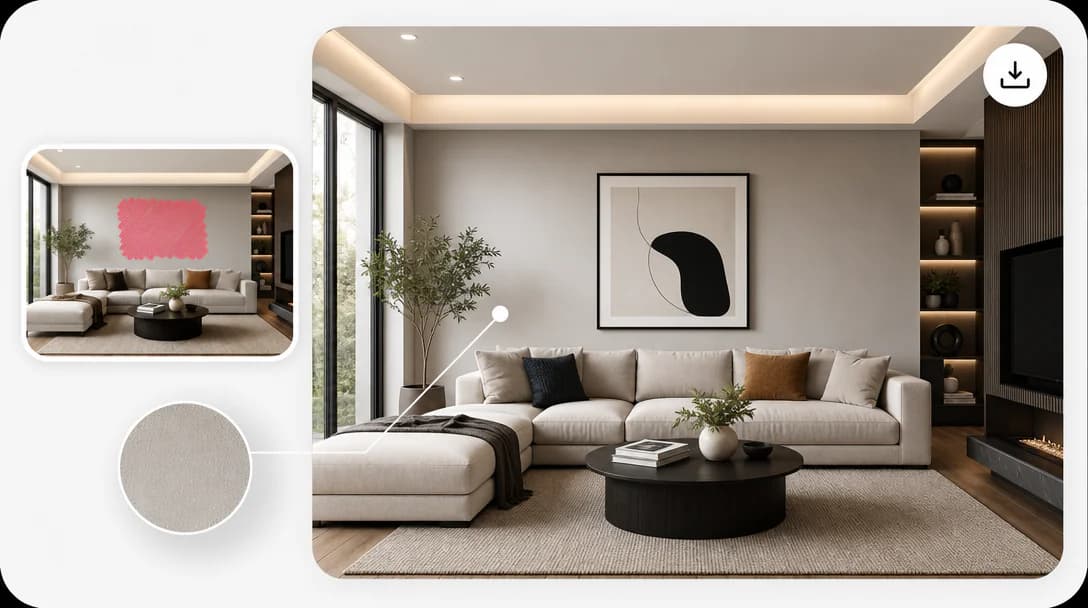
Blend new content naturally with the original image for smooth, realistic results.
Export polished images with clean details and a consistent overall look.
Fill missing parts, replace objects, repair image damage, or expand creative ideas inside selected regions.
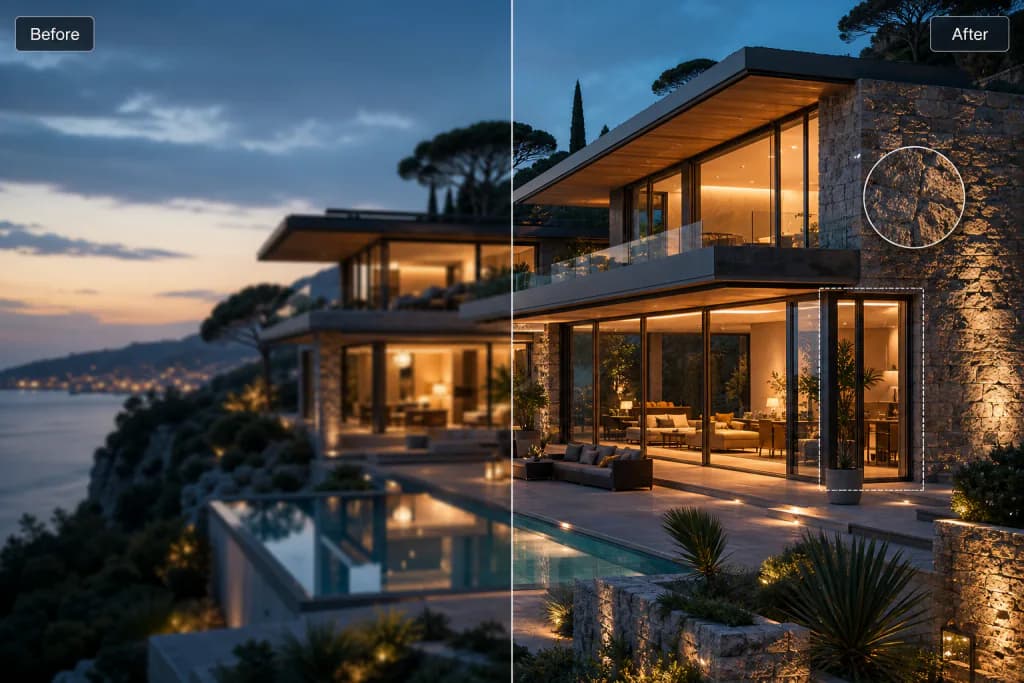
Keep the surrounding image intact while the selected area blends back into the scene.
Review generated variations and save completed edits to your history.
Edit selected image areas in three simple steps.
Increase resolution and detail without losing quality.
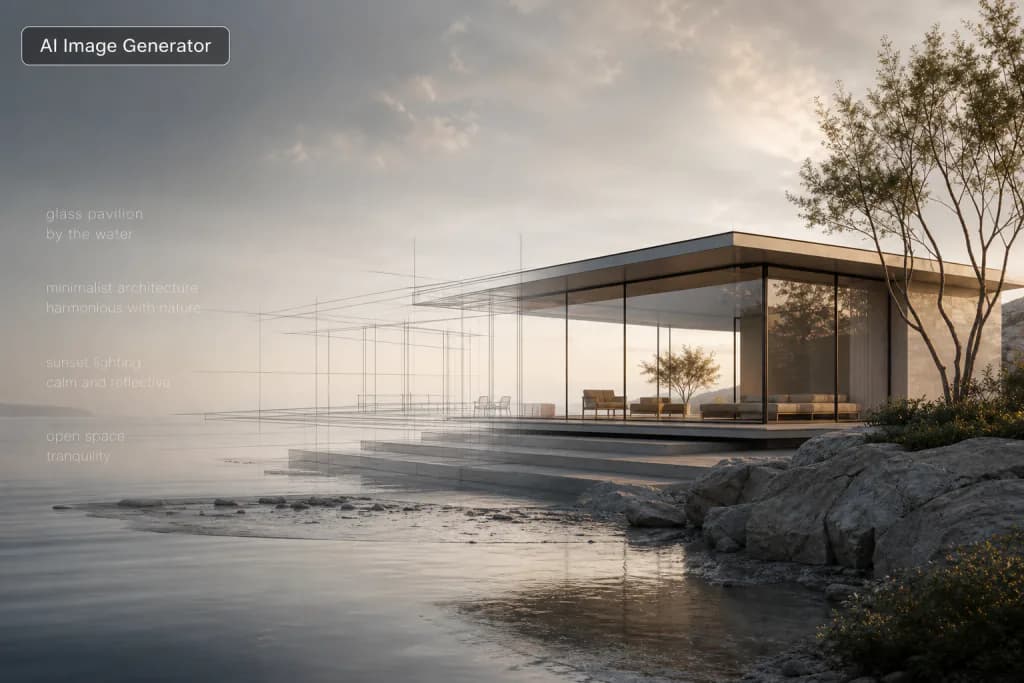
Create original visuals from text prompts with AI.
Generate polished logo concepts and brand marks with AI.
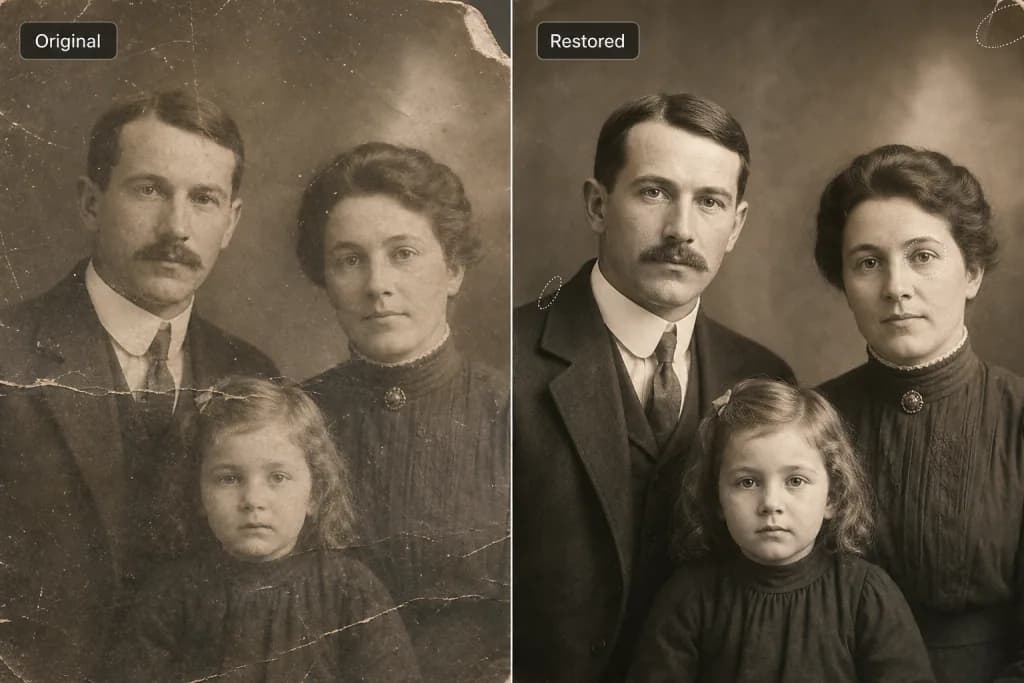
Restore old and damaged photos to new life.
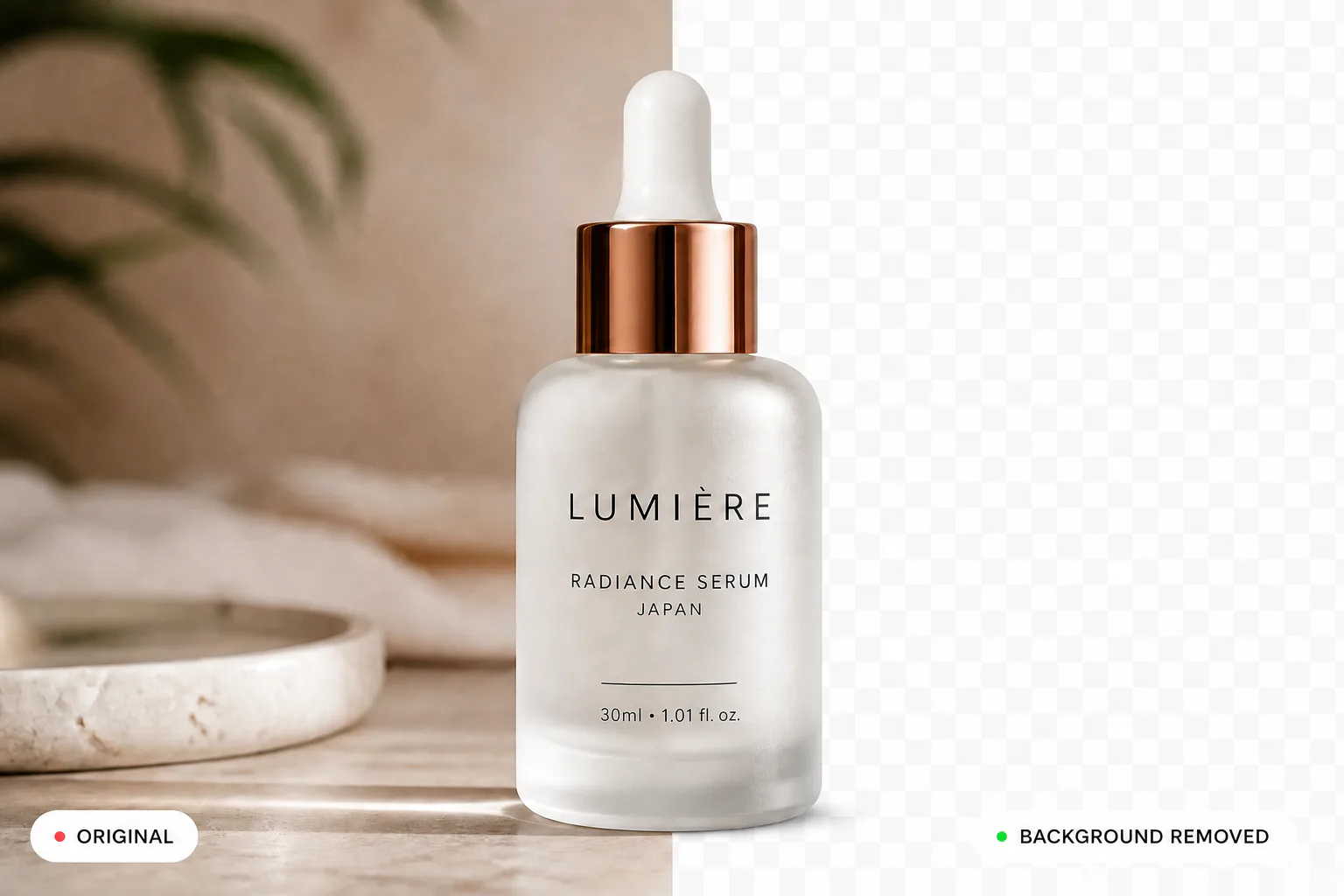
Remove backgrounds instantly and cleanly.
Learn More About Image Inpainting