
Prompt: Macro shot, luxury crystal perfume bottle with gold stopper on dark green marble. Label reads "ÉCLAT DE NUIT". Blurred velvet background, dramatic side lighting, cinematic product photography.
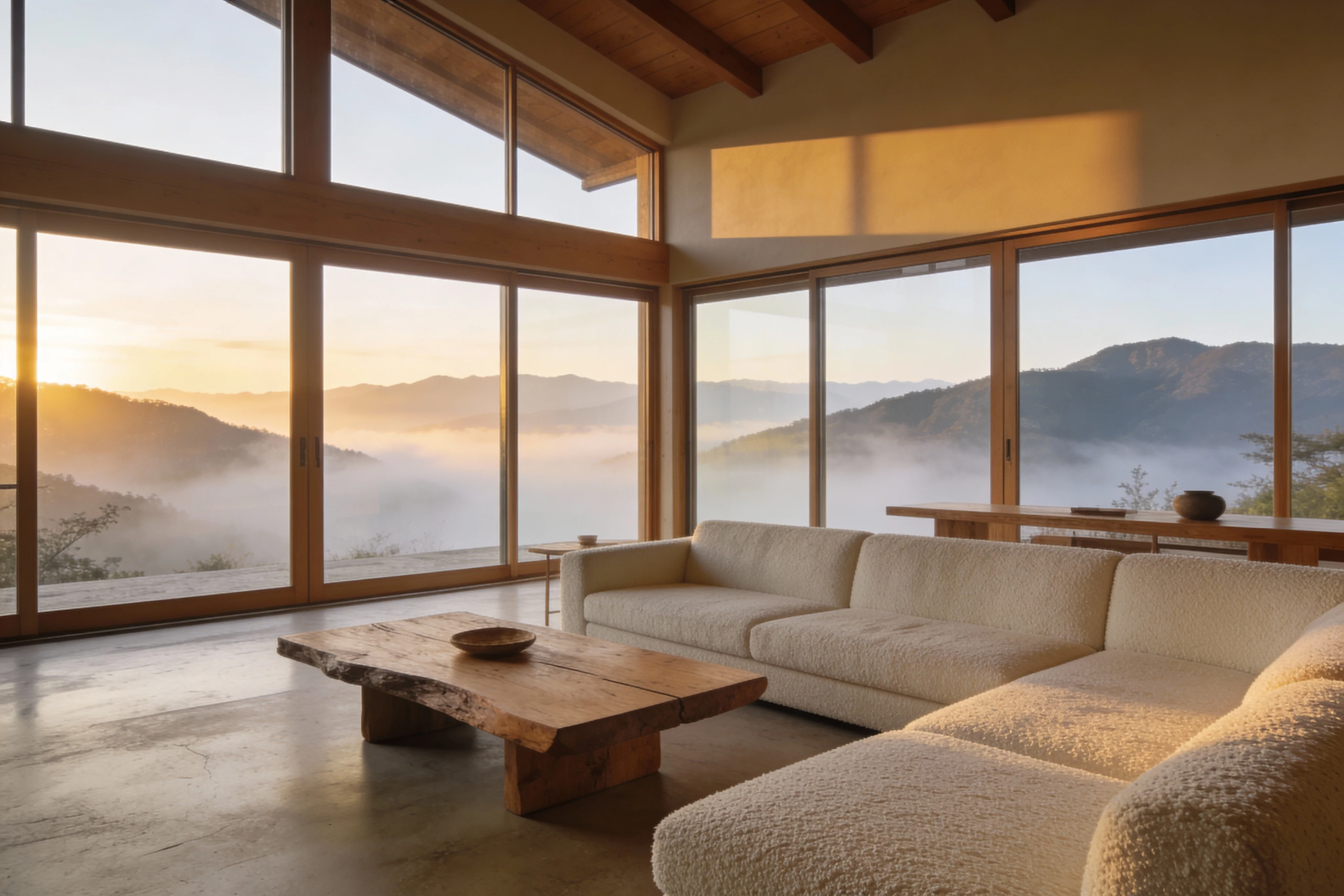
Prompt: Japandi living room at sunrise, floor-to-ceiling windows facing misty mountains. Cream bouclé sofa, raw wood table, micro-cement floor. Soft golden light, architectural digest style, wide-angle lens, photorealistic.
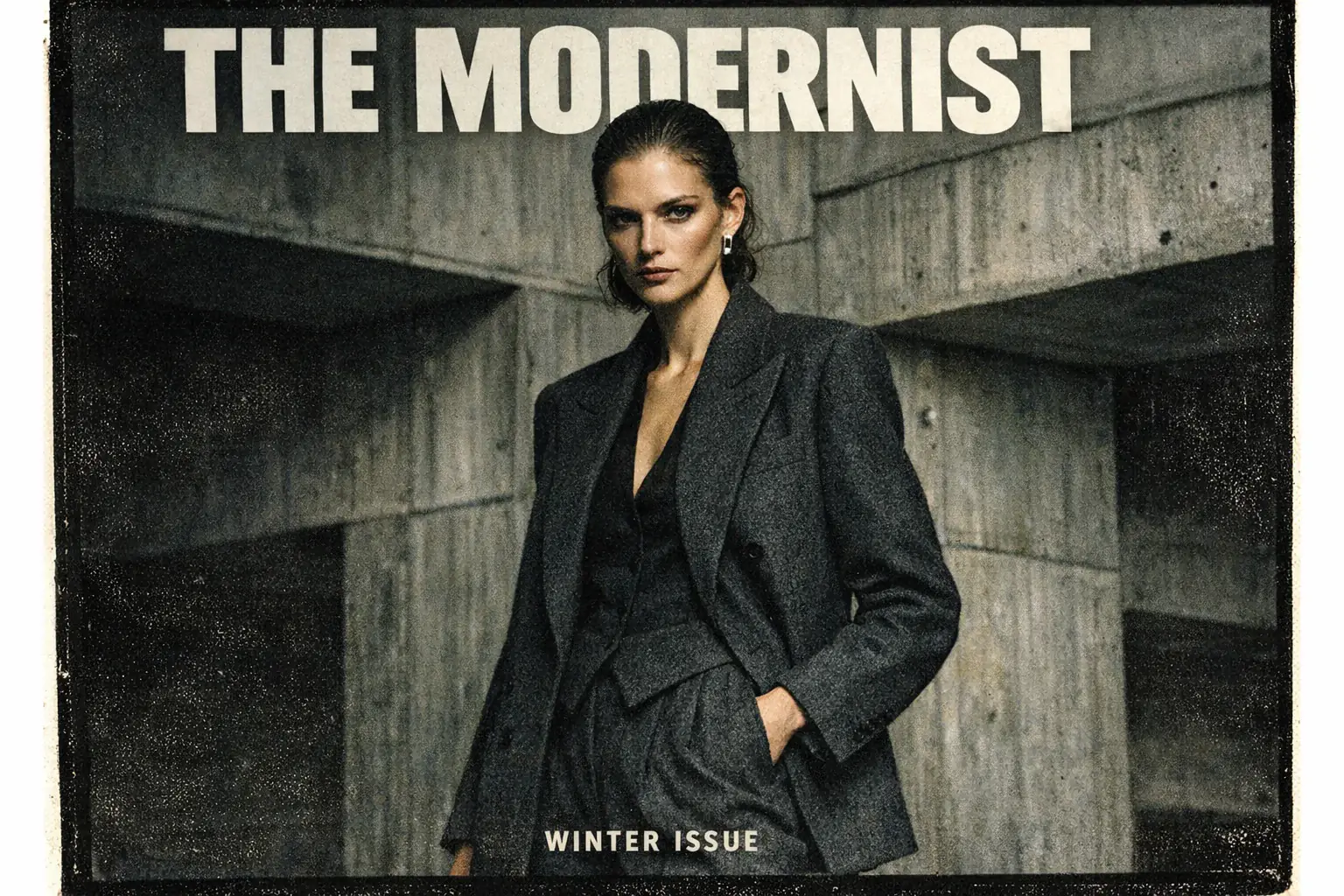
Prompt: High-fashion editorial portrait, woman in charcoal wool suit, brutalist concrete background. Bold text "THE MODERNIST" at top, smaller text "WINTER ISSUE" at bottom. Medium format film, moody lighting, film grain.
Create Photorealistic Art with GPT Image 2 for Free
Experience OpenAI's latest image generation model without logging in. Create high-fidelity visuals, render accurate text, and edit images with precision instructions. Fast, free, and unlimited creativity.
Powerful Capabilities of OpenAI GPT Image 2
Designed for creators who demand control, GPT Image 2 excels at understanding complex prompts and executing them with clarity, structure, and visual consistency.
Unmatched Photorealism
Generate images with DSLR-quality lighting, realistic skin textures, and physically accurate materials that look like genuine photography.
Perfect Text Rendering
An AI that spells correctly. Create logos, posters, and UI designs with clear, legible text integrated naturally into the image.
Precise Editing Control
Modify specific parts of an image—like changing an outfit or adjusting lighting—while keeping the original subject and composition 100% consistent.
Complex Instruction Following
The model understands nuanced prompts, allowing for specific historical settings, exact object placements, and consistent character styles.
Create or Edit Images in 3 Simple Steps
Just enter a prompt to create high-fidelity images instantly.
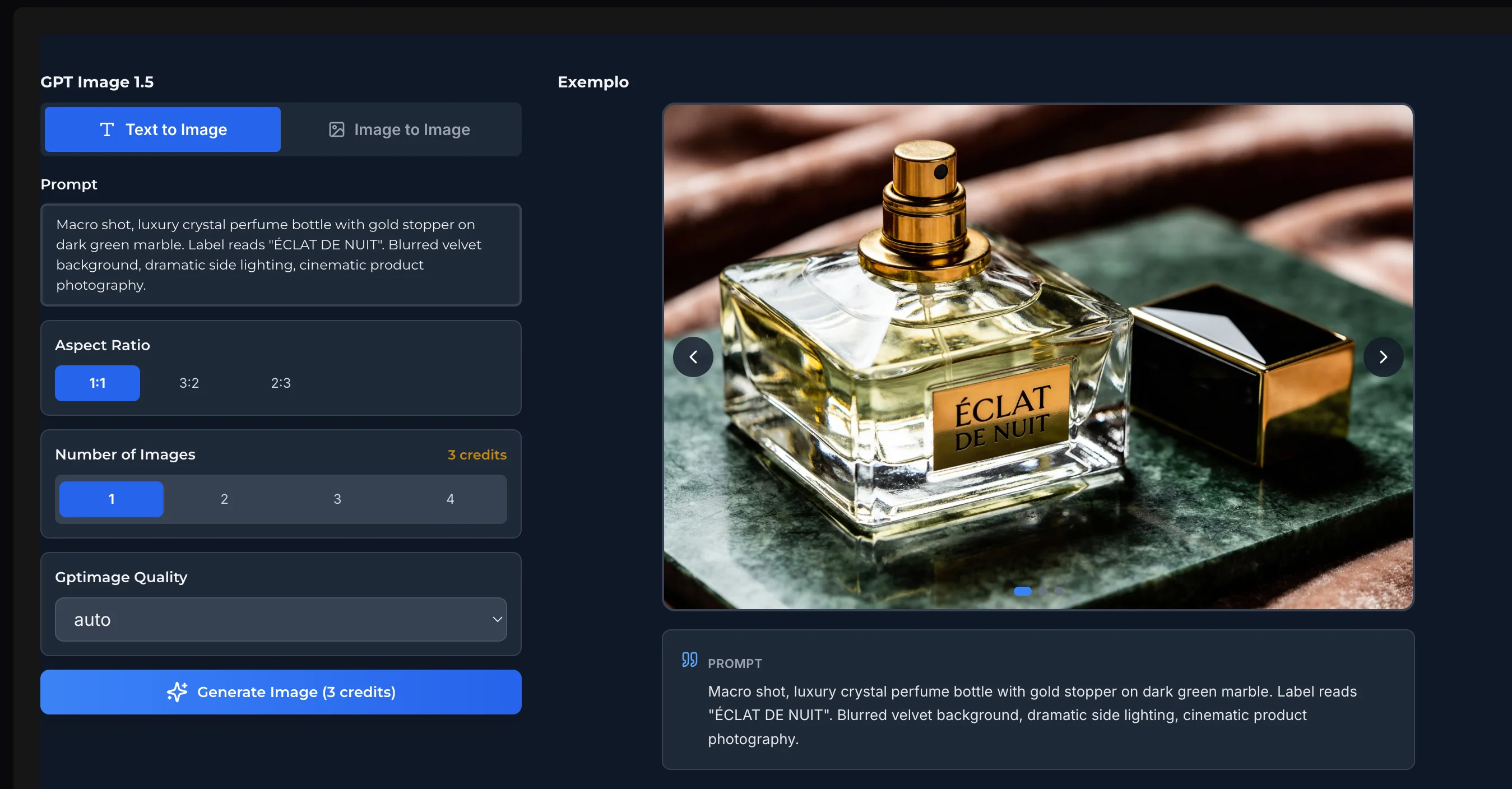
Input Your Prompt
Type a detailed description of the image you want. To generate text, include the words inside "quotes".
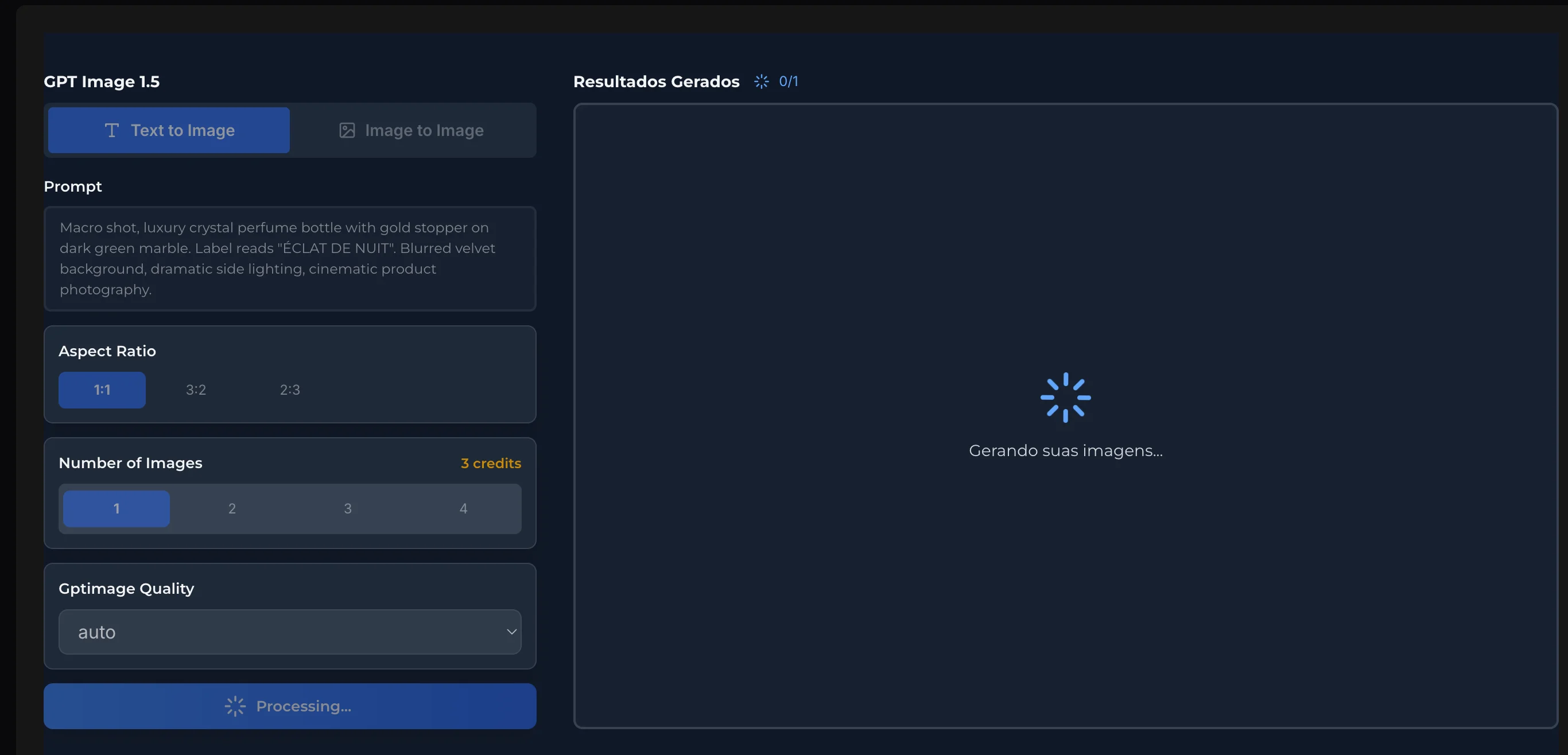
Upload Your Image & Select Ratio
Upload reference images and set image parameters.
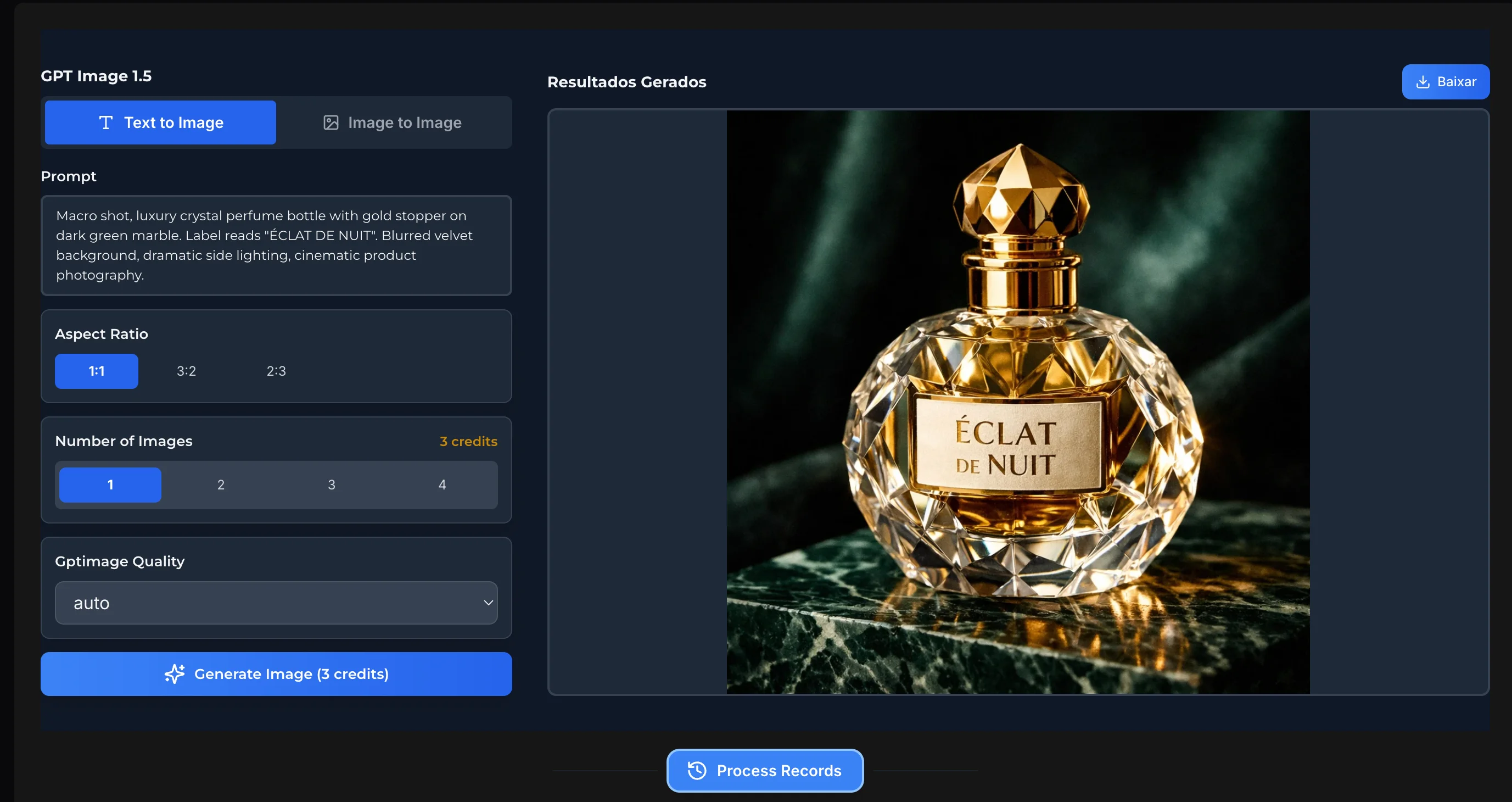
Generate & Download
Click the generate button. In seconds, your high-resolution image will be ready to view and download instantly.
Frequently Asked Questions
Everything you need to know about using OpenAI GPT Image 2