
Create a cinematic four-shot narrative sequence with elegant, motivated cuts. Maintain the same young woman, beige trench coat, brown leather suitcase, station architecture and soft morning light throughout. Shot 1 — Establishing shot: Inside a grand European train station in the early morning, warm sunlight streams through tall glass windows and travelers move quietly across the concourse. A young woman in a beige trench coat walks into frame, carrying a small brown leather suitcase. The camera slowly tracks alongside her. Shot 2 — Clock and reaction: Cut to a composed close-up of the large station clock, then cut back to a subtle profile close-up of the woman. She calmly studies the time for a moment. Her expression remains restrained; only her gaze sharpens and her pace begins to quicken. Shot 3 — Journey to the platform: Cut to a wide rear tracking shot as she moves briskly through the station toward the platform. Her coat sways naturally and the suitcase rolls behind her. The camera follows smoothly through passing travelers, with reflections moving across the polished floor. The pace feels urgent but controlled—she does not panic or sprint. Shot 4 — Quiet resolution: Cut to a wide platform shot as she reaches the waiting train and steps safely through the open carriage door. From inside the carriage, the camera holds on her as she places the suitcase beside her, looks through the window and exhales softly. The train begins to leave the station, morning light passing gently across her face. Restrained visual storytelling, subtle performance, coherent narrative progression, precise continuity, graceful cinematic cuts, smooth camera movement, realistic human motion, shallow depth of field, soft film grain, warm natural highlights, muted elegant color palette, atmospheric station ambience, sophisticated European drama, photorealistic, anamorphic cinematic composition
Explore Popular AI Video Models
Compare models and choose the one that fits your next idea.
Keep Characters and Style Consistent
Use a reference image to preserve the subject or visual style as the scene moves.
01
Style Consistency
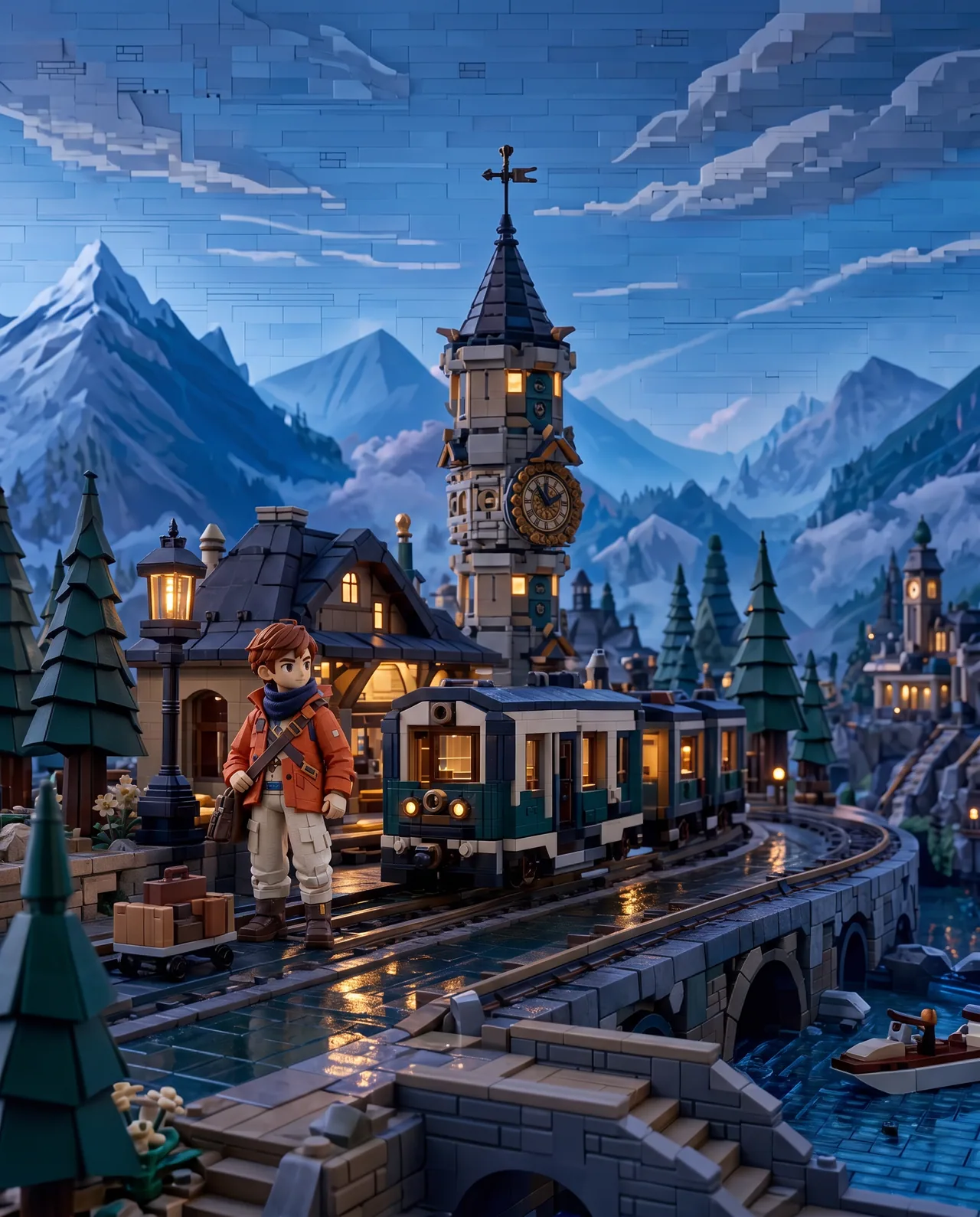
Carry the reference image’s color, lighting, texture, and visual mood into motion.
Generated video
02
Character Consistency
Keep facial features, clothing, and defining details recognizable in a new scene.

Generated video
Direct Every Camera Move with Seedance 2.0
Apply different camera movements to the same subject and scene.
Two Frames. One Continuous Shot.
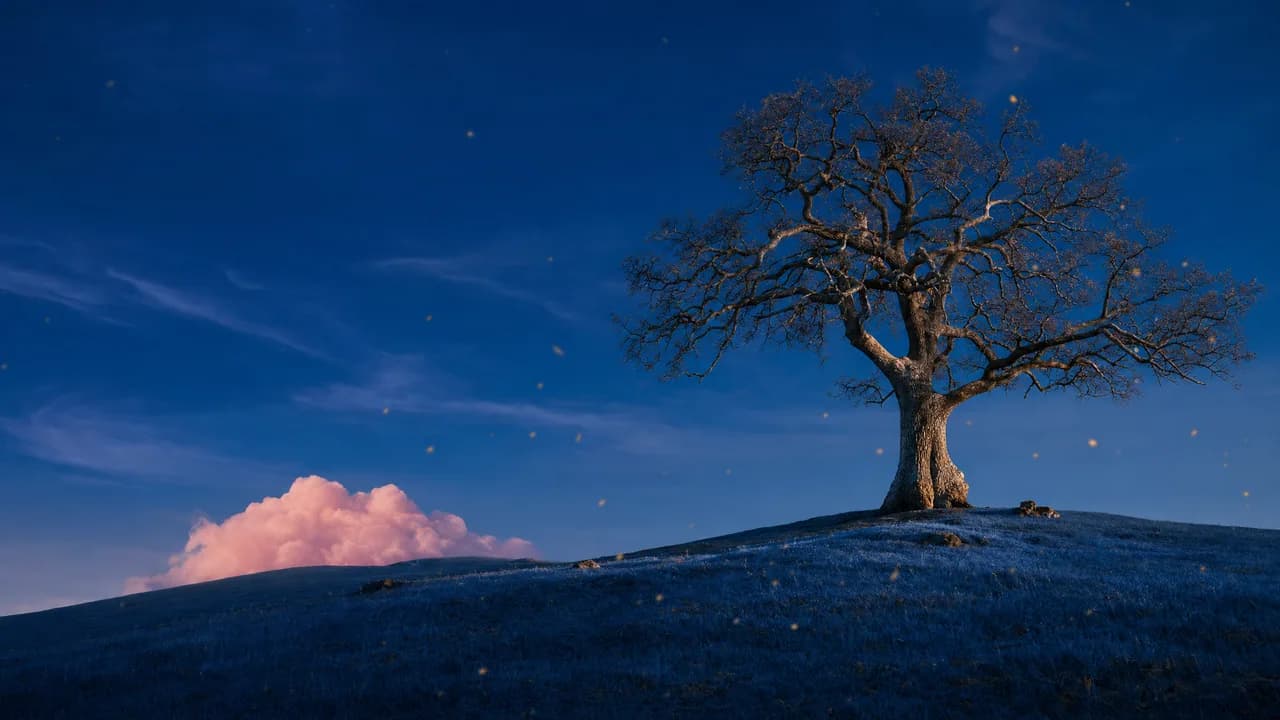
Upload a first frame and a last frame. The model generates a smooth, coherent transition between them.

Generated video
Frequently Asked Questions
Compare Seedance 2.0's strengths, generation modes, supported controls, and tradeoffs before you create.
What is Seedance 2.0 best at?
Seedance 2.0 is strongest at controllable, reference-rich video with complex movement and interactions. Its main advantage in this workspace is flexibility: it can combine text, first and last frames, or up to 9 visual references across clips from 4 to 15 seconds.
Which projects suit Seedance 2.0?
Use it for multi-shot ads, character-led stories, action, dance, sports, product films, camera choreography, and scenes that need several visual ingredients to remain recognizable. It is a strong fit when motion, performance, visual continuity, and generated audio must work together.
Which Seedance generation mode should I use?
Choose Text to Video for a scene built from a written direction, First & Last Frames for a controlled transition between 2 keyframes, or Reference to Video to combine up to 9 images for characters, products, environments, styling, and composition.
What durations, resolutions, and aspect ratios are available?
The workspace supports durations from 4 to 15 seconds, 480p or 720p output, and seven ratios including 21:9, 16:9, 4:3, 1:1, 3:4, and 9:16. This is the broadest duration and aspect-ratio range among the dedicated video-model pages.
How should I prompt Seedance 2.0?
Describe the clip in sequence: who is present, what each subject does, how they interact, how the camera moves, and what the viewer should hear. Label the role of every reference. For complex action, use a few clear beats with explicit timing instead of stacking many simultaneous events.
When should I choose another video model?
Choose Veo 3.1 when you need 1080p or 4K delivery and a quality-led cinematic workflow, Kling 3.0 for a simpler fixed 5- or 10-second shot, or Grok Imagine Video when one image is enough and you want fine-grained duration control with minimal setup.